
Products compared
Belkin
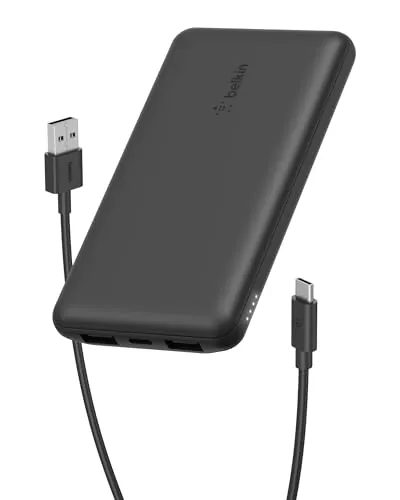
Belkin BOOST↑CHARGE Power Bank 10K (BPB011), Black
Belkin lists the black BPB011 model family as BPB011xxBK; this selected offer is part BPB011btBK. Belkin lists a 10,000mAh capacity, two USB-A output ports, and one USB-C port that accepts input and provides output. The box includes a 6-inch USB-C-to-USB-A cable. Belkin lists up to 15W output and says this model does not support USB-C Power Delivery.
Model BPB011btBK
Amazon ASIN B092TN8FWV
Belkin
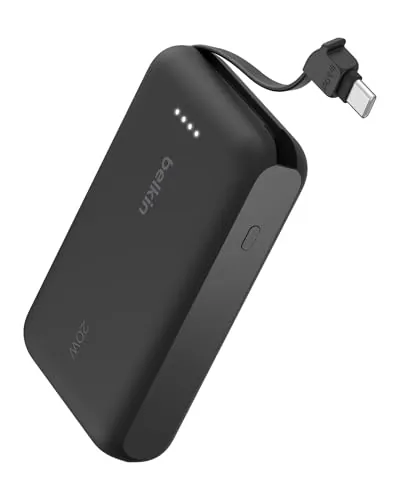
Belkin BoostCharge Power Bank 10K with Integrated Cable (BPB021), Black
The black BPB021 (ASIN B0DFYCSRB2) lists a 10,000mAh capacity, an integrated USB-C cable and a separate USB-C port; Belkin documents both as inputs and outputs. Either output is rated up to 20W PD when used alone. Using both together is rated at 15W total, not 15W per output.
Model BPB021xxBK
Amazon ASIN B0DFYCSRB2
Differences that matter
Sources for Connector count and cable in the box
Sources for Output mode and Power Delivery
Sources for Using multiple outputs at once
Map your connectors before comparing wattage
Start with the exact device ends: USB-C, USB-A, or another cable you already own. BPB011 has two USB-A output ports and one USB-C port that Belkin identifies for both input and output. Its package includes a 6-inch USB-C-to-USB-A lead. BPB021 changes that arrangement to an attached USB-C cable and one separate USB-C port; Belkin lists input and output support for both.
For a phone with a USB-C charging port, the included BPB011 cable can plug from the bank’s USB-A port to the phone. If you need USB-C-to-USB-C or USB-C PD specifically, check the exact device requirement rather than assuming the BPB011 USB-C port supports PD; Belkin says it does not.
Treat 20W as a single-output ceiling on BPB021
Belkin rates the BPB021’s USB-C port or its integrated cable for up to 20W PD when one output is used. With both connected, the maker lists 15W total for the two-output mode. If one device is connected while you are also recharging the bank, confirm the input/output setup in the exact support documentation; a port’s maximum is not a promise that several ports each deliver that maximum at once.
The BPB011 is documented at up to 15W and does not support USB-C PD. That can still fit a USB-A accessory or a device whose stated input works with the listed output, but its connector and watt rating should not be treated as equivalent to BPB021’s PD profile.
Choose the layout around your simultaneous-device routine
If you normally charge one phone and an occasional USB-A accessory, map those connections to the two BPB011 USB-A outputs and the USB-C input/output port. Belkin says BPB011 can charge up to three devices at once with a 15W output rating. The FAQ does not support adding each port’s individual maximum into a larger simultaneous-output figure.
If your usual routine involves two USB-C devices and avoiding a loose cable matters, BPB021 provides the built-in cable plus a USB-C port. Belkin lists the two-output mode at 15W total, so choose based on connection convenience rather than expecting each device to receive the 20W single-output maximum.
Check the package and physical space separately
The BPB011 package list includes its bank and a short USB-C-to-USB-A cable. The BPB021 package list includes the bank with its integrated USB-C cable; do not count the integrated lead as a second loose cable or assume a wall charger is included.
Both are listed at 10,000mAh, but that figure does not prove the same usable energy or number of full charges for your device. If the bank must fit a narrow pouch or pocket, compare the current manufacturer measurements for the exact model and selected color before buying; this guide does not name a size winner.
A quick pre-buy check
1. Write down device ports and any required protocol such as USB-C PD. 2. Count how many device outputs you expect to use simultaneously. 3. Decide whether a built-in USB-C cable or an included USB-C-to-USB-A cable suits your setup. 4. Compare the relevant mode, not isolated maximums: BPB021 is up to 20W PD on one output and 15W total on two; BPB011 is 15W maximum output, with up to three devices listed and no USB-C PD.
If those checks still leave a requirement above 20W PD, exact size, or a specific cable type unanswered, compare other exact-model options before buying.
Product details
Belkin BOOST↑CHARGE Power Bank 10K (BPB011), Black
Belkin BoostCharge Power Bank 10K with Integrated Cable (BPB021), Black
Before you buy
Common questions
Does BPB011 support USB-C Power Delivery?
No. Belkin’s BPB011 FAQ says it does not support USB-C Power Delivery. Its USB-C port is listed for 15W maximum input and output; the two USB-A ports are outputs.Belkin Official Support - Belkin BPB011 Frequently Asked Questions
Does BPB021 still provide 20W when both outputs are in use?
No. Belkin lists up to 20W PD from either the USB-C port or the integrated USB-C cable when used alone. Using both outputs together is listed at 15W total.Belkin Official Support - Belkin BoostCharge Power Bank 10K with Integrated Cable (BPB021) FAQs
Which one includes a separate cable?
BPB011 includes a 6-inch USB-C-to-USB-A cable. BPB021 has an integrated USB-C cable and its package contents list the power bank with that cable, not a separate loose charging lead.Belkin Official Support - Belkin BPB011 Frequently Asked QuestionsBelkin Official Support - Belkin BoostCharge Power Bank 10K with Integrated Cable (BPB021) FAQs
Can I count on more full charges from one because both are 10,000mAh?
The shared 10,000mAh label is not a tested usable-energy or device charge-count comparison. The number of charges depends on the device and operating conditions; no matched test is available here.Belkin Official Support - Belkin BPB011 Frequently Asked QuestionsBelkin Official Support - Belkin BoostCharge Power Bank 10K with Integrated Cable (BPB021) FAQs
Which fits better in a pocket or small pouch?
This guide does not compare physical dimensions. Check the exact model and color’s current manufacturer measurements against your available space before buying.Belkin Official Support - Belkin BPB011 Frequently Asked QuestionsBelkin Official Support - Belkin BoostCharge Power Bank 10K with Integrated Cable (BPB021) FAQs
Sources and scope
This guide compares the black BPB011 and BPB021 models by Belkin-listed specifications, package contents and output modes. It does not measure device charging time, usable energy or number of full charges. A USB-C connector alone does not establish Power Delivery support: Belkin says BPB011 does not support USB-C PD, while BPB021 lists up to 20W PD from either output when used alone and 15W total when both outputs are used. No direct physical-size comparison is included; verify the exact offer measurements if fit is important.
Related comparisons
Anker A1695 vs UGREEN 35525
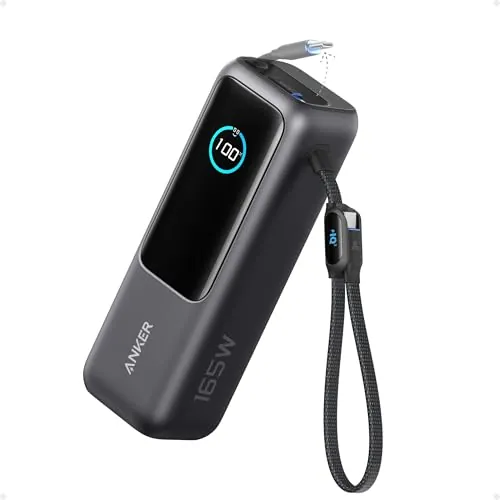
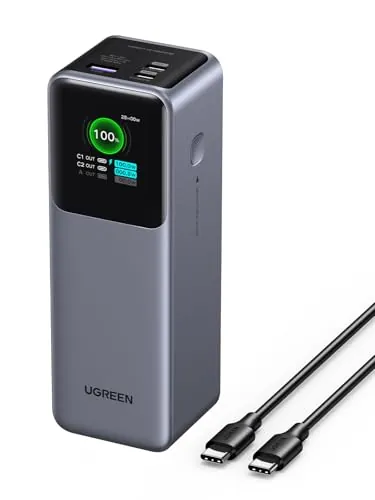
Anker A1695 offers up to 100W from one USB-C connection and up to 165W total with two USB-C devices; Anker says the maximum falls to 130W when three or four devices charge. UGREEN 35525 lists up to 140W from USB-C1 and up to 100W from USB-C2, with a 200W total-output label. Treat these as different port and shared-output limits, not a single-port 165W versus 200W contest. Both makers list 25,000mAh/90Wh, but device protocol, cable, battery state and simultaneous loads still affect what your devices receive.
Read comparison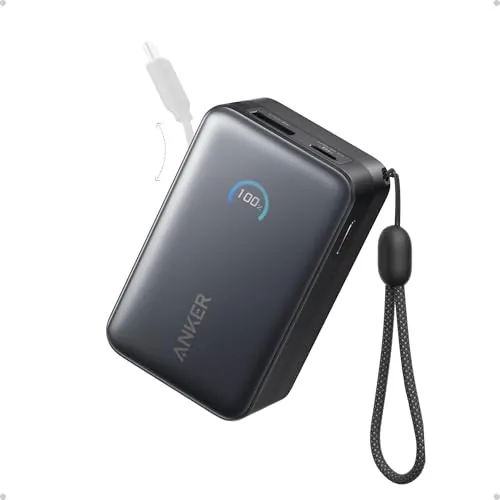
Anker A1638 Nano 10K 45W vs A1664 MagGo 10K Qi2
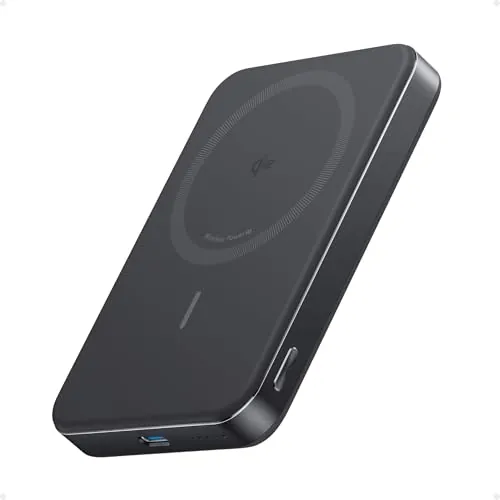
Both are 10,000mAh Anker power banks, but they serve different charging routines. The A1638 Nano has a built-in USB-C cable, a USB-C port and USB-A; its 45W USB-C rating is a single-connection maximum and output is shared across connected devices. The A1664 MagGo adds 15W Qi2 magnetic charging, but when wireless and USB-C are used together Anker lists 17W total (up to 12W wired plus 5W wireless).
Read comparison