
Products compared
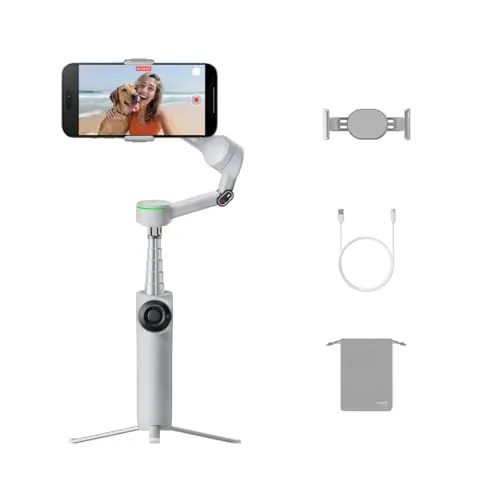
Insta360
Insta360 Flow 2 Pro Stone Grey Standard Bundle
This is the U.S. Stone Grey Standard Bundle. The separately sold AI Tracker is not included.
Model Flow 2 Pro (CINSABQB; Stone Grey Standard Bundle)
Amazon ASIN B0DPKV8LP7
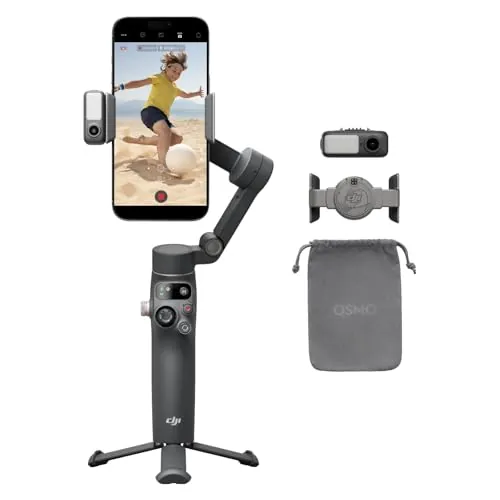
DJI
DJI Osmo Mobile 7P Gray
Gray Osmo Mobile 7P; its model or part number is 6941565997517.
Model Osmo Mobile 7P (listing data identifier 6941565997517)
Amazon ASIN B07FTG84SW
Differences that matter
What matters most to you?
Choose a priority to see what it changes.
Sources for Documented phone-camera app path
Sources for Published pan tracking spec
Start with the phone and camera app you use
The main buying question is which tracking route matches the phone and app you actually use. Flow 2 Pro supports DockKit on compatible iPhones; Insta360 specifies iPhone 12 or later with iOS 17 or later. For Android, its manual describes Deep Track in the Insta360 app and Live Mode through that app in supported livestreaming and video-call apps. The separate tracking matrix lists Android third-party-app tracking with the AI Tracker, which is not in this standard bundle.
DJI's 7P combo includes the Multifunctional Module. DJI documents people tracking through that module in supported system and third-party camera apps without opening DJI Mimo. The manual says module tracking is disabled inside Mimo; Mimo's ActiveTrack is another route. Confirm that your exact phone and app support the route you want rather than treating 'native tracking' as a guarantee for every camera app.
Check the movement your solo shot needs
If a presenter or subject must remain trackable while the camera completes a full horizontal turn, Insta360's 360° Infinite Pan Tracking specification is the relevant distinction. DJI gives a controllable pan range of -99° to 210° for Osmo Mobile 7P. Both manufacturers also describe built-in tripod hardware; that shared setup feature does not decide between them.
Treat the angle figures as design specifications, not a prediction about tracking success or image quality. Decide whether your shot needs a complete turn or whether the DJI range is enough, then evaluate app compatibility separately.
Run this quick pre-buy compatibility check
1. Note your exact phone model and operating-system version. 2. Name the camera or call app you will use. 3. Decide whether you need tracking inside that app, tracking from the manufacturer's app, or simply the gimbal's control functions. 4. Check the maker's compatibility list for that exact combination. 5. For Flow, include the AI Tracker only if the route you need requires that separate accessory; for DJI, confirm the 7P module's app route and compare your phone with DJI's listed 67–84 mm width, 6.9–10 mm thickness and 170–300 g weight limits.
If any one of those checks is unresolved, pause the purchase decision until the manufacturer lists your phone/app combination. Neither the source specs nor this comparison establish universal app compatibility.
Product details
Insta360 Flow 2 Pro Stone Grey Standard Bundle
The Flow 2 Pro standard bundle is the iPhone DockKit and Insta360-app option in this comparison. Do not treat its optional AI Tracker route as an included accessory.
- Standard bundle tracking accessory
- The separate AI Tracker is not included; the standard bundle includes the Magnetic Phone Clamp as its listed accessory. Source
- Documented tracking routes
- DockKit on compatible iPhones; Deep Track in the Insta360 app; Android Live Mode through that app for supported third-party streaming and video-call apps. Source
- Pan tracking
- Insta360 documents 360° Infinite Pan Tracking for Flow 2 Pro. Source
DJI Osmo Mobile 7P Gray
The Osmo Mobile 7P includes the Multifunctional Module for its supported camera-app tracking route. DJI's listed controllable pan range is bounded; no footage-quality comparison is implied.
- Included tracking hardware
- The 7P combo includes DJI's Multifunctional Module; DJI lists it as standard for the 7P. Source
- Phone fit limits
- DJI lists compatible phones at 67–84 mm wide, 6.9–10 mm thick and 170–300 g. Source
- Controllable pan range
- DJI lists -99° to 210° for the 7P's controllable pan range. Source
Before you buy
Community discussions
Check which controls work in the camera app you use
Insta360 Flow 2 Pro Stone Grey Standard Bundle
An iPhone 16 Pro Max user considering the Flow 2 Pro asked whether zoom and tracking controls would work in the native camera app.
What to check
List the controls you need while filming. Verify which ones each gimbal supports in your phone’s camera app and which use the maker’s app.
Common questions
Does the Flow 2 Pro standard bundle include its AI Tracker?
No. Insta360 says the separate AI Tracker is not included in the Flow 2 Pro standard bundle. Its product page lists the Magnetic Phone Clamp as the standard bundle accessory. Verify package contents for the exact offer.Insta360 Flow 2 Pro: AI Smartphone Stabilizer with Native iPhone Tracking
Which Android app routes does Flow 2 Pro document?
The manual describes Deep Track within the Insta360 app and Live Mode through that app for tracking in supported third-party livestreaming and video-call apps. Its tracking matrix separately lists Android third-party-app tracking with the AI Tracker. Check the exact phone and app; these routes differ.Flow 2 Pro User ManualFlow Series: Tracking Feature Comparison
Can the Osmo Mobile 7P track in a phone's system camera app?
DJI's manual says the included Multifunctional Module supports people tracking in system and third-party camera apps without DJI Mimo. The module's tracking features are disabled in Mimo, where ActiveTrack is separate. Verify support for your phone and chosen app.Osmo Mobile 7 / 7P User Manual v1.4
Which model documents a continuous full-turn pan?
Insta360 documents 360° Infinite Pan Tracking on Flow 2 Pro. DJI publishes the 7P's controllable pan range as -99° to 210°. This comparison does not test tracking reliability or the resulting footage.Insta360 Flow 2 Pro: AI Smartphone Stabilizer with Native iPhone TrackingSupport for Osmo Mobile 7 Series — DJI United States
Sources and scope
Tracking depends on the exact phone, OS, camera app and selected route. Manufacturer feature descriptions do not establish the same behavior in every app. No controlled filming test was conducted, so tracking reliability, stabilization, footage quality and smoothness are not ranked. DJI identifies the product as Osmo Mobile 7P and gives 6941565997517 as its model or part number; the cited support and manual cover the 7P family rather than this specific Amazon listing.
Related comparisons
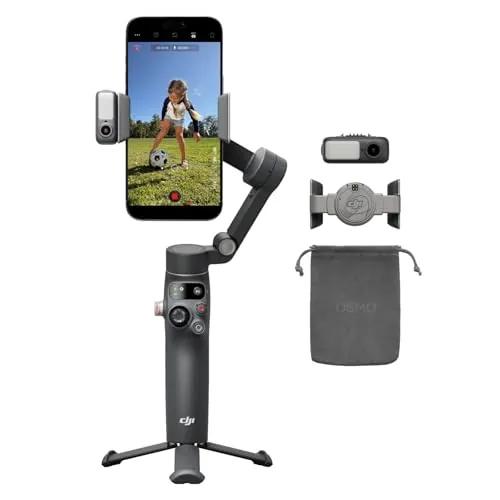
DJI Osmo Mobile 8 vs Insta360 Flow 2 Pro: Match Your Phone and App
DJI's recommended minimum phone width and weight are higher than Insta360's, while their documented tracking routes and controls differ by operating system and app. Measure your phone with its case, check the exact compatibility list, then confirm which parts are in the seller's bundle: the DJI page distinguishes a module-equipped Advanced Tracking Combo, while the Insta360 Stone Gray Standard Bundle does not include its separately offered AI Tracker.
Read comparison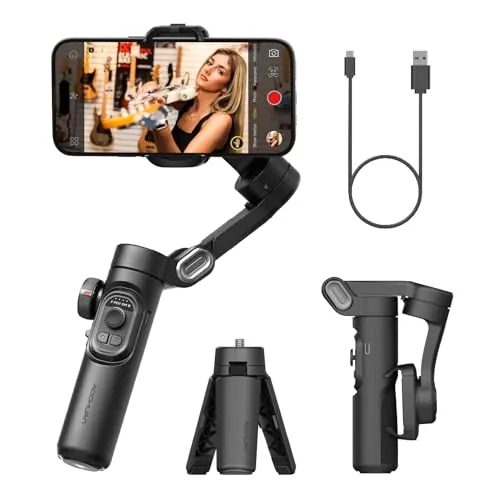
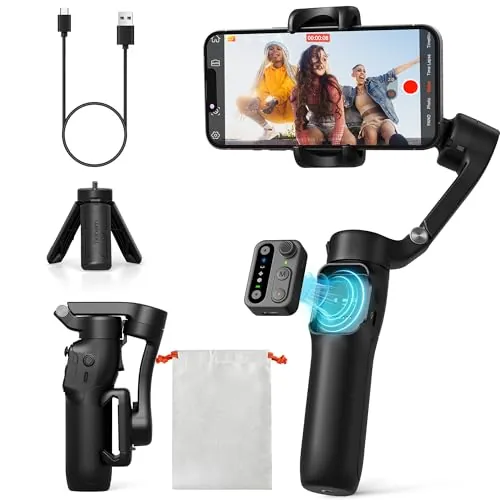
AOCHUAN Smart XE vs hohem iSteady X3 SE: Phone Fit and Controls
AOCHUAN Smart XE documents an app-connected zoom slider and focus wheel; the Hohem iSteady X3 SE documents a detachable Bluetooth remote and tracking in Hohem Joy. Their published clamp and payload limits differ. Measure your phone with its case and check the exact kit before choosing.
Read comparison