
Products compared
Fanttik
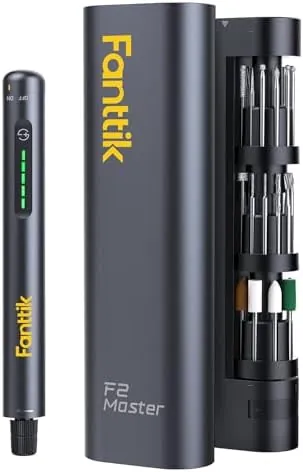
Fanttik F2 Master Cordless Rotary Tool
Standard gray F2 Master configuration: 3/32-inch collet and five discrete nominal settings listed in the manual. Its lower nominal setting is 12,000 RPM with ±10% tolerance. Match both the bit shank and its documented speed requirements before choosing.
Model F2 Master
Amazon ASIN B0DN1GBTDG
Fanttik
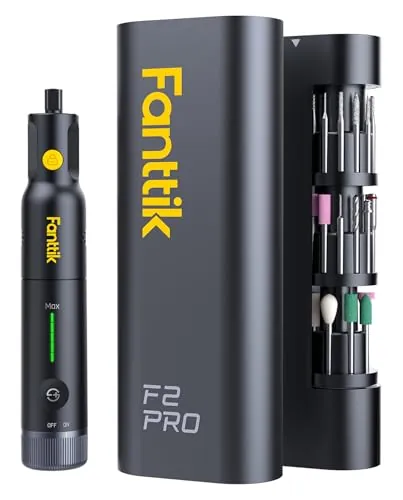
Fanttik F2 Pro Cordless Rotary Tool
Standard gray F2 Pro configuration: 1/8-inch collet and five speed settings spanning 5,000–25,000 RPM on Fanttik's current support page. The source does not enumerate each intermediate setting. Confirm a suitable speed and bit before purchase.
Model F2 Pro
Amazon ASIN B0DRXRH9DQ
Differences that matter
What matters most to you?
Choose a priority to see what it changes.
Sources for Bit shank and supplied collet
Sources for Documented speed control
Sources for Standard package and bit verification
Start with the bit you already own or plan to buy
Find the bit's exact shank diameter on its packaging or the accessory maker's documentation. Fanttik specifies 3/32 inch for the F2 Master and 1/8 inch for the F2 Pro. That is the first filter: if the shank does not match the supplied collet, the tool is not established as a fit for that bit. A matching diameter is only the start; check the accessory's speed rating and material instructions too.
This matters especially if a project list contains bits in more than one size. The models are separate configurations; do not assume their supplied collets are interchangeable or that a matching size alone establishes compatibility for every bit.
Then check whether the speed setting is documented for the job
The F2 Master manual gives five discrete nominal settings—12,000, 15,000, 18,000, 20,000 and 25,000 RPM—and specifies ±10% tolerance. Treat those as nominal settings, not exact measured shaft speeds. Fanttik's F2 Pro support page lists five settings over a 5,000–25,000 RPM range but does not name every intermediate setting.
If you need a setting below the Master's lowest nominal value, the Pro has the lower published nominal minimum. That does not make the Pro a fit by itself: its 1/8-inch collet must match the bit, and the selected setting must comply with the accessory and workpiece instructions. If a bit requires 3/32 inch and a speed below the Master setting, these supplied configurations are not shown to meet both requirements together.
Check package contents and plan for charging pauses
Fanttik lists 35 accessories and an aluminum pop-up case for the standard F2 Master, and 55 accessories with an aluminum pop-up case for the standard F2 Pro. A larger count does not tell you which bits are included or whether they match a project. Check the exact offer's model and bit list; Fanttik separately lists Master Kit, Master Eng and Pro Kit options with different contents.
Both tools are cordless. Fanttik says neither can be operated while connected to its charger, so include a stop-and-charge interval in your workflow. Neither product is a documented corded alternative for jobs that must continue during charging.
Pre-buy check: answer these three questions
1. What is the shank diameter of the exact bit? 2. Does its maker allow a speed that the selected tool documents? 3. Does the exact offer contain the intended bit, and can your work pause while the cordless tool charges? Choose the Master only when its 3/32-inch collet and a listed nominal setting fit the documented task; choose the Pro only when its 1/8-inch collet and a suitable setting fit. If either shank or speed requirement remains unresolved, check the bit and tool documents before ordering.
Product details
Fanttik F2 Master Cordless Rotary Tool
- Collet
- 3/32 in; use a bit with a matching shank and verify its own suitability. Source
- Listed speed settings
- 12,000, 15,000, 18,000, 20,000 and 25,000 nominal RPM; the manual specifies ±10% tolerance. Source
- Standard set
- Fanttik lists 35 accessories and an aluminum pop-up case for the standard F2 Master; verify the exact listing contents. Source
- Charging use
- Fanttik says the tool cannot be turned on and used while charging. Source
Fanttik F2 Pro Cordless Rotary Tool
- Collet
- 1/8 in; Fanttik says the shank must match this collet. Source
- Speed settings
- Five settings spanning a documented 5,000–25,000 RPM range; intermediate settings are not enumerated on the support page. Source
- Standard set
- Fanttik lists 55 accessories and an aluminum pop-up case for the standard F2 Pro; verify the exact listing contents. Source
- Charging use
- Fanttik says the tool must be disconnected from its charger before operation. Source
Before you buy
Community discussions
Check bit shank fit before choosing a collet
Fanttik F2 Master Cordless Rotary Tool
An F2 Master owner found it challenging to find bits that fit the tool.
What to check
Check the shank sizes of the bits you own against the listed collet for each model. Look up replacement accessories by the exact model before choosing.
Common questions
Can I use the same bit in both tools?
Do not assume that. Fanttik documents a 3/32-inch collet for the F2 Master and a 1/8-inch collet for the F2 Pro. Check the shank on each exact accessory and confirm its speed and material requirements; a matching diameter alone is not a complete suitability check.Fanttik F2 Master Manual PDF and Quick Start GuideFanttik F2 PRO Manual and Quick Start Guide
Which one has a lower listed speed setting?
Fanttik's Pro support page documents five settings from 5,000 to 25,000 RPM. The Master manual lists five nominal settings starting at 12,000 RPM and specifies ±10% tolerance. Choose based on a suitable setting for your bit and material, not on an assumption that a lower number ensures a better or safer result.Fanttik F2 Master User ManualFanttik F2 PRO Manual and Quick Start Guide
Does either tool run while connected to the charger?
Fanttik says no for both models. Plan to stop and charge before continuing rather than using the charging cable as a corded operating option.Fanttik F2 Master Manual PDF and Quick Start GuideFanttik F2 PRO Manual and Quick Start Guide
Should I choose the kit with more included accessories?
Not by count alone. Fanttik lists 35 accessories for the standard Master and 55 for the standard Pro, but the exact bit list and its shank determine whether an included item meets your need. Confirm the exact standard configuration rather than a separately named Kit or Eng option.Fanttik F2 Master Cordless Rotary Tool — product specifications and FAQFanttik F2 Pro Cordless Rotary Tool — product specifications and FAQ
Sources and scope
This is a manufacturer-source feature-fit guide, not a hands-on rotary-tool test. It does not compare torque, finish, cutting ability, noise, vibration, heat, runtime, reliability or safety outcomes. The Master manual's speed values are nominal and specify ±10% tolerance; the Pro support page gives five speeds from 5,000 to 25,000 RPM but does not enumerate the intermediate settings. Confirm bit shank, rated speed, accessory instructions and material suitability together. Check the exact offer for the standard gray version rather than the separately named Master Kit, Master Eng or Pro Kit.
Related comparisons
Fanttik F2 Master vs Dremel 4000-2/32
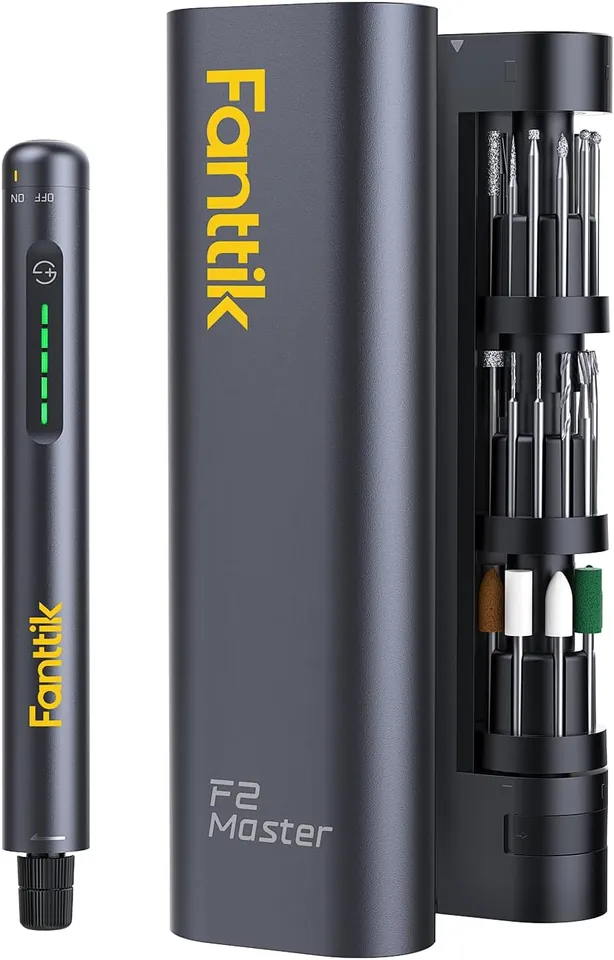
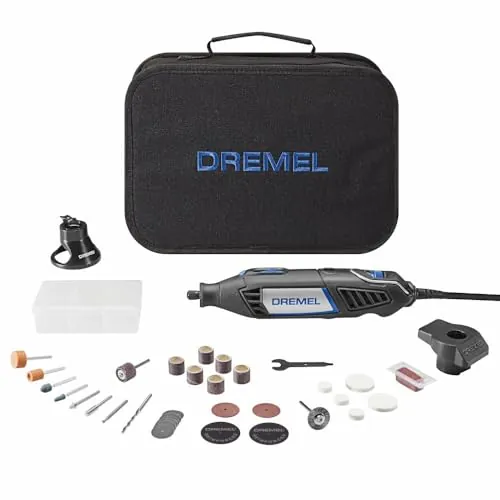
The Fanttik F2 Master is a rechargeable cordless rotary tool with a 3/32-inch collet; Dremel's 4000-2/32 is corded and ships with a 1/8-inch collet. Choose by where you'll work and the shank size of the accessories you already own or plan to buy. If a bit's shank does not match, include the correct collet or chuck in your plan and check the accessory's own speed rating and instructions.
Read comparison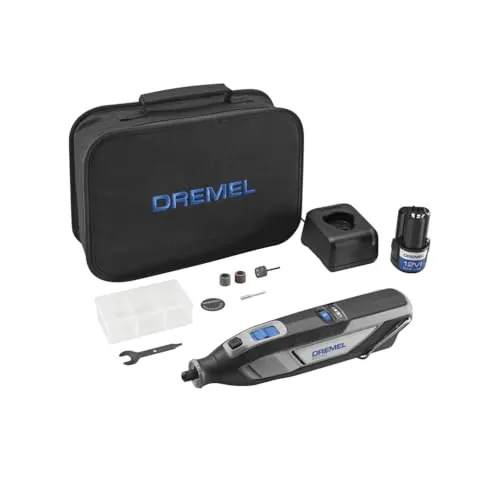
Fanttik F2 Master vs Dremel 8240-5: Collets, Accessories and Charging
The standard gray Fanttik F2 Master is documented around a 3/32-inch collet and a 35-piece accessory set. Dremel’s 8240 manual supports interchangeable collets, including 481 for 3/32-inch and 480 for 1/8-inch, while the exact 8240-5 package sheet lists five accessories but does not identify the collets in the box. If your set mixes shank sizes, check the 8240-5 carton for the holders you need; if your required bits are 3/32-inch and whole-tool USB-C charging suits you, the F2 Master is the more direct setup.
Read comparison