
Products compared
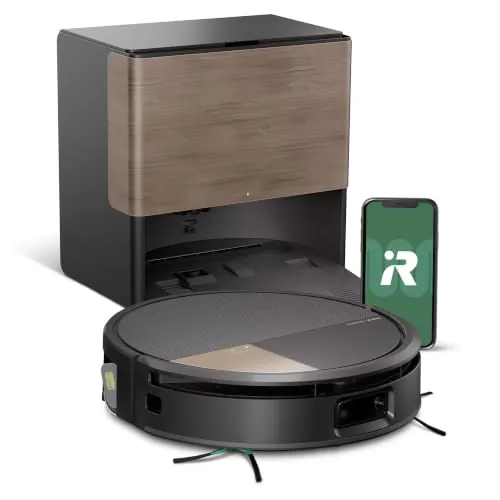
iRobot
iRobot Roomba Max 775 Combo Robot + AutoWash Dock
US Black/Brown retail configuration; robot with 775 AutoWash Dock
Model X285020
Amazon ASIN B0H34TVVR6
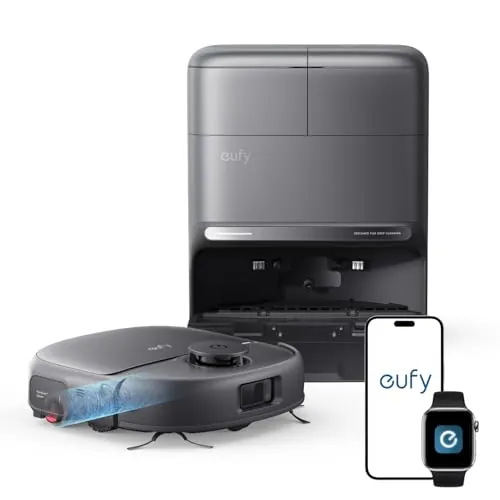
eufy
eufy Robot Vacuum Omni C28
US Black listing; Omni C28 robot and all-in-one station
Model T211A110
Amazon ASIN B0FWK41WF2
Differences that matter
What matters most to you?
Choose a priority to see what it changes.
Sources for Rug transition guidance
Sources for What each station automates
Sources for Care instructions to plan around
Start with how you actually mop
The clearest difference is control. iRobot lists four Max 775 modes: vacuum only, mop only, both together, and vacuum first then mop. eufy Support says the Omni C28 has no Mopping Only mode and recommends a Vacuum-Only run before its first mopping session. If you regularly want a mop pass without starting a vacuum pass at the same time, that makes the Max 775 the more direct documented fit.
That choice does not prove stronger stain removal. It only tells you which cleaning sequence the manufacturers document. Pick the mode you will use, not the longest feature list.
If you have rugs, separate documented behavior from unknowns
For the Max 775, iRobot describes an intelligent cover that lifts and shields the roller when rugs or carpets are detected in mop or combined modes. Its page also says the robot avoids carpets during these modes. That is a manufacturer-described feature, not a guarantee for every pile, fringe, room map, or threshold.
eufy’s C28 carpet support discusses map coverage, obstacles, suction, and BoostIQ. It does not say how the mop behaves when the robot reaches a particular rug. That leaves the C28’s rug-mop behavior unresolved in this comparison; it should not be read as proof that the C28 has no protection. If rug transitions decide the purchase, check the current C28 manual or ask eufy about your exact rug and setup before ordering.
The dock automates steps; it does not remove all upkeep
The iRobot page says the AutoWash Dock empties debris, washes and dries the roller, mixes StayClean with water, and refills the robot. eufy’s US C28 entry lists dust emptying, mop washing, water refill, hot-air drying, and wastewater collection. Several station functions overlap, so a longer list does not show that one dock takes less work.
The remaining instructions differ. iRobot tells owners to wipe the robot bin, rinse dock water tanks, clean the charging contacts and brushes, and replace the filter every three to six months. eufy tells C28 owners to enable the solution dispenser, mix its cleaning solution at 1:200, use Vacuum-Only before the first mop run, and clean the roller mop and dirty-water tank regularly. The pages provide no matched care intervals, task time, or recurring parts costs. Choose the routine and solution guidance you are willing to follow; do not infer a maintenance winner.
A quick fit check before you order
Write down two answers before comparing listings: do you need a standalone mop-only run, and do rugs sit in the robot’s normal route? If the first answer is yes, the Max 775 has the documented mode. If the second is the deciding issue, the Max 775 has an explicit lift-and-cover description, while the cited C28 carpet guidance leaves mop behavior unanswered.
Then read the care page for the exact model you plan to buy. Confirm the listing says X285020 with the 775 AutoWash Dock or T211A110 with the Omni C28 station. Check the seller’s box contents and follow the model’s own cleaning-solution and filter instructions. Neither comparison source set supports an estimate of yearly upkeep cost or a claim that one robot will clean your home better.
Product details
iRobot Roomba Max 775 Combo Robot + AutoWash Dock
- Selectable cleaning modes
- Vacuum only, mop only, vacuum and mop together, or vacuum then mop Source
- Carpet transition
- The product page says the roller lifts and is covered when rugs or carpets are detected in mop or combined cleaning modes Source
- Dock and routine care
- Dock empties debris, washes and dries the roller, mixes StayClean concentrate with water, and refills the robot; iRobot lists filter replacement every 3–6 months Source
eufy Robot Vacuum Omni C28
- Mop-only mode
- eufy Support says the Omni C28 does not support Mopping Only mode Source
- Carpet guidance
- The C28 carpet support page recommends highest suction and BoostIQ; it does not describe mop protection for a particular rug Source
- Solution and care guidance
- eufy says to enable the automatic dispenser, mix its floor solution at 1:200, and regularly clean the roller mop and dirty-water tank Source
Before you buy
Community discussions
Checking the bundle code and dock size
eufy Robot Vacuum Omni C28
A shopper comparing two eufy C28 offers found different model codes and wanted to know what the packages included.
What to check
Compare the exact code, dock dimensions and listed contents before ordering. Check which accessories or supplies you would need separately.
Common questions
Can the eufy Omni C28 mop without vacuuming?
No mop-only mode is documented: eufy Support says the C28 does not support Mopping Only. It recommends Vacuum-Only before the first mopping session.eufy Support: Why the Omni C28 has no Mopping Only modeeufy Support: Optimize Omni C28 mopping and follow solution and accessory care steps
Which model has clearer published rug-mop behavior?
The Roomba Max 775 page says its roller lifts and is covered when rugs or carpets are detected in mop or combined cleaning modes. The cited C28 carpet support gives suction advice, not mop-protection behavior, so that C28 detail remains unverified here.Roomba Max 775 Combo Robot + AutoWash Dock (X285020), product details and FAQseufy Support: Omni C28 carpet troubleshooting guidance
Which dock needs less maintenance?
These sources cannot establish that. Both brands describe automated station work and also list owner-care tasks. Their instructions are not a matched comparison of maintenance time, intervals, or replacement costs.Roomba Max 775 Combo Robot + AutoWash Dock (X285020), product details and FAQseufy Support: Optimize Omni C28 mopping and follow solution and accessory care stepseufy US: C28 product entry, T211A110 identifier, and Omni Station functions
Sources and scope
Before buying, check the exact dock and included accessories. If you have rugs, check what the mop does on your floor type. The C28 carpet guidance describes suction settings.
- Roomba Max 775 Combo Robot + AutoWash Dock (X285020), product details and FAQs
- eufy US: C28 product entry, T211A110 identifier, and Omni Station functions
- eufy Support: Why the Omni C28 has no Mopping Only mode
- eufy Support: Optimize Omni C28 mopping and follow solution and accessory care steps
- eufy Support: Omni C28 carpet troubleshooting guidance
Related comparisons
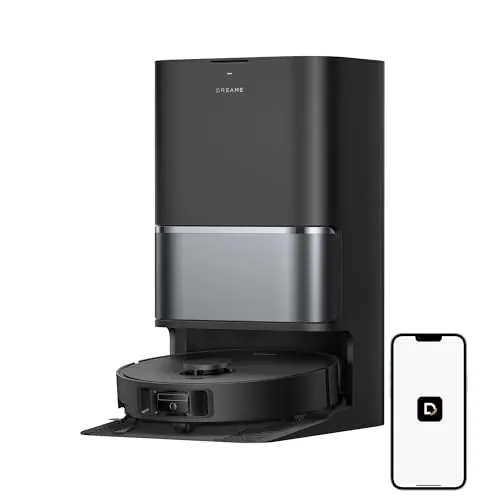
Dreame L40 Ultra Gen 2 RLL53SE vs eufy C28 T211A110: Roller or Rotary Mops?
The L40 Ultra Gen 2 uses two rotary mop pads; the eufy C28 uses a HydroJet roller that its U.S. page describes as self-cleaning in real time. Each dock handles pad or roller cleaning and drying, but owner care remains. Dreame’s U.S. manual says to clean the used-water tank after every use and washboard filter every 1–2 months; eufy says to clean the C28 roller and dirty-water tank regularly without giving an interval. Match the mop format and rug instructions to your home, not an unsupported maintenance or cleaning winner.
Read comparison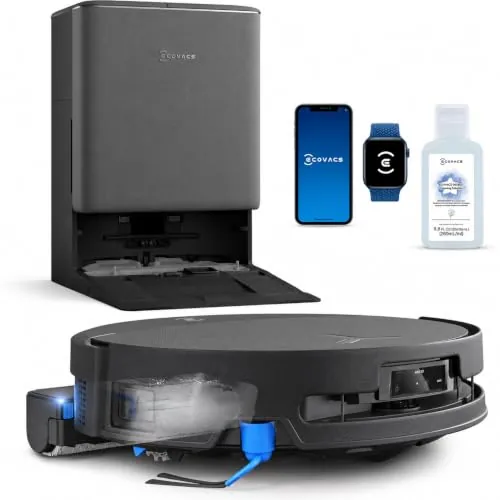
eufy C28 vs ECOVACS T90 PRO OMNI: Roller and Dock Fit
Both exact US models use self-washing roller mops and automatic stations, but their documented routines differ. C28 uses eufy's HydroJet roller and lists post-session washing, hot-air drying, wastewater collection and a 3 L dust bag; T90 PRO OMNI lists a 10.6-inch OZMO roller, fresh-flow hot-water washing, detergent dispensing and a self-cleaning dirty-water box. Pick by the mop-and-station features you value, then check the tank and bag chores that will recur in your home.
Read comparison