
Products compared
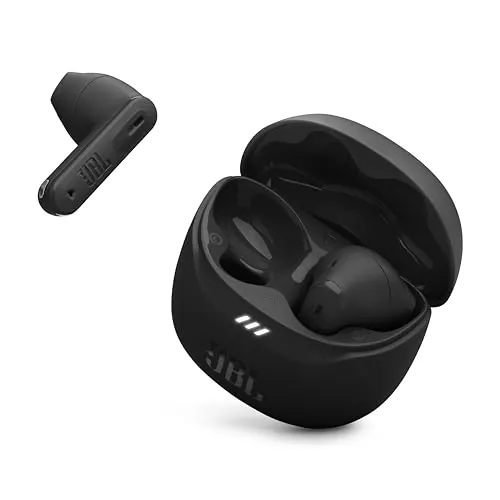
JBL
JBL Tune Flex 2 True Wireless Noise Cancelling Earbuds, Black
Black US variant; Tune Flex 2
Model JBLTFLEX2BLKAM
Amazon ASIN B0DW97VBWL
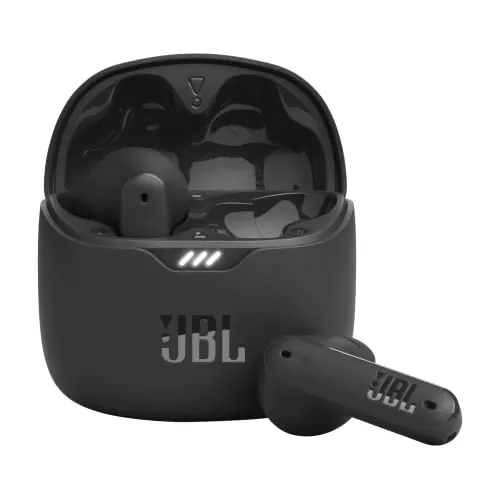
JBL
JBL Tune Flex True Wireless Noise Cancelling Earbuds, Black
Black US variant; original Tune Flex
Model JBLTFLEXBLKAM
Amazon ASIN B0C1QNRGHC
Differences that matter
I need JBL to explicitly document connecting two devices at once
JBL Tune Flex 2 True Wireless Noise Cancelling Earbuds, Black · JBL's Tune Flex 2 US page and QSG positively document multipoint and a two-device maximum. The selected original model remains unconfirmed, not proven incompatible.
View JBLTFLEX2BLKAM on Amazon (paid link)Sources for Included ear-tip choices
Sources for Switching between source devices
Sources for Published playback and case contribution
Sources for App and touch-control routine
The box contents are more alike than the model names suggest
For either black US model, JBL lists one open-style tip, three sizes of sealing tips, a charging case and a USB Type-C cable. Tune Flex 2 names its open tip XS and its sealing tips S/M/L; the original page describes one open tip and three sealing sizes. If you are replacing one set or ordering from a seller, verify the exact model code and the actual box contents before checkout.
The supplied options let you compare open and sealing configurations, but they do not establish which tip will fit your ear or how much isolation you will get. Try the sizes where possible and select the matching ear-tip setting in the relevant app when the model's instructions call for it.
Use the exact multipoint claim as a checklist, not an assumption
JBL's Tune Flex 2 quick-start guide states a maximum of two connected devices, and the US product page describes switching between a tablet and phone. This is useful if you want one pair associated with two sources; it does not by itself establish every operating-system or call-priority behavior.
For the original black Tune Flex, JBL's reviewed US page documents app and touch-control customization but does not state multipoint support. If that feature is a must-have, check with JBL about JBLTFLEXBLKAM before buying. The gap in the page is unknown status, not evidence that multipoint is missing.
Plan charging from JBL's stated conditions
Both boxes list a charging case and a USB-C cable. JBL gives a two-hour-from-empty figure for Tune Flex 2 and less than two hours from empty for Tune Flex. For playback, compare the matching Bluetooth-on estimates: up to 12 versus 8 hours with ANC off, and up to 8 versus 6 hours with ANC on. JBL lists the case for up to 36/24 additional hours on Flex 2 and 24/18 on the original under those respective settings.
Treat these as manufacturer maximums for planning, not measured endurance or a promise. Your use and settings can differ, so a buyer who must cover a long trip should carry the case and a suitable USB-C charging option rather than relying on a paper maximum.
Compare the app controls you will actually use
JBL names Adaptive Noise Cancelling adjustment and gesture customization on the Tune Flex 2 page. For the original Tune Flex it names gesture customization, environmental-noise control, Smart Audio & Video modes and Sealing Ear Tip Mode. The Tune Flex 2 guide notes that advanced controls are enabled through its app.
These are descriptions of listed controls, not proof that the other model lacks an equivalent. If a specific ambient mode or setting is decisive, confirm support for the exact model in JBL's current app or with JBL. No listening, ANC or call test was performed for this guide.
Product details
JBL Tune Flex 2 True Wireless Noise Cancelling Earbuds, Black
JBL Tune Flex True Wireless Noise Cancelling Earbuds, Black
- In the box
- Open ear tip, three sizes of sealing ear tips, USB Type-C charging cable, charging case, guide and safety sheet Source
- Charging time
- Less than 2 hours from empty, per JBL's English specification sheet Source
- Multipoint status
- Not stated in the reviewed JBL US product page or specification sheet; confirm with JBL if required Source
Before you buy
Community discussions
Comparing the included tip styles and the app setting
JBL Tune Flex True Wireless Noise Cancelling Earbuds, Black
A JBL Tune Flex owner described switching tip styles and changing the corresponding setting in the app.
What to check
Check which tips are included and how you select the matching setting. If you expect to swap tips often, try the process before choosing.
Trying the earbud gestures you use most often
JBL Tune Flex 2 True Wireless Noise Cancelling Earbuds, Black
A Tune Flex 2 buyer liked the fit but found it hard to skip tracks without triggering another control.
What to check
Check how each model handles the few gestures you use often. Try skipping a track and adjusting your other regular controls.
Common questions
Do both models include open and sealing ear tips?
Yes. JBL lists an open tip and three sealing sizes for each. Tune Flex 2 identifies the open size as XS and the sealing sizes as S/M/L; the original page lists one open tip and three sealing sizes. That does not tell you which will fit comfortably.JBL Tune Flex 2 | True Wireless Noise Cancelling EarbudsJBL Tune Flex | True wireless Noise Cancelling earbuds
Does the original JBL Tune Flex support multipoint?
JBL's reviewed US Tune Flex page does not answer that for the selected black US model. Tune Flex 2's US page and QSG explicitly document a maximum of two devices. Ask JBL about the original exact model rather than assuming it lacks the feature.JBL Tune Flex 2 | True Wireless Noise Cancelling EarbudsJBL Tune Flex 2 Quick Start Guide (Multilingual)JBL Tune Flex | True wireless Noise Cancelling earbuds
How long do the earbuds and charging cases take to charge?
JBL's Tune Flex 2 quick-start guide says two hours from empty. The original Tune Flex spec sheet says less than two hours from empty. These are manufacturer specifications, not a test using identical chargers and conditions.JBL Tune Flex 2 Quick Start Guide (Multilingual)JBL Tune Flex Spec Sheet (English)
Are the listed playback hours what every owner should expect?
No. They are JBL's maximum music-playback estimates with Bluetooth on and specified ANC settings. They do not establish real-world battery life for your listening mix or a tested advantage.JBL Tune Flex 2 Quick Start Guide (Multilingual)JBL Tune Flex Spec Sheet (English)
Sources and scope
This is a documentation-based comparison, not a fit, sound, ANC, call-quality or battery test. Multipoint support for the exact selected original US Tune Flex remains unstated in the reviewed JBL US sources; do not assume it is absent. Playback figures are manufacturer maximums under stated Bluetooth and ANC conditions. Current price and seller terms are not part of this guide.
Related comparisons
Soundcore Liberty 5 A3957 vs Liberty 4 NC A3947: ANC, Battery, LDAC
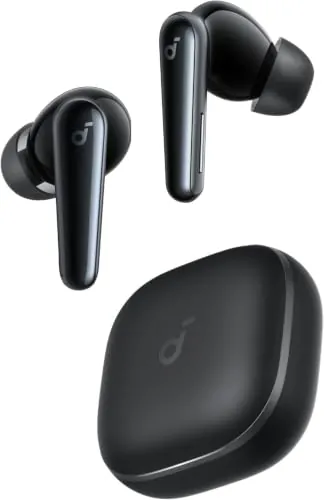
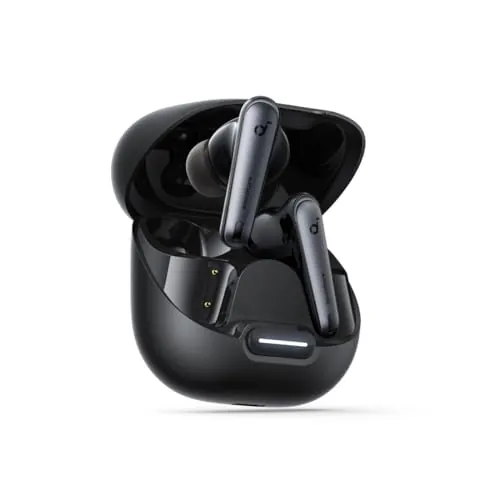
These Soundcore earbuds make a specific trade: Liberty 5 supports LDAC and multipoint at the same time, while Liberty 4 NC exits multipoint when LDAC is enabled. In SoundGuys' exact-pair comparison, Liberty 4 NC measured higher average noise reduction and longer ANC-on earbud runtime; Liberty 5 adds Dolby Audio, six included tip sizes and a shorter fast-charge top-up. Match the choice to your phone, two-device routine and typical listening session rather than assuming the newer model wins every category.
Read comparison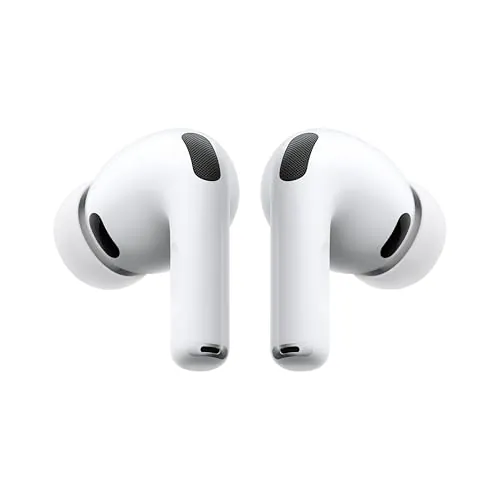
AirPods Pro 3 vs Bose QuietComfort Ultra Earbuds (2nd Gen): Fit and Device Switching
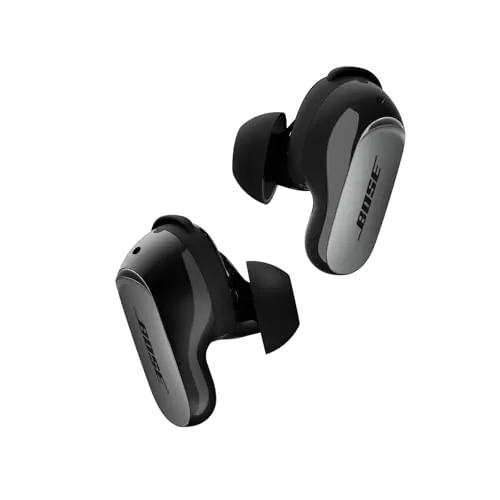
This is white Apple AirPods Pro 3 (MFHP4LL/A) versus black Bose QuietComfort Ultra Earbuds (2nd Gen, 896637-0010), not Bose's first-generation Ultra earbuds or either brand's headphones. RTINGS' direct comparison says AirPods Pro 3 has slightly better ANC and isolation plus longer continuous battery life, while Bose's microphone does a bit better with Android and PCs. The everyday difference is device workflow: Apple says AirPods can be used as Bluetooth headphones with non-Apple devices but functionality may be limited; Bose offers an iOS/Android app and multipoint for two source devices. Fit may override either result: Apple includes five tip sizes, and Bose offers nine tip-and-stability-band combinations plus an in-app seal test. Try the seal and switching routine with your actual phone and laptop before deciding.
Read comparison