
Products compared
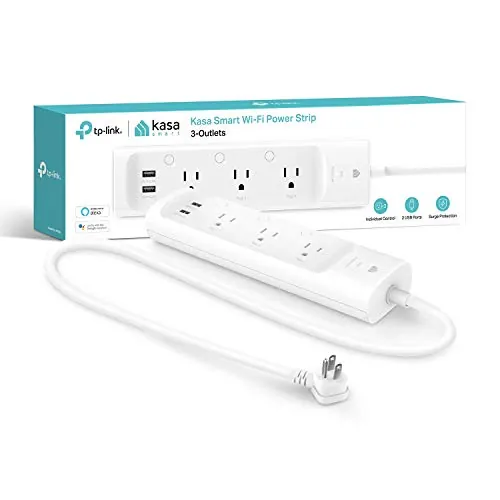
Kasa Smart
Kasa Smart Wi-Fi Power Strip KP303
U.S. KP303. TP-Link's product page identifies V1; a U.S. Revision 2.0.0 guide is also available. Check the label on the unit offered and match it to the correct guide.
Model KP303
Amazon ASIN B083JKSSR5
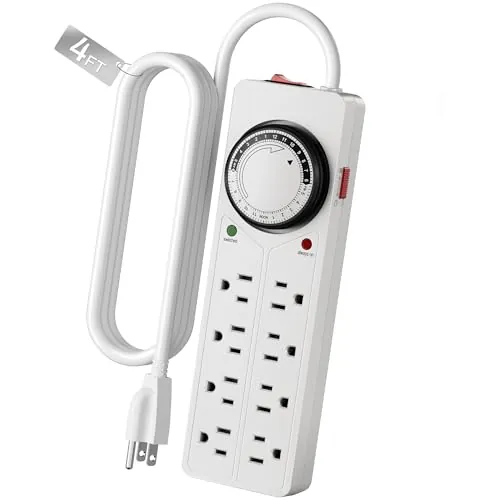
BN-LINK
BN-LINK Surge Protector with 8 Outlets and Timer
BN-LINK's U.S. manufacturer page identifies this model as BNC-U1. Check that the listing and unit label match this SKU before ordering.
Model BNC-U1
Amazon ASIN B00MWHQZX0
Differences that matter
Sources for How many different AC schedules can you set?
Sources for Where you program or change the switching
Sources for What the maker currently publishes for total ratings
Sources for Does the intended installation match the instructions?
Count distinct schedules, not just sockets
Kasa's U.S. KP303 guide describes three independent AC outlets and sets an on/off schedule from the selected outlet's Kasa app page. Its two USB ports are always on. BN-LINK describes four BNC-U1 outlets on one timer and four separate always-on AC outlets. So ask whether each connected device needs its own schedule: more outlets do not necessarily mean more independently timed outlets.
Write down the devices and their required switch times before choosing. Kasa is the documented fit for separate AC outlet schedules when its app setup is acceptable. BNC-U1 fits a group that can follow one repeating daily schedule, plus any AC devices that should remain always on. These are control-layout conclusions, not a claim about which timer is more accurate.
Match the schedule entry method to your setup
For KP303, the reviewed U.S. guide shows Kasa Smart app setup with a TP-Link ID, then schedules configured on an individual outlet. TP-Link's V1 page says a secured 2.4 GHz Wi-Fi network is required and that no separate hub is needed. This describes setup requirements; it does not guarantee behavior on every network or future app version.
BNC-U1's manufacturer page describes a physical pin dial, 15-minute increments and a schedule that repeats every 24 hours. It also describes an override that keeps the timed row on. Choose the interface you can actually access: a network/app workflow or a physical control at the strip.
Resolve the product-rating and installation checks before checkout
TP-Link's KP303 V1 U.S. specifications list 125 V~, 60 Hz input at 15 A and 15 A/1875 W maximum total output load. The reviewed guide is U.S. Revision 2.0.0; the exact hardware revision of the selected retail unit is not established. Confirm the selected unit and matching manual before relying on ratings or fit.
BN-LINK's current U.S. page for BNC-U1 lists 125 VAC, 15 A, 60 Hz and 1875 W, with a 3 ft cord. The product listing shows 10 A and a 4 ft cord. Because those details differ, check the exact unit label and seller listing before purchase; do not infer suitability for a particular appliance from a strip rating or outlet count.
The reviewed KP303 U.S. guide specifies dry indoor use, says not to mount the strip on a desk, not to plug it into another power tap or extension cord, and not to install it when less than 10 m/30 ft of wire is between the outlet and service panel. If you cannot tell whether the intended location meets that instruction, ask a qualified electrician. Do not use another strip or extension as a workaround. BN-LINK's page states indoor use only; this guide does not add unverified installation conditions.
Product details
Kasa Smart Wi-Fi Power Strip KP303
- Outlet layout and control
- Three independently controlled AC outlets; the two USB ports are always on. The cited U.S. Rev 2.0.0 guide sets schedules from each outlet's app page. Source
- Network and app setup
- TP-Link's KP303 V1 page specifies a secured 2.4 GHz Wi-Fi connection and Kasa Smart app control; it says a separate hub is not required. Source
- Published total rating
- The KP303 V1 U.S. page lists input 125 V~, 60 Hz, 15 A and maximum total output load 15 A/1875 W. Selected retail hardware revision is not verified. Source
- U.S. guide installation cautions
- The reviewed U.S. guide says dry indoor use only, not for desk mounting, not to plug into another power tap or extension cord, and not to install if less than 10 m/30 ft of wire separates the outlet and service panel. Source
BN-LINK Surge Protector with 8 Outlets and Timer
- Outlet grouping and timer
- The U.S. manufacturer page says four outlets share a timer, four are always on, the schedule repeats every 24 hours, pins can be set in 15-minute increments, and an override switch keeps the timed row on. Source
- Published manufacturer rating and cord length
- The current BN-LINK page for SKU BNC-U1 lists 125 VAC, 15 A, 60 Hz, 1875 W and a 3 ft cord. The selected listing listing title says 10 A and 4 ft; verify the actual unit label and matching listing before relying on those values. Source
- Listed environment
- BN-LINK's U.S. product page says indoor use only. Source
Before you buy
Community discussions
Deciding which outlets need to be controlled separately
Kasa Smart Wi-Fi Power Strip KP303
A shopper asked about controlling separate outlets. A reader named the Kasa KP303 they use in their setup.
What to check
List which devices should follow the same schedule and which need separate control. Compare how the documented controls group outlets.
Common questions
Can the BN-LINK BNC-U1 set different schedules for its four timed outlets?
The manufacturer describes those four outlets as one timer-controlled group with a daily repeating schedule. Its page does not describe a separate schedule for each outlet in that row.BN-LINK Surge Protector with 8 Outlets and Timer, SKU BNC-U1
Can I schedule the Kasa KP303 USB ports?
No. TP-Link describes the two USB ports as always on. Its individual control and schedule instructions apply to the three AC smart outlets.Kasa KP303 U.S. V1 Product Page and SpecificationsKasa Smart Wi-Fi Power Strip KP303 User Guide, U.S. Revision 2.0.0
Does KP303 require Wi-Fi if it does not need a separate hub?
Yes. TP-Link specifies a secured 2.4 GHz Wi-Fi connection for app control. 'No hub required' does not mean no network setup.Kasa KP303 U.S. V1 Product Page and Specifications
Which BNC-U1 power rating should I rely on?
BN-LINK's current U.S. page lists 125 VAC, 15 A, 60 Hz and 1875 W, while the selected listing title displays 10 A. Confirm the exact unit label and its matching instructions; this guide does not determine load suitability for any appliance.BN-LINK Surge Protector with 8 Outlets and Timer, SKU BNC-U1
Sources and scope
This guide compares documented outlet control and setup, not measured switching accuracy, surge performance, network reliability, savings or connected-device compatibility. TP-Link's cited product page is for KP303 V1 and its U.S. guide is Revision 2.0.0; the selected retail hardware revision is not established. BN-LINK's U.S. product page identifies BNC-U1 and lists 125 VAC, 15 A, 60 Hz and 1875 W, while the selected listing title says 10 A and 4 ft; its current manufacturer page says 15 A and 3 ft. Confirm the label and matching instructions on the selected unit. Do not infer an appliance's suitability from the strip's total rating or outlet count.
Related comparisons
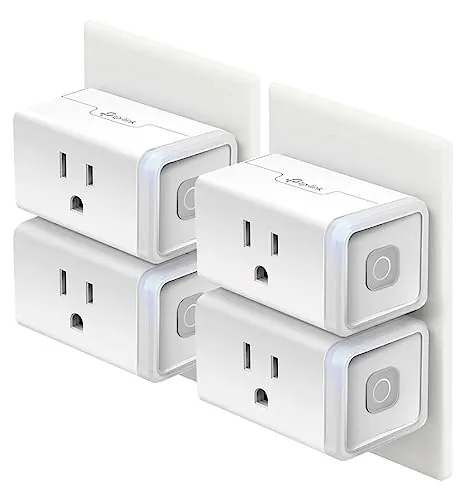
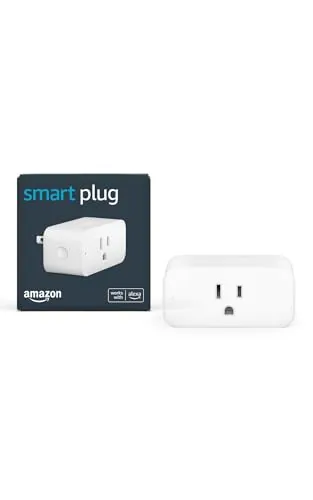
Kasa HS103P4 vs Amazon Smart Plug C2YY37: Four Plugs or One?
The Kasa HS103P4 is a four-plug bundle whose HS103 family supports Alexa and Google Assistant. Amazon Smart Plug C2YY37 is a one-pack for Alexa. Both are 2.4 GHz Wi-Fi plugs with app setup and no separate hub, but their published electrical ratings are not interchangeable: Amazon lists separate resistive, inductive, motor and incandescent limits, while TP-Link’s HS103 U.S. V5 datasheet states a general-use/resistive rating. Match your appliance and the delivered revision to the exact maker instructions.
Read comparison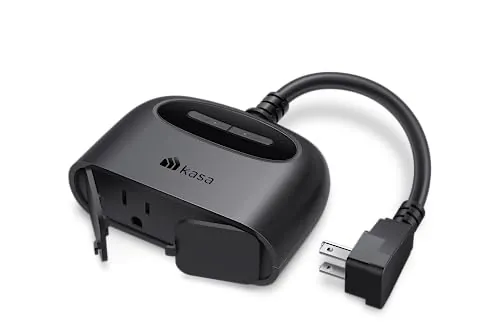
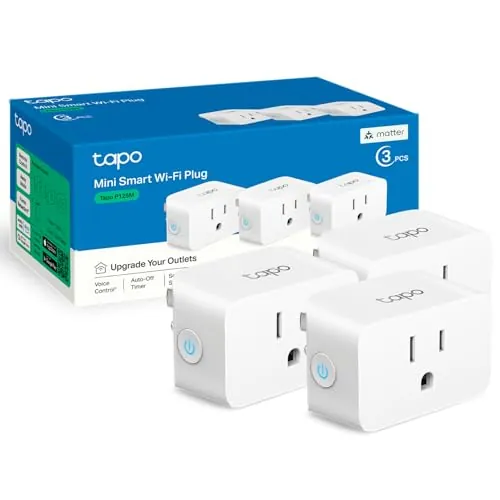
Kasa EP40 vs Tapo P125M: Outdoor Dual Sockets or Indoor Matter Plugs?
The Kasa EP40 is a cabled outdoor unit with two separately controlled sockets. The selected Tapo P125M listing is a three-pack of individual, indoor-only plugs with Matter support. Before buying, check the exact location, 2.4 GHz Wi-Fi, and which remote or automated functions your chosen home platform requires.
Read comparison