
Products compared
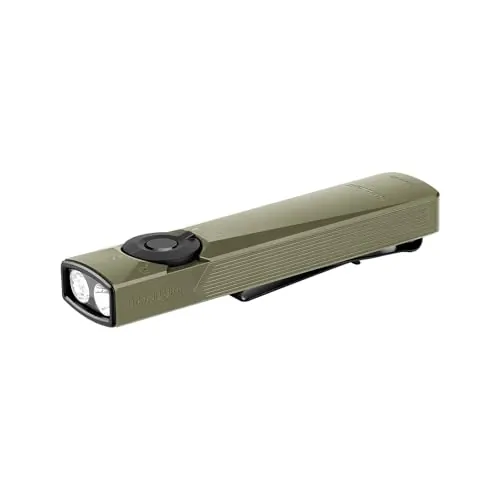
OLIGHT
OLIGHT Arkfeld Ultra EDC Flat Flashlight, Olive Green CW
OLIGHT Arkfeld Ultra Olive Green CW. The Version D manual describes its white-light, UV and laser selector positions, center-button controls and lockout, and lists an included MCC cable with USB-A input. Check whether that selector and documented cable fit the routines and power sources you already use.
Model Arkfeld Ultra (Olive Green CW)
Amazon ASIN B0D8SQYJW3
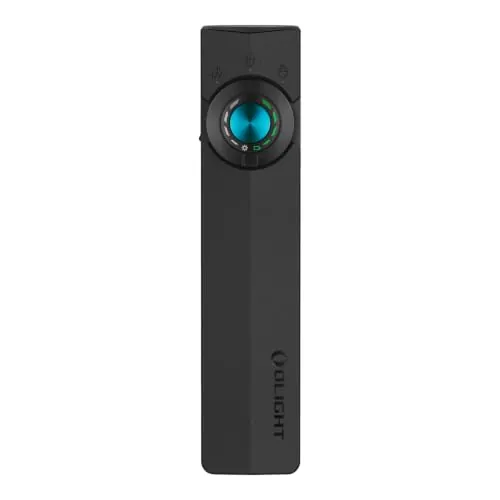
OLIGHT
OLIGHT ArkPro EDC Flat Flashlight, Black CW
OLIGHT ArkPro Black CW, the standard ArkPro rather than ArkPro Lite or ArkPro Ultra. OLIGHT lists white flood, spotlight, UV and green-beam options; the ArkPro Series manual’s ArkPro column documents USB-C/MCC charging and lockout/unlock functions. Check the exact model name and documented charging route against the offer.
Model ArkPro (Black CW)
Amazon ASIN B0FGND9HR1
Differences that matter
What matters most to you?
Choose a priority to see what it changes.
Sources for Light sources and selector workflow
Sources for Controls and lockout documentation
Sources for Charging route and cable input
Choose the light positions you will actually use
The Arkfeld Ultra manual describes a three-position selector: white light, UV and green laser. OLIGHT lists four light sources for standard ArkPro—white flood, white spotlight, UV and green beam. That is a difference in documented options and selection workflow, not a test of which beam performs better.
If you mainly want a regular white light plus an occasional alternate source, compare whether the Ultra’s three selector positions or ArkPro’s separately listed flood and spot choices match your routine. Do not transfer ArkPro Lite or ArkPro Ultra details to the standard ArkPro offer.
Check controls and lockout without assuming the sequences match
Arkfeld Ultra Version D describes its center-button operations and gives lockout/unlock timing. The ArkPro Series Version G manual lists lockout and unlock and has a separate ArkPro column, but its extracted operation table does not clearly expose every standard-ArkPro key sequence.
Both therefore have documented lockout information, but the same button routine should not be assumed. If a specific pocket-carry sequence matters, check the current manual for the exact model and use its own instructions.
Make charging compatibility a pre-buy check
The Arkfeld Ultra manual’s in-box section lists an MCC cable and its table specifies USB-A DC 5V 1A input for that cable. Arkfeld’s manual does not establish whether other charging routes are available.
For standard ArkPro, the series manual’s ArkPro column lists USB-C/MCC. If you keep USB-C power nearby and want that specifically documented method, ArkPro has a clearer match; if the included USB-A-fed MCC cable fits your available source, the Arkfeld Ultra matches that documented setup. No charge-time or runtime comparison is made here.
Product details
OLIGHT Arkfeld Ultra EDC Flat Flashlight, Olive Green CW
- Mode selector
- OLIGHT’s Arkfeld Ultra manual says clockwise selects white light, counterclockwise selects UV, and the middle selector position selects laser. Source
- Controls and lockout
- The manual describes the center-button control and lock/unlock operation. It identifies the exact model as Arkfeld Ultra. Source
- Included charging cable and input
- The manual’s in-box section lists Arkfeld Ultra MCC. Its cable input is USB-A DC 5V 1A; the manual does not state whether other charging routes are available. Source
OLIGHT ArkPro EDC Flat Flashlight, Black CW
- Standard ArkPro light sources
- OLIGHT’s ArkPro product page lists white flood, white spotlight, UV and green beam. This refers to ArkPro; adjacent Lite and Ultra variants are not substituted. Source
- Controls and lockout
- The ArkPro Series Version G manual has a separate ArkPro column listing selector, lockout and unlock functions. This guide does not infer a button sequence from a neighboring model column. Source
- Charging methods
- The ArkPro Series Version G manual’s ArkPro column lists USB-C/MCC charging. Charging times are not compared here. Source
Before you buy
Community discussions
How the clip sits on a pocket
OLIGHT Arkfeld Ultra EDC Flat Flashlight, Olive Green CW
An Arkfeld Ultra owner who carried it daily reported snagging the exposed part of its clip on other objects.
What to check
Picture where the clip would sit on the clothes or bag you carry most and how you would reach for the light.
Checking cables for an ArkPro and an Arkfeld Ultra
OLIGHT ArkPro EDC Flat Flashlight, Black CW
Someone who owned both lights asked why their magnetic charging cables behaved differently across their collection.
What to check
Check which charging accessory the manufacturer lists for each exact light and what the box includes.
Common questions
How does the Arkfeld Ultra choose between its light modes?
The Version D manual says rotate the selector clockwise for white light, counterclockwise for UV, and stop in the middle for laser. It also documents the center-button operations.Manual_Arkfeld Ultra (Version D)
Does the standard ArkPro offer both flood and spotlight?
OLIGHT’s ArkPro page lists white flood, white spotlight, UV and green beam for the standard ArkPro. Check the exact product name in the offer so you do not substitute ArkPro Lite or ArkPro Ultra.ArkPro | Long-Lasting Flat Unibody EDC Flashlight with Dual Charging and 4 Light Sources
Which charging options are documented?
Arkfeld Ultra’s manual lists an included MCC cable with USB-A DC 5V 1A input. The ArkPro manual’s ArkPro column lists USB-C/MCC. The Arkfeld manual does not establish whether other routes are available.Manual_Arkfeld Ultra (Version D)ArkPro Series USER MANUAL (Version G, 3.4000.1526)
Do both lights have a lockout feature?
Yes. The Arkfeld Ultra manual describes lock and unlock. The ArkPro Series manual includes lockout and unlock in its operation table and has an ArkPro model column. For a sequence-specific decision, consult that exact current manual; the sequence is not inferred from another model.Manual_Arkfeld Ultra (Version D)ArkPro Series USER MANUAL (Version G, 3.4000.1526)
Sources and scope
This is a model-specific manufacturer-document comparison, not a beam, output, runtime, durability or hands-on test. The ArkPro Series manual has separate Lite, ArkPro and ArkPro Ultra columns; the statements here use only the standard ArkPro column. Its extracted operation table does not clearly show every model-specific key sequence, so no ArkPro lockout procedure is given. The Arkfeld Ultra Version D manual specifies the included MCC cable and its USB-A DC 5V 1A input, without establishing whether another charging route is available. Current retailer bundle contents and prices are not used.
Related comparisons
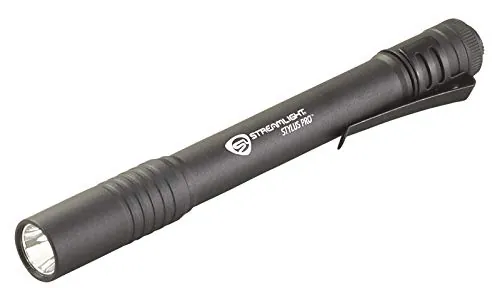
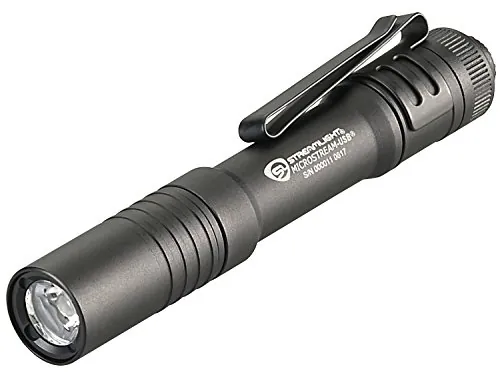
Streamlight Stylus Pro 66118 vs MicroStream USB 66601: AAA or Rechargeable?
These exact black US packages differ in power and handling. Stylus Pro 66118 uses two AAA alkaline cells and measures 5.30 inches; MicroStream USB 66601 has an in-light rechargeable lithium-ion battery, measures 3.87 inches and lists high/low modes. Streamlight's published output and runtime figures are product ratings, not side-by-side tests. Before ordering the MicroStream, verify that the listing is item 66601 and includes its specified Micro-USB charging cord.
Read comparison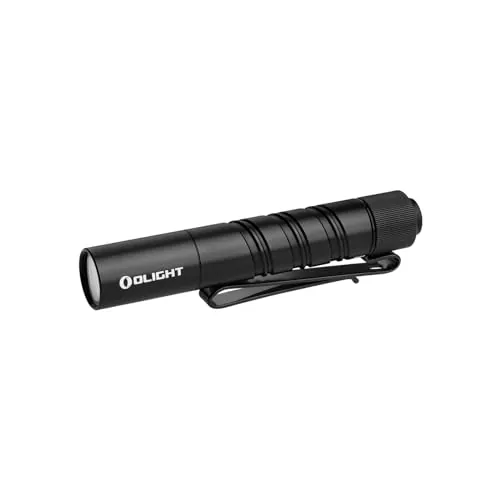
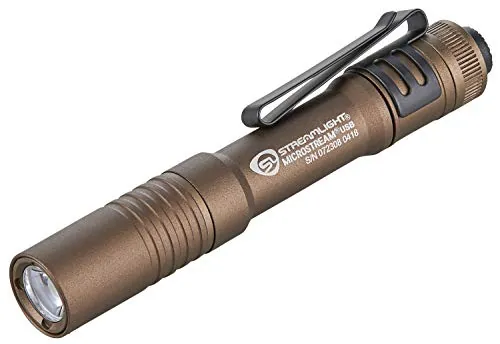
Olight i3T 2 EOS vs Streamlight MicroStream USB: Battery and Button Workflow
For an everyday pocket or household flashlight, the practical difference is how you keep it ready and select low output. The black Olight i3T 2 EOS (I3T2-BK-300000) is supplied with one AAA alkaline battery and lets you set its initial brightness. The Coyote Streamlight MicroStream USB 66608 recharges its lithium-ion cell through a covered micro-USB port; Streamlight lists a short cable and lanyard in this exact color/package row. Check which battery routine and button sequence you will actually use, then verify the full model and included items on the retailer page.
Read comparison