
Products compared
Sonos
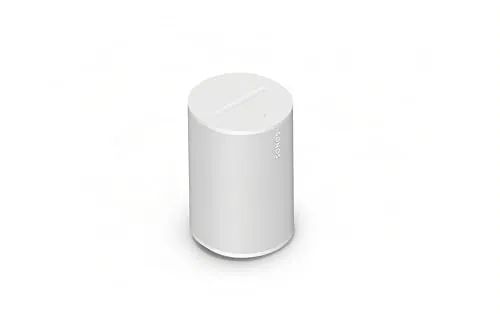
Sonos Era 100 SL Compact Wireless Speaker - White
White U.S. single-speaker listing; Sonos describes it as without built-in voice control.
Model Era 100 SL (E10SLUS1)
Amazon ASIN B0GJ78MX2P
Sonos
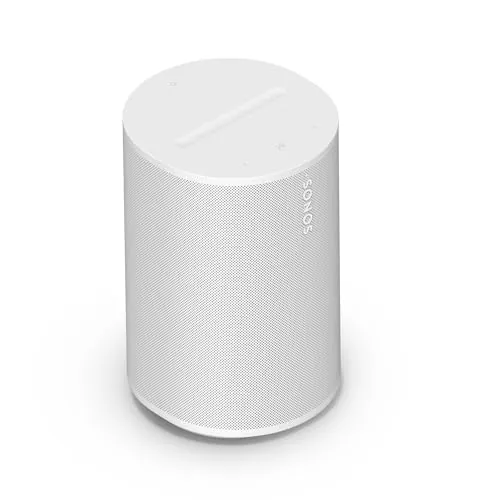
Sonos Era 100 Wireless Speaker - White
White U.S. single-speaker listing; adds documented speaker voice control and a quick Trueplay path for Android or iOS.
Model Era 100 (E10G1US1)
Amazon ASIN B0BW2LVJ4P
Differences that matter
What matters most to you?
Choose a priority to see what it changes.
Sources for Trueplay phone path
Sources for Bluetooth starting point
Sources for Analog line-in shopping list
Sources for Pairing these two models
The choice is voice setup, not a sound ranking
Sonos says Era 100 SL has no microphone or built-in voice control. The regular Era 100 has a far-field microphone array and supports Sonos Voice Control and Alexa where available. Check the assistant and language support for your location.
This comparison does not establish that either speaker sounds better. Choose using the functions and setup path you will actually use.
Check your phone before planning Trueplay
The Era 100 SL support page names advanced Trueplay tuning for iOS. Sonos's regular Era 100 support page lists quick or advanced tuning, and its Trueplay guide says Era 100 quick tuning supports iOS and Android while advanced tuning is iOS only. The quick-tuning path uses the speaker microphone, so the Era 100 microphone switch must be on for that step.
With iOS, either model has a documented Trueplay path: SL supports advanced tuning, while standard Era 100 also supports quick tuning. Compare the setup method with the phone you plan to use. This does not predict the sound result in your room.
Treat Bluetooth as a mode after Wi-Fi setup
Both products support Bluetooth, but Sonos's setup guidance says each speaker must first be set up using the Sonos app on Wi-Fi. After setup, the SL can switch to Bluetooth mode; the shared Bluetooth guide covers the Era 100 and Era 100 SL. If you are buying for a room with no usable Wi-Fi or do not want the Sonos app setup, neither is documented as a Bluetooth-only first-use option.
Budget the pieces for analog playback
The Era 100 SL requires the Sonos Line-In Adapter plus a 3.5 mm audio cable or RCA-to-3.5 mm cable, depending on the source. Sonos also says to check whether a turntable needs an external preamp. The regular Era 100 page identifies its line-in adapter as a separate accessory, and its support material describes the same source-cable choices. Before ordering, check the output on the device you plan to connect and list the adapter, cable, and any required preamp separately; do not assume they're in a speaker package.
One of each can form a documented stereo pair
Sonos's stereo-pair guidance says speakers of the same model can be paired and explicitly allows a product that includes microphones to pair with its SL version. It lists Era 100 and Era 100 SL among the supported models. If you intend to buy one now and add the other later, use the Sonos app's stereo-pair flow and follow Sonos's placement guidance. This is a documented system setup, not a sound-quality comparison.
Product details
Sonos Era 100 SL Compact Wireless Speaker - White
- Documented Trueplay path
- Era 100 SL support describes advanced tuning for iOS only. Source
- Bluetooth setup prerequisite
- Set up on Wi-Fi with the Sonos app before using it as a Bluetooth speaker. Source
- Microphone and voice control
- Sonos says the Era 100 SL has no built-in microphone or built-in voice control. Source
Sonos Era 100 Wireless Speaker - White
- Voice feature
- Far-field microphone array; Sonos Voice Control and Amazon Alexa are supported subject to country and language availability. Source
- Documented Trueplay path
- Quick tuning supports iOS and Android; advanced tuning is iOS only. Quick tuning uses the speaker microphone and requires its microphone switch to be on. Source
- Bluetooth setup prerequisite
- Set up with the Sonos app on Wi-Fi before connecting a device over Bluetooth. Source
Before you buy
Community discussions
Choosing voice controls for a planned surround setup
Sonos Era 100 SL Compact Wireless Speaker - White
A shopper planning a Sonos soundbar setup considered Era 100 and Era 100 SL. They wanted to know what difference the voice controls would make for them.
What to check
Decide whether you want to control the system by voice from the speaker, then confirm which option offers the controls you would use.
Common questions
Can I use Trueplay with the Era 100 SL from an Android phone?
Sonos describes advanced Trueplay on iOS for Era 100 SL. Standard Era 100 also has a documented Android quick-tuning option; do not assume the SL supports that same Android method.Era 100 SL Help and SupportTune your Sonos speakers with Trueplay
Does the Sonos Era 100 SL have a microphone?
Sonos says the Era 100 SL has no integrated microphone. The regular Era 100 has a far-field microphone array.Sonos official Era 100 SL guide: microphone and Trueplay differences
Can I pair one Era 100 with one Era 100 SL for stereo?
Sonos says products that include microphones can pair with their SL versions, and its stereo-pair guidance lists both Era 100 and Era 100 SL. Use the Sonos app to create the pair.Create a stereo pair
Can either speaker connect to Bluetooth without first using the Sonos app?
No. Sonos's setup and Bluetooth guidance says to set either speaker up with the Sonos app on Wi-Fi before Bluetooth use.Set up your Sonos Era 100 SLPair Sonos Era 100 with Bluetooth
Sources and scope
Sonos identifies the microphone difference and the compatible Trueplay paths. Voice assistant, app and adapter availability can vary by setup. Exact seller package contents and any analog cable or adapter purchases should be checked before ordering.
- Era 100 SL - A Compact Wireless Speaker
- Era 100: The Next-Gen Stereo Bookshelf Speaker
- Era 100 SL Help and Support
- Era 100 Help and Support
- Tune your Sonos speakers with Trueplay
- Set up your Sonos Era 100 SL
- Play Line-In on your Era 100 SL
- Pair Sonos Era 100 with Bluetooth
- Create a stereo pair
- Sonos official Era 100 SL guide: microphone and Trueplay differences