
Products compared
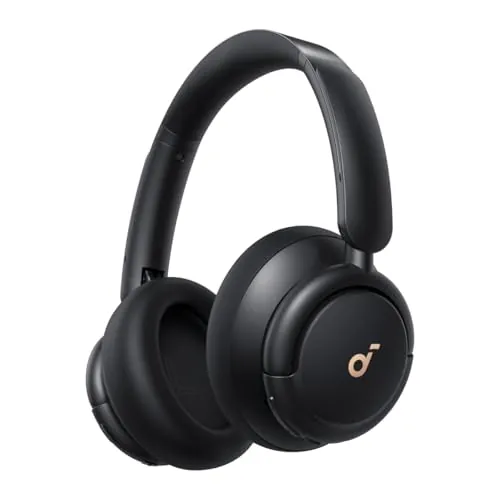
soundcore
soundcore Life Q30, Black
Black U.S. Life Q30, model A3028, part A3028011. Soundcore’s model-specific guide is titled Life Q30.
Model A3028
Amazon ASIN B08HMWZBXC
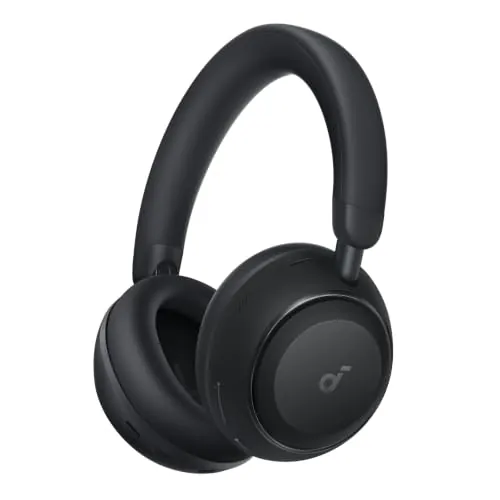
soundcore
soundcore Space 2, Jet Black
Jet Black retail variant; current maker product and support pages identify Space 2 / D1402.
Model D1402
Amazon ASIN B0GR4GR5QH
Differences that matter
What matters most to you?
Choose a priority to see what it changes.
Sources for AUX listening and physical controls
Sources for Wireless codecs and dual-device setup
Sources for Wear-detection setup
The wired controls are the clearest split
Life Q30 accepts AUX, but Soundcore says ANC is unavailable over that cable. The supplied cable has no mic; the connected phone or computer's mic is the documented call path. That makes Q30 the better documented match if you want wired playback and host-device calls without expecting ANC on the cable.
Space 2 uses a different wired routine: attach its included audio cable while the headphones are off, then power them on. The MFB and volume controls do not function over AUX, but its powered NC button changes modes. That is a concrete reason to choose Space 2 when wired mode-switching is part of your setup. Soundcore's call guidance for Space 2 conflicts, so do not count on wired calls without confirming the cable/setup.
Treat app features as setup requirements
Space 2's setup guide places Auto Play/Pause under Wearing Detection in the soundcore app and identifies a sensor inside the left ear cup. Q30's official page describes its app EQ and codec support, but the reviewed Q30 sources do not establish an equivalent wear-detection workflow. This comparison therefore does not infer that Q30 lacks that feature.
Soundcore documents LDAC for Space 2 and says setup requires Android, the soundcore app and firmware; compatible Android hardware may also need its system codec enabled. However, the same exact-model guide says LDAC cannot connect to two devices and later says multi-device connection is supported in LDAC. Check this behavior with Soundcore if LDAC and two-device switching both matter.
Product details
soundcore Life Q30, Black
- AUX and calls
- AUX playback is supported; ANC is unavailable over AUX. The supplied AUX cable has no mic, but Soundcore says the connected device's microphone can be used for calls. Source
- Wireless codec listing
- SBC and AAC; the page also lists multipoint. Its displayed Bluetooth version is internally inconsistent, so no version is stated here. Source
soundcore Space 2, Jet Black
- AUX controls
- Connect the included audio cable with the headphones off, then power on. Over AUX, MFB and volume buttons do not work; when powered on, the NC button switches modes. Source
- Wear detection
- The D1402 support guide says to enable Auto Play/Pause under Wearing Detection in the soundcore app; the sensor is inside the left ear cup. Source
- Wireless codec setup
- Soundcore lists SBC, AAC and LDAC for Space 2. LDAC setup requires an Android device, the soundcore app and firmware; the support guide conflicts about LDAC with two-device connection. Source
Before you buy
Community discussions
A buyer asks about mixing AUX and Bluetooth sources
soundcore Life Q30, Black
A prospective Life Q30 buyer asks if they can hear audio from a computer over 3.5 mm and from a phone over Bluetooth at the same time.
What to check
Separate two-device Bluetooth multipoint from mixing wired AUX and Bluetooth. The A3028 manual says plugging in AUX switches to wired mode and turns Bluetooth off; check the exact connection workflow you need for each model in this comparison.
Verify the case or pouch in the exact package
soundcore Life Q30, Black
A Q30 buyer says the package from Soundcore’s site contained a pouch instead of the travel case expected from the product page, while a friend’s Walmart purchase included a case. The OP does not give an A3028 suffix or ASIN.
What to check
If a travel case matters, confirm the exact A3028 listing and seller carton contents before ordering. Do not assume case or pouch inclusion is identical across Q30 versions and retailers.
Common questions
Can I use ANC on Life Q30 over the AUX cable?
No. Soundcore says ANC is not compatible with an AUX connection. Q30 supports AUX playback, and its supplied cable has no microphone; Soundcore says the connected device's mic can be used for calls.soundcore Q30 Wireless ANC Headphones with 50H Playtime - US
What works on Space 2 while it is connected by AUX?
Soundcore says to connect the included cable while the headphones are off and then power them on. Over AUX, the MFB and volume buttons are nonfunctional; with the headphones powered on, the NC button switches modes.How do I connect my soundcore Space 2 using the AUX cable?
Does Space 2 support LDAC with two devices connected?
Soundcore's D1402 support guide is inconsistent: it says two-device connection is unavailable in LDAC mode, but later says multi-device connection is supported. Treat the combination as unconfirmed and check with Soundcore if it matters.soundcore Space 2 Setup and Basic Operations Guide
How do I enable Space 2 wear detection?
The D1402 guide says to open the soundcore app, go to Settings > Wearing Detection and enable Auto Play/Pause. It locates the sensor inside the left ear cup.soundcore Space 2 Setup and Basic Operations Guide
Sources and scope
This guide compares exact-model connection and setup documentation, not sound, comfort, ANC effectiveness, battery life or wear-detection performance. Soundcore's current Space 2 support guide conflicts with itself about whether LDAC can coexist with two-device connection. Its AUX article also says phone calls are unsupported while noting that AUX cables with integrated microphones are supported. The current Q30 product page lists Bluetooth 5.0 in its specification table but says Bluetooth 5.3 in multipoint marketing text; Bluetooth version is omitted. No folded carry dimensions are established.
- soundcore Q30 Wireless ANC Headphones with 50H Playtime - US
- Life Q30: official product support and A3028 user guide listing
- soundcore Space 2 | Comfortable Noise Cancelling Headphones for All-Day Wear
- How do I connect my soundcore Space 2 using the AUX cable?
- soundcore Space 2 Setup and Basic Operations Guide
- soundcore Space 2 Specs, Features, and Compatibility
Related comparisons
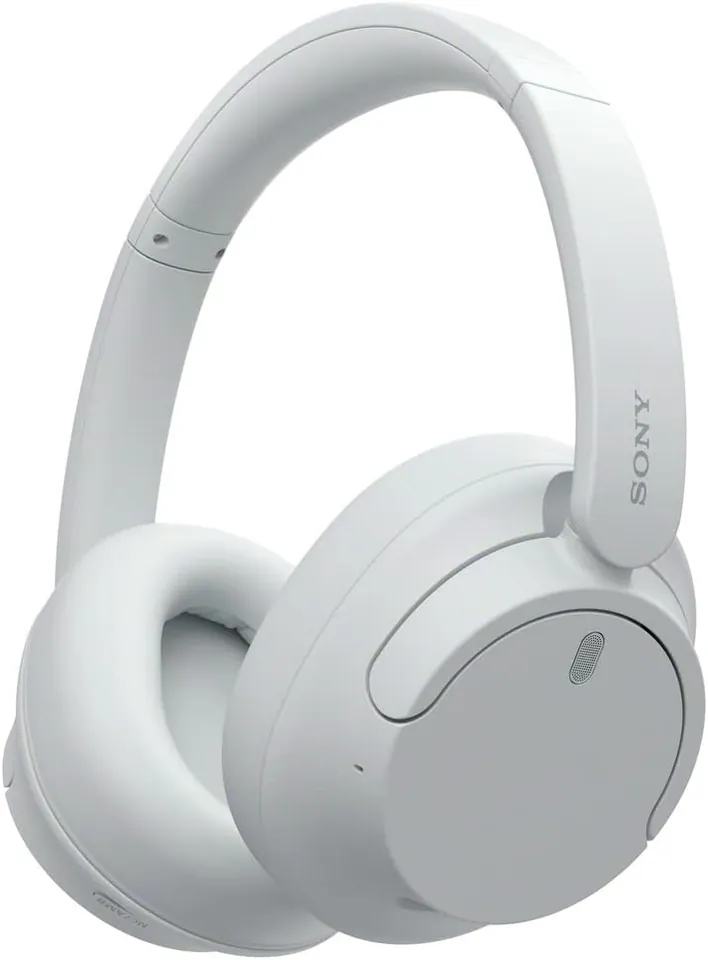
Sony WH-CH720N White vs Soundcore Life Q30 Black (A3028): ANC, multipoint and wired use
Choose Sony WH-CH720N/W if you want noise canceling while wired and powered. Choose soundcore Life Q30 A3028 if you want separate Transport, Outdoor and Indoor wireless ANC presets. Both document two-device use, with different setup instructions. The Q30 manual rates it for 40 hours with ANC on; soundcore’s current product page also displays a conflicting 50-hour figure, so confirm the exact unit if battery life is decisive.
Read comparison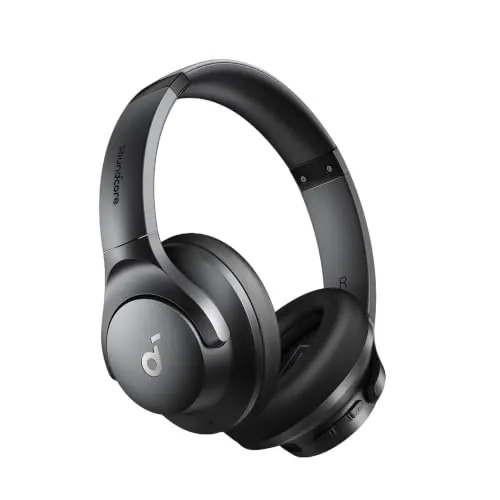
soundcore Q20i vs Q30 (Life Q30): ANC Modes, AUX Limits and Model Check
This comparison is between the black soundcore Q20i (A3004, ASIN B0C3HCD34R) and black Q30 (A3028, ASIN B08HMWZBXC). Choose Q30 if you will use its Transport, Outdoor or Indoor ANC presets as you move between travel, street and office settings; choose Q20i if ANC, Normal and Transparency cover your routine. Both support two-device Bluetooth connections, app EQ and wired AUX listening, but soundcore says ANC is unavailable on AUX for both. The official Q30 page still mixes “Q30” and “Life Q30” naming and gives conflicting battery figures, so confirm A3028 and do not treat its marketing headline as evidence of longer runtime.
Read comparison