
Products compared
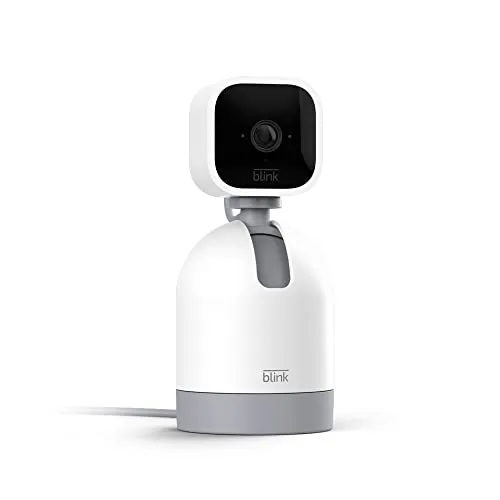
Blink
Blink Mini Pan-Tilt Camera (white, one-camera kit)
Blink Mini Gen 1 camera with the Pan-Tilt Mount; this is not the Mini 2 or a mount-only package.
Model BCM00300U
Amazon ASIN B09N6YCT3Y
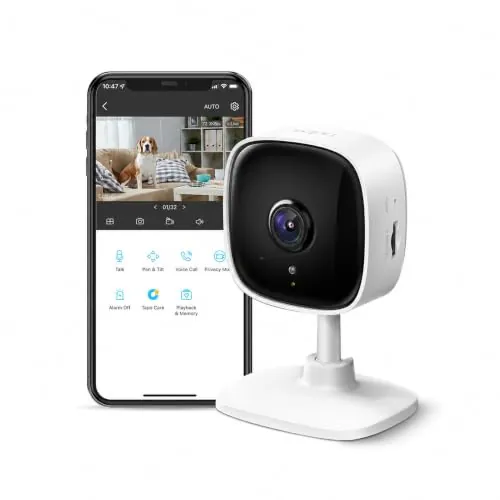
TP-Link
TP-Link Tapo C100 Indoor Wi-Fi Camera (white, one-pack)
One white Tapo C100 camera. The selected hardware revision is not confirmed.
Model Tapo C100
Amazon ASIN B0866S3D82
Differences that matter
What matters most to you?
Choose a priority to see what it changes.
Sources for Where local recordings are stored
Sources for Recording mode and subscription dependency
Sources for Power, placement and included package
Sources for After changing the Blink view
Start with the view you need from one mounting point
Make a short list of the parts of the room you need to see and mark the camera position. Blink's Mini Pan-Tilt Mount supports manual horizontal and vertical movement from the app during Live View, with a documented 350° horizontal and 125° vertical range. That gives you a way to redirect the Mini without walking to the camera, but it does not establish automatic tracking.
TP-Link's current US C100 specification shows no pan/tilt range. Treat it as a fixed-view choice: position it once for the area that matters and make sure that angle is sufficient. If your intended view requires movement, that is a material reason to choose Blink's exact Mini Gen 1 bundle instead.
Choose the recording path before comparing camera prices
For Blink, local clips are stored through a compatible Sync Module: Module 2 uses a USB drive, while XR uses a microSD card. Blink says Module Core does not support Local Storage. The Blink camera-and-mount kit does not include a storage module or its removable media, so check what you already own and include missing hardware in the setup plan.
C100's local card goes into the camera itself, and TP-Link states that the card is sold separately. Tapo Care is a separate cloud-storage service. For Blink, Clip Backup is also distinct from Local Storage: with an active plan or trial, Blink describes a daily backup of cloud clips to removable storage. Decide which mode you expect to use after any trial ends; do not count the two products as equivalent just because both mention local or cloud storage.
Plan power, mounting and exact box contents
Both choices need a powered placement. Blink's setup guide routes the Mini's cable through the Pan-Tilt Mount and to a power outlet; the mount is labeled for indoor use only. The selected Amazon ASIN B09N6YCT3Y is the white one-camera bundle: one Mini, one Pan-Tilt Mount, one USB cable and one adapter. The listing separately shows a mount-accessory-only configuration, so use the exact camera ASIN at checkout.
TP-Link's current C100 US product page lists a 9 V DC adapter, tabletop and ceiling mounting, and a standard package list. Because the selected hardware revision is not confirmed, verify the retailer's exact ASIN and revision-specific support information before assuming accessories or card limits.
If you move Blink, review the saved view and activity zones
Blink lets you save a default home position and return to it from Live View. Its Activity Zones stay in the same part of the camera image when the view changes. After re-aiming the Mini, review the inactive image regions so they still correspond to the parts of the frame you intend to exclude.
Product details
Blink Mini Pan-Tilt Camera (white, one-camera kit)
The mount works with Blink Mini Gen 1, not Mini 2. It is for indoor use. Blink describes separate local-storage paths through Sync Module 2 with a USB drive or Sync Module XR with a microSD card; Sync Module Core does not support local storage.
TP-Link Tapo C100 Indoor Wi-Fi Camera (white, one-pack)
C100 is the fixed-view option in this comparison. TP-Link lists local microSD recording and Tapo Care cloud storage as separate options. Its current US page also lists tabletop or ceiling mounting, but the selected camera revision and exact seller package should be checked before purchase.
- View adjustment
- The current US specification lists no pan/tilt range; treat the view as fixed rather than motorized. Source
- Recording and power
- Camera-local microSD slot; card sold separately. The current US product page lists a 9 V DC adapter. Verify the selected hardware revision and exact box contents. Source
Before you buy
Community discussions
Checking where a clip is actually saved
TP-Link Tapo C100 Indoor Wi-Fi Camera (white, one-pack)
A C100 owner could watch events from a microSD card through the app away from home and asked whether opening the clip also kept a copy on their phone.
What to check
Before relying on either storage setup, record a short event and check where it is kept, how you export it and what is still visible after the recording is removed.
Finding the recording schedule after an app update
TP-Link Tapo C100 Indoor Wi-Fi Camera (white, one-pack)
A C100 user said they could not find recording schedule and card-format options after updating the Tapo app.
What to check
Find the local-storage and recording-schedule screens on the app you plan to use. Check whether those controls need any additional equipment.
Common questions
Does ASIN B09N6YCT3Y include the Blink camera or only the Pan-Tilt Mount?
The opened US listing maps B09N6YCT3Y to the white one-camera selection and lists one Blink Mini, one Pan-Tilt Mount, one USB cable and one power adapter. The page also exposes a separate Mount Accessory Only configuration, so confirm the selected ASIN before checkout.Blink Mini Pan-Tilt Camera: white one-camera US listing
Can I save Blink clips locally without buying any other hardware?
Blink's documented Local Storage needs Sync Module 2 with a USB drive or Sync Module XR with a microSD card. The Mini Pan-Tilt camera box contents do not list those items, and Sync Module Core does not support Local Storage.Blink Mini Pan-Tilt Camera: white one-camera US listingLocal Storage with Sync Module
Is Blink Clip Backup the same as Local Storage?
No. Blink describes Clip Backup as a daily backup of cloud clips for users with an active subscription plan or trial. Local Storage is the separate workflow that saves clips to supported removable media connected through a compatible Sync Module.Local Storage with Sync Module
What should I recheck after moving the Blink camera?
Blink's guide says you can update a saved default view. Activity Zones stay in the same part of the camera image as the camera moves, so review the inactive regions after changing the aim.Pan-Tilt Features and Controls
Is the Tapo C100 card included, and can I use any capacity?
TP-Link says the microSD card is purchased separately. The selected C100 hardware revision is unconfirmed, so check the exact revision's support page for its card limit instead of relying on a capacity number from another revision.Tapo C100 Home Security Wi-Fi Camera (United States)
Sources and scope
This is a sourced feature-fit comparison, not a camera test. Blink's Pan-Tilt Mount is for indoor use and fits Mini Gen 1, not Mini 2; manual aiming is not evidence of automatic subject tracking. The selected C100 hardware revision is unknown, so revision-dependent maximum card capacity is intentionally omitted. The comparison does not rank image quality, alert accuracy, reliability, privacy or security performance. The C100 product-category classification conflict remains quarantined in the listing data review and is not repeated as a consumer category claim.
Related comparisons
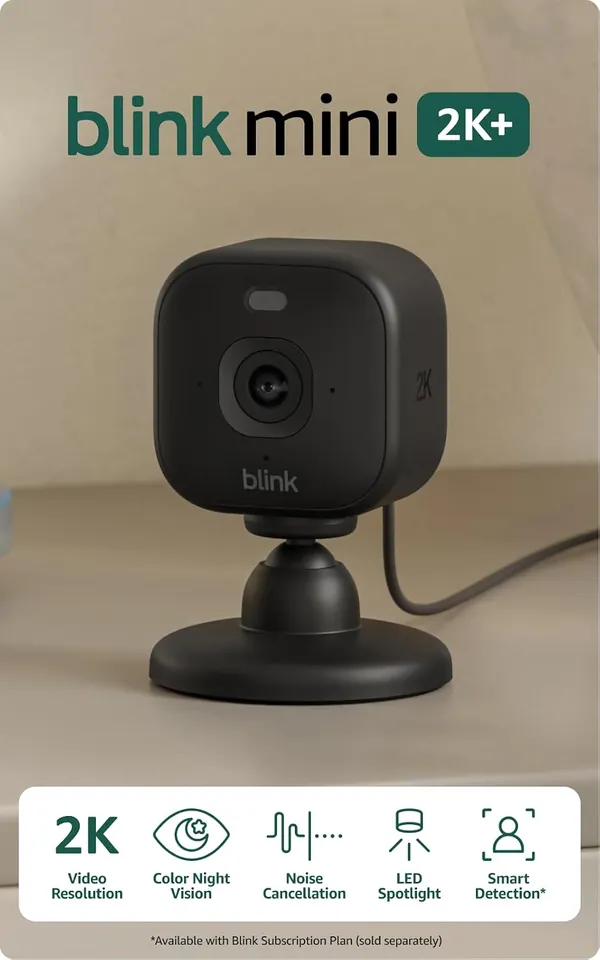
Blink Mini 2K+ 2-Pack vs Mini Pan-Tilt Camera
The Mini 2K+ package contains two cameras with fixed framing; the Mini Pan-Tilt package pairs one original-generation Mini with a motorized mount for app-controlled indoor repositioning. The mount is not compatible with Mini 2K+, and recording features depend on camera generation and storage setup.
Read comparison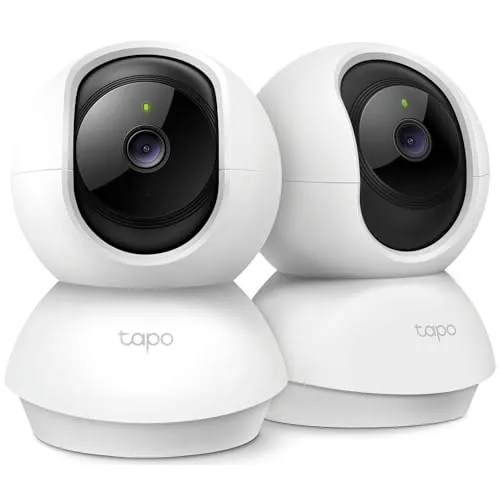
TP-Link Tapo C100 vs Tapo C210P2: One Camera or a Two-Camera Plan?
The Tapo C100 listing is a one-camera package with a published maximum of 1920 × 1080. TP-Link identifies C210P2 as a two-camera package; the C210 camera page lists motorized pan/tilt and a 2304 × 1296 maximum. Pick C100 for one planned position when its listed format is sufficient. Pick C210P2 when you need two units or want pan/tilt from a mounted position. Published dimensions and movement ranges do not promise room coverage or better-looking footage.
Read comparison