
Products compared
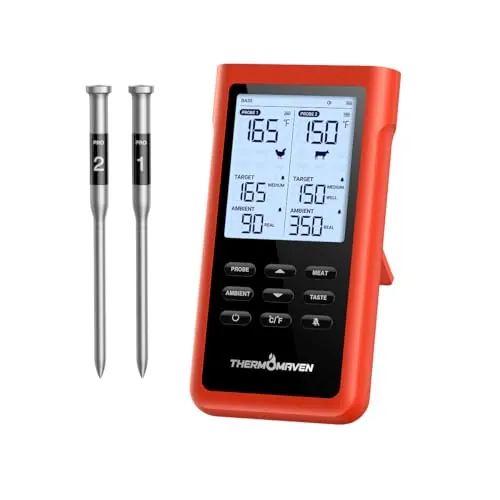
ThermoMaven
ThermoMaven X2 Wireless Meat Thermometer, Red two-probe kit
This comparison covers the red ThermoMaven X2 WT12 configuration. ThermoMaven lists one standalone display base and two probes; its manual documents selecting a probe and setting its target with the base buttons, without relying on an app for that local workflow.
Model WT12
Amazon ASIN B0FHH6KBGX
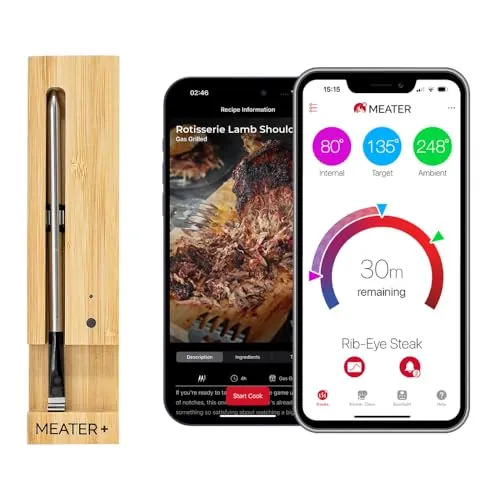
MEATER
MEATER Plus Smart Meat Thermometer, Honey
This comparison covers the Honey MEATER Plus kit. MEATER lists one probe, a Plus Bluetooth-booster charging dock, one AAA battery and a manual. Guided cooking, alerts and estimates use the MEATER app; current setup instructions call for a Cloud account and a network-connected phone.
Model OSC-MT-MP01
Amazon ASIN B07H8WTFHW
Differences that matter
What matters most to you?
Choose a priority to see what it changes.
Sources for Physical food placements in the exact kit
Sources for Where controls and guidance appear
Sources for What's in the box
Sources for Extra or replacement probe path
Count probes before comparing sensor counts
The exact red X2 WT12 package includes two physical probes, and its manual describes six sensors per probe. The Honey MEATER Plus package contains one physical probe with two sensors. Sensors are measurement points inside a probe, not separate probes you can place in another food. If you often have two cuts or dishes that need independent monitoring during the same cook, compare the actual probe count in the offer rather than the sensor headline.
The X2's two included probes come with the standalone base. MEATER Plus is the one-probe kit in this comparison. That is a package difference; it does not establish that the Plus system can never be paired with other hardware or that the X2 is more accurate.
Choose where you want to control the cook
ThermoMaven's WT12 manual documents a local route: use the base display and buttons to select one of the probes and set its target. The base itself is part of the exact X2 package, so a phone is not required for the documented local controls. ThermoMaven's X2 page contains conflicting app-related copy; this guide does not assume a particular optional app feature.
MEATER Plus is built around app-guided cooking. Its support guide describes prompts, alerts and cooking/resting estimates, and its current pairing instructions require the MEATER app, a MEATER Cloud account and a phone connected to a stable network for setup. If you would rather not make that app setup part of your thermometer routine, the X2's documented local base is the clearer fit. If guided phone prompts are the point, Plus matches that preference.
Compare the kit hardware you will keep nearby
ThermoMaven lists a display base, two probes, USB-C charging cable, manual and calibration certificate for X2. MEATER lists a single probe, its Plus Bluetooth-booster dock, an AAA battery and a manual. One kit puts a screen and controls on the counter; the other puts a charger/repeater dock with the probe and uses a phone for the display and guidance. Think about the screen you want to glance at and where you would keep the dock between cooks.
This guide compares the equipment listed for these exact kits. It does not compare advertised range, battery life, accuracy or cooking results.
Ask about a spare before checkout if it matters
ThermoMaven's replacement-probe page provides a contact route and X2-specific pairing guidance. It does not establish a direct retail SKU or a guaranteed in-stock replacement. MEATER's current help page says individual probes are not available in its web store, and says support may assist with buying one separately. Those are support paths, not a promise that a replacement can be ordered at any time.
If you are comparing long-term spare access, contact the manufacturer with the exact model and ask what probe is compatible, whether it is currently obtainable, and which charger/base pairing it needs. Do not assume a probe from a different model or generation is interchangeable based only on the brand name.
A short pre-buy check
Write down the number of separate foods you want to monitor at once; match that to the number of physical probes in the selected kit. Decide whether you want a local screen and buttons or app-guided prompts. If selecting Plus, confirm your phone can use the current app setup. If a spare is important, ask the manufacturer to confirm the exact replacement part and availability before placing the order.
The useful distinction is two local placements versus one app-guided placement. Nothing in the reviewed material proves one thermometer gives more accurate readings or better cooking outcomes.
Product details
ThermoMaven X2 Wireless Meat Thermometer, Red two-probe kit
- Physical probes in the kit
- Two probes; the six sensors listed for each X2 probe are not six separate food placements. Source
- Local controls
- The included base has an LCD and buttons for selecting a probe and setting its target locally. Source
- Other listed box items
- ThermoMaven's X2 page lists a USB-C cable, user manual and calibration certificate with the base and probes. Source
- Extra or replacement probe
- ThermoMaven directs buyers to contact support for an extra or replacement probe and publishes X2-specific pairing guidance; no public probe SKU was verified. Source
MEATER Plus Smart Meat Thermometer, Honey
- Physical probes in the kit
- One probe. Its two sensors read from that single placement; this does not amount to two separate food probes. Source
- Controls and setup
- Guided cooking and estimates use the MEATER app; setup requires a MEATER Cloud account and a phone connected to a stable network. Source
- Included charging hardware
- One MEATER Plus Bluetooth-booster charger dock and one AAA battery are listed with the probe and manual. Source
- Replacement probe route
- MEATER says individual probes are not currently sold in its web store; its support team may help with purchasing a probe separately. Source
Before you buy
Community discussions
A MEATER+ owner selected Plus 2 instead of the original Plus in the app
MEATER Plus Smart Meat Thermometer, Honey
A MEATER Plus owner says the app did not find their probe because they selected Plus 2 during setup. They identified the mistake in a follow-up reply.
What to check
Check the model name on your kit before pairing and select that generation in the app.
Common questions
Does MEATER Plus's two-sensor probe monitor two foods?
No. MEATER lists one physical probe in the Plus kit; its two sensors are inside that probe. The red X2 WT12 kit lists two physical probes, which allows two separate placements when the cook and food can accommodate them.ThermoMaven X2 Wireless Meat Thermometer — ThermoMavenMEATER Plus Support Guide
Can I use the ThermoMaven X2 without relying on its app?
The WT12 manual shows probe selection and target setting with buttons on its included base. ThermoMaven's X2 materials describe app use inconsistently, so confirm any optional app feature with the maker if it matters; this comparison relies on the local base controls.ThermoMaven X2 WT12 User Manual v1.0ThermoMaven X2 Wireless Meat Thermometer — ThermoMaven
Does MEATER Plus setup require a phone account?
MEATER's current Plus pairing instructions say to use the MEATER app, connect the phone to a stable network, and use a MEATER Cloud account. Check the current app requirements for your phone before buying.Pairing MEATER Plus
Can I buy one extra probe later?
The brands' current pages do not identify a direct-order SKU for a compatible spare probe. ThermoMaven directs X2 buyers to contact support; MEATER says individual probes are not currently sold in its web store and suggests contacting support. Confirm availability and model fit before relying on a spare.ThermoMaven Replacement Probe for Wireless Meat ThermometerCan I Buy a Probe by Itself? — MEATER SupportPairing Replacement Components — MEATER Support
Sources and scope
This guide compares manufacturer-documented controls, kit contents and support routes; neither thermometer was tested. It makes no temperature-accuracy, wireless-range, cooking-time, doneness, food-safety, nutrition or reliability claim. ThermoMaven materials describe X2 app functions inconsistently; the WT12 manual documents local controls on the base, so confirm optional app features with the maker before relying on them. MEATER's current Plus pairing guide calls for its app, a Cloud account and a network-connected phone; check current phone compatibility before purchase. The brands do not list a public replacement-probe SKU or a guaranteed out-of-warranty purchase price.
- ThermoMaven X2 Wireless Meat Thermometer — ThermoMaven
- ThermoMaven X2 WT12 User Manual v1.0
- ThermoMaven Replacement Probe for Wireless Meat Thermometer
- MEATER Plus Product Information — MEATER U.S.
- MEATER Plus Support Guide
- Pairing MEATER Plus
- Can I Buy a Probe by Itself? — MEATER Support
- Pairing Replacement Components — MEATER Support
Related comparisons
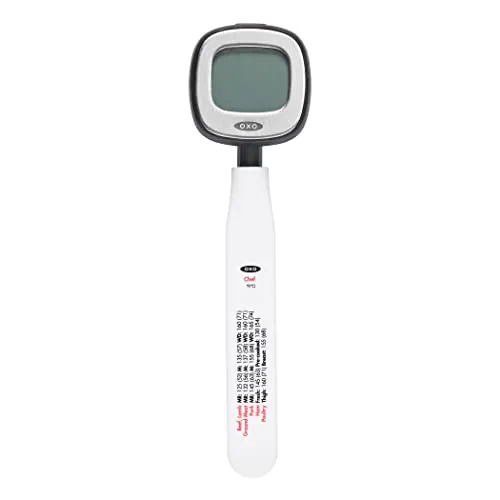
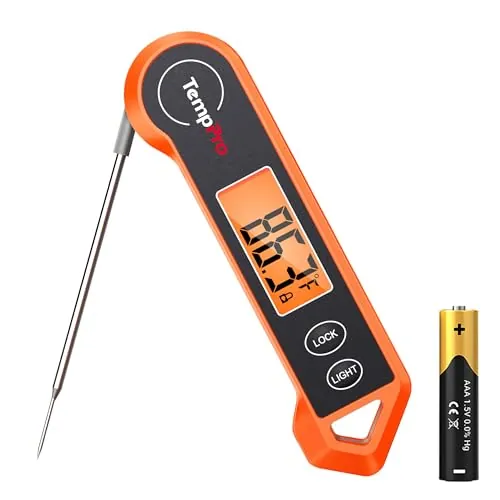
OXO Chef's Precision vs TempPro TP-19H: Display, Cleanup and Storage
The OXO Chef's Precision has a pivoting display head and a probe-cover temperature chart. TempPro's TP-19H has a backlit display that rotates automatically, plus a lock function and manufacturer-documented probe rinsing under running water. Pick by the way you read, clean and store a thermometer; the cited sources do not establish a measurement-performance winner.
Read comparison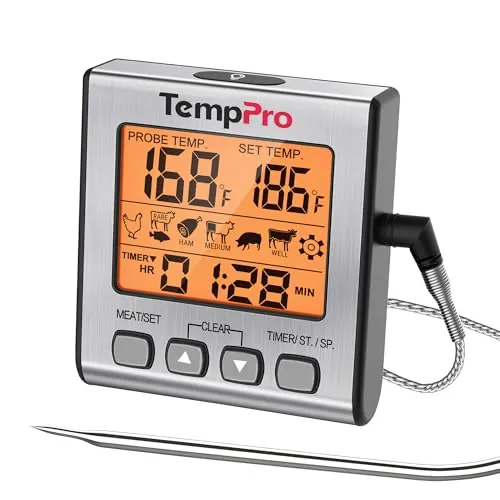
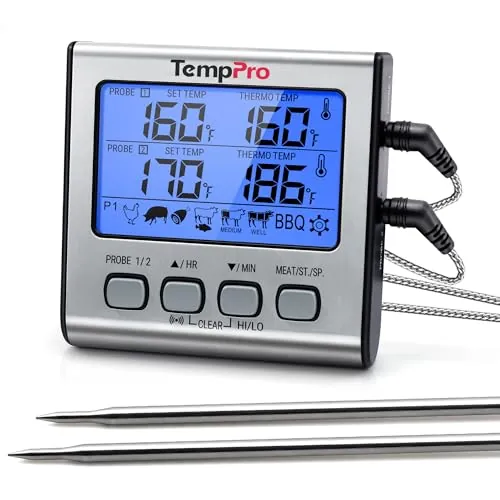
TempPro TempTrack CORE TP16S vs PLUS TP17: One Probe or Two?
Both are TempPro leave-in thermometers with wired probes and a display. The CORE TP16S tracks one target and documents a one-touch backlight and long countdown timer. The PLUS TP17 supports two simultaneous readings, has a larger listed LCD, and adds a high/low alarm. Choose by your actual cook setup, not by an untested claim about accuracy or readability.
Read comparison