
Products compared
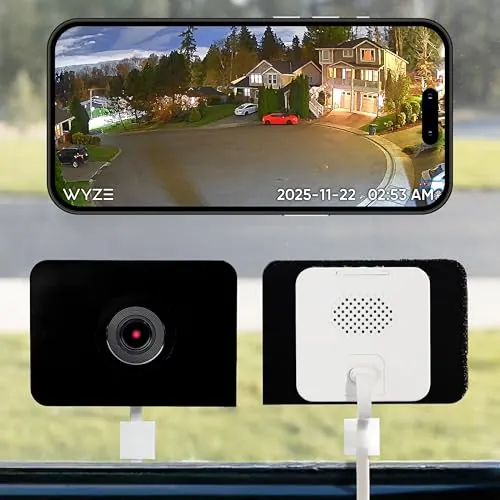
Wyze
Wyze Window Cam
White Window Cam, single-camera offer. The retailer lists WYZEWCWH; the Wyze setup guide identifies the hardware model as WYZECWC.
Model WYZEWCWH
Amazon ASIN B0FQ637L54
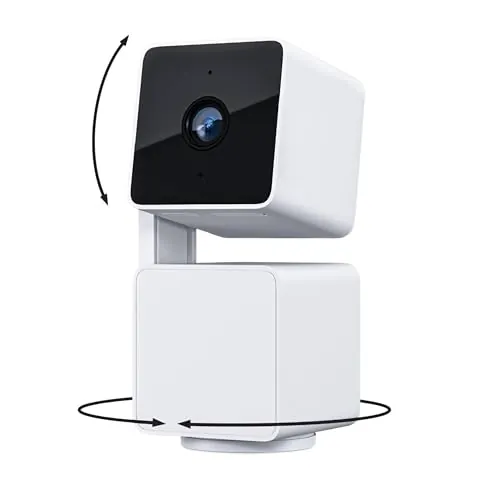
Wyze
Wyze Cam Pan v3
White single-camera listing. The manufacturer page identifies the selected White / 1-Pack variant.
Model WYZECPAN3
Amazon ASIN B0B9TWY11Q
Differences that matter
What matters most to you?
Choose a priority to see what it changes.
Sources for Placement and environment
Sources for Changing the view
Sources for Power and cable route
Sources for Mounting and relocation
Start with the mounting location
The Window Cam has a narrow, specific installation use: Wyze describes mounting it indoors against clean window glass to view through the pane, and its guide says not to use a screened window. This can be a good fit when the camera can stay at one chosen window and both power and Wi-Fi are within reach.
Cam Pan v3 is the more flexible choice for a conventional mount and remote change of view. Wyze lists IP65 resistance for indoor/outdoor placement, but an outdoor setup needs its separately sold Outdoor Power Adapter and a covered SD-card slot. Those requirements should be part of the installation plan, not an afterthought.
Decide whether the view needs to move
For a Window Cam, choose the scene first: the quick-start guide has you clean and dry the glass, position the sticker horizontally, attach the camera and route its cable with clips. Wyze says the adhesive sticker is single-use, so check the live view before pressing it into its final position. The product page lists two stickers in the package, but that does not make a used sticker reusable.
Cam Pan v3's listed remote range is 360 degrees horizontally and 180 degrees vertically. That supports a buyer who wants to change the direction through the app. It does not establish how accurately the camera follows motion or what view quality you will get in a particular room.
Measure the cable route and verify the listing
The product pages list different in-box cable lengths: 10 feet for the Window Cam and 6 feet for Cam Pan v3. Both are cord-powered and list 2.4 GHz Wi-Fi, so check outlet distance and router coverage before mounting. Pan v3's standard box includes a power adapter and mounting kit; Wyze says bracket design may vary while allowing upside-down mounting with either version.
When checking the box, look for the white, single-camera listing WYZEWCWH. The Wyze setup guide calls the hardware model WYZECWC. Confirm the pack count and included power accessories before ordering.
Product details
Wyze Window Cam
- Mounting location
- Indoor placement against clean, unscreened window glass; Wyze says the specialized design is intended to view through glass. Source
- Included power and cable items
- Product page lists an indoor power adapter, 10-foot USB cable, and cable clips. Source
- Mounting sticker
- The product page says two stickers are included; the sticker is single-use and should not be trimmed. Source
Wyze Cam Pan v3
- Remote view movement
- Manufacturer lists remote 360° pan and 180° tilt. Source
- Outdoor requirement
- IP65-rated; Wyze requires a separately sold Wyze Outdoor Power Adapter for outdoor use and says the SD-card slot must be covered. Source
- Included mounting and power items
- The listed box includes the camera, a 6-foot micro-USB cable, power adapter, mounting kit, and quick-start guide; bracket design may vary. Source
Before you buy
Community discussions
Moving a camera from the window to the outside wall
Wyze Cam Pan v3
A Wyze Cam Pan v3 owner uses the camera from inside a window and is considering mounting it outside on the corner of the house.
What to check
At the window you plan to use, check whether one fixed view shows the area you need to see or whether you want a wider area covered from another mounting point.
Finding a fixed window view of the porch
Wyze Window Cam
A Wyze Window Cam owner asks where to place two window cameras to see the porch, doorbell, and approach steps.
What to check
Mark the door and steps you want in view, then check the angle from your actual pane and whether the sill or frame blocks it.
Common questions
Can I put the Window Cam behind a screen?
Wyze's product guidance says not to place a screen behind the camera. Its intended mounting is on clean window glass, indoors.Wyze Window CamWyze Window Cam Quick Start Guide
Can Cam Pan v3 be used outdoors with only the in-box adapter?
No. Wyze specifies a separate Outdoor Power Adapter for outdoor use and says to cover the SD-card slot to avoid water damage.Wyze Cam Pan v3
Which camera can I reposition from the app?
Wyze lists remote 360° pan and 180° tilt on Cam Pan v3. The Window Cam setup is based on a chosen position attached to the glass; the sources do not establish a comparable remote movement range for it.Wyze Cam Pan v3Wyze Window Cam Quick Start Guide
Sources and scope
Use the installation and power requirements for the exact camera. The viewing ranges and mounting specifications come from the manufacturer. Image quality, tracking accuracy and reliability were not tested.
Related comparisons
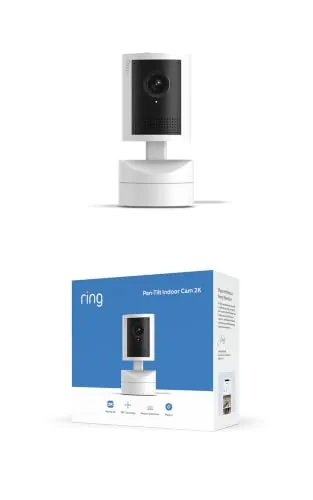
Wyze Cam Pan v3 vs Ring Pan-Tilt Indoor Cam 2K: Recording, Placement and Privacy
Choose Wyze Cam Pan v3 if you want local microSD recording or need the maker-documented outdoor setup. Outdoor use requires its separately sold adapter and a covered card slot. Choose Ring Pan-Tilt Indoor Cam 2K for a physical camera-and-mic shutter. Ring lists paid cloud options for continuous recording. Check the exact setup before choosing.
Read comparison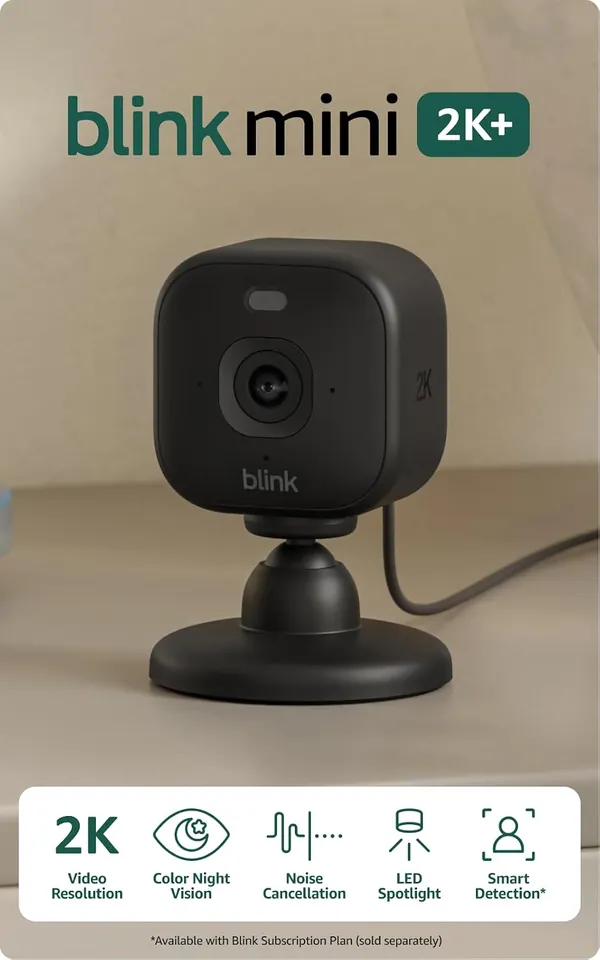
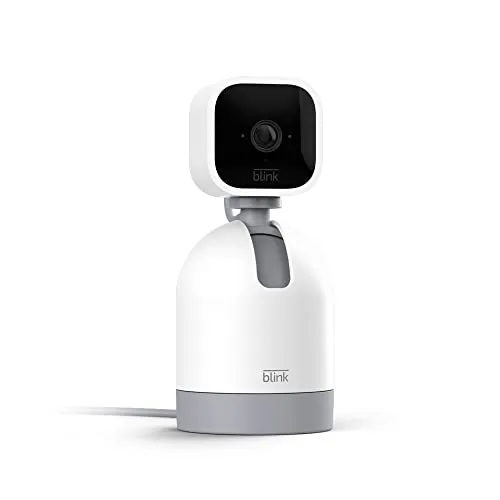
Blink Mini 2K+ 2-Pack vs Mini Pan-Tilt Camera
The Mini 2K+ package contains two cameras with fixed framing; the Mini Pan-Tilt package pairs one original-generation Mini with a motorized mount for app-controlled indoor repositioning. The mount is not compatible with Mini 2K+, and recording features depend on camera generation and storage setup.
Read comparison