Products compared
ASUS
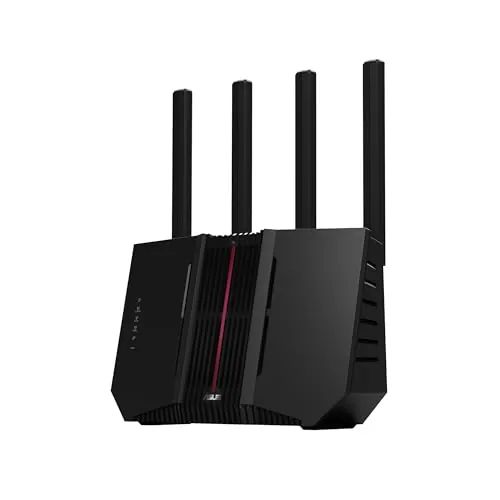
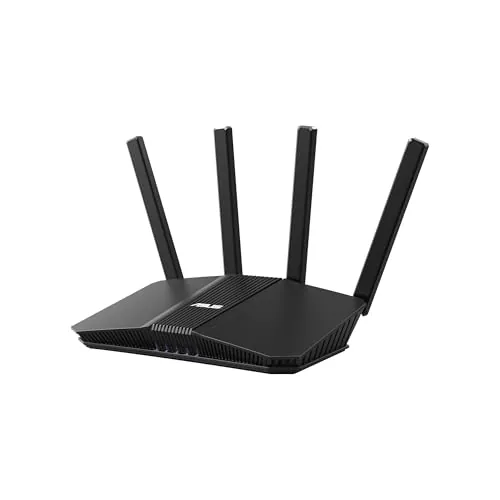
ASUS RT-BE58U
Black U.S. listing; exact hardware revision is not identified by the listing information.
Model RT-BE58U
Amazon ASIN B0DHWBS9G6
TP-Link
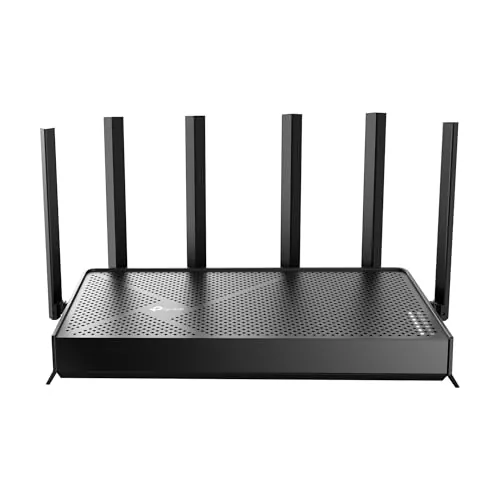
TP-Link Archer BE600
Black U.S. listing; the product record does not identify the hardware revision.
Model Archer BE600
Amazon ASIN B0F76PQ2T8
Differences that matter
What matters most to you?
Choose a priority to see what it changes.
Sources for Ethernet port allocation
Sources for USB WAN and tethering
Sources for Mesh expansion
Sources for Published Wi-Fi bands
Map ports to your modem and wired devices before choosing
Write down the modem's Ethernet requirement and each wired device that will connect to the router. Then mark any port labeled WAN/LAN as either the modem connection or a client connection, and count what remains. The Archer BE600's US page lists one 10G WAN/LAN, one 2.5G WAN/LAN, and three dedicated 2.5G LAN ports. That gives a buyer a clear published starting point for several multi-gig wired clients; it does not guarantee they will transfer data at those rates in a real network.
The RT-BE58U needs an exact-revision check. ASUS's U.S. specifications list one 2.5G WAN/LAN, one 1G WAN/LAN and three 1G LAN ports, while its linked guide labels LAN2-4 and LAN1/2.5G WAN without a clear reconciliation of the full map. This listing does not identify a hardware revision. Check the exact unit label and matching documentation before relying on the port count or speeds.
Choose the WAN and mesh path that matches equipment you own
ASUS explicitly describes USB WAN tethering for 4G/5G and AiMesh with compatible ASUS routers. Those are useful model-level reasons to consider the RT-BE58U when cellular tethering or an existing ASUS mesh is part of the plan. Check the exact modem, carrier, node model and firmware; the product page does not guarantee every device combination.
TP-Link labels the Archer BE600 EasyMesh-compatible and provides separate V1 and V1.60 manuals; hardware-version availability can vary by region. Confirm the exact revision and its instructions for the unit you plan to buy. AiMesh and EasyMesh are different product ecosystems, so verify an exact node combination with the maker rather than assuming that a mesh label means universal pairing.
Treat band count as a compatibility check, not a speed prediction
ASUS describes the RT-BE58U as dual-band on 2.4 and 5 GHz; TP-Link describes the Archer BE600 as tri-band on 2.4, 5 and 6 GHz. If 6 GHz matters to you, check the exact clients and the hardware version available in your region. The listed bands and Wi-Fi class do not predict speed, latency or coverage in your home, and this guide does not compare measured wireless performance.
Product details
ASUS RT-BE58U
- Wireless bands
- Dual-band: 2.4 GHz and 5 GHz Source
- Documented WAN options
- US product page lists one 2.5G WAN/LAN port, one 1G WAN/LAN port, and USB WAN for 4G/5G tethering; verify the exact unit's port map because ASUS's tech-spec page and user guide do not align cleanly. Source
- Mesh family
- AiMesh with compatible ASUS routers; verify the exact node model and firmware. Source
Before you buy
Community discussions
Making room for a wired NAS
ASUS RT-BE58U
A home NAS user looking at the RT-BE58U asked which router ports could serve the connections they needed.
What to check
Count the modem, NAS and other wired devices separately. Check which ports the exact model assigns to the Internet connection and which remain for local devices.
Connecting rooms to a modem in a closet
ASUS RT-BE58U
A shopper considering the RT-BE58U described a modem in a closet and wired jacks elsewhere in the home.
What to check
Map where each room cable terminates and count the local ports your layout needs. That tells you whether to budget space for a switch.
Common questions
Which router is easier to plan for several 2.5G wired clients?
The Archer BE600 has the clearer published allocation: three dedicated 2.5G LAN ports plus 10G and 2.5G WAN/LAN ports. For the RT-BE58U, verify the exact hardware revision and physical port labels first; its current US product-spec page and linked manual do not reconcile the complete port map.RT-BE58U Tech SpecsRT-BE58U User GuideArcher BE600 BE9700 Tri-Band Wi-Fi 7 Router
Can the RT-BE58U use a 4G or 5G connection?
ASUS describes USB WAN tethering for 4G/5G on the RT-BE58U product page. Check the phone or modem and carrier requirements for your intended setup.RT-BE58U WiFi Routers
Will either router work with a mesh node I already own?
ASUS identifies AiMesh with compatible ASUS routers; TP-Link identifies the Archer BE600 as EasyMesh-compatible. Check the exact node model, hardware revision, and firmware with the maker before assuming a pairing works.RT-BE58U WiFi RoutersArcher BE600 BE9700 Tri-Band Wi-Fi 7 RouterDownload for Archer BE600
Sources and scope
The RT-BE58U's hardware revision and complete port roles/rates are not identified for this listing; compare the unit or box label with its matching official documentation before relying on a port plan. TP-Link lists multiple Archer BE600 hardware versions, so check the version on that exact offer as well. These are published configuration details, not comparative wireless or mesh performance results.