
Products compared
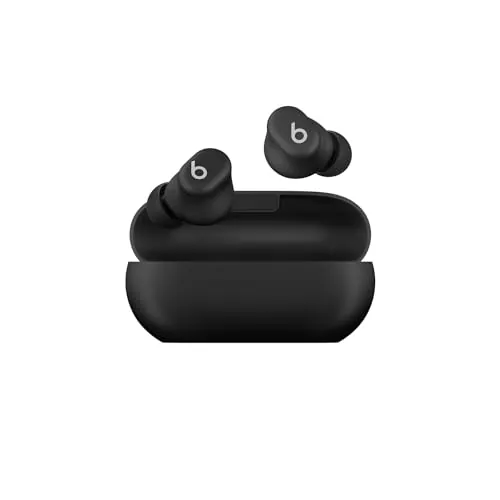
Beats
Beats Solo Buds True Wireless Earbuds
Matte Black US listing; separate earbuds with a carrying/storage case.
Model Solo Buds (MUVW3LL/A)
Amazon ASIN B0D3J85SX4
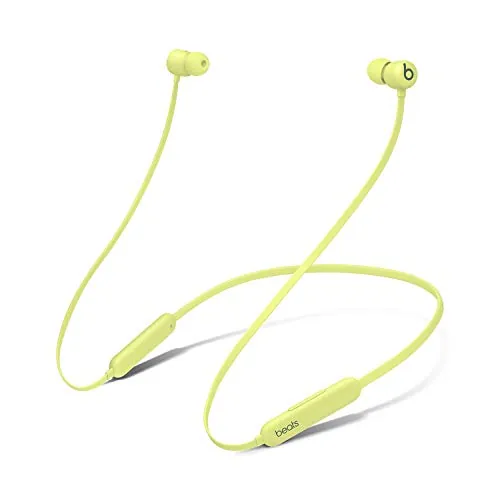
Beats
Beats Flex Wireless Earbuds
Yuzu Yellow US listing; earbuds remain linked by a flexible cable.
Model Beats Flex (MYMD2LL/A)
Amazon ASIN B08L6ZPV7T
Differences that matter
What matters most to you?
Choose a priority to see what it changes.
Sources for Earbud form and put-away routine
Sources for What charging means in daily use
Sources for Cable and adapter in the standard package
Sources for Playback volume and voice-assistant buttons
Sources for Standard box contents relevant to setup
First choose the earbud form you want to handle
Solo Buds are two separate earbuds that go into an included case. Beats Flex keeps the earpieces joined by a flexible cable, and its magnetic earbuds attach together; Beats documents auto-pause/play behavior when they are attached or separated.
That is a practical carrying and handling choice, not a measured fit or audio comparison. If you prefer separate pieces, Solo Buds fit that form. If you want a cable linking the earbuds and magnetic pieces that come together when removed, Flex follows that routine.
The Solo Buds case is not a power bank
This is the charging detail to check before choosing Solo Buds: the case stores and protects the earbuds, but it does not recharge them while disconnected from power. To charge, seat the earbuds in the case and connect the case to USB-C power. Beats says the USB-C cable and adapter are sold separately; its product page also describes charging from a phone, tablet, or laptop.
Flex charges directly through USB-C and Beats says its cable is included, while its power adapter is not. If you already have a suitable USB-C cable and power source, the Solo Buds omission may not matter. If not, add the missing items to your setup checklist rather than assuming the included case can charge on its own.
Decide whether volume and assistant access should be separate
Both models have button controls, but they organize them differently. Solo Buds have a multifunction button on each earbud; settings can change press-and-hold to volume up on one side and down on the other. Beats states that this replaces Voice Assistant for the hold gesture.
Flex places a two-way volume rocker and a separate multifunction button on its control module. The multifunction button handles playback and, when held, invokes the configured voice assistant. If you use both playback-volume adjustments and assistant access by button, that separation may suit your routine better. Assistant behavior still depends on the connected device and its setup.
Check your exact color listing and box contents
The compared products are Solo Buds in Matte Black (MUVW3LL/A) and Beats Flex in Yuzu Yellow (MYMD2LL/A). Beats lists earbuds, a case, four ear-tip sizes and a warranty card in the standard Solo Buds box; the charging cable and adapter are not included. The Yuzu Yellow Flex page lists four ear-tip sizes and a USB-C charge connector, while Beats’ Flex support page says the adapter is not included.
Marketplace bundles and seller packages can differ. Confirm the selected listing is the intended color/model and contains the accessories you need before checkout.
Product details
Beats Solo Buds True Wireless Earbuds
Solo Buds remove the connecting cable between the earbuds. Their included case is for storage and protection, not a standalone charging battery: the case must be connected to a USB-C power source while the earbuds are seated inside.
- Charging routine
- Seat the earbuds in the case and connect the case to USB-C power; the case does not charge the earbuds while unplugged. USB-C charging cable and power adapter are sold separately. Source
- On-earbud controls
- Each earbud has a multifunction button. Press-and-hold can be changed from voice assistant to volume control in iOS settings or the Beats app; the two sides then adjust volume in opposite directions. Source
- Standard box contents
- Earbuds, carrying case, four ear-tip sizes, and warranty card; no USB-C charging cable or power adapter. Source
Beats Flex Wireless Earbuds
Flex keeps the earbuds linked by a neck cable and charges through a USB-C connector on the earphones. Its left module separates playback-volume adjustment from the multifunction playback/assistant button.
- Charging routine
- Charge the earphones directly through USB-C. Beats says a USB-C cable is included; a power adapter is not included. Source
- On-device controls
- A two-way rocker on the left control module adjusts playback volume; a separate multifunction button controls playback and invokes the configured assistant when held. Source
- Form and storage
- Flexible cable links the earbuds; magnetic earpieces attach together and Beats documents auto-pause/play behavior when attached or separated. Source
Before you buy
Community discussions
Decide when you want the earbuds to stay connected by a cable
Beats Solo Buds True Wireless Earbuds
One person uses Beats Flex for yard work because the cable keeps the earbuds together. They use Solo Buds for calls.
What to check
Think about where you take an earbud out during the day and where you would put it. Decide whether you want separate earbuds or a set you can keep together.
Common questions
Does the Beats Solo Buds case recharge the earbuds when it is unplugged?
No. Beats describes the case as a storage/protection case, not a battery-backed charging case. To charge, put the earbuds inside and connect the case to a USB-C power source. The cable and power adapter are sold separately.Beats Solo Buds product and standard box contents (US)Beats Solo Buds Support (US)
Can Solo Buds control volume and the voice assistant with the same press-and-hold action?
The press-and-hold setting can be changed to volume control, with one earbud assigned up and the other down. Beats says this setting replaces Voice Assistant for that gesture. Flex keeps playback-volume control on a separate rocker and assistant access on its multifunction button.Beats Solo Buds Support (US)Beats Flex Support (US)
Which one includes a USB-C charging cable?
Beats lists a USB-C charge connector in the standard Flex package and says the adapter is not included. Solo Buds' standard box list omits a USB-C cable and its support page says both cable and adapter are sold separately. Confirm the actual seller package before ordering.Beats Solo Buds product and standard box contents (US)Beats Flex Support (US)Beats Flex Yuzu Yellow product details (MYMD2)
Sources and scope
This guide compares documented design, charging and control workflows, not sound, microphone quality, comfort, fit, battery runtime, call performance or durability. The standard manufacturer box contents are described; verify the selected seller's exact package before buying.
Related comparisons
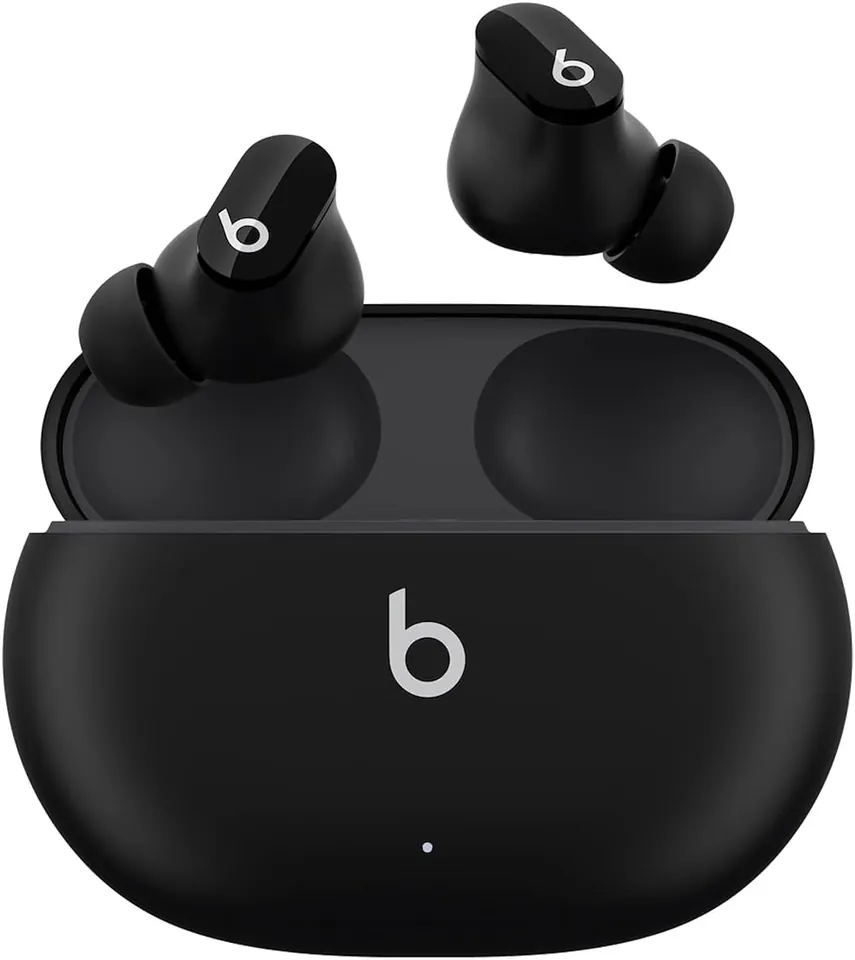
Beats Studio Buds vs Solo Buds: ANC, Buttons, and Case Charging
For the original Black Beats Studio Buds (MJ4X3LL/A), the case can replenish the earbuds away from a cable and the earbuds offer ANC and Transparency modes. Matte Black Solo Buds (MUVW3LL/A) have no ANC, and their case stores the earbuds but does not charge them unless it is connected to USB-C power. Both pair with Apple and Android hosts; check the included cable and the way you normally recharge before choosing.
Read comparison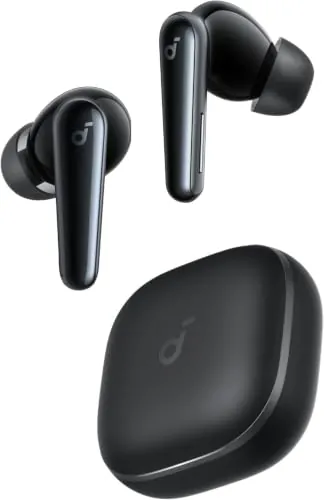
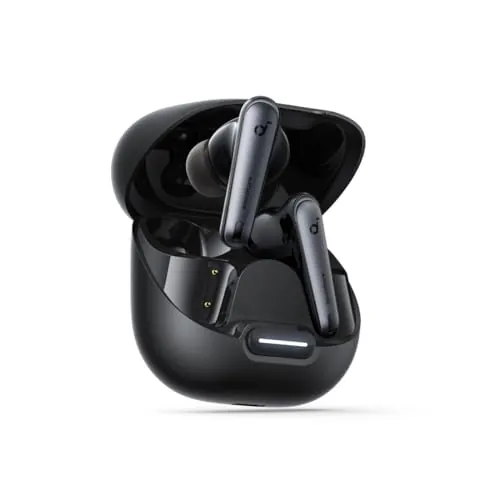
Soundcore Liberty 5 A3957 vs Liberty 4 NC A3947: ANC, Battery, LDAC
These Soundcore earbuds make a specific trade: Liberty 5 supports LDAC and multipoint at the same time, while Liberty 4 NC exits multipoint when LDAC is enabled. In SoundGuys' exact-pair comparison, Liberty 4 NC measured higher average noise reduction and longer ANC-on earbud runtime; Liberty 5 adds Dolby Audio, six included tip sizes and a shorter fast-charge top-up. Match the choice to your phone, two-device routine and typical listening session rather than assuming the newer model wins every category.
Read comparison