
Products compared
CyberPower
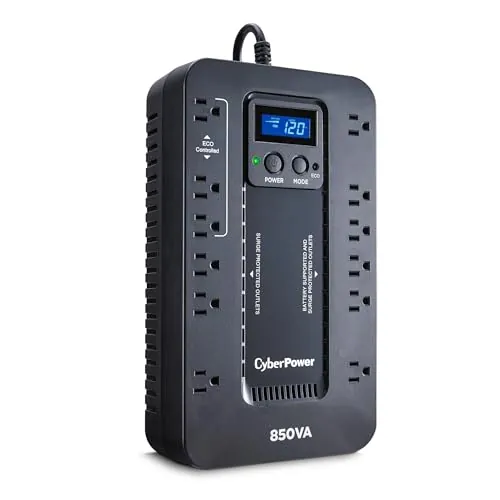
CyberPower EC850LCD Ecologic UPS
U.S. EC850LCD model. CyberPower lists 850VA/510W capacity and 12 NEMA 5-15R outlets. Confirm the exact model printed on the retailer's offer before ordering.
Model EC850LCD
Amazon ASIN B00DBAA696
CyberPower
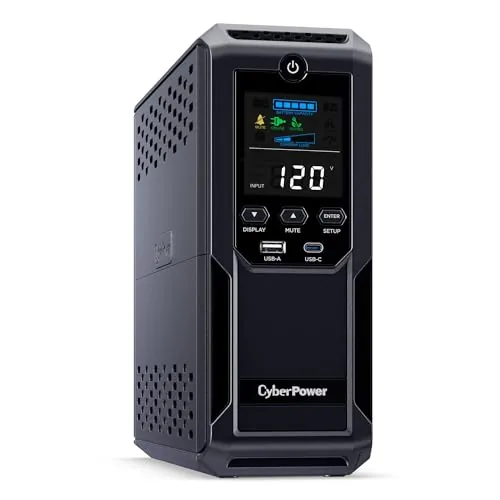
CyberPower CP1500AVRLCD3 Intelligent LCD UPS
U.S. CP1500AVRLCD3 model. CyberPower lists a 1500VA/900W rating, 12 AC outlets, USB charging connections, and USB/serial communication. Check the model code on the exact offer.
Model CP1500AVRLCD3
Amazon ASIN B0BCMLLSHL
Differences that matter
What matters most to you?
Choose a priority to see what it changes.
Sources for Published VA and watt ratings
Sources for Battery-backed versus surge-only AC outlets
Sources for Peripheral control and PC connection
Sources for Charging connections on the UPS
Sources for UPS operating topology
Start with the equipment's load label
The published capacity is different: EC850LCD is 850VA/510W; CP1500AVRLCD3 is 1500VA/900W. Write down the connected equipment's stated VA and watts and compare each total to the corresponding UPS rating. A model's larger rating does not tell you how many minutes a setup will run, and this article does not estimate a runtime.
If the equipment's documentation doesn't give enough information to compare both units, check with the equipment and UPS manufacturers before selecting a model. Don't use a partial watt total as proof that a setup fits its VA limit.
Map the six battery-backed outlets first
Both models list twelve AC outlets: six battery-backup-and-surge and six surge-only. Decide which devices you want on battery backup before placing plugs. On the EC850LCD, three ECO-controlled outlets sit inside the surge-only group; they are not additional battery outlets.
The EC850LCD manual describes a USB-to-PC connection for UPS status and ECO operation. It says the ECO-controlled peripheral outlets turn off when the connected computer is turned off. If that is the workflow you want, reserve the ECO outlets for peripherals and follow the exact model manual for setup.
Check whether built-in USB connections matter
CP1500AVRLCD3's datasheet lists a USB-A and a USB-C charging port. It also lists USB and serial communications interfaces; those are described separately from the charging ports. CyberPower's online specification table and its datasheet differ on USB charging wattage, so this guide avoids quoting a charging watt figure.
The reviewed CP1500AVRLCD3 sources do not establish whether the model has ECO-controlled outlets. Treat that function as unknown here, rather than assuming it is absent because the datasheet section reviewed does not list it.
Use a short pre-buy checklist
1. Confirm the exact UPS model code on the selected offer. 2. Record the equipment's documented VA and watt requirements. 3. Compare both totals with the matching UPS ratings. 4. Count which devices need battery backup and which can use surge-only outlets. 5. If using EC850LCD ECO, plan for its PC USB connection and identify the peripherals you want on the controlled outlets. 6. If USB charging ports matter, verify the current CP1500AVRLCD3 details with CyberPower.
Product details
CyberPower EC850LCD Ecologic UPS
- Published capacity
- 850VA / 510W Source
- AC outlet map
- 12 NEMA 5-15R outlets: six battery-backup-and-surge and six surge-only; three of the surge-only outlets are ECO controlled. Source
- PC communication
- USB communication to a PC supports UPS status in PowerPanel Personal and is used for ECO operation. Source
CyberPower CP1500AVRLCD3 Intelligent LCD UPS
Before you buy
Community discussions
Sorting equipment between UPS outlets
CyberPower EC850LCD Ecologic UPS
A PC builder using the CyberPower EC850LCD asked how the battery-backed and surge-only outlets apply to the computer and monitor they wanted to connect.
What to check
List what needs to stay on during an outage. Compare the exact UPS outlet labels and published ratings before choosing, and ask the manufacturer if a rating is unclear.
Checking what a monitoring setup can display
CyberPower EC850LCD Ecologic UPS
An EC850LCD owner wanted to know which UPS readings would show up in their existing monitoring setup.
What to check
Make a list of the status information you want. Check the exact model’s management connection and software documentation for those readings.
Common questions
Do the VA and watt ratings tell me how many minutes my computer will run?
No. They are published capacity ratings, not a runtime estimate for your particular computer and accessories. This guide does not compare runtime curves or test a load.EC850LCD - Ecologic - Product Details, Specs, DownloadsCP1500AVRLCD3 - Intelligent LCD - Product Details, Specs, Downloads
Are all 12 outlets battery-backed on these models?
No. CyberPower lists six battery-backup-and-surge outlets and six surge-only outlets for each model. On EC850LCD, three of the surge-only outlets are ECO controlled; ECO does not make them battery-backed.ECOLOGIC UPS SERIES EC450G / EC550G / EC750G / EC650LCD / EC850LCD User ManualCyberPower CP1500AVRLCD3 Product Datasheet
What does the EC850LCD ECO connection require?
Its manual says USB communication with a PC is used for ECO operation and PowerPanel status communication. The manual describes ECO outlets turning off connected peripherals when the computer is turned off; follow the exact manual for setup.ECOLOGIC UPS SERIES EC450G / EC550G / EC750G / EC650LCD / EC850LCD User Manual
Does the CP1500AVRLCD3 add USB charging ports?
Yes. CyberPower lists one USB-A and one USB-C charging port, and separately lists USB and serial communication interfaces. Its web specification table and datasheet give different USB charging watt figures. Check current CP1500AVRLCD3 documentation if that output figure matters to your choice.CyberPower CP1500AVRLCD3 Product DatasheetCP1500AVRLCD3 - Intelligent LCD - Product Details, Specs, Downloads
Sources and scope
This guide summarizes manufacturer specifications and manuals for the exact U.S. EC850LCD and CP1500AVRLCD3 models. VA and watt ratings are capacity limits, not estimates of runtime. CyberPower's CP1500AVRLCD3 product page and datasheet give different USB charging watt figures, so no watt figure is stated. This guide does not include product tests, measured loads, protection comparisons or prices.
Related comparisons
CyberPower ST425 vs CP1500AVRLCD3: Load Limits, Outlet Groups and USB Status
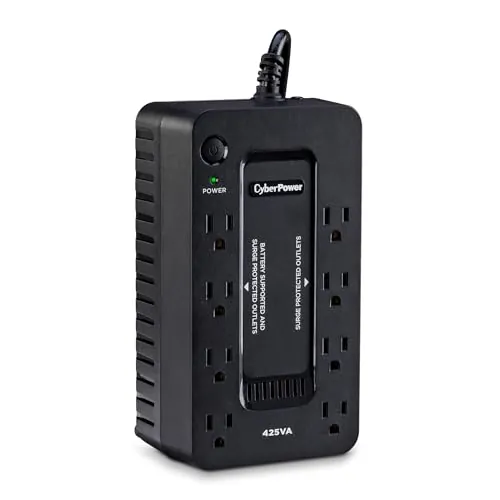
For this exact US pair, CyberPower ST425 is rated 425 VA / 260 W with four battery-backed outlets and four surge-only outlets; its manual recommends keeping load below 80% of its rating and excludes ST425 from USB-to-PC status communication. CP1500AVRLCD3 is rated 1500 VA / 900 W, splits 12 outlets six-and-six, and lists a multifunction LCD plus HID-compliant USB status communication. The higher rating is not a runtime estimate or a fit guarantee: compare your equipment load and required battery-backed outlet count against the exact ratings.
Read comparison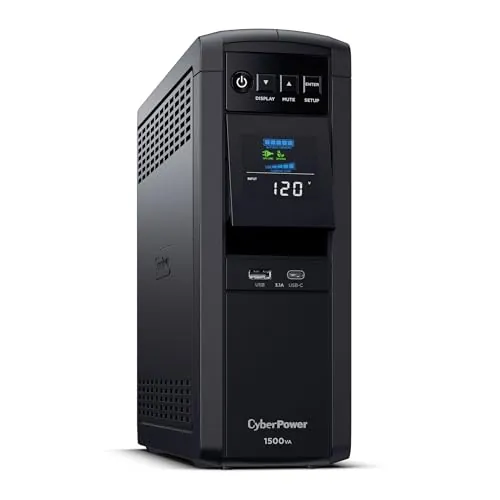
CyberPower CP1500PFCLCD vs CP1500AVRLCD3: Waveform, Watt Rating and Outlet Check
Both CyberPower UPS models list 1500VA and 12 outlets, with six battery-backed outlets. The CP1500PFCLCD is rated 1000W and specifies sine-wave output with Active PFC compatibility; the CP1500AVRLCD3 is rated 900W and specifies simulated sine wave on battery. The AVRLCD3 is listed 0.8 in shorter and 0.2 in shallower. Check the actual equipment load, its waveform requirements and available clearance before choosing.
Read comparison