
Products compared
DJI
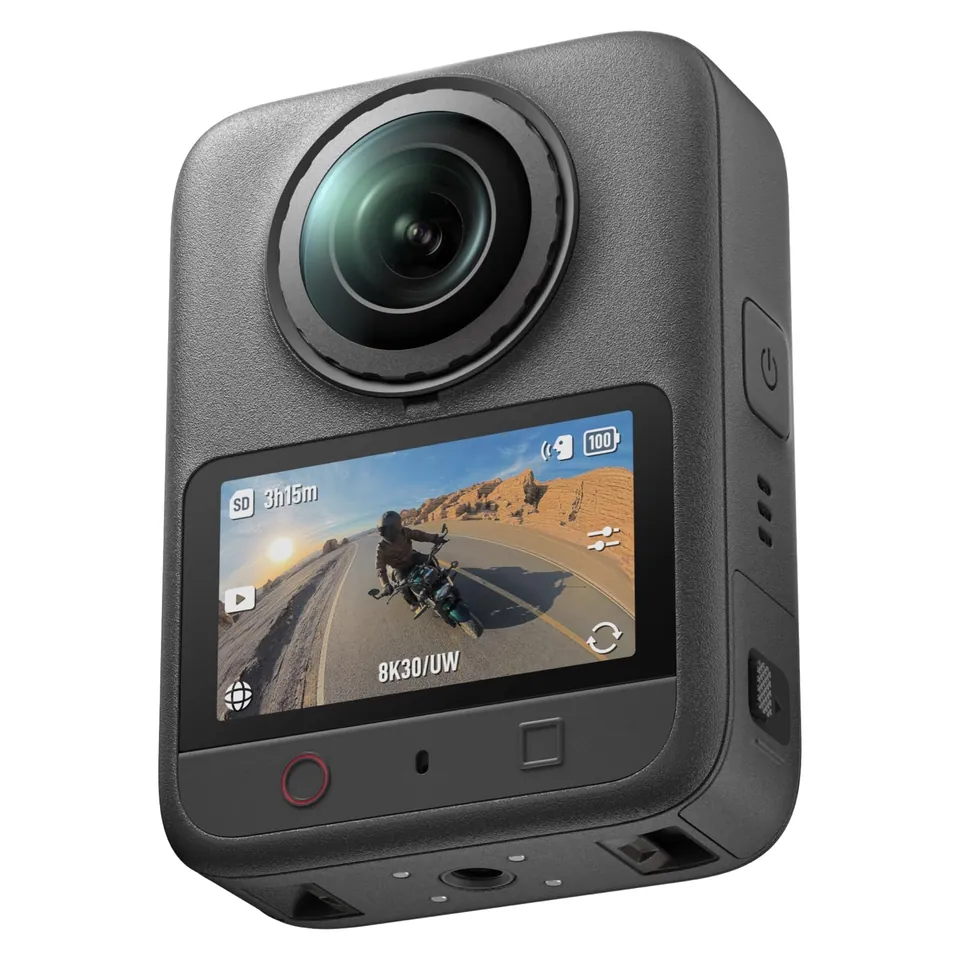
DJI Osmo 360 II
Osmo 360 II with 105 GB listed available space, microSD expansion, and 360 and single-lens modes. Verify the region and included accessories on the exact offer.
Model Osmo 360 II
Amazon ASIN B0HFJZ6T8D
Insta360
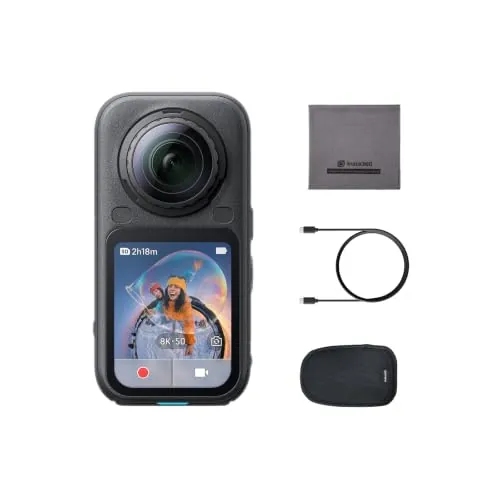
Insta360 X6
The X6 manual lists 47 GB available internal storage, microSD support with a UHS-I V30-or-better exFAT card, and InstaFrame 2.0 flat capture with optional 360 backup.
Model CINSABXA
Amazon ASIN B0H5CR9LZF
Differences that matter
Flat clip plus optional 360 backup in one documented mode
Insta360 X6 · X6 InstaFrame 2.0 supports flat capture and a 360 Video Backup option; check its 4K30 mode limit and aspect ratio.
View CINSABXA on Amazon (paid link)Sources for Available internal space / expansion
Sources for Listed 360 capture modes
Sources for Switching and flat-video workflow
Sources for Native files for transfer/edit
Start with the files you need to edit
The DJI guide starts Osmo 360 II in 360° mode and describes switching to Single Lens. DJI’s FAQ lists panoramic 360 video as OSV and flat video as MP4 (HEVC). For X6, the official mode table lists INSV 360 video and MP4 single-lens video. If your editing workflow depends on a particular native format, test an import/export path before committing.
The X6 offers another documented option: InstaFrame 2.0 can record flat video up to 4K30 with optional 360 Video Backup for post-editing. This is a workflow difference, not proof that one camera produces a better flat or 360 image.
Plan storage before leaving the house
DJI lists 105 GB available internal space for Osmo 360 II and supports microSD expansion; its model-specific card list includes cards up to 1 TB. The X6 manual lists 47 GB available and says an inserted microSD card should be UHS-I V30 or above and formatted as exFAT. These are available-space and media requirements, not estimates of how many minutes you will record.
Check file sizes in the exact resolution, frame rate and recording mode you intend to use. Decide whether you will record to internal memory or card, how you will transfer clips, and whether your editor can read the camera’s native files.
Check which kit the seller includes
DJI’s model guide identifies the camera and its supported modes. The contents of the U.S. retail kit tied to this model code were not confirmed, so check the region, included battery, mount and accessories on an exact offer.
For either camera, verify the carton contents before budgeting for a card, spare battery, lens protection or a mount.
Product details
DJI Osmo 360 II
- Available built-in storage
- 105 GB listed for Osmo 360 II model Source
- 360 mode listing
- Panoramic 8K up to 60 fps per DJI FAQ; model-level only Source
- Card expansion
- microSD up to 1 TB; DJI model-specific card list Source
Before you buy
Community discussions
Choosing between an imported kit and another camera before travel
DJI Osmo 360 II
A shopper considering the Osmo 360 II and Insta360 X6 wanted to carry over existing microphones and understand the support and kit differences.
What to check
Write down the exact accessories you want to reuse. Check the kit contents, supported audio connections and seller’s service terms for the region you will buy in.
Deciding how to edit trip footage
Insta360 X6
A buyer with a trip coming up was choosing between the X6 and Osmo 360 II and comparing editing and tracking options.
What to check
Think through how you will transfer, frame and export a clip on the devices you travel with. Compare the controls you would use in the exact camera apps.
Common questions
Which one has more available internal space in the manufacturer documentation?
DJI lists 105 GB available for Osmo 360 II. Insta360 lists 47 GB available for X6. Recording time depends on the mode and settings you choose.DJI: Which products come with an Internal Storage?Insta360 X6: File Storage
Can the X6 create a flat clip and keep the 360 file?
Yes. Insta360’s setup guide describes turning on 360 Video Backup alongside flat recording. Its setup guide lists up to 4K30; the specification table separately lists 60 fps for some flat aspect ratios and 8K up to 30 fps for the 360 file. Check both settings together if you need two files at a particular frame rate.Insta360 X6: Special Shooting ModesInsta360 X Series: Photo & Video Specifications
Do both cameras use the same file types?
No. DJI lists OSV for panoramic video and MP4 (HEVC) for flat video. Insta360 lists INSV for X6 360 video and MP4 for single-lens video. Check your chosen editor’s import/export workflow.Osmo 360 II FAQInsta360 X Series: Photo & Video Specifications
Which one has better image quality or stabilization?
This evidence does not answer that. It compares published modes and workflow only; no matched image-quality, stitching or stabilization testing was reviewed.Osmo 360 II FAQInsta360 X Series: Photo & Video Specifications
Sources and scope
The DJI sources describe the camera model. The exact contents of a U.S. Standard Combo were not verified. Published modes and storage do not establish comparative image quality, stabilization, audio or battery runtime.
- A Beginner’s Guide to Osmo 360 II
- DJI: Which products come with an Internal Storage?
- DJI: List of Recommended Storage Cards for Handheld Imaging Devices
- Osmo 360 II FAQ
- Insta360 X Series: Photo & Video Specifications
- Insta360 X6: File Storage
- Insta360 X6: Special Shooting Modes
- Insta360 X Series: Camera Shooting Modes & Features
Related comparisons
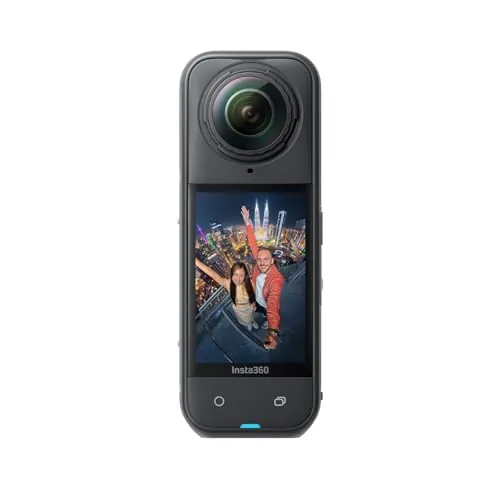
Insta360 X5 vs X6: Which Upgrades Change Your 360 Workflow?
This is an X5-owner upgrade decision, not a claim that every X6 clip looks better. Insta360 lists X5 up to 8K/30fps and 72MP 360 photos; the X6 reaches 8K/50fps and 120MP. The X6 also lists 47 GB of usable built-in storage. Before switching, check Insta360’s compatibility table: the X5 Utility Fast Charge Case and X5 lens guards are not supported on X6, although the standard Foldable Selfie Stick and X Series Chest Strap 2.0 are supported on both.
Read comparison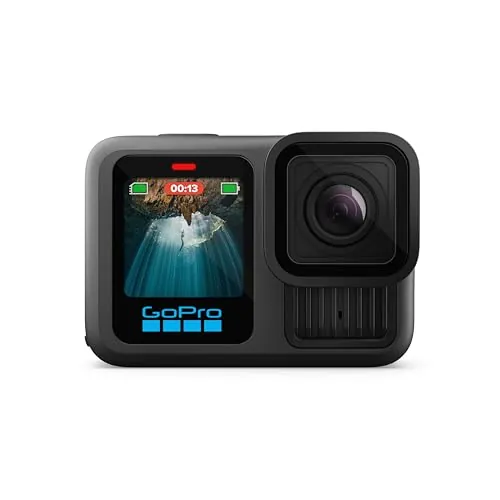
GoPro HERO13 Black vs DJI Osmo Action 5 Pro Standard Combo: Mounts, Media and Water Controls
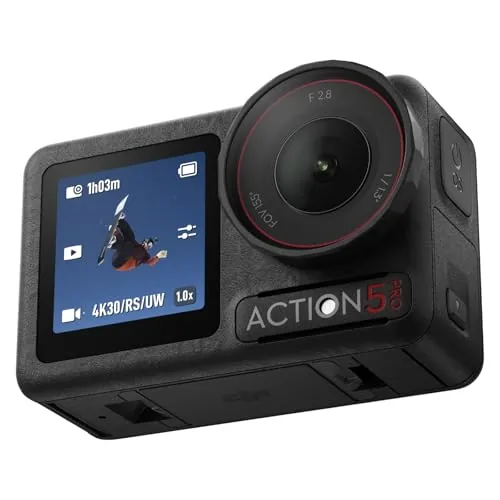
The HERO13 Black is the fit for a rig that uses GoPro fingers or a 1/4-20 thread, and it lists a 5.3K60 mode; it needs a qualifying microSD card. DJI’s Osmo Action 5 Pro Standard Combo includes a quick-release mount set and lists 47 GB of usable internal storage. Their bare-camera water ratings differ, and DJI disables its shutter/record button at depths greater than 10 m without its waterproof case. Check the exact box, capture format and planned depth before choosing.
Read comparison