
Products compared
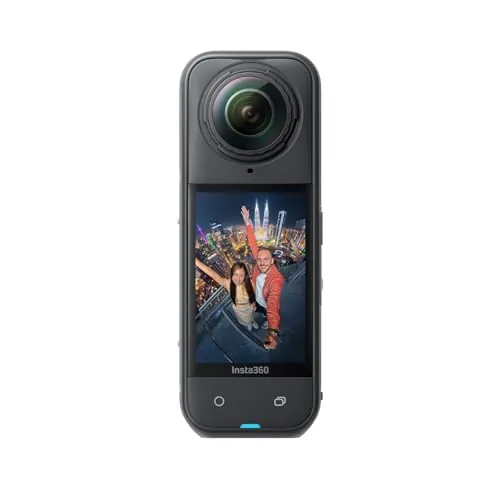
Insta360
Insta360 X5 360 Camera
Midnight Black Insta360 X5 (CINSAAHA). Check the seller’s exact box list for cards, mounts and batteries.
Model CINSAAHA
Amazon ASIN B0DZCBYCNY
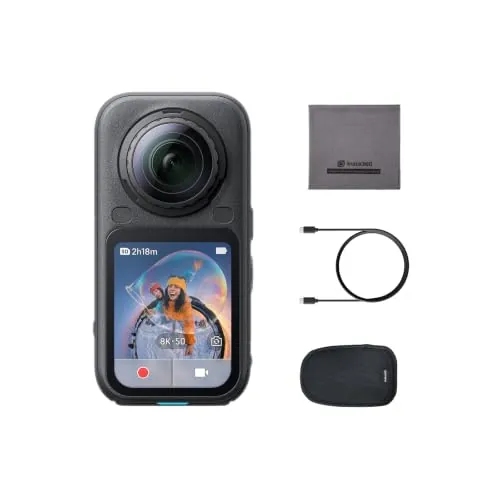
Insta360
Insta360 X6 360 Camera
Midnight Black Insta360 X6 (CINSABXA) with 47 GB of usable built-in storage and microSD support.
Model CINSABXA
Amazon ASIN B0H5CR9LZF
Differences that matter
8K/50fps 360 video, 120MP stills or built-in storage
Insta360 X6 360 Camera · Insta360’s model-specific table lists those X6 capture ceilings and its product page lists 47 GB of usable built-in storage. Verify that the mode or storage change matters to your own capture and editing workflow; no footage-quality winner is claimed.
View CINSABXA on Amazon (paid link)Sources for Maximum 360-video frame rate at 8K
Sources for Maximum 360 still-photo dimensions
Sources for Storage workflow
Sources for Which X5 accessories carry over
Upgrade for a format ceiling you will actually use
Insta360’s official table lists X5 360 video up to 8K/30fps and X6 standard 360 Video up to 8K/50fps. X6 PureVideo has its own listed 8K/30fps ceiling, so the mode matters. The same table lists 360 photos up to 72MP on X5 and 120MP on X6. Treat these as capture options: the numbers do not prove a visible quality difference for every shot or exported crop.
If an X5 already produces the resolution and frame rate your projects require, the model generation alone is not a reason to replace it. For an upgrade, tie the decision to a planned 8K/50fps clip, a 120MP 360 still, or another documented X6 feature you will use.
Include storage and accessory changes in the upgrade plan
The X6 product page lists 47 GB of usable built-in storage along with microSD support. The X5 product specifications list a microSD card requirement of UHS-I V30 or higher. Check the exact card and bundle contents on the offer you are considering; model-level specs do not prove a particular card is included.
Insta360’s compatibility matrix is more specific than a broad “X-series accessory” label: it marks the X5 Utility Fast Charge Case and X5 lens guards unsupported on X6. It lists the standard Foldable Selfie Stick and X Series Chest Strap 2.0 as supported on both. Inventory your gear by exact accessory name before deciding whether the upgrade is worthwhile.
Keep the standard kit and the camera model separate
This guide compares the assigned Midnight Black X5 (CINSAAHA) and X6 (CINSABXA) listing data identities. Manufacturer feature pages establish model-level capabilities; they do not establish the full contents of the two assigned marketplace offers. Check each selected offer’s own box list for batteries, cards, mounts, protective pieces and charger accessories before checkout.
Product details
Insta360 X5 360 Camera
Insta360 X6 360 Camera
Before you buy
Community discussions
Considering lens care after an X5 scuff
Insta360 X5 360 Camera
An X5 owner says both lenses were scuffed in a fall and asks how difficult replacement would be. This is one reported incident and does not establish comparative durability.
What to check
If lens service or protection affects your upgrade decision, check the manufacturer's current service guidance and the exact guard compatibility for X5 and X6 before choosing. Do not assume X5 accessories carry over.
Common questions
Does X6 record every 8K mode at 50fps?
No. Insta360’s shooting table lists standard 360 Video at 8K up to 50fps, while X6 PureVideo is listed separately at 8K up to 30fps. Check the exact mode and settings you plan to use.X Series: Photo & Video Specifications
Can I reuse my X5 fast-charge case and lens guards on X6?
Insta360’s compatibility matrix marks the X5 Utility Fast Charge Case and X5 lens guards unsupported on X6. It lists the standard Foldable Selfie Stick and X Series Chest Strap 2.0 as supported on both. Check the exact accessory row before reusing other gear.X Series: Accessory Compatibility
Does X6 still take a microSD card?
Yes. Insta360’s X6 product specifications list 47 GB of usable built-in storage and microSD support. Confirm the current card requirements and the exact seller bundle contents before purchase.Insta360 X6 - Flagship 8K 360 Camera
Sources and scope
The guide uses official model specifications and accessory compatibility only. No paired image-quality, low-light, stabilization, runtime or export test was performed. Capture limits vary by mode; the X6 8K/50fps figure applies to standard 360 Video, not its separately listed 8K PureVideo mode. Exact seller bundle contents are not inferred from model pages. No price or stock claim.
Related comparisons
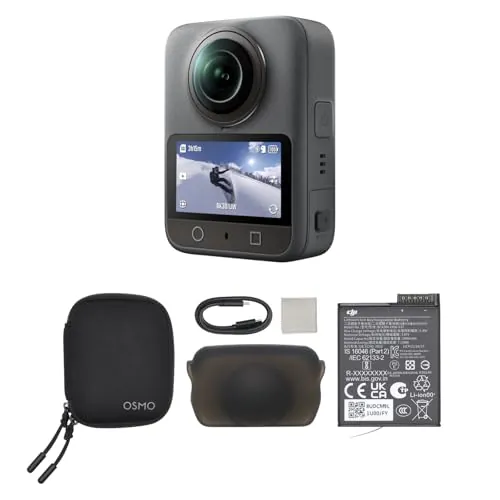
DJI Osmo 360 Standard Combo vs Insta360 X5: Capture, Edit, and Mic Workflow
For the U.S. DJI Osmo 360 Standard Combo (B0DTTZZ6Q3) vs Insta360 X5 (CINSAAHA, B0DZCBYCNY), the useful split is workflow rather than image quality. DJI documents 105 GB of usable internal storage, up to two supported DJI wireless transmitters, and a regular 5K single-lens mode. X5 offers model-specific mic routes and an InstaFrame mode that can output a flat clip alongside 360 footage, subject to its firmware/app and backup settings. Both list 8K/30 360 capture; plan for card and lens-care steps using the exact package and mic you will use.
Read comparison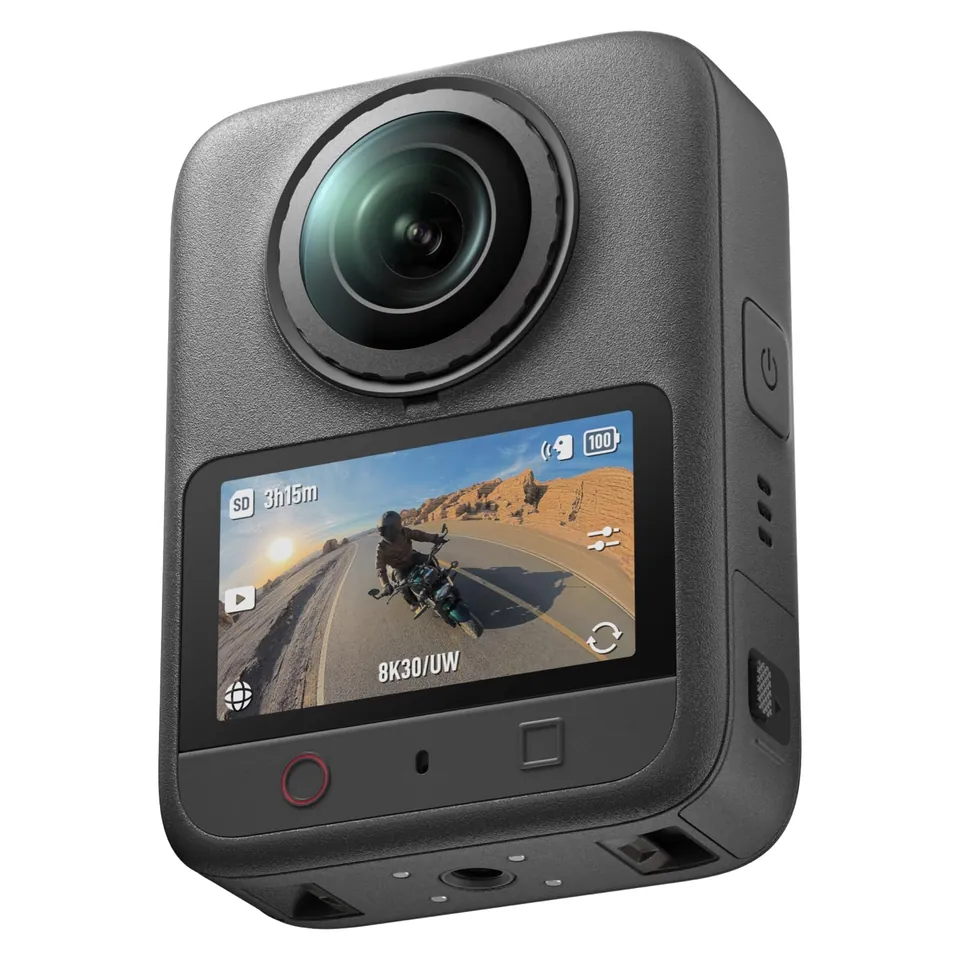
DJI Osmo 360 II vs Insta360 X6: Internal Storage or Reframing Workflow?
DJI Osmo 360 II model documentation lists 105 GB available internal storage and touchscreen switching between 360 and single-lens modes. Insta360 X6 lists 47 GB available, UHS-I V30/exFAT card requirements and InstaFrame 2.0 with optional 360 backup.
Read comparison