
Products compared
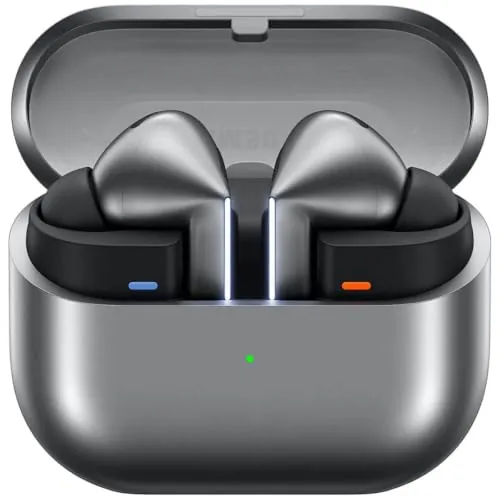
Samsung
Samsung Galaxy Buds3 Pro, Silver, International Model
Product 6867; the selected Amazon listing is silver and identifies model SM-R630NZAAXAC. Samsung Canada Support recognizes this exact suffix under Galaxy Buds3 Pro. It is not treated as a U.S.-warranty package.
Model SM-R630NZAAXAC
Amazon ASIN B0D6T9CRLT
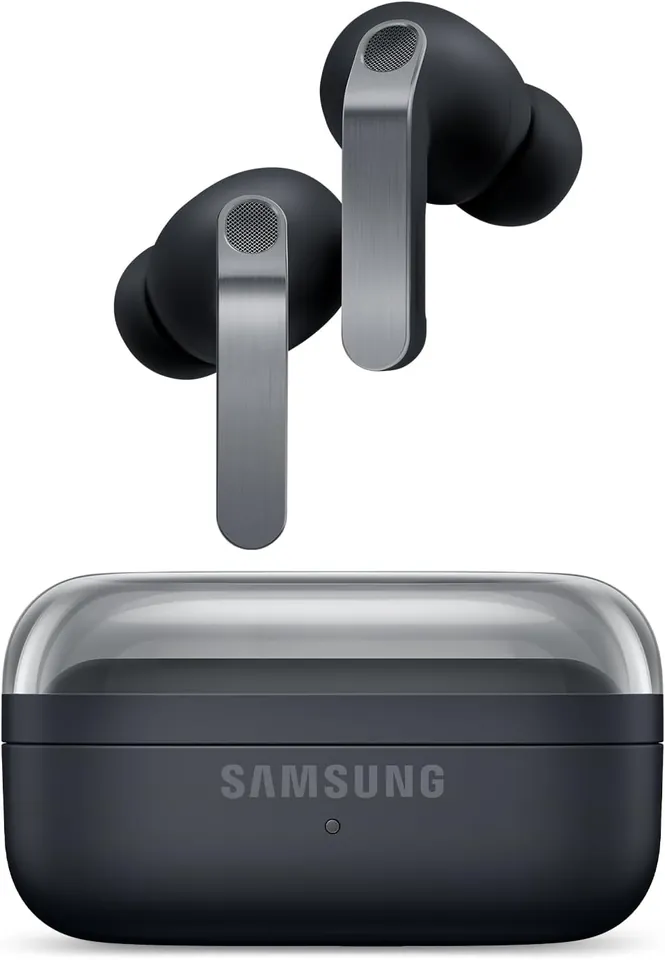
Samsung
Samsung Galaxy Buds4 Pro, Black, US Amazon Listing
Product 327; the assigned Amazon detail identifies a black U.S. Galaxy Buds4 Pro listing with model SM-R640NZKFXAR. Samsung's official U.S. black direct-sale listing uses SM-R640NZKAXAR. This guide uses Samsung's official Buds4 Pro family documentation for feature requirements and does not treat the different direct-sale code as confirmation of this ASIN's box, warranty, or regional service.
Model SM-R640NZKFXAR (Amazon listing; Samsung US direct-sale black code differs)
Amazon ASIN B0G1PJLWLZ
Differences that matter
Use head gestures to answer or decline calls
Samsung Galaxy Buds4 Pro, Black, US Amazon Listing · Samsung documents head gestures for the Buds4 Pro family on Galaxy devices running One UI 8.5 or later. Verify the assigned Amazon model code before purchase.
View SM-R640NZKFXAR on Amazon (paid link)Sources for Exact model and regional identity
Sources for Galaxy phone features and call controls
Sources for Advanced sound and Galaxy-only paths
Sources for Non-Samsung Android and iPhone setup
Check your phone before you pay for Galaxy features
Start with the phone you will actually pair. Samsung says the Buds4 Pro can connect as Bluetooth audio regardless of operating system, but the Galaxy Wearable app is not supported on iOS. For Buds4 Pro app settings, Samsung specifies Android 12 or later and at least 1.5 GB memory; Samsung account sign-in is required to activate or change settings. On a non-Samsung Android phone, Samsung Canada's general Galaxy Buds pairing instructions also require Galaxy Wearable and a Samsung account.
If you use a Galaxy phone, check the exact feature and software requirement rather than relying on the word Galaxy. Samsung lists Buds4 Pro head gestures on Galaxy devices running One UI 8.5 or later, with the setting off by default. Samsung lists UHQ up to 24-bit/96 kHz for named Galaxy devices on One UI 6.1.1 or later. Buds3 Pro's page describes Galaxy AI functions such as Interpreter and Live Translate on compatible Galaxy devices. The features overlap, and phone/software support—not the generation name by itself—determines which controls appear.
The newer controls matter only if they fit your routine
On the exact silver SM-R630NZAAXAC page, Samsung describes Blade Lights, swipe to adjust volume, pinch controls, Adaptive Noise Control, Voice Detect and Siren Detect. Its page also describes UHQ audio and Galaxy AI features when used with compatible Galaxy devices. Those are documented functions, not a measured comparison of call quality, noise cancellation, or sound.
Samsung's Buds4 Pro family page adds head gestures for accepting or declining calls, along with pinch and swipe controls and Adaptive ANC/Adaptive Noise Control. Samsung says head gestures are off by default and tied to newer Galaxy software. If you will not use gestures, or your phone cannot configure them, the family feature list does not by itself make the newer pair a better fit. No independent result or test for this guide is used here to claim stronger ANC or better sound.
Resolve the two region and model-code checks
Samsung Canada Support recognizes the assigned Buds3 Pro suffix SM-R630NZAAXAC, and Samsung Canada's product page identifies that suffix with the silver Buds3 Pro. The listing data treats the Amazon item as an international model. That regional identity does not establish U.S. warranty, repair, replacement, or service terms; ask the seller about this exact ASIN.
For the assigned black Buds4 Pro, the Amazon detail and listing data show SM-R640NZKFXAR. Samsung U.S.'s direct-sale black listing shows SM-R640NZKAXAR. Both strings share the SM-R640 family, but the suffixes differ. Samsung's Buds4 Pro family page is useful for family-level phone and feature requirements; it does not settle why the retail code differs or confirm the ASIN's box and warranty. Before using the purchase link, ask the seller to confirm the box label and warranty for B0G1PJLWLZ.
Use a short pre-buy checklist
1. Write down your phone model and One UI/Android version. 2. Circle the feature you expect to use—such as head gestures, UHQ, or Interpreter—and match it to Samsung's supported-device note. 3. Decide whether Bluetooth audio alone is enough on a non-Galaxy phone. 4. Confirm that the selected Amazon ASIN and box code match the assigned color/model, and get warranty and service eligibility for that exact regional item in writing.
If any seller answer changes the ASIN, color, suffix, or package, treat it as a different configuration and recheck the model and feature documentation. This matters especially for the international Buds3 Pro and the Buds4 Pro KFXAR/KAXAR code difference.
Product details
Samsung Galaxy Buds3 Pro, Silver, International Model
- Official regional model match
- Samsung Canada Support lists Galaxy Buds3 Pro model SM-R630NZAAXAC Source
- Galaxy features
- Samsung lists Blade Lights, Adaptive Noise Control, Voice Detect, Siren Detect, Interpreter/Live Translate on a compatible Samsung Galaxy device, and up to 24-bit/96 kHz codec support; availability depends on the connected device Source
- Controls
- Swipe on the blade to adjust volume; pinch to play/pause or pinch and hold for an assigned app Source
Samsung Galaxy Buds4 Pro, Black, US Amazon Listing
- selected listing identity
- Amazon ASIN B0G1PJLWLZ identifies Galaxy Buds4 Pro Black, model SM-R640NZKFXAR; Samsung US direct-sale black listing shows SM-R640NZKAXAR, a different suffix Source
- Buds4 Pro family controls
- Samsung documents pinch, swipe, and head gestures; head gestures are off by default and are available on Galaxy devices running One UI 8.5 or later Source
- App requirements for Buds4 Pro settings
- Samsung says Galaxy Wearable requires Android 12 or later and at least 1.5 GB memory; the app is not supported on iOS. Basic Bluetooth audio connection is available regardless of OS Source
Before you buy
Community discussions
Checking where head gestures appear on your phone
Samsung Galaxy Buds4 Pro, Black, US Amazon Listing
A Galaxy Buds4 Pro owner paired their earbuds with a Galaxy Z Fold7 and asked why the call head-gesture option did not appear in their settings.
What to check
If head gestures matter to you, check the supported phone and software and where the setting appears on your device.
Finding earbud controls after Bluetooth pairing
Samsung Galaxy Buds3 Pro, Silver, International Model
A Galaxy Buds3 Pro owner paired them with a Galaxy S24 Ultra, then had trouble opening the earbud settings.
What to check
Check where your phone opens the earbud controls and try reaching the settings you would change most often.
Common questions
Will the Buds4 Pro head gestures work on any Android phone?
Samsung lists head gestures as a Buds4 Pro family feature for Galaxy devices running One UI 8.5 or later. Samsung also says the feature is off by default. Do not assume a generic Android phone will expose this control, and verify the exact retail code for ASIN B0G1PJLWLZ.Explore Galaxy Buds4 Pro | Samsung US (family-level features and compatibility)Amazon listing for assigned Galaxy Buds4 Pro ASIN B0G1PJLWLZ (identity fields only)
Can I use either pair with a non-Samsung Android phone?
Samsung's Canada pairing guide says Galaxy Buds can pair with non-Samsung Android through Galaxy Wearable and a Samsung account. For Buds4 Pro settings, Samsung specifies Android 12 or later and at least 1.5 GB memory for the app. Check the exact feature list for your phone; Bluetooth connection does not guarantee every Galaxy feature.How to connect Samsung Galaxy Buds to a smartphone | Samsung CanadaExplore Galaxy Buds4 Pro | Samsung US (family-level features and compatibility)
Does Samsung U.S. confirm the assigned Buds4 Pro model code?
Not from the official black direct-sale page checked here: the selected Amazon ASIN lists SM-R640NZKFXAR, while Samsung U.S. lists its black direct-sale model as SM-R640NZKAXAR. Samsung's Buds4 Pro family page supports family-level feature information, but ask the seller to reconcile the exact suffix before buying.Amazon listing for assigned Galaxy Buds4 Pro ASIN B0G1PJLWLZ (identity fields only)Galaxy Buds4 Pro Black | Samsung US official direct-sale model code
Is the international Buds3 Pro covered by Samsung U.S. warranty?
That is not established by the sources checked. Samsung Canada recognizes model SM-R630NZAAXAC, but that does not prove U.S. warranty or service eligibility. Confirm coverage for the exact ASIN with the seller and Samsung before relying on it.Galaxy Buds3 Pro | Samsung Support Canada (exact model SM-R630NZAAXAC)
Sources and scope
This guide compares the exact retail listings B0D6T9CRLT (silver SM-R630NZAAXAC, recognized by Samsung Canada) and B0G1PJLWLZ (black US listing SM-R640NZKFXAR, identified by its Amazon product detail). Samsung US's direct-sale black listing displays SM-R640NZKAXAR instead, so its Buds4 Pro feature page is used for SM-R640 family-level feature and phone requirements, not as confirmation of the KFXAR retail code, package contents, warranty, or service eligibility. The Buds3 Pro listing is an international/Canada-linked model; its U.S. warranty and service eligibility are not established here. No comparative performance testing or price analysis is represented.
- Galaxy Buds3 Pro | Samsung Support Canada (exact model SM-R630NZAAXAC)
- Galaxy Buds3 Pro Silver SM-R630NZAAXAC | Samsung Canada Business
- Amazon listing for assigned Galaxy Buds4 Pro ASIN B0G1PJLWLZ (identity fields only)
- Explore Galaxy Buds4 Pro | Samsung US (family-level features and compatibility)
- Galaxy Buds4 Pro Black | Samsung US official direct-sale model code
- How to connect Samsung Galaxy Buds to a smartphone | Samsung Canada
- Amazon US listing for Galaxy Buds3 Pro Silver, model SM-R630NZAAXAC
Related comparisons
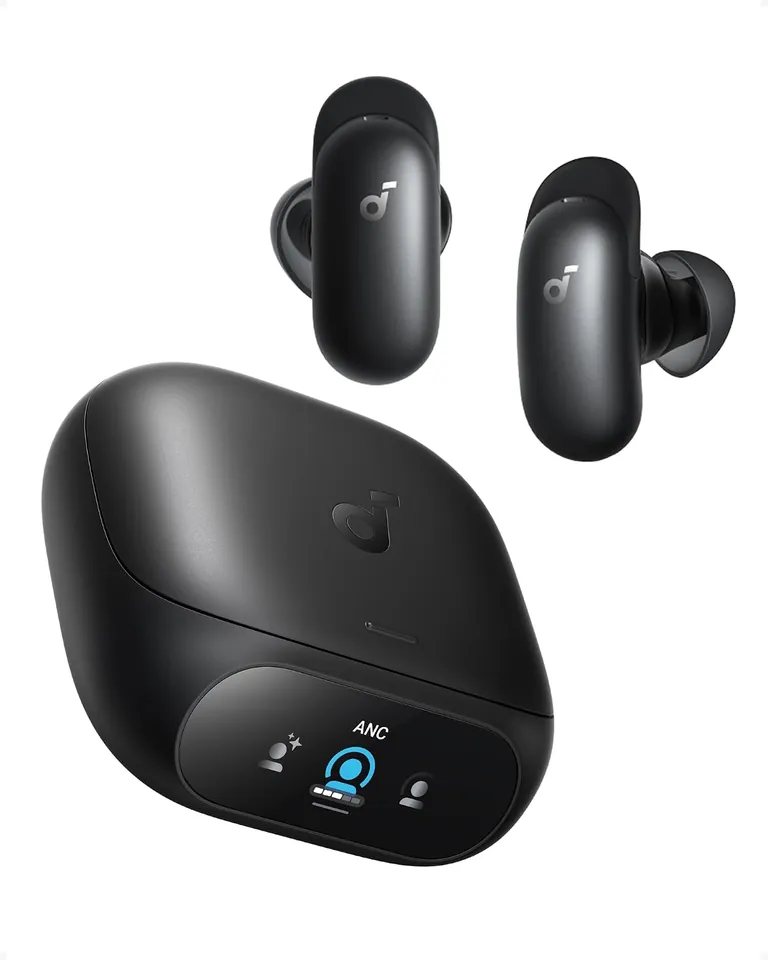
soundcore Liberty 5 Pro vs Galaxy Buds4 Pro: Match Your Phone, Case, and Controls
This comparison covers the two black models: soundcore Liberty 5 Pro D1203, ASIN B0GWLKRWH7, and Samsung Galaxy Buds4 Pro SM-R640NZKFXAR, ASIN B0G1PJLWLZ. Soundcore documents app setup on phones, iOS 13+ support, a case screen for basic controls and battery checks, and connection to up to three devices. Samsung documents Bluetooth listening across operating systems, but its advanced settings require Android 12+ with at least 1.5 GB memory; iOS has Bluetooth audio without Galaxy Wearable. Galaxy Buds4 Pro also documents same-account Galaxy Auto Switch, pinch/swipe and head gestures, and Qi charging for the case. These are configuration and interaction differences, not a measured sound or ANC winner.
Read comparison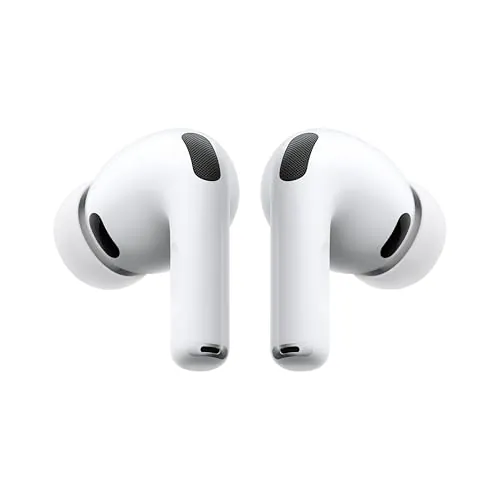
AirPods Pro 3 vs Galaxy Buds4 Pro Black: iPhone or Galaxy?
AirPods Pro 3 fit an Apple Account setup: Apple documents automatic connection across your signed-in Apple devices. Galaxy Buds4 Pro connect over Bluetooth across operating systems, but advanced settings need supported Android; Samsung says its Wearable app is not supported on iOS. Compare device setup, case charging and controls before choosing.
Read comparison