
Products compared
Soundcore
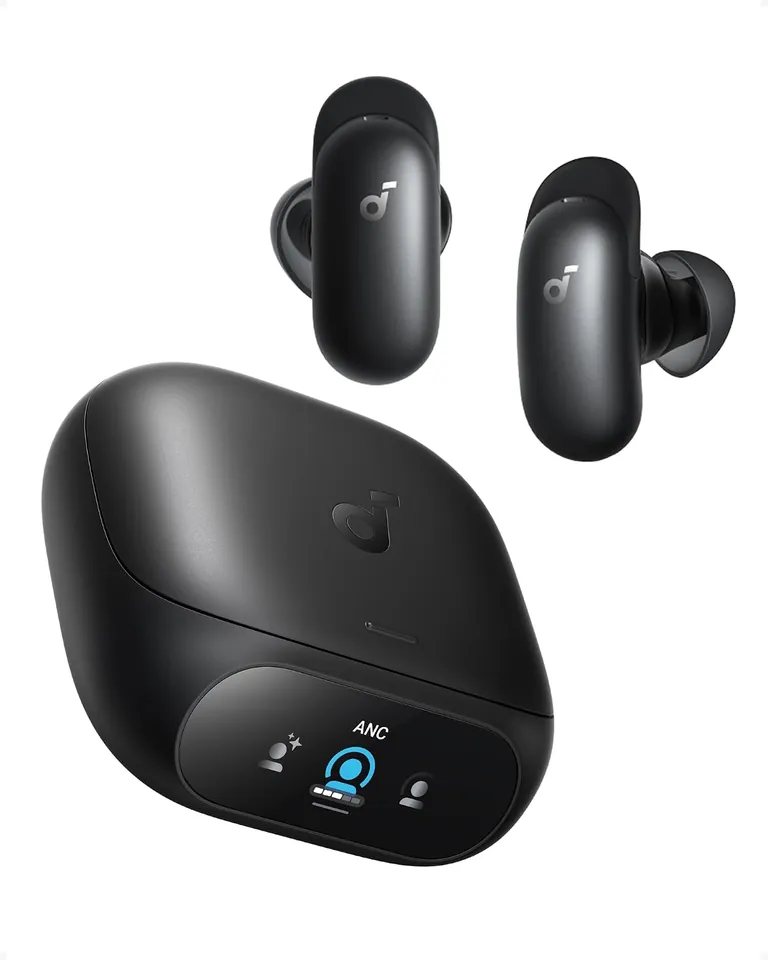
soundcore Liberty 5 Pro
The selected listing identifies the black Liberty 5 Pro as D1203. Soundcore's US D1203 product and support pages document a 0.96-inch charging-case display that can show battery levels and control basic earbud functions, touch controls, app setup on a phone, and connections to up to three devices. Soundcore's exact-model app guide says iOS below 13 is unsupported and the app is not for computers. Those are documented setup features, not proof of easier switching or superior performance.
Model D1203 (Midnight Black)
Amazon ASIN B0GWLKRWH7
Samsung
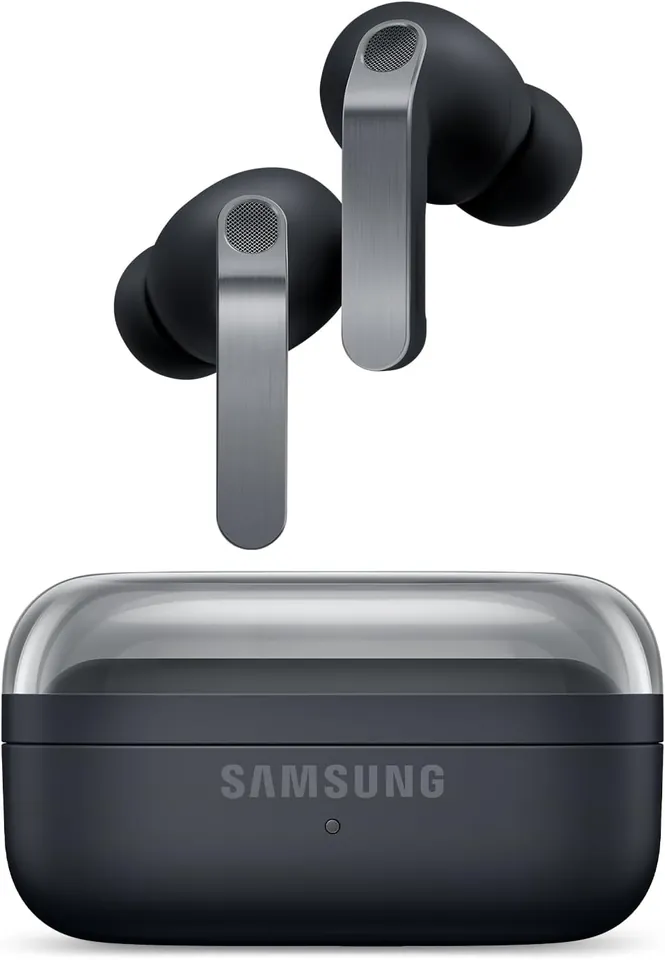
Samsung Galaxy Buds4 Pro
The selected listing identifies the black Galaxy Buds4 Pro as SM-R640NZKFXAR. Samsung's current US Buds4 Pro page—not Buds3 documentation—says basic Bluetooth audio works regardless of operating system, while Galaxy Wearable advanced settings require Android 12 or later and at least 1.5 GB of memory; the app is unavailable on iOS. Samsung documents Auto Switch among Galaxy devices signed into the same Samsung account, pinch and swipe controls, optional head gestures, three sizes of ear tips, and wireless charging for the case.
Model SM-R640NZKFXAR (Black)
Amazon ASIN B0G1PJLWLZ
Differences that matter
What matters most to you?
Choose a priority to see what it changes.
Sources for Phone platform and companion-app access
Sources for How your devices reconnect or hand audio off
Sources for Case functions and charging routine
Sources for Earbud controls and fit check
Start with the phone that will configure your earbuds
Liberty 5 Pro's support page gives phone-based setup for the Anker soundcore app and explicitly excludes iOS versions below 13; it says the app does not run on computers. Samsung says Buds4 Pro Bluetooth audio is available across operating systems, but Galaxy Wearable is not supported on iOS. Samsung advanced settings require Android 12 or later with at least 1.5 GB memory. So if an iPhone is your only host and app access matters, Soundcore has the more direct documented path. If you want Samsung settings, confirm the Android host meets the stated requirements.
This is an app-access distinction, not a broad compatibility winner. Samsung still documents Bluetooth audio on iOS, and the cited Soundcore page does not give a minimum Android version.
Match the device handoff to your device list
Write down each phone, tablet, or computer you expect to connect. soundcore says Liberty 5 Pro can connect to as many as three devices. Samsung's Auto Switch is a different, narrower described workflow: Galaxy audio can move from a same-account tablet to a phone for an incoming call and return afterward. Samsung requires those devices to use the same Samsung account.
Use the published device count as a capacity detail, not a promise of seamless simultaneous playback or a speed ranking. If your Samsung devices use different accounts or are not Galaxy devices, the Auto Switch example may not fit; if your Soundcore setup requires all three devices to be active at once, verify that behavior separately.
Check the case, controls, and fit before checkout
Liberty 5 Pro's case screen can show earbud and case battery levels and control basic functions such as ambient mode and sound effects. Samsung documents Galaxy Buds4 Pro's Qi charging case, pinch/swipe controls, and optional head gestures. The Samsung wireless pad is sold separately. Because the reviewed Soundcore documents do not specify Qi support, ask Soundcore or check the current exact D1203 manual if charging the case on a pad is essential.
Try the earbud interaction you expect to use: Soundcore describes taps and case-screen controls; Samsung describes pinching and swiping the blade. Samsung lists S/M/L tips in the box, while the exact Soundcore US product page only says multiple tip sizes are available. Check the D1203 package contents and test fit where returns allow. Neither page can predict individual comfort or establish a sound, ANC, call, or battery winner.
Product details
soundcore Liberty 5 Pro
- Assigned variant
- Black; selected listing part/model D1203. The exact US manufacturer page offers Midnight Black. Source
- Phone app
- Soundcore's D1203 support instructions direct users to pair with a phone and use the Anker soundcore app; iOS below 13 is not supported. The app is not supported on computers. Source
- Case and device connections
- The case has a 0.96-inch screen for basic earbud functions and battery levels; Soundcore documents connections to up to three devices. Source
Samsung Galaxy Buds4 Pro
- Assigned variant
- Black; selected listing SM-R640NZKFXAR. Samsung's US page identifies the Galaxy Buds4 Pro family and lists Black as a color. Source
- Phone requirements
- Bluetooth audio is available regardless of operating system. Galaxy Wearable advanced settings require Android 12+ and at least 1.5 GB memory; Galaxy Wearable is not supported on iOS. Source
- Case and fit
- Samsung says the case supports wireless charging; the pad is sold separately. Three ear-tip sizes (S/M/L) are included; the charger and USB-C cable are not. Source
Before you buy
Community discussions
A Galaxy Buds4 Pro owner tried them with a Pixel 10 Pro
Samsung Galaxy Buds4 Pro
One user reported using Galaxy Buds4 Pro with a Pixel 10 Pro, said ANC disconnected randomly, and felt that several major features they expected were unavailable. They did not list those features or establish why they were missing, and returned the earbuds. This is one device-pair report, not a compatibility finding.
What to check
If you use a non-Samsung Android phone, verify the specific controls and features you rely on with that phone before choosing Buds4 Pro. This report does not identify which features were affected or establish that the same result applies to other devices.
Common questions
Can I use Galaxy Buds4 Pro with an iPhone?
Samsung says Galaxy Buds4 Pro can play Bluetooth audio regardless of operating system, but Galaxy Wearable is not supported on iOS. If you want Samsung's advanced settings, use a compatible Android phone meeting Samsung's Android 12+ and 1.5 GB memory requirements.Explore Galaxy Buds4 Pro | Wireless Earbuds | Samsung US
Does Galaxy Buds4 Pro switch automatically between devices?
Samsung documents Auto Switch for Galaxy devices signed into the same Samsung account, with a tablet-to-phone call handoff example. soundcore separately says Liberty 5 Pro can connect to up to three devices; this does not establish the same automatic switching behavior.Explore Galaxy Buds4 Pro | Wireless Earbuds | Samsung USsoundcore Liberty 5 Pro FAQ
Can I see battery or change controls on the Liberty 5 Pro case?
Yes. soundcore says its screen can show earbud and case battery levels and access several basic functions, including ambient sound and audio effects. Galaxy Buds4 Pro's US page separately confirms Qi case charging and documents pinch/swipe controls; do not infer that one case lacks functions the manufacturer's page does not mention.soundcore Liberty 5 Pro FAQExplore Galaxy Buds4 Pro | Wireless Earbuds | Samsung US
Sources and scope
Manufacturer sources document different device workflows but do not establish equivalent switching behavior. No exact-pair test is used to rank sound, noise cancellation, calls, fit, or battery life. Samsung's case is explicitly Qi-chargeable; the Soundcore pages reviewed here do not establish whether its case supports Qi, so do not assume either way.
- Liberty 5 Pro | Noise Cancelling Earbuds for Clear Calls
- soundcore Liberty 5 Pro FAQ
- How do I connect soundcore Liberty 5 Pro to the Anker soundcore app?
- Why do the soundcore Liberty 5 Pro earbud controls sometimes not respond?
- Explore Galaxy Buds4 Pro | Wireless Earbuds | Samsung US
- soundcore Liberty 5 Pro support: connect a third device
Related comparisons
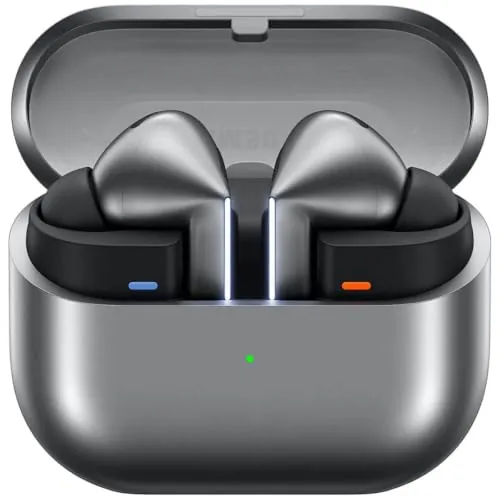
Galaxy Buds4 Pro vs Buds3 Pro: Check Phone Support and the Exact Region SKU
Compare the silver Galaxy Buds3 Pro international listing with the black Galaxy Buds4 Pro US listing by the Galaxy and Android features you will actually activate. The Buds4 Pro family adds head gestures, but Samsung lists phone and app requirements; verify the assigned retail model code and the Buds3 Pro seller's regional warranty before buying.
Read comparison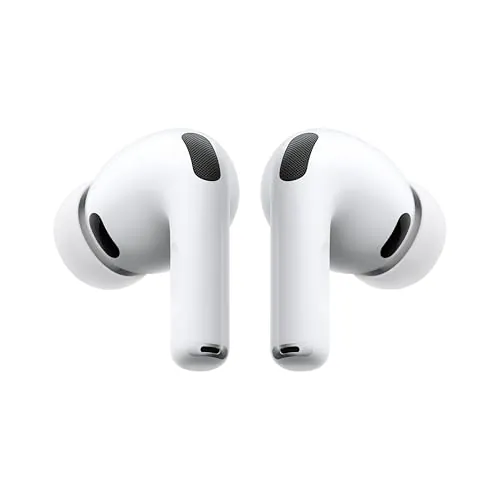
AirPods Pro 3 vs Galaxy Buds4 Pro Black: iPhone or Galaxy?
AirPods Pro 3 fit an Apple Account setup: Apple documents automatic connection across your signed-in Apple devices. Galaxy Buds4 Pro connect over Bluetooth across operating systems, but advanced settings need supported Android; Samsung says its Wearable app is not supported on iOS. Compare device setup, case charging and controls before choosing.
Read comparison