
Products compared
Garmin
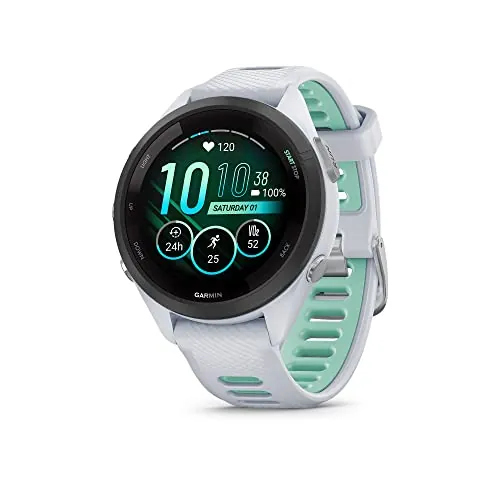
Garmin Forerunner 265S, Whitestone/Neo Tropic (010-02810-04)
U.S. 42 mm Forerunner 265S in Whitestone/Neo Tropic; Garmin part number 010-02810-04.
Model Forerunner 265S
Amazon ASIN B0BS2F6DJ3
Garmin
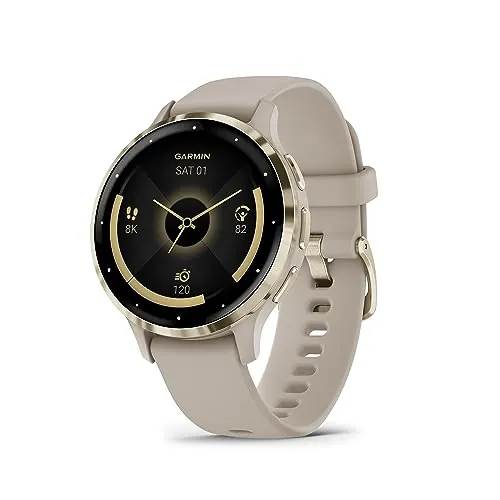
Garmin Venu 3S, French Gray (010-02785-02)
U.S. French Gray Venu 3S configuration; Garmin part number 010-02785-02.
Model Venu 3S
Amazon ASIN B0CDC6Y617
Differences that matter
What matters most to you?
Choose a priority to see what it changes.
Sources for Calls from the wrist
Sources for Starting and controlling a run
Sources for Published battery figures and conditions
Decide how much of a call should happen on your wrist
The Forerunner 265S is a call-notification and handoff workflow: Garmin documents showing the caller and accepting the call on the watch, while the connected phone handles speech. Venu 3S has a different documented route: with a compatible phone connected over Bluetooth, it can place and take calls through its own speaker and microphone.
Write down what you expect to do when a call arrives during a walk or workout. If you want to keep the phone in hand or nearby and speak through it, the Forerunner route may fit. If you expect to answer and talk at the watch, check Venu 3S compatibility with your specific phone and verify the paired setup. The manuals do not measure call clarity, connection range or how reliably either works in your environment.
Match the run controls to the way you use a watch in motion
Forerunner 265S offers five physical buttons alongside its touchscreen. Its manual uses START/STOP to control the activity timer and BACK for actions such as recording a lap or moving through a workout; Garmin also documents that touch can be enabled or disabled for each activity profile. That gives a runner a documented option to set up a button-focused profile before heading out.
Venu 3S also has physical buttons as well as touch. Its manual describes button actions during an activity for a lap, set/pose or next workout step, while touch supports navigation through features and menus. If control layout matters, compare the exact sequence you will use to start, pause and mark a run. Neither manual proves one watch is easier, more accurate or better at recording the activity.
Use battery estimates as mode planning, not a winner chart
Garmin lists up to 15 days for Forerunner 265S smartwatch mode with activity tracking, wrist-based heart rate and phone notifications. Its table separately lists up to 24 hours for GPS-only activity with wrist-based heart rate. For Venu 3S, Garmin lists up to 10 days in smartwatch mode with activity tracking and continuous wrist-based heart rate.
These figures do not use identical smartwatch-mode wording, and Garmin notes that settings and enabled features affect actual battery life. They help identify which mode to inspect, but they do not show what you will get with your notifications, GPS choice, connected sensors, calls and display settings. Before buying, list the features you plan to leave on and compare the corresponding mode in each manual rather than treating the headline day count as a guaranteed result.
Product details
Garmin Forerunner 265S, Whitestone/Neo Tropic (010-02810-04)
- Watch-call workflow
- Garmin documents viewing and accepting an incoming call on the watch; use the connected phone to speak. Source
- Activity controls
- Five physical buttons plus touchscreen. START/STOP starts or stops the activity timer; BACK handles actions such as laps or workout steps. Garmin lets you enable or disable touch for each activity profile. Source
- Published battery estimates
- Up to 15 days in smartwatch mode with activity tracking, wrist-based heart rate and phone notifications; up to 24 hours in GPS-only activity mode with wrist-based heart rate. These are Garmin estimates, not a pair test. Source
Garmin Venu 3S, French Gray (010-02785-02)
- Watch-call workflow
- When connected to a compatible phone by Bluetooth, Garmin documents placing and taking calls using the watch's speaker and microphone. Source
- Activity controls
- Touchscreen and three physical buttons. The manual documents using a button during an activity for a lap, set/pose or next workout step; a separate button can launch a phone voice assistant when paired. Source
- Published battery estimate
- Up to 10 days in smartwatch mode with activity tracking and continuous wrist-based heart rate. Garmin says actual life varies with enabled features; this is not a matched test against the Forerunner estimate. Source
Before you buy
Community discussions
Choosing between general fitness and more running detail
Garmin Forerunner 265S, Whitestone/Neo Tropic (010-02810-04)
A shopper with a small wrist compares the Venu 3S and Forerunner 265S for lifting, walking, and a possible return to running. One owner describes choosing the 265S as their interest in running grew.
What to check
List the running information you would actually use, and check the fit of both smaller cases with an appropriate band.
Common questions
Can I speak into the watch during a call on both models?
Garmin documents different call paths. On Forerunner 265S, you can view and accept an incoming call on the watch, then speak through the connected phone. Venu 3S can place and take calls through its speaker and microphone when connected to a compatible phone over Bluetooth.Garmin Forerunner 265 Series Owner's ManualGarmin Venu 3 Series Owner's Manual
Which is better for a button-controlled run?
That depends on your preferred sequence, not a tested ease-of-use winner. Forerunner 265S has five buttons and Garmin documents a per-activity touch setting. Venu 3S has three buttons plus a touchscreen, with manual-described button actions for laps and workout steps. Review each manual's controls and try the sequence if you can.Garmin Forerunner 265 Series Owner's ManualGarmin Venu 3 Series Owner's Manual
Does Garmin's battery table prove the Forerunner lasts longer?
No. Garmin lists up to 15 days for Forerunner 265S smartwatch mode with activity tracking, wrist-based heart rate and phone notifications, and up to 10 days for Venu 3S with activity tracking and continuous wrist-based heart rate. The stated conditions are not identical, and Garmin says enabled features affect actual life. These are planning estimates, not a controlled head-to-head result.Garmin Forerunner 265 Series Owner's ManualGarmin Venu 3 Series Owner's Manual
Sources and scope
This guide compares Garmin's documented U.S. product configurations and owner-manual workflows. It does not test GPS, heart-rate or other sensor accuracy, battery life, comfort, call quality, workout results or reliability. Garmin's maximum battery figures are published under different descriptions and enabled-feature conditions, so they are not a controlled direct comparison. Calls and phone-dependent functions require a compatible paired phone; check Garmin's current compatibility details for your phone and software.
Related comparisons
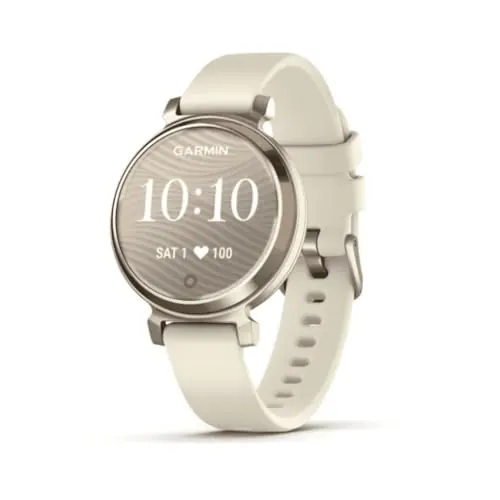
Garmin Lily 2 vs Venu 3S: Phone-Connected GPS or Phone-Free Routes?
The assigned U.S. models are Garmin Lily 2 35 mm Coconut (010-02839-00) and Venu 3S 41 mm French Gray (010-02785-02). Their practical difference is when the phone can stay behind and where a call is heard. Lily 2 uses a connected phone's GPS antenna for supported outdoor activities and shows call controls, but you speak on the phone. Venu 3S can acquire satellite signals itself and route a call through the watch when a compatible phone remains connected over Bluetooth. Neither watch provides phone-free cellular calling.
Read comparison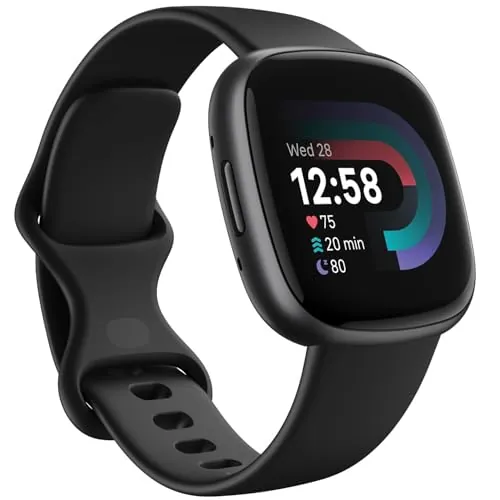
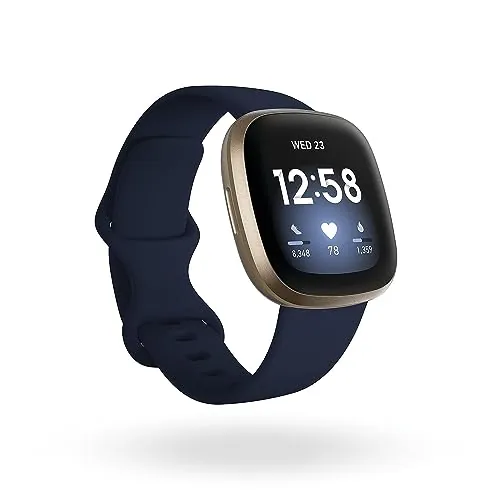
Fitbit Versa 4 vs Versa 3: Music Controls, Bands and App Support
Versa 4 uses YouTube Music controls for playback on a nearby phone; Versa 3 documents controls for music playing on the phone. Both share several core sensors and have manufacturer-estimated 6+ day battery life, but there is no measured accuracy or battery comparison here. Google says third-party app and clock-face installs or updates stop on both watches on November 28, 2026, while already-installed third-party items continue to work. Compare your music setup, exact wrist measurement, phone compatibility and app needs before buying.
Read comparison