
Products compared
Garmin
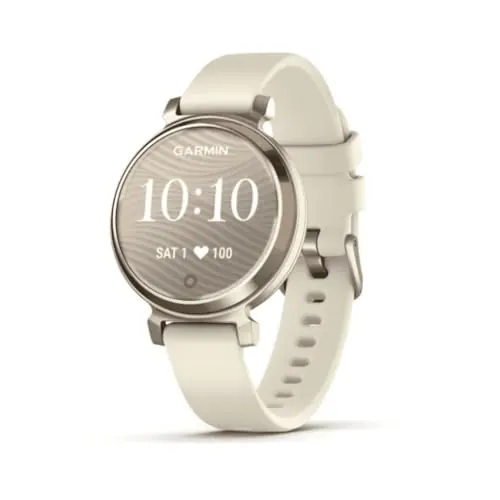
Garmin Lily 2 Small & Stylish Smartwatch, 35 mm, Coconut
Standard Garmin Lily 2 in the assigned 35 mm Coconut configuration. It supports connected GPS for selected outdoor activities and call accept/decline controls with call conversation on the connected phone. listing data product 11739.
Model Lily 2 / 010-02839-00
Amazon ASIN B0CP9C4RKN
Garmin
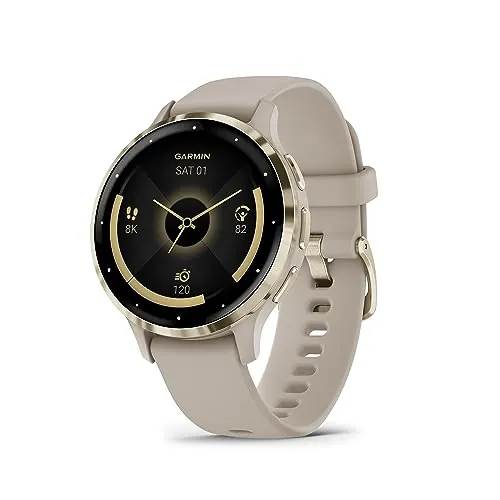
Garmin Venu 3S Premium Fitness Smartwatch, 41 mm, French Gray
Assigned 41 mm Venu 3S in French Gray. The Venu 3 series manual documents watch-side satellite acquisition for GPS activities and call audio through the watch when paired to a compatible Bluetooth phone. listing data product 5283.
Model Venu 3S / 010-02785-02
Amazon ASIN B0CDC6Y617
Differences that matter
Sources for GPS route when the phone is left behind
Sources for Where you speak during a phone call
Sources for App, Bluetooth and permission setup
Sources for Exact U.S. variant boundary
Start with two separate phone questions
The useful dividing line is not simply whether a watch has GPS or call controls. Ask first whether you want a GPS route when the phone is absent, then separately ask where you want call audio when the phone is present. Those are different workflows.
Lily 2 uses connected GPS for the listed walk, run and bike flow: Garmin Connect must be open, the phone must remain in range and location must be allowed. If disconnected, Garmin says you can continue without GPS data. Venu 3 series instead waits for satellite acquisition on the watch for GPS-required activities.
For calls, Lily 2 provides accept and decline controls but sends the conversation to the connected phone. Venu 3S supports watch call audio with a compatible Bluetooth-connected phone. Its watch audio setting does not make it a cellular watch.
Check the setup before choosing
For a Lily 2 GPS activity, keep Garmin Connect open and the paired phone within range; allow location sharing for the app. For Venu 3S call audio, pair a compatible phone over Bluetooth and confirm Call Audio is enabled on the watch. Exact menu wording can vary with software revisions, so use Garmin's current manual for the installed version.
Confirm that the offer is the standard Lily 2 part 010-02839-00 or Venu 3S part 010-02785-02. Garmin's product pages currently render only a JavaScript shell in the accessible page view, so this article does not infer details from adjacent Lily or Venu models. Check Garmin's current app compatibility page for your phone rather than treating an older operating-system minimum as permanent.
Product details
Garmin Lily 2 Small & Stylish Smartwatch, 35 mm, Coconut
- GPS workflow
- For walk, run or bike GPS data, Garmin documents using the phone GPS antenna, Garmin Connect and an in-range phone; without the connection, the activity may continue without GPS data. Source
- Call workflow
- Can accept or decline an incoming call shown from the connected phone; Garmin says to use the phone to speak to the caller. Source
Garmin Venu 3S Premium Fitness Smartwatch, 41 mm, French Gray
- GPS workflow
- For GPS-required activities, the Venu 3 series manual instructs the wearer to go outside and wait until the watch acquires satellite signals before starting the timer. Source
- Call workflow
- Calling requires a compatible phone connected by Bluetooth. The manual provides a Phone app on the watch and a Call Audio setting to enable or disable call audio on the watch; this is paired-phone calling, not standalone cellular service. Source
Before you buy
Community discussions
Balancing a smaller case with a screen you can read
Garmin Venu 3S Premium Fitness Smartwatch, 41 mm, French Gray
A shopper with a 16 cm wrist tried the Venu 3S next to the larger Venu 3. They liked the smaller watch’s light feel but wondered if it looked too small.
What to check
Compare case size and the text you can comfortably read. If possible, wear each of the watches you are considering and try a typical screen.
Choosing which phone notifications appear on your wrist
Garmin Venu 3S Premium Fitness Smartwatch, 41 mm, French Gray
A Venu 3S owner wanted alerts from only two phone apps and asked how to set that up.
What to check
Check which notification choices your phone and watch offer together. Test the few apps whose alerts you would want to keep.
Checking the case size before changing trackers
Garmin Lily 2 Small & Stylish Smartwatch, 35 mm, Coconut
A shopper moving on from a Fitbit put the Lily 2 on their shortlist after considering the size of the Venu 3S and another watch.
What to check
Compare the exact watches side by side and check how the screen, case and band feel on your wrist.
Common questions
Can Lily 2 record a GPS route if I leave my phone at home?
Garmin documents connected GPS for Lily 2: the watch uses the phone's GPS antenna for walk, run or bike data. Without the connection, the activity can continue, but the manual says GPS data will not be recorded.Lily 2 Owner's Manual: Recording an Activity with Connected GPSLily 2 Owner's Manual: Connected GPS
Does Venu 3S make calls without my phone?
No standalone cellular calling is documented here. Garmin's Venu 3 series manual says watch calling is available when connected to a compatible phone over Bluetooth. You can route call audio through the watch while that phone is connected.Venu 3 Series U.S. Owner's ManualVenu 3 Series Owner's Manual: Phone and Bluetooth Settings
What happens when a call comes in on Lily 2?
The watch shows the caller and offers accept or decline controls. Garmin says you must use the connected phone to talk. Decline-with-text is a separate feature and requires a compatible Android phone connected by Bluetooth.Lily 2 Owner's Manual: Receiving an Incoming Phone Call
Are Garmin Connect app requirements the same as watch-feature compatibility?
They are different checks. Garmin's compatibility page describes app requirements, while the manuals specify the setup and connection needed for each feature. Check the current requirements and your exact phone before buying; app eligibility alone does not promise every feature will work on every phone.Garmin Connect App Compatibility RequirementsVenu 3 Series U.S. Owner's Manual
Sources and scope
This guide is limited to the assigned standard Lily 2 Cream Gold/Coconut silicone model and Venu 3S 41 mm Soft Gold/French Gray silicone model. It compares documented setup and feature routing, not GPS accuracy, call quality, battery endurance, health data or comfort. Garmin product pages currently require JavaScript for full specification content; exact model/part numbers are also confirmed by the current listing data response and the previously documented Garmin U.S. product records bound to the earlier reviewed source. App compatibility requirements change, so check Garmin's current compatibility guidance for your phone before purchase. Neither watch is presented as a standalone cellular phone.
- Garmin Lily 2 U.S. product listing, part 010-02839-00
- Garmin Venu 3S U.S. product listing, part 010-02785-02
- Lily 2 Owner's Manual: Recording an Activity with Connected GPS
- Lily 2 Owner's Manual: Connected GPS
- Lily 2 Owner's Manual: Receiving an Incoming Phone Call
- Venu 3 Series U.S. Owner's Manual
- Venu 3 Series Owner's Manual: Phone and Bluetooth Settings
- Garmin Connect App Compatibility Requirements
Related comparisons
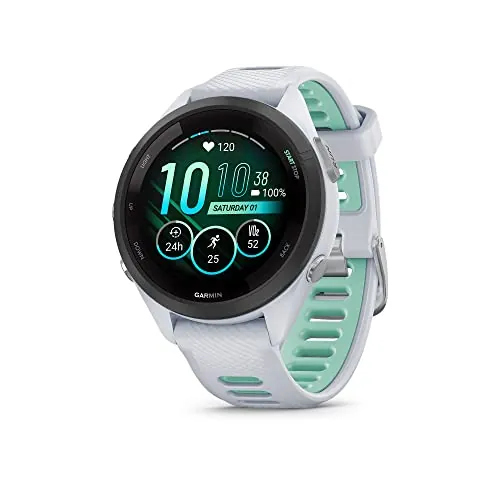
Garmin Forerunner 265S vs Venu 3S: Calls, Run Controls and Battery Estimates
The Forerunner 265S can show and accept an incoming call but Garmin directs you to speak through the paired phone. The Venu 3S can place and take calls through its watch speaker and microphone while connected to a compatible Bluetooth phone. For runs, the 265S offers five physical buttons and lets you enable or disable touch by activity profile; the Venu 3S uses a touchscreen and three buttons for its activity and lap workflow. Garmin publishes different battery estimates and conditions, so treat them as mode-specific planning references, not a head-to-head endurance result.
Read comparison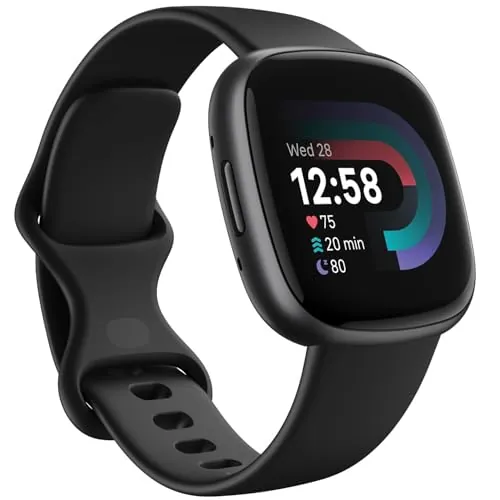
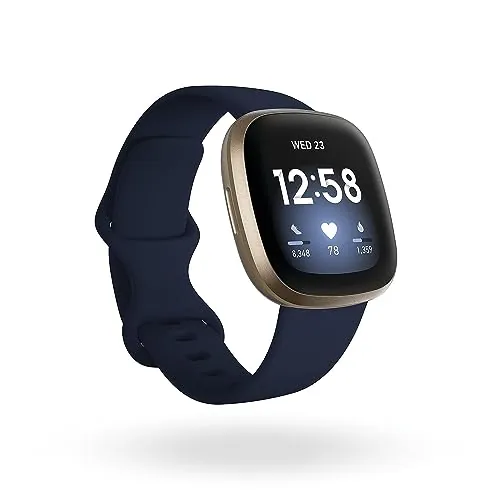
Fitbit Versa 4 vs Versa 3: Music Controls, Bands and App Support
Versa 4 uses YouTube Music controls for playback on a nearby phone; Versa 3 documents controls for music playing on the phone. Both share several core sensors and have manufacturer-estimated 6+ day battery life, but there is no measured accuracy or battery comparison here. Google says third-party app and clock-face installs or updates stop on both watches on November 28, 2026, while already-installed third-party items continue to work. Compare your music setup, exact wrist measurement, phone compatibility and app needs before buying.
Read comparison