
Products compared
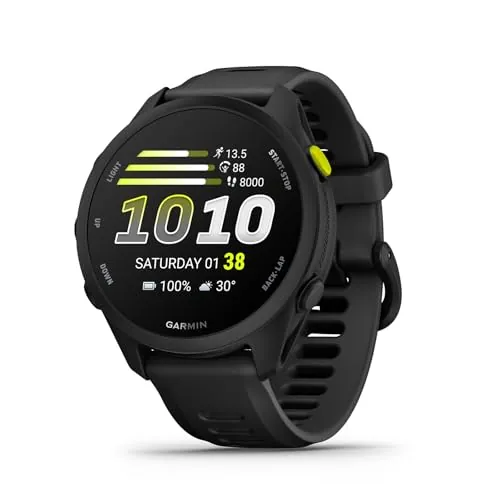
Garmin
Garmin Forerunner 70 Black, 43 mm
U.S. Black variant; 43 mm Forerunner 70; standard watch, not a Forerunner 170 or Music model.
Model 010-04307-00
Amazon ASIN B0H1FBRQD9
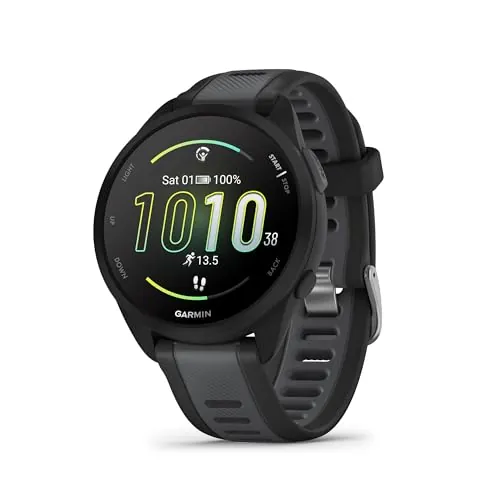
Garmin
Garmin Forerunner 165 Black, 43 mm (standard, non-Music)
U.S. Black standard Forerunner 165, 43 mm; not the Forerunner 165 Music edition.
Model 010-02863-20
Amazon ASIN B0CT3SGHXL
Differences that matter
Pay at a supported location from the watch
Garmin Forerunner 165 Black, 43 mm (standard, non-Music) · Garmin documents Pay on the 165 Series and describes it as an added 170 feature relative to the 70; issuer/card/location eligibility still applies.
View 010-02863-20 on Amazon (paid link)Sources for Following a saved course
Sources for Training workflow documented
Sources for Contactless wrist payment
The display and touch controls are close matches on paper
Garmin's U.S. announcement describes the Forerunner 70 as having a 1.2-inch AMOLED display, responsive touchscreen and five-button design. Its separate Forerunner 165 Series announcement gives the same display size and input description. For this 43 mm Black pair, screen technology and button count are therefore not strong selection filters.
The manuals let you disable touch for general use or individual activity profiles, and both say the touchscreen is not available during swimming. If you want to avoid accidental touch inputs during a run, you can use the button-oriented workflow; there is no cited hardware difference that makes one watch the clear pick for touch versus buttons.
Plan your route before deciding which navigation menu you need
Both manuals describe building or saving a course in Garmin Connect, sending it to the watch, then starting navigation from a GPS activity. The Forerunner 70 manual documents a map view, course points and starting a course in reverse. The 165 Series manual documents a course map, elevation plot, saved locations and navigation back to the activity start.
If you already use Garmin Connect courses, check the route detail you need in each manual: water-stop or climb points, an elevation plot, a saved location, or returning to the start. These are documented menu functions, not evidence that either watch gives more accurate directions or GPS results.
Separate workout planning from payment convenience
Both models’ manuals document Garmin Coach plans, daily suggested workouts, Training Effect and PacePro. The Forerunner 70 manual also gives Training Readiness and Training Status dedicated sections; the 165 Series manual reviewed here does not confirm those exact feature names. Do not treat missing terms as proof of a feature gap or use any training score as an outcome comparison.
The clearest model-specific shopping check is Garmin Pay: the 165 Series manual explains wallet setup and payment at participating locations, while Garmin's Forerunner 70/170 announcement describes Pay as an added 170 feature relative to the 70. Before choosing the 165 for payments, check your own financial institution, card/payment network and usual payment locations.
Product details
Garmin Forerunner 70 Black, 43 mm
The 70 is a sensible starting point if wrist payment is not a requirement and its documented training and course workflow matches what you use. Confirm any specific training feature on the exact current model before relying on a difference inferred from another manual's silence.
- Display and input
- Garmin describes the Forerunner 70 with a 1.2-inch AMOLED display, responsive touchscreen and five-button design. Source
- Course navigation
- The manual explains sending a Garmin Connect course to the watch, then navigating it; the course detail flow includes map viewing, course points and reverse-course options. Source
- Training features documented in the manual
- Garmin Coach, daily suggested workouts, Training Effect and PacePro are documented in the manual, which also has sections for Training Readiness and Training Status. Source
Garmin Forerunner 165 Black, 43 mm (standard, non-Music)
The standard 165 is the documented choice if you need Garmin Pay and your bank/card and payment locations participate. Match the standard non-Music ASIN before checkout; the 165 Music is a different edition.
- Display and input
- Garmin describes the Forerunner 165 Series with a 1.2-inch AMOLED display, responsive touchscreen and traditional five-button design. Source
- Course navigation
- The Series manual explains creating or syncing courses, following them, viewing a course on the map and elevation plot, and navigating to saved locations. Source
- Training and payment features documented in the manual
- Garmin Coach, daily suggested workouts, Training Effect, PacePro and Garmin Pay are documented for the Forerunner 165 Series; payments depend on participating providers and locations. Source
Before you buy
Community discussions
Setting up the screen for a structured workout
Garmin Forerunner 165 Black, 43 mm (standard, non-Music)
A Forerunner 165 owner who had loaded workouts could change the screen settings for regular Run and Bike profiles but had trouble finding workout-specific screen controls.
What to check
Load a short workout like one you normally follow. Check whether the screens show the pace, time and interval details you need while it runs.
Common questions
Do both watches have a touchscreen and physical buttons?
Garmin's launch announcements describe a 1.2-inch AMOLED touchscreen and five-button layout for both the Forerunner 70 and Forerunner 165 Series. Both manuals also describe disabling touch for general use or an activity profile, and state that touch is unavailable during swimming.Forerunner 70 and Forerunner 170 U.S. announcementForerunner 165 Series U.S. announcementForerunner 70 Owner's ManualForerunner 165 Series Watch Owner's Manual
Can both follow a course created in Garmin Connect?
Both manuals explain sending or syncing a course from Garmin Connect and starting navigation on the watch. Their documented course-detail menus differ, so check the exact model manual for a specific map or route tool you need.Forerunner 70 Owner's ManualForerunner 165 Series Watch Owner's Manual
Does the standard Forerunner 165 support Garmin Pay?
The Forerunner 165 Series manual documents Garmin Pay wallet setup and payment at participating locations. A participating financial institution/card and payment location are required; check current eligibility before relying on it.Forerunner 165 Series Watch Owner's Manual
Does the Forerunner 165 lack Training Readiness or Training Status?
The Forerunner 70 manual has sections for both names, but the Forerunner 165 Series manual reviewed here does not document them. That absence from one manual is not proof that the features are unavailable on the 165; ask Garmin or verify the current exact-model feature list before deciding.Forerunner 70 Owner's ManualForerunner 165 Series Watch Owner's Manual
Sources and scope
This guide compares manufacturer-documented features and instructions. It does not test GPS accuracy, heart-rate accuracy, training metrics, route guidance, battery life, health results or running performance. Both official launch announcements describe a 1.2-inch AMOLED touchscreen and five-button layout, so display and input are not a clear differentiator here. Garmin Pay requires a supported financial institution, card/payment network and participating location. The Forerunner 165 Series manual reviewed here does not document the exact Training Readiness or Training Status feature names; that silence does not establish that the 165 lacks them. Confirm current software and exact SKU support with Garmin if those features determine your choice.
Related comparisons
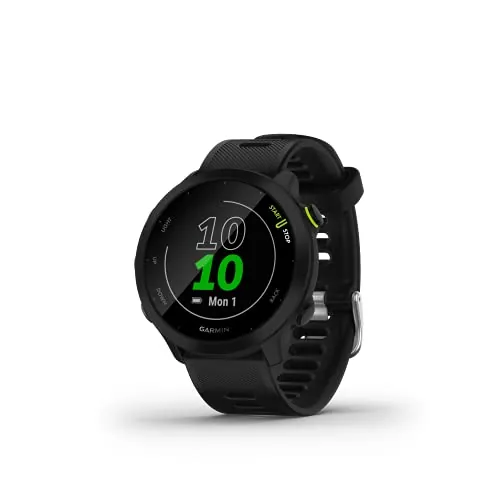
Garmin Forerunner 55 vs 165: Music, Controls and Routes
The standard Forerunner 165 (010-02863-20) is not the Music edition. Both it and the Forerunner 55 can control music playing on a paired phone, but phone-free on-watch music belongs to the separate 165 Music model. The 165 can follow a course synced from Garmin Connect; the 55 does not support on-device courses, although PacePro can give GPS-based pace guidance for a selected course or distance.
Read comparison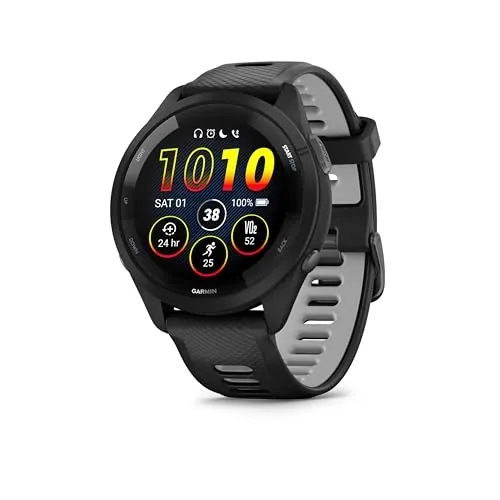
Garmin Forerunner 165 vs 265: Multisport, Music and Training Modes
This pair is the standard black Forerunner 165 (43 mm, part 010-02863-20; not the 165 Music) versus the Black/Powder Gray Forerunner 265 (46 mm, 010-02810-00; not the 42 mm 265S). Garmin documents triathlon and configurable transitions on the 265. Both manuals describe daily suggested workouts, while the 265 adds Training Readiness/Status summaries and Multi-Band/SatIQ satellite options. The standard 165 does not have music storage; the 265 manual lists 8 GB media storage. Use battery estimates for the exact mode you plan to run, and try the labeled case sizes if wrist fit matters.
Read comparison