
Products compared
Garmin
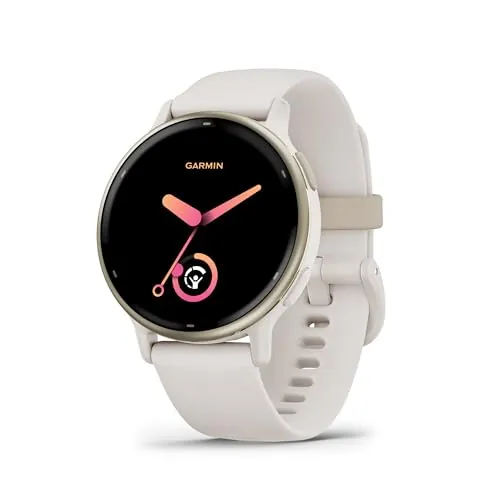
Garmin vívoactive 5
42 mm; Ivory case and silicone band with cream-gold aluminum bezel.
Model 010-02862-11
Amazon ASIN B0CG6NBJ61
Garmin
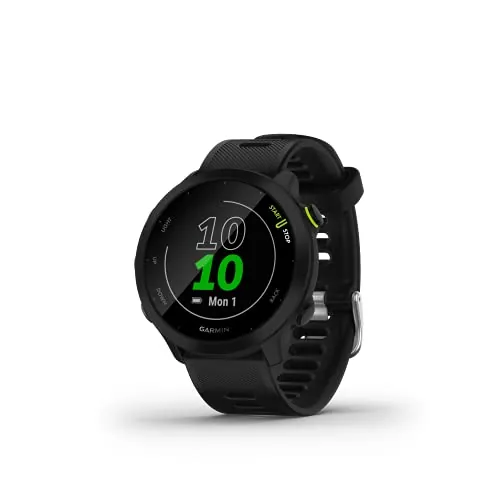
Garmin Forerunner 55
Black case and band; 42 mm case size listed by Garmin.
Model 010-02562-00
Amazon ASIN B092RCLKHN
Differences that matter
What matters most to you?
Choose a priority to see what it changes.
Sources for Getting a workout onto the watch
The decision in one minute
These are not simply a general smartwatch and a running watch with the same controls. The useful split in this exact pair is what you want at run time: vívoactive 5 offers swipe navigation and audio stored on the watch; Forerunner 55 keeps a five-button, non-touch interface and can display a daily suggested run workout. Both have physical buttons for core activity controls.
If you carry your phone and prefer buttons, the Forerunner’s phone-music control may be enough. If you want to leave the phone behind for music you have downloaded and want a touchscreen, vívoactive 5 is the fit. Those are feature choices, not a claim that either watch tracks a run more accurately or produces better training.
What changes in everyday use
On vívoactive 5, Garmin describes an AMOLED touchscreen that scrolls through glances, features and menus, alongside Action and Back/Menu buttons. On Forerunner 55, the buttons are the navigation system: UP and DOWN scroll, START/STOP starts the activity timer or selects an option, BACK returns or records a lap, and LIGHT operates the backlight and controls menu. Choose the interaction you are willing to use while moving, rather than assuming that a running-focused label means touch input is present.
The workout workflow is also different in the documented examples. vívoactive 5 can load compatible multi-step workouts and training plans through Garmin Connect; Garmin says plans require an account and compatible paired phone. Forerunner 55 can show a daily suggested workout after you select a run, but Garmin states that an estimate is required first. Its prompt can be done, dismissed or disabled. These describe setup paths and controls, not the quality or effect of a plan.
Music: stored playback versus phone controls
The vívoactive 5 manual describes three playback paths: audio from a third-party provider, personal audio content, and music stored on the phone. For phone-free listening, the watch must have downloaded audio and connect to Bluetooth headphones. Personal audio files such as MP3 or M4A are sent from a computer with Garmin Express and the included USB cable. A supported provider must be connected to the watch, and its audio downloads require Wi-Fi; check the service’s current support and terms before you depend on it.
Forerunner 55’s manual describes music control rather than watch playback: start a song or playlist on the connected smartphone, hold DOWN on the watch, and use its controls. That can suit someone who takes a phone on every run; it does not meet a requirement to store the playlist on this watch.
A practical first-run checklist
Before choosing, decide whether your phone will be with you for music. If not, verify that your headphones pair with Bluetooth and choose how you will load audio to vívoactive 5. If the phone is coming along, try the Forerunner 55 sequence: start music on the phone, hold DOWN to open controls, and use the physical buttons. Either way, identify which kind of navigation you prefer before you buy.
For workout planning, write down where you currently get your run sessions. Garmin Connect plans on vívoactive 5 require an account and compatible phone pairing. The Forerunner 55 daily suggested workout path needs Garmin’s stated estimate prerequisite. Review each setup first and choose the one that matches your routine; the manuals do not establish comparative GPS accuracy, display readability in your conditions, battery life in your settings, or running outcomes.
At checkout, confirm both the exact model and variant: Ivory vívoactive 5 010-02862-11 (ASIN B0CG6NBJ61) or Black Forerunner 55 010-02562-00 (ASIN B092RCLKHN). Prices and availability change, so use the exact product listing for the current offer.
Product details
Garmin vívoactive 5
- Display and input
- AMOLED color display with touchscreen; swipe through glances, features and menus, with Action and Back/Menu buttons. Source
- Watch-stored music
- Downloads audio to the watch for playback on Bluetooth headphones when the phone is not nearby. Personal audio transfer uses Garmin Express and the included USB cable; supported-provider downloads require Wi-Fi. Source
- Workout setup
- Can follow multi-step workouts and Garmin Connect training plans; plan downloads require a Garmin Connect account and a compatible paired phone. Source
Garmin Forerunner 55
- Display and input
- Sunlight-visible transflective memory-in-pixel display and five physical navigation buttons; no touchscreen. Source
- Music control
- Controls music playback on a connected smartphone; start audio on the phone, then hold DOWN on the watch. Garmin’s product comparison lists no watch music playback/storage for this model. Source
- Daily suggested running workout
- A daily suggested workout appears after selecting a running activity; Garmin says the feature requires a VO₂ max estimate and lets the wearer do, dismiss or disable the prompt. Source
Before you buy
Community discussions
Plan what happens to your phone on a run
Garmin Forerunner 55
A prospective Forerunner 55 buyer wanted to leave their phone in the car, sync a run to Strava afterward, and know whether the watch could play music.
What to check
Verify how your runs would sync after you return to your phone. If you want music during a phone-free run, compare the vívoactive 5’s on-watch storage with the Forerunner 55’s phone music controls.
Common questions
Can either watch play music without my phone?
Garmin documents downloaded watch audio and Bluetooth-headphone playback for vívoactive 5. Forerunner 55 instead controls music playing on a connected phone. On vívoactive 5, personal files require Garmin Express and a computer; provider downloads need Wi-Fi and a supported provider.vívoactive 5 Owner’s Manual: Musicvívoactive 5 Owner’s Manual: Downloading Personal Audio Contentvívoactive 5 Owner’s Manual: Connecting to a Third-Party ProviderForerunner 55 Owner’s Manual: Controlling Music Playback on a Connected Smartphone
Does the Forerunner 55 have a touchscreen?
No. Garmin’s product comparison lists touchscreen input for vívoactive 5 and not for Forerunner 55; the Forerunner 55 manual describes its five navigation buttons. The vívoactive 5 combines its touchscreen with two physical buttons.Garmin US product comparison: vívoactive 5 and Forerunner 55Forerunner 55 Owner’s Manual: Device Overviewvívoactive 5 Owner’s Manual: Overview
What should I check before relying on daily suggested workouts?
Garmin states that Forerunner 55 needs a VO₂ max estimate before it can suggest a daily workout. When you select a running activity, the prompt can be followed, dismissed, or disabled. This describes the feature’s setup; it does not predict an individual result.Forerunner 55 Owner’s Manual: Following a Daily Suggested Workout
Sources and scope
This feature and setup comparison covers the Ivory 42 mm vívoactive 5 (Garmin part 010-02862-11) and Black Forerunner 55 (010-02562-00). Garmin's manuals and product comparison support the described functions. No hands-on, matched GPS, display, battery, comfort, training-result or health-outcome testing is claimed.
- Garmin US product comparison: vívoactive 5 and Forerunner 55
- vívoactive 5 Owner’s Manual: Music
- Forerunner 55 Owner’s Manual: Controlling Music Playback on a Connected Smartphone
- vívoactive 5 Owner’s Manual: Overview
- Forerunner 55 Owner’s Manual: Device Overview
- vívoactive 5 Owner’s Manual: Downloading Personal Audio Content
- vívoactive 5 Owner’s Manual: Connecting to a Third-Party Provider
- vívoactive 5 Owner’s Manual: Workouts
- Forerunner 55 Owner’s Manual: Following a Daily Suggested Workout
- vívoactive 5 Owner’s Manual: Starting an Activity
Related comparisons
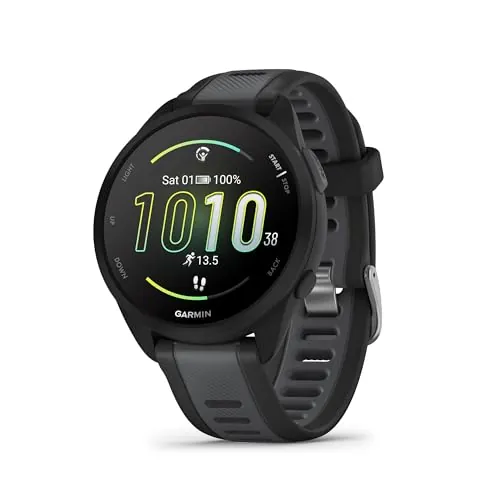
Garmin vívoactive 5 vs Forerunner 165: Buttons, Routes and Music Modes
The Ivory vívoactive 5 pairs two physical buttons with touch and supports downloaded watch music. The Black Forerunner 165 (010-02863-20, non-Music) has five buttons plus touch, and Garmin documents course navigation and PacePro setup for its running workflow. Both support Garmin Connect workout workflows; these model guides do not establish better activity or training results.
Read comparison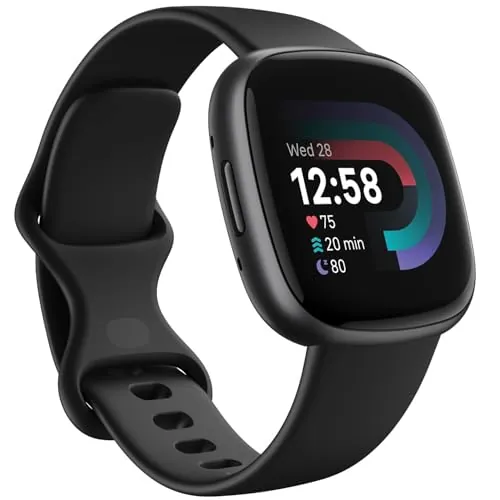
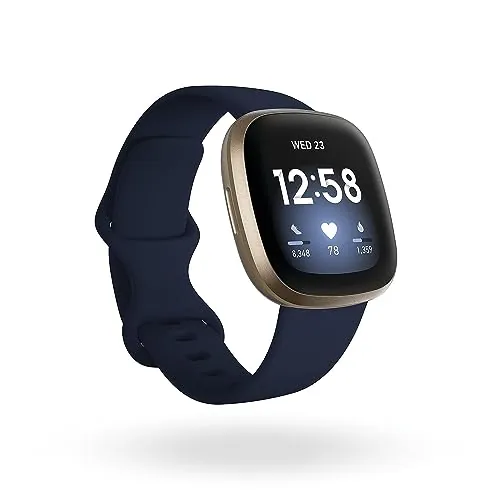
Fitbit Versa 4 vs Versa 3: Music Controls, Bands and App Support
Versa 4 uses YouTube Music controls for playback on a nearby phone; Versa 3 documents controls for music playing on the phone. Both share several core sensors and have manufacturer-estimated 6+ day battery life, but there is no measured accuracy or battery comparison here. Google says third-party app and clock-face installs or updates stop on both watches on November 28, 2026, while already-installed third-party items continue to work. Compare your music setup, exact wrist measurement, phone compatibility and app needs before buying.
Read comparison