
Products compared
iRobot
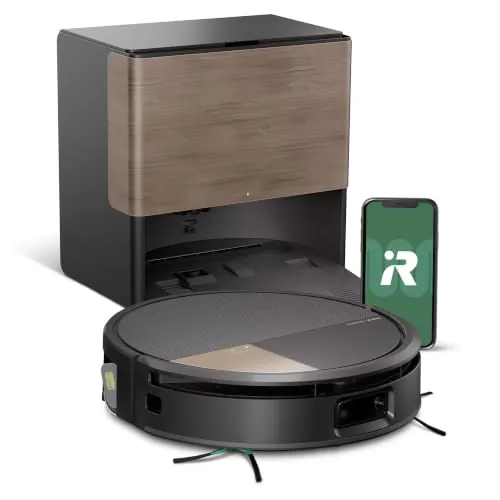
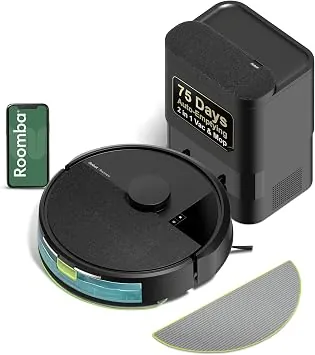
iRobot Roomba Max 775X Combo Robot + AutoWash Dock
Assigned Amazon US product 22998. Manufacturer item X284020; Combo configuration with PowerSpin roller mop and AutoWash dock.
Model X284020
Amazon ASIN B0H3539HJF
iRobot
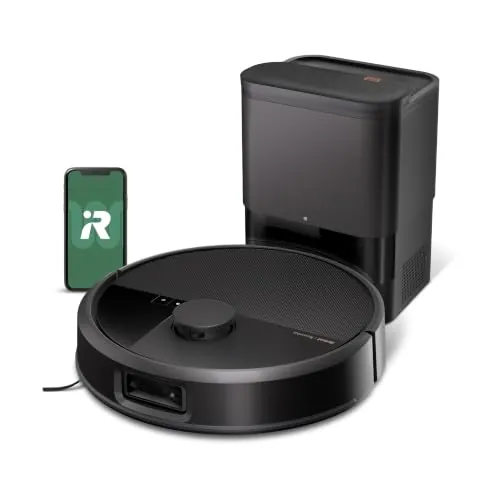
iRobot Roomba Max 715 Vac Robot + AutoEmpty Dock
Assigned Amazon US product 414. Manufacturer item W255020; vacuum-focused configuration with AutoEmpty dock.
Model W255020
Amazon ASIN B0H4WXSXHS
Differences that matter
What matters most to you?
Choose a priority to see what it changes.
Sources for Floor-care modes
Sources for Rugs during a mopping routine
Sources for Dock work after cleaning
Sources for Exact configuration to verify
Start with whether you want to mop at all
The assigned items are two distinct US bundles: product 22998 is the Max 775X Combo, manufacturer item X284020 (ASIN B0H3539HJF); product 414 is the Max 715 Vac, item W255020 (ASIN B0H4WXSXHS). The first adds a PowerSpin roller mop and AutoWash dock. The second is vacuum-focused with an AutoEmpty dock.
That makes this a choice about use and upkeep rather than a cleaning-performance verdict. If you will run mop routines on suitable hard floors, the 775X has the relevant hardware. If you will mostly vacuum and want its bin emptied into a dock bag, the 715 Vac matches that narrower routine without adding wet cleaning.
Both configurations are described with dust emptying. The meaningful difference is that only the Combo guide adds the roller-mop wash cycle and water-system chores. A mop dock is useful when it saves a task you actually perform; otherwise it adds equipment and maintenance without solving your stated need.
Treat rug preparation as part of the 775X mop workflow
iRobot’s product description highlights a cover intended to keep carpets dry. The owner guide for the exact 770–779 Max Combo family separately instructs users to roll up or remove carpets in the area to be mopped before running that routine. For purchase planning, follow the setup instruction rather than assume the cover makes every rug safe to leave in place.
Map the rooms you would mop and mark the rugs that would need to move. If that step is manageable and you want wet cleaning, the 775X may fit your routine. If you would need to leave rugs in place or avoid that preparation, the Max 715 Vac does not require a mop-zone decision.
Budget time for the water and dock care
AutoWash automates roller-mop washing, but the guide still calls for owner attention to clean-water and dirty-water tanks and periodic wash-basin and air-duct cleaning. It also cautions that mopping is not recommended on unsealed hardwood and certain laminate or vinyl plank surfaces because water can damage flooring or the subfloor.
By contrast, the Max 715 page describes debris moving from the robot bin into an enclosed bag and calls out basic robot and dock care. That avoids the wet-system routine; it does not mean no consumable changes or upkeep. Use the exact unit’s manual and listing for maintenance intervals and parts.
Check the bundle code before you buy
The model names are close, so use the manufacturer item codes when comparing live listings: X284020 identifies the Max 775X Combo product page; W255020 identifies the Max 715 Vac page. Match the dock, not just the robot family name, because these pages describe different configurations.
One detail needs a final listing check: the Max 715 page heading says AutoEmpty, but its included-box list says “715 AutoEvac Dock.” The item code anchors the comparison, but this wording conflict means the live seller’s box contents should be checked before paying. The comparison does not assert a specific spare-bag or filter count for the 775X bundle.
Product details
iRobot Roomba Max 775X Combo Robot + AutoWash Dock
Before you buy
Community discussions
Planning where the mop dock will live in a two-story home
iRobot Roomba Max 775X Combo Robot + AutoWash Dock
A Max 775X owner with the AutoWash dock wanted to mop a mapped floor away from the dock and asked how the water refill routine would work.
What to check
Decide which floor needs regular mopping and where there is room for a dock and its tanks. Check which steps require returning to the dock.
Common questions
Does the Roomba Max 775X let me mop with rugs left in place?
Do not assume that. The owner guide for the 770–779 Max Combo family says to roll up or remove carpets from the area being mopped. The product page’s mop-cover description is not a substitute for that setup instruction.Roomba 770–779 Max Combo Robot + AutoWash Dock Owner’s GuideRoomba Max 775X Combo Robot + AutoWash Dock
Does AutoWash mean the Max 775X needs no maintenance?
No. The guide describes automatic roller-mop washing and dust emptying, but the owner still has to manage clean and dirty water components and periodically clean the wash basin and air duct. Follow the guide for the cadence and exact steps.Roomba 770–779 Max Combo Robot + AutoWash Dock Owner’s Guide
What does the Max 715 dock do?
The W255020 product page says the dock transfers debris from the robot bin into an enclosed bag and advertises up to 90 days of hands-free maintenance. Its page heading uses AutoEmpty, while its in-box list says AutoEvac; verify the dock name and box contents on the listing you plan to buy.Roomba Max 715 Vac Robot + AutoEmpty Dock
Which model is better at cleaning?
The sources here establish different configurations and upkeep routines, not a controlled head-to-head cleaning result. Choose by whether you will use the 775X mop and accept its room-preparation and dock-care routine.Roomba Max 775X Combo Robot + AutoWash DockRoomba Max 715 Vac Robot + AutoEmpty DockRoomba 770–779 Max Combo Robot + AutoWash Dock Owner’s Guide
Sources and scope
No controlled pair test or hands-on use was reviewed. The Max 775X product page identifies item X284020 and markets a carpet-protecting mop cover; the 770–779 Max Combo owner guide supplies the operating instructions for this product family, including mopping preparation and dock care. Do not treat the cover claim as permission to mop with rugs left in the target area. The Max 715 page identifies W255020, but its heading calls the dock AutoEmpty while its in-box list calls it AutoEvac; confirm the exact dock name and included parts on the live listing. No cleaning-performance, navigation, durability, or reliability winner is established.
Related comparisons
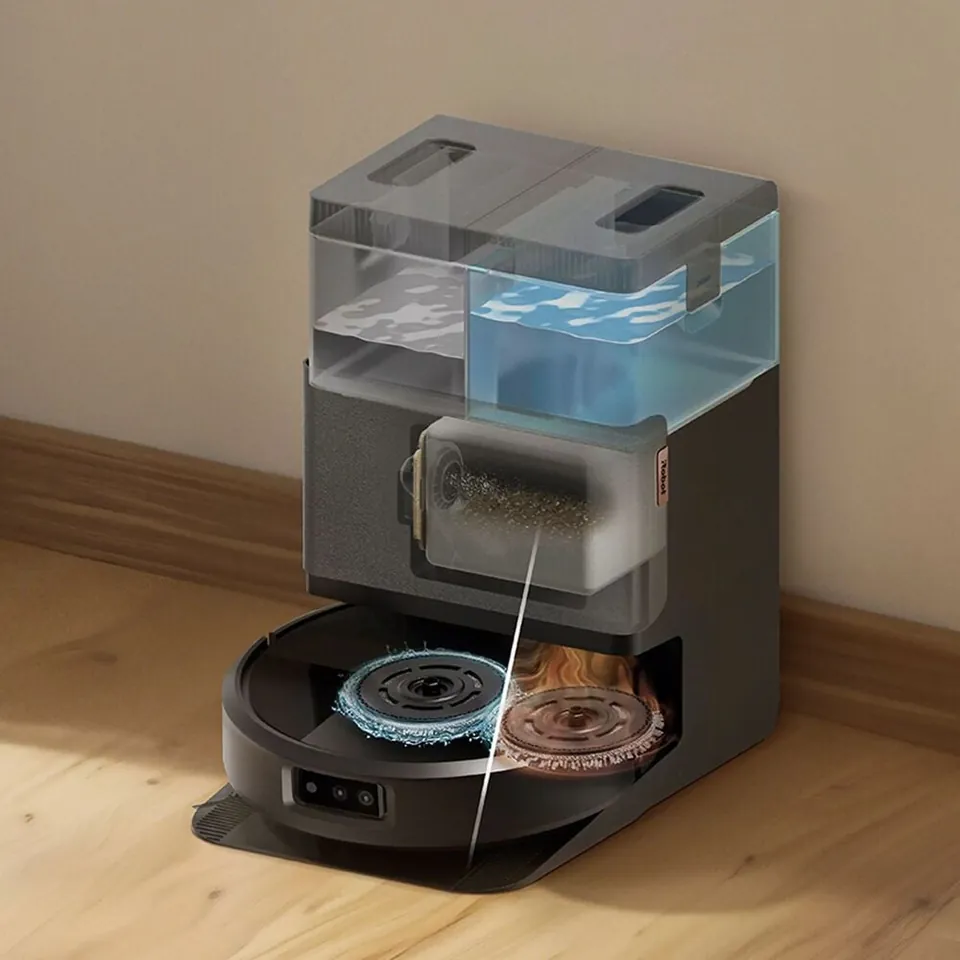
Roomba Max 715 vs Plus 505 Combo: Vacuum Only or Mopping?
The Max 715 W255020 is a vacuum-only robot with an AutoEmpty dock; the Plus 505 N185020 adds wet mopping and an AutoWash dock. Pick by whether you want to maintain a wet-mop system, not by an unproven pet-hair or cleaning ranking. Both product pages call for a hard-surface dock location at least four feet from stairs with room for robot movement.
Read comparison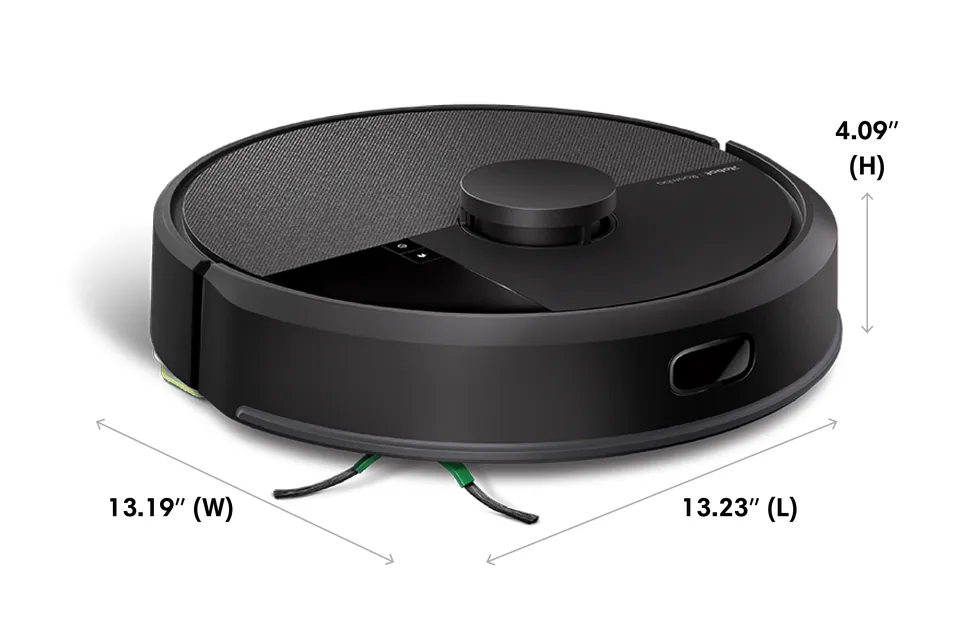
Roomba 105 Combo Y314020 vs Y354020
Y314020 has a Charge-Only Dock; Y354020 adds an AutoEmpty Dock for dry debris. Both remain 105 Combo kits with manual tank and mop-pad care.
Read comparison