
Products compared
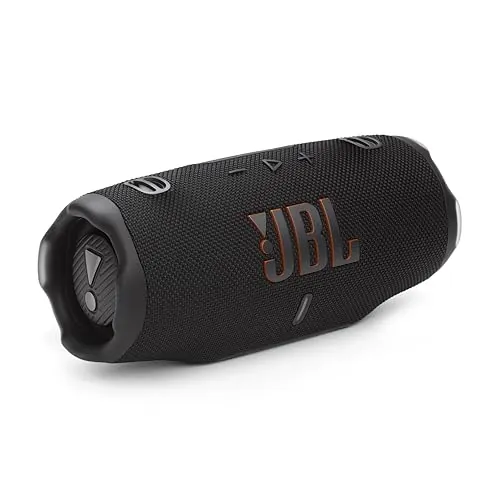
JBL
JBL Charge 6 Black
Exact black U.S. variant. JBL documents USB-C audio from a compatible laptop or other audio host after the JBL Portable software update, and says the feature needs compatible lossless content. Setup requires holding Play as the cable is connected; unplugging returns the speaker to Bluetooth. JBL also lists USB-C as in/out, a phone-oriented power-bank feature, Auracast speaker connections and no USB cable in the box.
Model JBLCHARGE6BLKAM (Black)
Amazon ASIN B0DN2ZCZX6
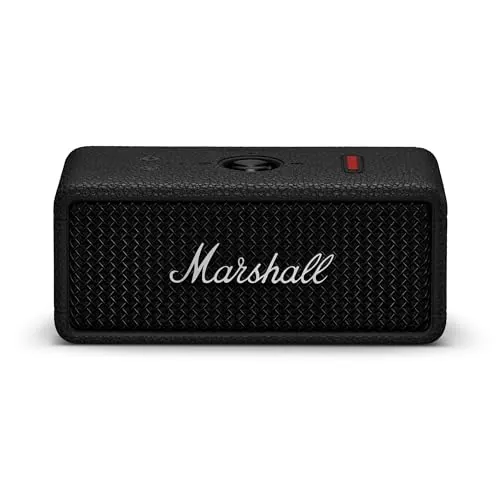
Marshall
Marshall Emberton III Black and Silver
Exact U.S. Black and Silver Emberton III. Marshall documents Bluetooth audio, an onboard microphone and call controls. The control knob answers or ends with one press and rejects with two; the Bluetooth button toggles an active call between speaker and phone. The manual identifies USB-C as a power input; the product page lists a charging cable in the box. Marshall notes a fastening strap is included with the Brown version only.
Model 1009773 (Black and Silver)
Amazon ASIN B0GXH3N61Z
Differences that matter
What matters most to you?
Choose a priority to see what it changes.
Sources for Group playback wording
Pick the USB-C role that matches your desk
The Charge 6 has two documented USB-C jobs: it can charge a mobile device as a power bank, and after a JBL Portable app update it can receive audio from a compatible laptop or tablet. The audio route is not a thumb-drive player. To enter it, power on the speaker, hold Play as the cable is attached, and listen for the confirmation tone; disconnecting the cable returns it to Bluetooth mode.
Marshall labels the Emberton III USB-C connector as a power input for the speaker. Its product page identifies Bluetooth playback and a supplied charging lead. The sources used here do not establish wired audio from a computer through that port. JBL says its USB cable is not included, so include one in your desk setup.
Decide where you want to handle a phone call
Marshall publishes a specific speakerphone workflow: with a phone connected, press the control knob once to answer or end a call, press twice to reject, and use the Bluetooth button to move the call between speaker and phone. This is useful when the speaker is at hand and the phone is not; it says nothing about microphone clarity.
The exact JBL sources reviewed for this guide describe USB playback and mobile-device power, but do not specify Charge 6 speakerphone steps. That is an evidence limit, not a claim that the JBL cannot handle calls. If this behavior is essential, confirm it for your phone and the exact unit before choosing.
Check group playback and what is in the box
JBL’s exact Charge 6 page describes Auracast connections, including stereo pairing two Charge 6 speakers and using multiple Auracast-enabled JBL speakers. Marshall describes Emberton III as Bluetooth LE Audio-ready and points to future audio-sharing possibilities; the cited page does not lay out a matching current group setup. Check your exact speaker mix and current instructions before buying for synchronized playback.
The exact Charge 6 Black page lists the speaker and strap, and says a USB cable is not included. Marshall lists an Emberton III charging cable, and restricts the included fastening strap to the Brown color. Neither difference is a sound or runtime result.
Product details
JBL Charge 6 Black
- Wired audio workflow
- USB-C audio from a compatible laptop/tablet or other audio device after a JBL Portable app software update; hold Play while connecting to enter USB Audio Playback mode. USB thumb-drive playback is unsupported. Source
- Port and power role
- JBL lists USB-C in/out. Its built-in power bank can charge a mobile device, but not a laptop. USB cable is not included. Source
- Multi-speaker connection
- JBL lists Auracast; its page describes stereo pairing two Charge 6 speakers and connection with multiple Auracast-enabled JBL speakers. Source
Marshall Emberton III Black and Silver
- Bluetooth calls
- Built-in microphone. Press the control knob once to answer or end a connected-phone call, twice to reject; press the Bluetooth button to toggle the call to/from the phone. Source
- USB-C role and box cable
- Manual specifies a USB-C power input for charging from a USB power source; Marshall lists the USB-C charging cable in the box. No wired-audio route is asserted here. Source
- Bluetooth and Auracast wording
- Marshall calls Emberton III Bluetooth LE Audio-ready and describes future audio-sharing possibilities. The cited product page does not provide the same explicit current pairing procedure as JBL’s Charge 6 Auracast description. Source
Before you buy
Community discussions
JBL Charge 6: USB-C lossless + stereo pair?
JBL Charge 6 Black
A prospective buyer asks whether one Galaxy S26 can send USB-C audio to two Charge 6 speakers as a left/right stereo pair; the poster asks about hubs or splitters but reports no test.
What to check
If USB-C is your intended source, confirm that your exact host supports the documented JBL audio mode and that you have a cable. The poster’s phone-to-two-speaker plan is untested; the question does not prove a hub/splitter works or establish Charge 6 phone compatibility.
Common questions
Does Charge 6 USB-C play audio from a laptop, or only charge?
JBL documents USB Audio Playback from a compatible laptop or tablet after a JBL Portable software update. With the speaker on, hold Play while connecting the USB-C cable and wait for the confirmation tone. Unplugging returns it to Bluetooth; USB thumb-drive playback is unsupported.JBL Charge 6 Black (JBLCHARGE6BLKAM) — U.S. product pageJBL U.S. support: USB audio from a laptop or tablet
Can Emberton III answer a call without using the phone screen?
Marshall says yes while the phone is connected: press the control knob once to answer or end, twice to reject, and use the Bluetooth button to move the active call to or from the phone. This is documented control behavior, not a microphone-quality test.Marshall Emberton III full online manualMarshall U.S. support: Use the speakerphone on Emberton III
Can I use Charge 6 as a laptop charger or play music from a USB stick?
No for those two uses: JBL says its power bank does not support laptop charging, and USB thumb-drive playback is not supported. Its USB audio route is for a compatible laptop/tablet or other compatible audio source.JBL Charge 6 Black (JBLCHARGE6BLKAM) — U.S. product pageJBL U.S. support: USB audio from a laptop or tablet
Do the exact two speakers include the same charging or carry accessories?
No. JBL lists the Charge 6 Black with a carry strap but no USB cable. Marshall lists a USB-C charging cable for Emberton III; its product page says a fastening strap is only included with the Brown version, not Black/Silver.JBL Charge 6 Black (JBLCHARGE6BLKAM) — U.S. product pageMarshall Emberton III Black and Silver (1009773) — U.S. product page
Sources and scope
This is a documentation-based workflow comparison, not a listening, microphone, call-quality, connectivity or battery test. JBL’s USB-audio feature requires an app software update and compatible laptop/tablet source and content; a USB thumb drive is not supported. Marshall documents its USB-C port as speaker power input and call controls for an already connected phone. JBL material reviewed here does not settle whether it offers on-speaker call handling, so omission is not treated as proof that the feature is absent. No sound, call clarity, reconnection, charging-speed or battery-life winner is claimed.
Related comparisons
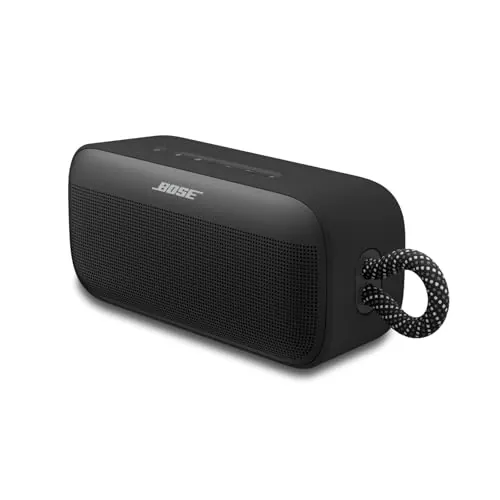
JBL Charge 6 vs Bose SoundLink Plus: Speaker Linking, USB-C, and Carry
For the black U.S. JBL Charge 6 and Bose SoundLink Plus, the practical choice is about your speaker ecosystem and what you expect USB-C to do. JBL documents Auracast connections with enabled JBL speakers, stereo pairing between two Charge 6 units, and USB-C lossless playback after an app update with a compatible source. Bose documents Speaker Link with selected Bose models, including SoundLink Max and Flex (2nd Gen), but only one partner at a time. Their carry and box setups also differ: JBL includes a removable strap but no USB cable; Bose includes a USB-C-to-USB-C cable and uses a built-in utility loop.
Read comparison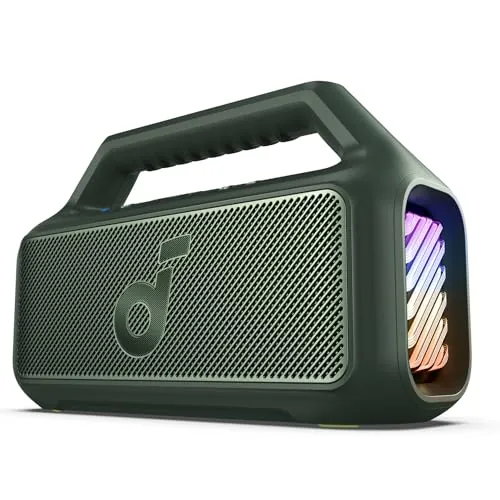
JBL Charge 6 Black vs soundcore Boom 2 Adventure Green: Grouping, Cable and Carry Setup
JBL lists a detachable strap and no USB cable for the Charge 6 Black, and documents USB-C lossless playback after an app update plus Auracast grouping with compatible JBL speakers. Soundcore's A3138 Boom 2 manual describes Bluetooth, TWS and PartyCast; current U.S. materials also describe an Auracast revision that will not TWS-pair with older PartyCast units. Soundcore does not make clear which revision the green offer ships with, so confirm it before buying for group use. Soundcore also lists an integrated handle and USB-C cable, but no wall charger.
Read comparison