
Products compared
Nikon
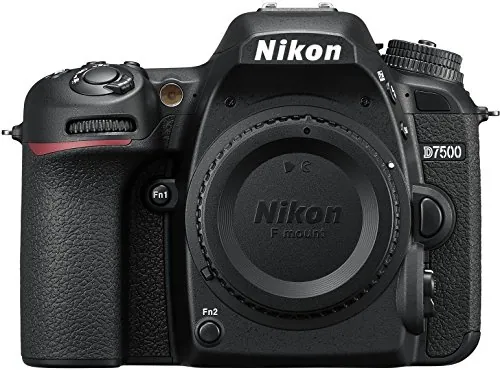
Nikon D7500 DX-Format Digital SLR Body
Assigned U.S. body-only entry. Nikon identifies the D7500 as a DX-format DSLR with a Nikon F mount; it accepts compatible F-mount lenses directly, subject to Nikon's listed exclusions and restrictions.
Model D7500 (Nikon model 1581)
Amazon ASIN B06Y5ZCFHX
Nikon
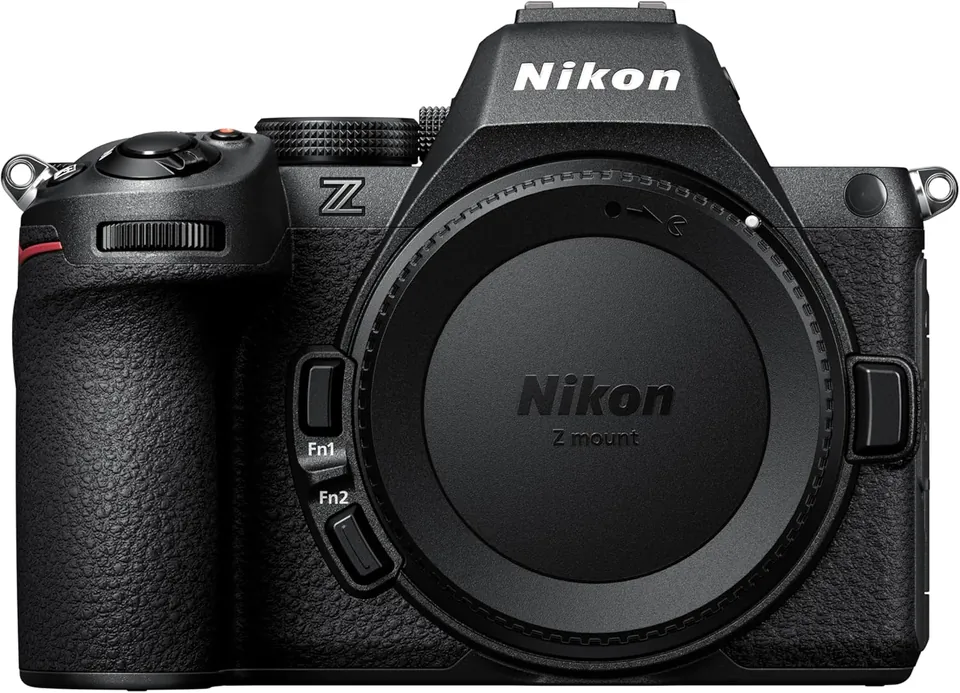
Nikon Z5 II Full-Frame Mirrorless Camera, Body Only
Assigned U.S. Z5 II body-only entry. Nikon's U.S. product page offers a distinct Body Only style as well as lens-kit styles. An F-mount lens cannot attach directly; check the exact lens and separately budget for an FTZ II or FTZ adapter if needed.
Model Z5 II (Nikon model 1680)
Amazon ASIN B0F3HJD64Y
Differences that matter
What matters most to you?
Choose a priority to see what it changes.
Sources for Sensor format and recorded image area
Sources for What happens to a current F-mount lens kit
Sources for Optical finder or electronic viewfinder
Sources for One card slot or two-slot recording choices
Start with the lenses already in your bag
For a D7500 owner, the decisive first step is not comparing camera marketing claims; it is writing down every lens model and whether it is DX or FX. The D7500 is an F-mount DX body. Nikon lists compatible AF NIKKOR families and explicit exceptions/restrictions, so verify the actual lens rather than assuming any F-mount label means universal support.
The Z5 II accepts Z lenses directly. Nikon says F-mount lenses need an FTZ II or FTZ adapter, sold separately, and that some functions vary by lens. Look up the exact NIKKOR model in Nikon's compatibility list before relying on autofocus or other behaviors. If the lens is DX, the Z5 II fixes the image area to DX; plan an FX lens if full-frame image area is a requirement.
Choose the viewfinder you want to work through
Nikon describes the D7500 as an eye-level pentaprism SLR viewfinder and the Z5 II as an OLED electronic viewfinder with configurable brightness. That is an interface distinction: decide whether you want the D7500's optical finder or the Z5 II's electronic display. The published specifications do not establish which finder is more comfortable or produces better focus results for you.
Plan cards around your actual recording settings
The D7500 has one SD slot. The Z5 II has two and lets you assign overflow, backup, or split/duplicate photo files between them. This changes how you organize cards, but a second slot does not remove card-speed requirements: Nikon lists mode-specific recommendations and recommends V90 for N-RAW 12-bit video. Check your chosen mode before reusing existing cards.
Confirm the body-only style before checkout
This comparison stays with the assigned body-only entries; it does not price an added lens or adapter. Nikon's U.S. Z5 II page shows Body Only as one style alongside 24–50 mm, 24–200 mm and other lens kits. Check that the exact seller selection remains Body Only and read the package contents. If you need a ready-to-shoot lens kit, compare that exact kit separately rather than assuming it is in this offer.
Product details
Nikon D7500 DX-Format Digital SLR Body
Nikon Z5 II Full-Frame Mirrorless Camera, Body Only
- Sensor format and mount
- Full-frame/FX format, 35.9 × 23.9 mm sensor, Nikon Z mount, 24.5 million effective pixels. Source
- F-mount lens path
- F-mount NIKKOR lenses need an FTZ II or FTZ mount adapter; Nikon says some features may not be available depending on the lens. Source
- Memory-card workflow
- Two SD card slots support configured overflow, backup, separate RAW and JPEG/HEIF, or duplicate JPEG/HEIF recording. Check Nikon's card guidance for the format and video mode you plan to use. Source
Before you buy
Community discussions
Planning lenses when moving from a Nikon DSLR
Nikon Z5 II Full-Frame Mirrorless Camera, Body Only
Someone who moved from a D7200 to a Z5 II reported using different lenses and needing time to learn the focus options.
What to check
List the lenses you would keep, adapt or replace before comparing body prices. Try the controls for your common focus settings.
Common questions
Can I mount a D7500 F-mount lens directly on the Nikon Z5 II?
No. Nikon says to attach the FTZ II or FTZ mount adapter before using an F-mount lens on the Z5 II and says attaching F-mount glass directly could damage the lens or image sensor. The adapter is separately available; check Nikon's exact-lens compatibility information because some functions may not be available.Nikon Z5 II Reference Guide: Attaching a LensNikon Z5 II Reference Guide: Compatible Lenses and Accessories
Will a DX lens give the Z5 II an FX-area image?
Nikon says a DX lens fixes the Z5 II's image area to DX. The manual lists Large dimensions of 3,984 × 2,656 pixels in DX area and 6,048 × 4,032 in FX area. These are output dimensions, not comparative quality measurements.Nikon Z5 II Reference Guide: Image Area, Quality, and Size
Does the Z5 II's second card slot mean my current SD card is enough for every mode?
Not necessarily. Nikon lists UHS-I and UHS-II SD support but gives recommendations by workload; for example, it recommends V90 cards for N-RAW 12-bit video. Check the exact mode and Nikon's approved-card guidance before reusing or buying cards.Nikon Z5 II Reference Guide: SpecificationsNikon Z5 II Reference Guide: Approved Memory Cards
Sources and scope
This is a Nikon-documentation comparison of the exact D7500 (model 1581) and Z5 II (model 1680) body listings, not a camera or lens test. It does not rank image quality, autofocus, low-light results, burst performance or battery life. Nikon requires an FTZ II or FTZ adapter for F-mount lenses on the Z5 II and says some features depend on the lens; the exact function set remains unknown until you check your lens model in Nikon's compatibility information. DX lenses fix the Z5 II to DX image area; Nikon lists a smaller Large pixel dimension in DX than FX, which describes recorded dimensions and does not predict image quality. Nikon's selected Z5 II style is listed as Body Only; verify each retailer's live package and seller before ordering.
- Nikon D7500 Product Page and Tech Specs (model 1581)
- Nikon Z5 II Reference Guide: Specifications
- Nikon Z5 II Reference Guide: Compatible Lenses and Accessories
- Nikon Z5 II Reference Guide: Attaching a Lens
- Nikon Z5 II Reference Guide: Image Area, Quality, and Size
- Nikon Z5 II Reference Guide: Inserting Memory Cards
- Nikon Z5 II Reference Guide: Approved Memory Cards
- Nikon USA Z5 II U.S. Product Page, model 1680; Body Only is a separate style from the listed lens kits
Related comparisons
Nikon D7500 vs Z 30: Viewfinder, Lens Mount and Kit Contents
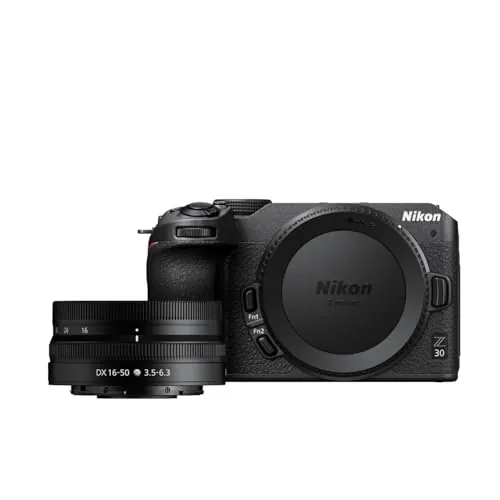
The D7500 is a body-only F-mount DSLR with an eye-level optical viewfinder and tilting rear screen. This Z 30 listing is the 16–50mm lens kit: it has no viewfinder, a vari-angle screen and Nikon Z mount. If you own F-mount glass, check exact lens and function compatibility before choosing an adapter path.
Read comparison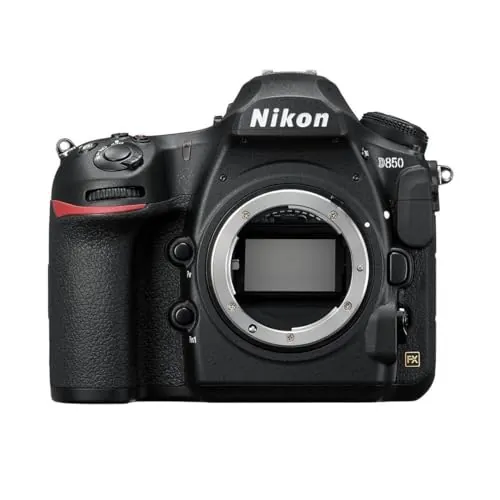
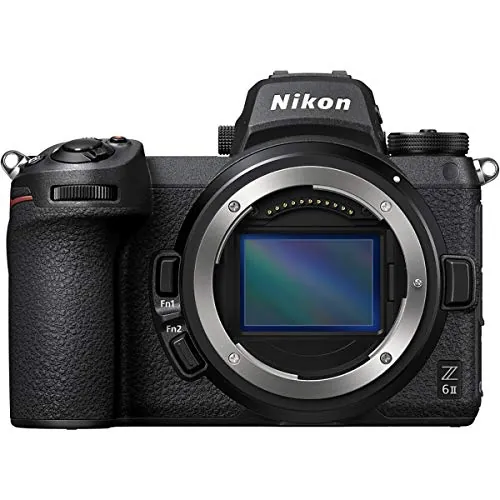
Nikon D850 vs Z 6II: Check F-Lens Functions, Stills and 4K60
The D850 keeps an F-mount lens on a native F mount; the Z 6II can use many F lenses through an FTZ adapter, but autofocus and other functions depend on the exact lens. D850 records larger listed FX and DX still dimensions. Z 6II adds in-camera 4K UHD 60p/50p under firmware, DX-area and 8-bit conditions. Compare the lens nameplate, required crop and media workflow before buying either body.
Read comparison