
Products compared
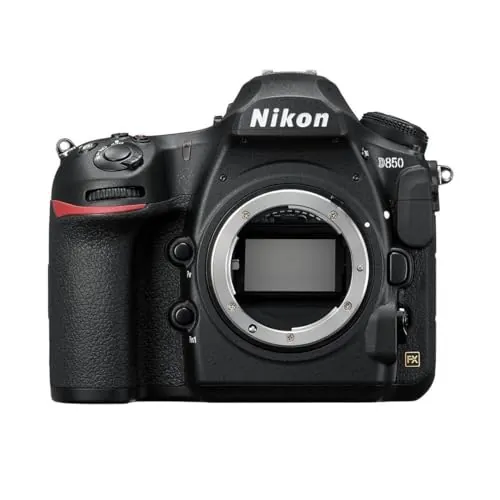
Nikon
Nikon D850 FX-Format Digital SLR Camera Body
This Nikon D850 listing is for the camera body. Its native Nikon F mount may suit your current F-mount lenses; check each lens for the functions you need.
Model D850 / Nikon USA model 1585
Amazon ASIN B07524LHMT
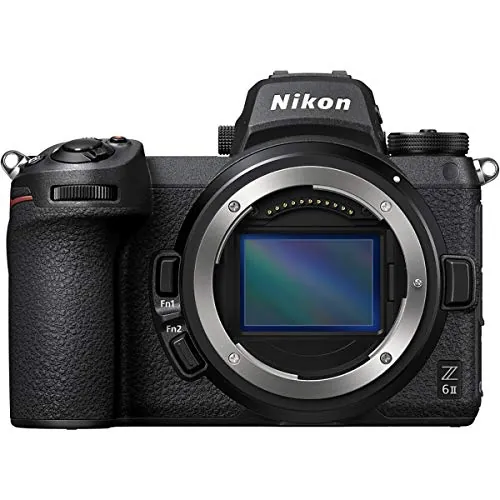
Nikon
Nikon Z 6II Mirrorless Camera, Nikon USA model
This Nikon Z 6II listing is for the camera body. F-mount lenses require an FTZ-family adapter; check the exact lens and camera/adapter firmware instead of assuming every F lens retains all functions.
Model Z 6II / Nikon USA model 1659
Amazon ASIN B08L5Z4355
Differences that matter
What matters most to you?
Choose a priority to see what it changes.
Sources for Autofocus with F-mount lenses
Sources for Large recorded still dimensions
Sources for In-camera UHD frame rates and crop
Sources for Cards and firmware-dependent media support
Sources for Body versus adapter/bundle planning
Start with the lens label, not just the F mount
D850 has a native Nikon F mount. Its official lens table separates CPU lens types and notes restrictions, so “Nikon F lens” still does not answer whether a specific lens keeps autofocus, metering and other functions. Use the full designation and check the row and footnotes for the exact lens.
Z 6II is a Z-mount camera. Nikon requires an FTZ-family mount adapter for F-mount lenses, and functions depend on the lens: Nikon lists autofocus for AF-S G/E/D, AF-P G/E and AF-I D; AF G/D lenses without those designations use manual focus. Nikon’s adapter documentation also lists non-CPU restrictions and equipment it excludes. Check the body, lens and adapter combination before purchase; do not assume every lens adapts.
Translate still dimensions into your delivery requirement
For large still files, Nikon lists D850 at 8256 × 5504 in FX and 5408 × 3600 in DX. Z 6II lists 6048 × 4024 in FX and 3936 × 2624 in DX. Compare the area you will actually use, especially if a DX lens or later crop is part of the plan.
Those numbers describe recorded pixel dimensions. They do not establish sharpness, dynamic range, noise, autofocus success or print quality. If your deliverable needs a minimum pixel count, write that threshold down and see whether each relevant mode clears it without an unsupported upscaling assumption.
Check the video mode as a complete recording recipe
D850’s full movie-mode list includes UHD 3840 × 2160 at 30p, 25p and 24p. It does not list UHD 60p/50p. Z 6II can record UHD 60p/50p in-camera after camera C firmware 1.10, but Nikon’s manual fixes those Z 6II modes to the DX image area and Nikon U.S. specifies 8-bit/DX only.
That is a conditional option, not a universal video win. Confirm that DX framing, 8-bit and the listed recording limits suit the assignment and chosen lens. Nikon says update the camera if the 60p/50p options are absent. For these modes Nikon recommends either CFexpress/XQD or UHS Speed Class 3+ SD meeting a maximum transfer-rate rating of 250 MB/s or more; this manufacturer recommendation is not a guarantee for every card or used camera.
Plan media and firmware without assuming an adapter or card is included
Both bodies can fit an XQD/CFexpress Type B workflow, but the D850 acquired CFexpress Type B support in camera C firmware 1.20. Its manual lists XQD and SD card types; the firmware history adds CFexpress B. Z 6II’s manual lists CFexpress Type B or XQD plus SD UHS-II. For 60p/50p, Nikon recommends CFexpress/XQD with maximum transfer rate 250 MB/s or more, or UHS Speed Class 3+ SD with maximum transfer rate 250 MB/s or more. Check the installed firmware and exact card model.
These listings are for camera bodies. For Z 6II use with F-mount lenses, include the correct FTZ or FTZ II only after checking function support. Verify the seller’s included items rather than inferring a kit from the camera family name.
Pre-buy checklist
1. Photograph or transcribe each lens nameplate. 2. Mark the function you require from each lens and verify the exact Nikon compatibility row. 3. Record required still dimensions after crop, video frame rate, image area and bit depth. 4. Check camera and adapter firmware separately, then verify the media card models and recommendations. 5. Confirm the exact seller ASIN and what is in the box. If any must-have lens function remains unknown, get Nikon’s confirmation before treating the combination as compatible.
Product details
Nikon D850 FX-Format Digital SLR Camera Body
- Lens mount
- Nikon F mount with AF coupling and contacts Source
- Large still dimensions
- FX 8256 × 5504; DX 5408 × 3600 pixels Source
- In-camera UHD movie modes
- 3840 × 2160 at 30p, 25p or 24p in the complete listed frame-rate set Source
- Memory cards
- XQD and SD (UHS-I/UHS-II); Nikon C firmware 1.20 added CFexpress Type B support Source
Nikon Z 6II Mirrorless Camera, Nikon USA model
- Lens mount
- Nikon Z mount; F-mount lenses require a Mount Adapter FTZ Source
- Large still dimensions
- FX 6048 × 4024; DX 3936 × 2624 pixels Source
- In-camera UHD 60p/50p
- Available with camera C firmware 1.10 or later, fixed DX image area and 8-bit mode; Nikon recommends specified CFexpress/XQD or SD card classes and transfer rates. Source
- Memory cards
- CFexpress Type B or XQD in one slot and SD UHS-II in the other Source
Before you buy
Community discussions
A Z 6II owner weighs adapting older F-mount lenses
Nikon Z 6II Mirrorless Camera, Nikon USA model
A current Z 6II user already has 16–50mm and 85mm Z lenses plus older 35mm, 50mm and 55–200mm AF lenses. They are deciding whether an FTZ adapter is worthwhile for portraits, headshots and short videos or whether to replace those lenses. This is an open buying question, not an adapter-use result.
What to check
Check the full model code and needed functions for every lens against Nikon's compatibility guidance before comparing the FTZ cost with replacement lenses. The thread does not establish compatibility for unspecified lens variants.
One owner questions focus response with an adapted telephoto lens
Nikon Z 6II Mirrorless Camera, Nikon USA model
A Z 6II owner shooting sports and livestock with an FTZ II and F-mount 70–200mm f/2.8 says focus response feels slower than with borrowed Z-mount 85mm and 24–70mm f/2.8 lenses. They ask why; the thread does not establish a cause or resolution.
What to check
If focus response with this lens matters for your subjects, assess the exact lens, adapter and camera setup before relying on it. This single report does not show that the adapter caused the difference or predict performance with other lenses.
Common questions
Will every Nikon F lens autofocus on the Z 6II with FTZ?
No. Nikon lists autofocus support for AF-S G/E/D, AF-P G/E and AF-I D lenses. AF G/D lenses without those motor designations are listed for manual focus. Non-CPU and other lenses have additional feature limits or exclusions; check the exact lens and never force an incompatible combination.Z 7II/Z 6II compatible lenses and accessoriesNikon Mount Adapter FTZ: supported features and incompatible lenses
Does Z 6II 4K 60p use the full FX image area?
No. Nikon’s manual fixes the Z 6II image area to DX at 3840 × 2160 60p and 50p. Nikon U.S. also labels the 60p mode 8-bit and DX-crop only.Z 7II/Z 6II movie settingsNikon Z 6II U.S. product information
Are camera C 1.10 and FTZ adapter firmware v1.10 the same update?
No. Nikon says the original FTZ adapter firmware v1.00 is unsupported on Z 6II and needs adapter firmware v1.10 or later. Separately, Z 6II camera C firmware 1.10 added UHD 60p/50p, and camera C 1.30 added FTZ II support. Check the adapter model and both firmware labels on a used setup.Nikon Z 6II U.S. product informationZ 6II firmware history
Can the D850 use CFexpress Type B cards?
Yes, Nikon added CFexpress Type B support with D850 C firmware 1.20. The D850 manual also lists XQD and SD cards. Check the firmware installed on a used body and Nikon’s current card guidance before buying media.D850 firmware historyD850 specifications
Which body starts with larger still dimensions?
The D850 lists 8256 × 5504 pixels in FX and 5408 × 3600 in DX; Z 6II lists 6048 × 4024 in FX and 3936 × 2624 in DX. Use the dimension for the image area you plan to shoot. The figures do not predict image quality.D850 specificationsZ 7II/Z 6II specifications
Do the exact listing data products include an adapter or lens?
Both listings are for camera bodies. Seller packaging can vary, so confirm the exact ASIN’s included-items list. Nikon says F-mount lenses on the Z 6II require a separately purchased FTZ-family adapter.Z 7II/Z 6II compatible lenses and accessoriesNikon Mount Adapter FTZ: supported features and incompatible lenses
Sources and scope
This is a source-based feature-fit guide, not a hands-on comparison. It does not measure autofocus speed, stabilization, image quality, noise, reliability or recording performance. F-mount compatibility is lens-specific; a mount fit alone does not establish autofocus, metering or other functions. Used bodies may have different firmware installed, so verify the camera and any FTZ/FTZ II separately. The U.S. listing information identify camera bodies, but retailer offer contents can vary; verify the seller’s exact box before purchase.
Related comparisons
Nikon D7500 vs Z5 II: F-Mount Lens Reuse or a Move to FX?
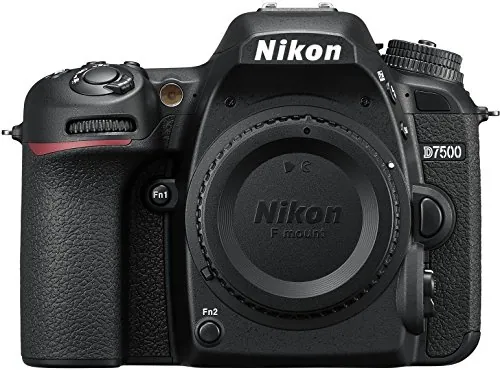
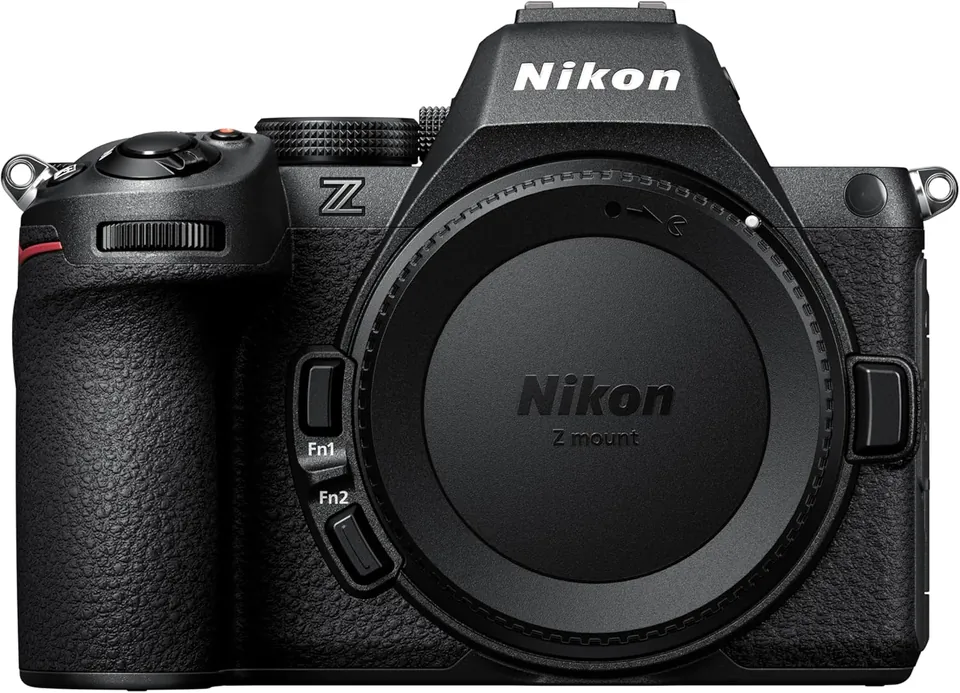
The two U.S. listings compared here are body-only. The D7500 is a DX DSLR with a Nikon F mount, optical pentaprism finder, and one SD slot. The Z5 II is a full-frame/FX Z-mount mirrorless body with an electronic finder and two SD slots. Existing F-mount lenses need a separately sold FTZ II or FTZ adapter on the Z5 II, with functions checked by exact lens; a DX lens fixes its image area to DX. Start with the lenses you already own and how you want to use them.
Read comparison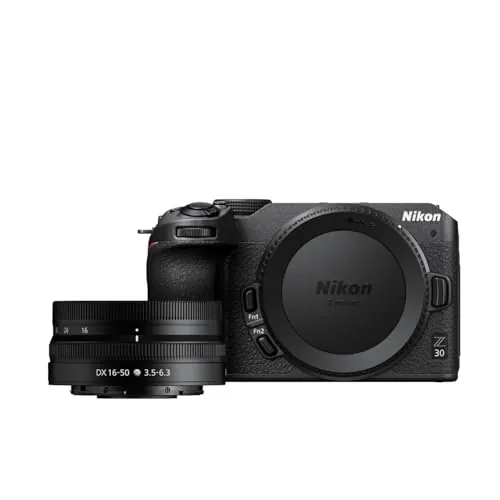
Nikon D7500 vs Z 30: Viewfinder, Lens Mount and Kit Contents
The D7500 is a body-only F-mount DSLR with an eye-level optical viewfinder and tilting rear screen. This Z 30 listing is the 16–50mm lens kit: it has no viewfinder, a vari-angle screen and Nikon Z mount. If you own F-mount glass, check exact lens and function compatibility before choosing an adapter path.
Read comparison