
Products compared
Nikon
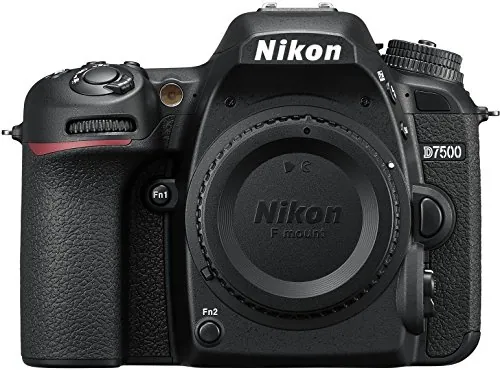
Nikon D7500 DX-Format Digital SLR Body
Assigned U.S. black DSLR body. Native Nikon F mount, eye-level pentaprism finder, and a single SD card slot.
Model D7500 (U.S. model 1581)
Amazon ASIN B06Y5ZCFHX
Nikon
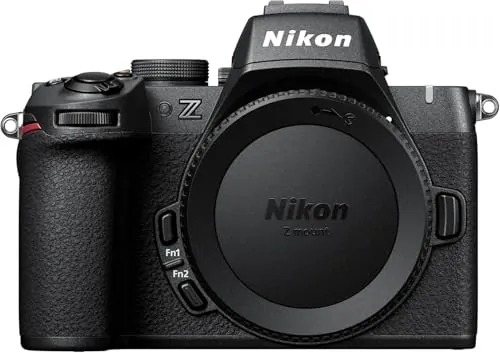
Nikon Z50 II Mirrorless Camera Body
Assigned U.S. black mirrorless body. Native Nikon Z mount, OLED electronic finder, and a single SD card slot.
Model Z50II (U.S. model 1784)
Amazon ASIN B0DMJBLQGP
Differences that matter
What matters most to you?
Choose a priority to see what it changes.
Sources for Lens-mount transition and finder
Sources for Card type and in-camera media
Sources for Internal 4K capture and crop constraints
Sources for External HDMI recorder workflow
A practical lens-and-video check before switching bodies
First list your F lenses by exact model. The D7500 has a native F mount; Nikon says the Z50II needs an FTZ-series adapter for F lenses and warns that restrictions apply. Check each lens for AF/AE behavior and compatibility, then decide whether the adapter step fits your working kit. The Z50II remains the native path for Z-mount lenses.
Next write down the required video file you must deliver: 4K or Full HD, frame rate, codec, internal bit depth, external recorder, and required framing. The D7500's 4K is 30p/25p/24p H.264, with an approximately 1.5× crop relative to DX framing. The Z50II provides 4K60/50 in H.265 8/10-bit, but Nikon marks these rates with a tighter crop and electronic VR fixed off. No listed rate by itself proves better-looking footage.
If you record to HDMI, check that the recorder accepts the intended resolution and rate. D7500's documented HDMI output is uncompressed 8-bit 4:2:2 with simultaneous SD recording. Z50II's 4:2:2 10-bit HDMI requires H.265 10-bit and a compatible recorder; output may be adjusted to a recorder-supported mode. Finally check your SD card type and capture-mode requirements.
This checklist resolves the mount transition and output compatibility question from specifications. It cannot determine which finder feels better, whether focus will be more successful, or which camera produces the image you prefer.
What these mode lists do not prove
The sources establish mounts, listed viewfinder type, media, recording formats, and HDMI conditions. They do not compare image quality, rolling shutter, heat, battery life, autofocus, handling, or footage in a controlled test. Treat the published options as a compatibility checklist for your lens and editing setup, not an overall camera ranking.
The D7500 and Z50II are bodies in this assigned comparison. Check seller-specific bundle contents, adapter inclusion, current card requirements, and exact lens support before ordering.
Product details
Nikon D7500 DX-Format Digital SLR Body
The D7500 keeps supported F lenses on their native mount and uses a pentaprism optical finder. Its documented movie workflow includes 4K up to 30p, an approximately 1.5× tighter 4K crop than DX framing, and uncompressed 8-bit 4:2:2 HDMI recording to an external recorder while a copy is also recorded to its in-camera SD card.
Nikon Z50 II Mirrorless Camera Body
The Z50II provides the native Z-mount path and an electronic viewfinder. Nikon lists F-mount lenses as usable with an adapter but warns that restrictions may apply, so check each lens in the exact compatibility information. For video, Nikon documents more 4K frame-rate options and 10-bit H.265, with specific crop and electronic-VR conditions at 60p/50p.
- Camera and lens mount
- DX-format mirrorless body with Nikon Z mount; F-mount lenses require an adapter and may have restrictions Source
- Finder
- 0.39-inch OLED electronic viewfinder Source
- Card media
- One SD slot; Nikon lists UHS-II-compliant SDHC and SDXC cards Source
- Internal movie formats
- 4K UHD up to 60p/50p/30p/25p/24p in H.265 8-bit or 10-bit; 4K60/50 have a tighter crop and electronic VR is off Source
Before you buy
Community discussions
Choosing a camera for composing on the rear screen
Nikon D7500 DX-Format Digital SLR Body
A D7000 owner considering the D7500 asked whether they could use live view as their main way to compose. They were also weighing the exposure preview offered by a mirrorless camera.
What to check
If you compose on the rear screen, compare what each body displays before exposure and the focus options available in that view.
Common questions
Can I use my D7500 F-mount lenses on the Z50II?
Nikon says F-mount lenses can be used on the Z50II with an FTZ-series mount adapter, but restrictions may apply. Lens functions differ by exact lens, so check the compatibility information for each model before switching.Nikon Z50II, U.S. model 1784 product specificationsMount Adapter FTZ II | Nikon Consumer
Does the D7500 record 4K60?
No. Nikon lists D7500 4K UHD at 30p, 25p, and 24p. Its 4K uses an approximately 1.5× tighter crop than DX framing, and Nikon's movie guide says electronic VR is unavailable at 4K UHD.Nikon D7500, U.S. product specificationsD7500 Online Manual: Recording Movies
Can the Z50II send 10-bit video to an external recorder?
Nikon documents 4:2:2 10-bit HDMI output when H.265 10-bit is selected and the connected recorder supports 10-bit. The selected mode and recorder determine supported HDMI resolution and frame rate, so check both manuals for your setup.Z50II Reference Guide: Recorders
Sources and scope
This guide compares Nikon-documented specifications and setup paths, not matched image-quality, focus, handling, or video-quality tests. D7500 and Z50II recording modes have different codec, frame-rate, crop, stabilization, and recorder conditions; the format labels do not establish superior footage. F-mount adapter compatibility varies by exact lens. Verify the exact lens, recorder, SD card, and body-only package before ordering.
- Nikon D7500, U.S. product specifications
- D7500 | Digital SLR Cameras | Nikon Consumer
- D7500 Online Manual: Recording Movies
- Nikon Z50II, U.S. model 1784 product specifications
- Z50II Reference Guide: Video frame size and rate options
- Z50II Reference Guide: Recorders
- Mount Adapter FTZ II | Nikon Consumer
Related comparisons
Nikon Z5 II vs D780: Lens Compatibility, 4K Video and Recording Workflow
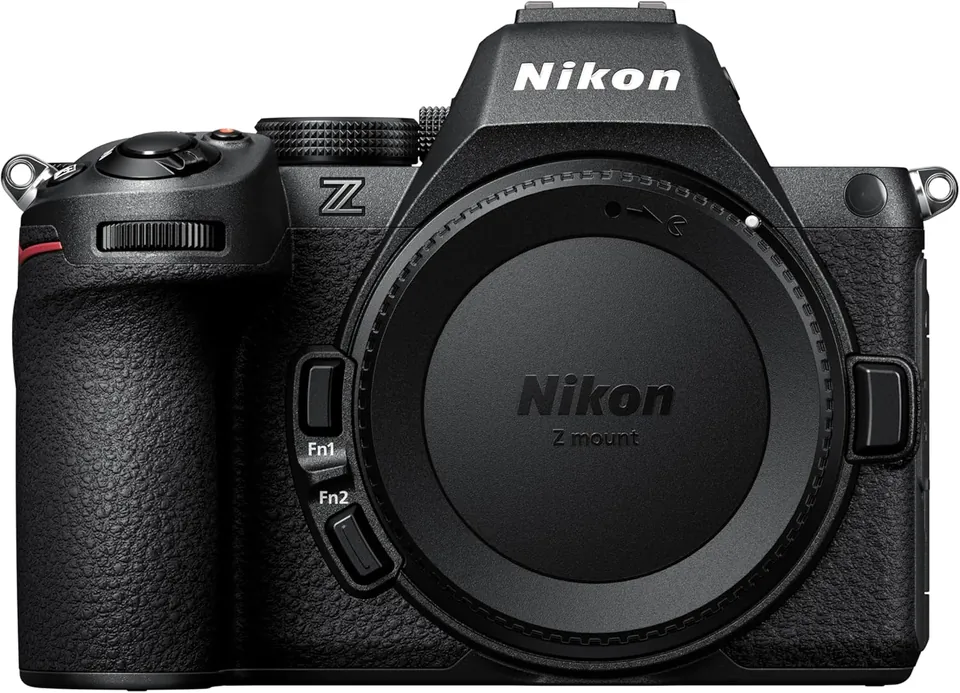
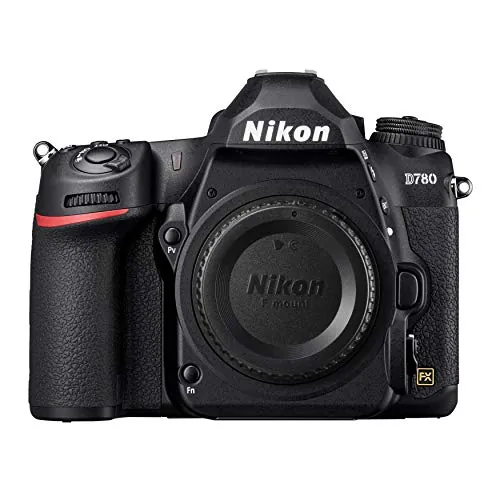
This U.S. body comparison is for Nikon owners choosing between the Z-mount Z5 II and F-mount D780. If your kit is mostly compatible F-mount NIKKOR lenses and you want them on their native mount, the D780 is the simpler documented transition. The Z5 II accepts Z lenses directly and can use selected F lenses with FTZ II/FTZ, but Nikon's chart shows autofocus varies by exact lens class. For video, the Z5 II records 12-bit N-RAW up to 4K30 and H.265 4K60/50 in DX image area; the D780 records internal H.264 4K up to 30p. A D780 10-bit N-Log/HLG HDMI workflow uses a compatible external recorder and has specific 4K restrictions. These are documented workflow differences, not image-quality tests.
Read comparison
Nikon Z 6II vs D780: Lens Mount, Cards and Finder Workflow
The US Nikon Z 6II model 1659 is a Z-mount mirrorless body with an electronic finder that previews selected settings, plus one CFexpress Type B/XQD slot and one SD slot. The Nikon D780 model 1618 keeps Nikon F mount and two SD slots with an optical pentaprism finder. For an existing F-mount kit, check each lens on Nikon's compatibility lists; using the original FTZ on Z 6II requires adapter firmware 1.10 or later. For dual-card backup or RAW/JPEG separation, compare your card inventory against each body's slot types and configuration options.
Read comparison