
Products compared
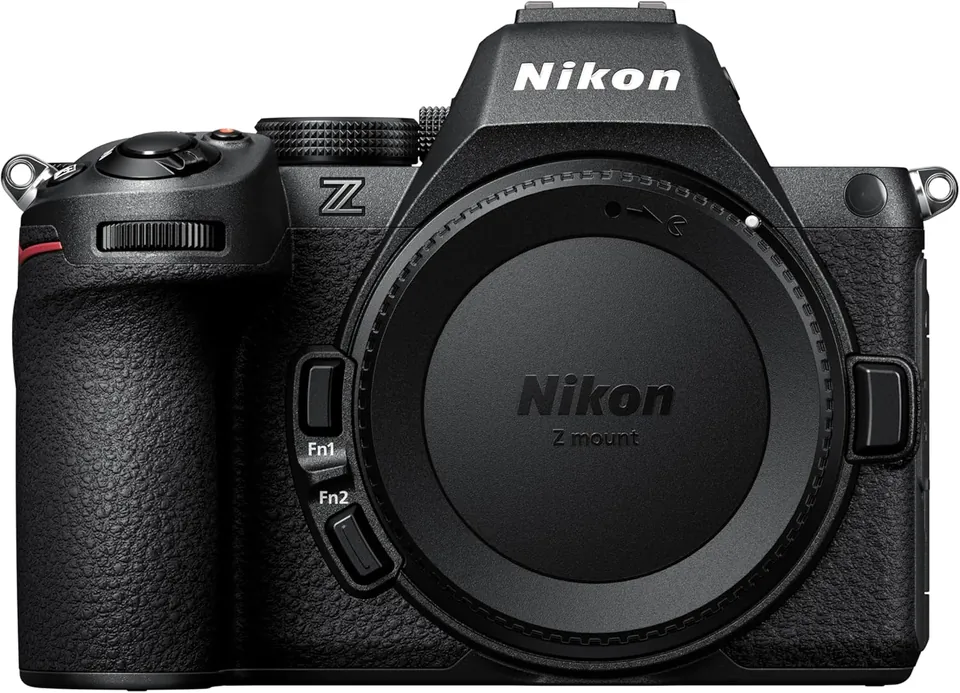
Nikon
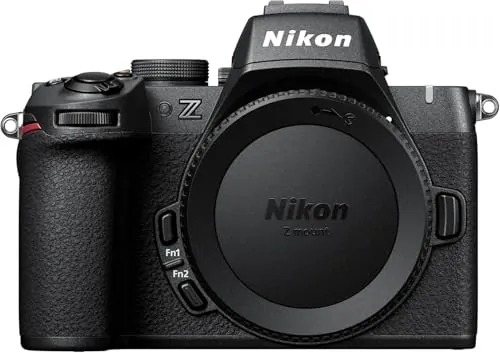
Nikon Z5 II Full-Frame Mirrorless Camera Body
U.S. black Z5 II body, model 1680. NIKKOR Z lenses mount directly. Nikon documents F-mount NIKKOR use through an FTZ II/FTZ adapter, with feature availability depending on the lens; autofocus support is not universal across older F-lens classes.
Model 1680
Amazon ASIN B0F3HJD64Y
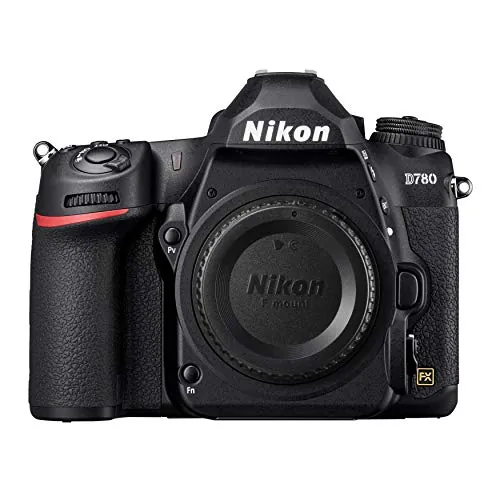
Nikon
Nikon D780 DSLR Camera Body
U.S. black D780 body, model 1618. Nikon documents compatible F-mount lenses on the camera's native mount. Its internal movie specification lists 4K UHD up to 30p in H.264 MOV/MP4; the documented 10-bit N-Log/HLG route is HDMI output to an external recorder.
Model 1618
Amazon ASIN B083K41K2S
Differences that matter
What matters most to you?
Choose a priority to see what it changes.
Sources for Lens mount and existing NIKKOR lenses
Sources for Internal 4K frame rates and framing
Sources for 10/12-bit recording, cards and editing
Start with your lens inventory, not the camera label
The D780 keeps compatible F-mount NIKKOR lenses on their native mount. The Z5 II is native for Z lenses; F-mount NIKKOR lenses need FTZ II/FTZ and Nikon notes that lens functions can vary. Its adapter chart shows the important practical catch: autofocus availability changes by lens class, so a broad statement such as 'F lenses work' is not enough to predict your own setup.
Before comparing body prices, write the full model on each lens you expect to keep and check the appropriate Nikon table. Confirm autofocus and any other required functions individually. Treat third-party lenses as a separate check because Nikon's NIKKOR chart does not establish every third-party lens behavior. This is a compatibility planning step, not a speed or accuracy test.
Match the recording mode to the deliverable
The Z5 II lists 12-bit N-RAW up to 4K30 in FX or DX options, as well as H.265 4K60/50 in 10-bit or 8-bit. The 60p/50p choices are fixed to the DX image area, so check framing with the lens you plan to use. Nikon describes NEV N-RAW as a format for later RAW processing and editing on a suitable computer; its high-bitrate file and card requirements belong in the production plan.
The D780 specifications list internal 4K UHD 30p, 25p and 24p in H.264 MOV/MP4. Nikon separately documents 10-bit N-Log/HLG output over HDMI to a compatible external recorder. That footage goes to the recorder, not the camera card; in 4K 10-bit mode you cannot take still photos and the angle of view is about 90%. Pick the complete capture setup—frame rate, format, crop, recorder or card—rather than treating '4K' as one interchangeable mode.
A five-minute pre-buy compatibility check
1. Record every lens model and mount, including the lenses used most often. 2. Check each exact NIKKOR in Nikon's D780 or FTZ chart and note any autofocus/function caveat. 3. Write the target delivery modes: resolution, frame rate, bit depth, framing and whether you need stills during video capture. 4. For Z5 II N-RAW or high-rate video, check approved media and editing capacity; for D780 10-bit HDMI, check a compatible external recorder and its recording media. 5. Confirm the seller's exact body code and package contents rather than assuming an adapter, card, lens or recorder is included.
This short list resolves the main ownership question with verifiable checks. It does not predict autofocus performance, footage quality or which camera will feel better in use.
Product details
Nikon Z5 II Full-Frame Mirrorless Camera Body
- Lens mount path
- NIKKOR Z lenses mount directly. Compatible F-mount NIKKOR lenses can be mounted with FTZ II/FTZ; some functions vary by lens. Nikon's adapter chart lists autofocus support by lens class. Source
- Documented video options
- 12-bit N-RAW is available at up to 4K30 in FX or DX options; H.265 offers 4K60/50, fixed to DX image area. N-RAW uses NEV files intended for later editing on a suitable computer. Source
- N-RAW card guidance
- Nikon recommends V90 SD cards for N-RAW 12-bit; its high-frame-size/rate video guidance calls for UHS Speed Class 3 cards rated at least 250 MB/s and warns slower cards may interrupt recording or playback. Source
Nikon D780 DSLR Camera Body
- Lens mount
- Nikon lists autofocus support for AF-S/AF-P/AF-I G/E/D lens classes and other AF NIKKOR except F3AF; IX-NIKKOR lenses cannot be used. Check the exact lens type in the D780 compatibility table. Source
- Internal video
- 4K UHD 3840 × 2160 at 30p, 25p or 24p; MOV/MP4 with H.264/MPEG-4 AVC is listed in Nikon's specifications. Source
- 10-bit HDMI workflow
- A compatible external recorder is required for 10-bit HDMI recording; footage is recorded to that device, not the camera card. In 4K 10-bit mode, still photos are unavailable and angle of view is about 90%. Source
Before you buy
Community discussions
Comparing the whole camera kit you would carry
Nikon Z5 II Full-Frame Mirrorless Camera Body
A photographer who moved from a D7200 to a Z5 II said the new body took less room in a bag, but their lens choices made the size difference less obvious.
What to check
Compare the body with the lens and adapter you would actually carry. Check the access to the focus and exposure controls you use most.
Common questions
Will my F-mount lens autofocus on the Z5 II?
It depends on the exact Nikon F-lens class and requires FTZ II/FTZ. Nikon's chart lists autofocus for AF-S G/E/D, AF-P G/E and AF-I D classes; it does not list autofocus for AF Type G/D and other AF lenses. Check your specific lens in the chart before relying on autofocus or other features.Z5 II Reference Guide: Compatible Lenses and AccessoriesNikon FTZ II/FTZ Compatible F-Mount Lenses chart
Does the Z5 II record 4K60/50 using the FX image area?
No. Nikon's Z5 II manual says 3840 × 2160 at 60p or 50p is fixed to DX image area. Nikon also says a DX lens selects DX automatically.Z5 II Reference Guide: Video Image Area OptionsZ5 II Reference Guide: Video Frame Size and Rate Options
Can the D780 record 10-bit video directly to a camera card?
Nikon's documented 10-bit HDMI N-Log/HLG workflow records to a compatible external recorder rather than to the camera cards. In 4K 10-bit mode it also disables still photography and narrows angle of view to about 90%.D780 Reference Guide: Connecting to HDMI Devices
What card should I plan for Z5 II N-RAW?
Nikon recommends V90 SD cards for N-RAW 12-bit. Its guidance for high-frame-size or high-frame-rate video also specifies UHS Speed Class 3 cards rated at least 250 MB/s and warns that slower cards can interrupt recording or playback. Check Nikon's current approved-card list for the exact mode.Z5 II Reference Guide: Approved Memory Cards
Sources and scope
Based on Nikon's model-specific manuals and support documents for the Z5 II and D780. No hands-on, autofocus-speed, image-quality, video-quality, reliability or battery-life comparison was performed. Lens support must be checked by exact lens model and type. The Z5 II's 4K60/50 uses DX image area; its N-RAW and card requirements affect storage and editing. D780 10-bit HDMI recording requires a compatible external recorder and has the stated 4K restrictions. Confirm the exact body SKU and box contents with the seller; this guide does not infer bundled lenses, adapter, cards or recorder.
- Z5 II Reference Guide: Compatible Lenses and Accessories
- Nikon FTZ II/FTZ Compatible F-Mount Lenses chart
- D780 Reference Guide: Compatible F-Mount Lenses
- Z5 II Reference Guide: Video Frame Size and Rate Options
- Z5 II Reference Guide: Video Image Area Options
- Z5 II Reference Guide: Approved Memory Cards
- Z5 II Reference Guide: Video File Types
- D780 Reference Guide: Specifications
- D780 Reference Guide: Connecting to HDMI Devices
Related comparisons
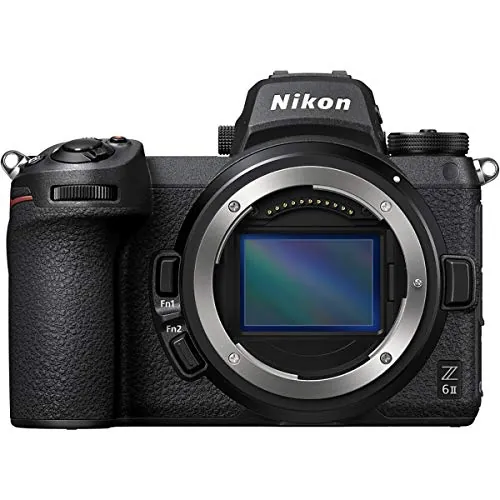
Nikon Z 6II vs D780: Lens Mount, Cards and Finder Workflow
The US Nikon Z 6II model 1659 is a Z-mount mirrorless body with an electronic finder that previews selected settings, plus one CFexpress Type B/XQD slot and one SD slot. The Nikon D780 model 1618 keeps Nikon F mount and two SD slots with an optical pentaprism finder. For an existing F-mount kit, check each lens on Nikon's compatibility lists; using the original FTZ on Z 6II requires adapter firmware 1.10 or later. For dual-card backup or RAW/JPEG separation, compare your card inventory against each body's slot types and configuration options.
Read comparison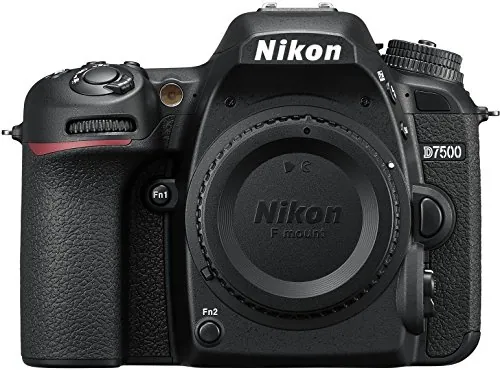
Nikon D7500 vs Z50II: F-Mount Lenses, 4K Recording and HDMI Output
The Nikon D7500 (U.S. model 1581) is a DX DSLR with a native F mount, optical pentaprism finder, and one SD slot. The Nikon Z50II (U.S. model 1784) is a DX mirrorless body with a native Z mount, electronic finder, and one SD slot; Nikon says F-mount lenses need an FTZ adapter and may have compatibility restrictions. Video is a separate decision: D7500 records 4K up to 30p in H.264, while Z50II documents 4K up to 60p/50p in H.265, with marked crop and electronic-VR limits. Check your exact lens, target frame rate, recorder, and card before choosing.
Read comparison