
Products compared
Nintendo
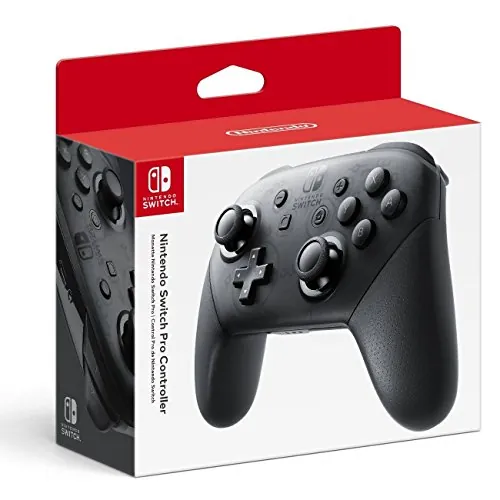
Nintendo Switch Pro Controller (Black)
Original Nintendo Switch Pro Controller, black; Nintendo retail code HACAFSSKA.
Model HAC-013
Amazon ASIN B01NAWKYZ0
Nintendo
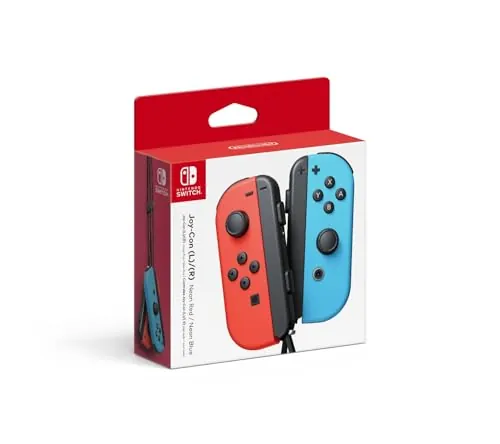
Nintendo Switch Joy-Con (L)/(R), Neon Red/Neon Blue
Original Nintendo Switch Joy-Con pair, Neon Red (left) and Neon Blue (right); Nintendo retail code HACAJAEAA.
Model HACAJAEAA
Amazon ASIN B01N6QJ58Y
Differences that matter
What matters most to you?
Choose a priority to see what it changes.
Sources for Wireless pairing with Switch 2
Sources for Charging with a Switch 2 setup
Sources for Connection and sharing workflow
Sources for Game-specific controller requirements on Switch 2
First confirm which generation you own
This compares two original Switch accessories for use with Switch 2: the black Pro Controller (physical model HAC-013) and the original Joy-Con pair in Neon Red (left) and Neon Blue (right). Nintendo lists retail code 104888 / UPC 00045496590161 for the Pro Controller and 104882 / UPC 00045496590130 for this Joy-Con color pair. Check the exact generation and color pair on the offer before ordering, so you do not confuse these accessories with Switch 2 controllers or another Joy-Con color pack.
Nintendo lists the original Pro and Joy-Con as compatible with Switch 2 by wireless pairing. The compatibility details differ after pairing: the Joy-Con cannot physically attach to Switch 2, while the Pro can connect to the Switch 2 dock by USB for charging.
Choose around the charging routine you already have
For a Switch 2 dock setup, the original Pro has a simple documented charging route: connect it to the console dock with a USB cable. Original Joy-Con use a different setup because they cannot attach to Switch 2. Nintendo says to charge them with an original Switch or a compatible Joy-Con charging grip or two-way charging stand. If your household only has Switch 2, add that accessory requirement to the decision instead of assuming the console itself will hold the Joy-Con in place for charging.
Check the box contents before treating an accessory as included. Nintendo's US page for the cited Neon Red/Neon Blue pair specifies one left Joy-Con, one right Joy-Con and two straps. It does not list a charging grip in that package.
Decide whether your game needs a full pair or separable halves
The Pro Controller is the choice here when you want one controller and may use a cable at the dock. Nintendo documents a Switch 2 wired-communication process: enable Wired Communication in settings, connect the Pro Controller to the Switch 2 dock with a HAC-010 USB cable, dock the console, press SYNC once, then press another button. Nintendo notes that NFC is disabled while wired, so this mode is not identical to wireless use.
A Joy-Con set is useful when your game supports splitting left and right controllers into separate player controls. Nintendo says a single Joy-Con can be handed to a friend depending on the game; that is a conditional play option, not a promise that every game supports two players this way. Verify the title's controller instructions before buying a pair specifically for multiplayer.
Check the game as well as the controller
Nintendo says Switch 2 can play compatible physical and digital original Switch games, but some original Switch titles may not be supported or fully compatible because the console hardware differs. Check the exact title instead of treating either controller as universally compatible. Nintendo's compatibility page also identifies games that require original Nintendo Switch Joy-Con: for example, it says Ring Fit Adventure can be played on Switch 2 with original Joy-Con connected wirelessly, while Joy-Con 2 cannot attach to the Ring-Con accessory. If that is your game, the original Joy-Con pair answers a need the Pro Controller does not. The page's game-compatibility status is dated and Nintendo directs buyers to each game's page for the latest information.
Product details
Nintendo Switch Pro Controller (Black)
Nintendo Switch Joy-Con (L)/(R), Neon Red/Neon Blue
- US Nintendo Store item
- SKU 104882; UPC 00045496590130; includes one Neon Red left Joy-Con, one Neon Blue right Joy-Con, and two black Joy-Con straps. Source
- Switch 2 use and attachment
- Pairs wirelessly with Switch 2 but cannot attach to it. Source
- Single-controller sharing
- Nintendo says a single Joy-Con can be shared with a friend depending on the game. Source
Before you buy
Community discussions
Checking which games can reuse your original Joy-Con controllers
Nintendo Switch Joy-Con (L)/(R), Neon Red/Neon Blue
A game-night host with original Switch Joy-Con controllers asked whether they could reuse them for titles on a Switch 2.
What to check
Check the controller support for the specific game and mode. Confirm how you would charge each controller and how many players need one.
Common questions
Do original Joy-Con attach to Nintendo Switch 2?
No. They can pair wirelessly, but Nintendo says original Joy-Con cannot attach to Switch 2. Charging requires an original Switch or a compatible Joy-Con charging grip or two-way charging stand.Compatibility of Nintendo Switch with Nintendo Switch 2
Can the original Switch Pro Controller be charged by the Switch 2 dock?
Yes. Nintendo says the original Pro Controller can charge by connecting it to the Switch 2 dock with a USB cable.Compatibility of Nintendo Switch with Nintendo Switch 2
Can I use the original Pro Controller as a wired controller on Switch 2?
Yes, using Nintendo's documented dock setup, a HAC-010 USB cable, and the Wired Communication setting. NFC is disabled during wired communication.How to Use the Nintendo Switch Pro Controller as a Wired Controller
Will either controller work with every original Switch game on Switch 2?
Do not assume so. Nintendo says some original Switch games may not be supported or fully compatible on Switch 2; check the exact game's compatibility information.Compatibility of Nintendo Switch with Nintendo Switch 2
Sources and scope
This is a feature-fit guide based on Nintendo support and US product information, not a hands-on controller test. It does not compare comfort, latency, drift, battery life, durability, or gameplay performance. Nintendo's original Joy-Con sharing statement is game-dependent. Confirm the exact selected listing, included items, and current console/game support before purchase.
- Compatibility of Nintendo Switch with Nintendo Switch 2
- How to Use the Nintendo Switch Pro Controller as a Wired Controller
- Joy-Con Set (L+R) — Neon Red/Neon Blue, Nintendo US Store
- Pro Controller for Nintendo Switch, Nintendo US Store
- Unable to Pair or Sync Nintendo Switch Pro Controller
- Nintendo Switch Game Compatibility with Nintendo Switch 2
Related comparisons
DualSense Edge vs DUALSHOCK 4: Match the Controller to Your Games
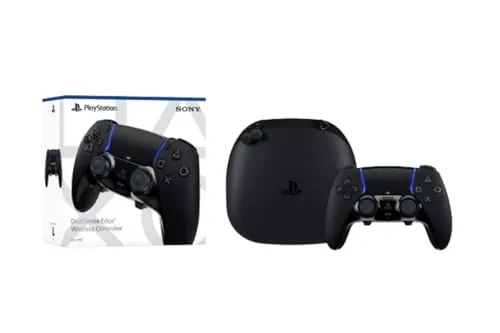
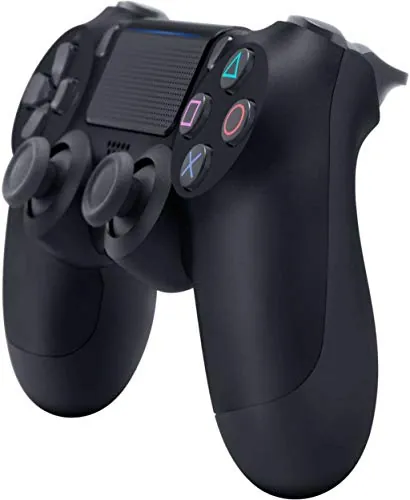
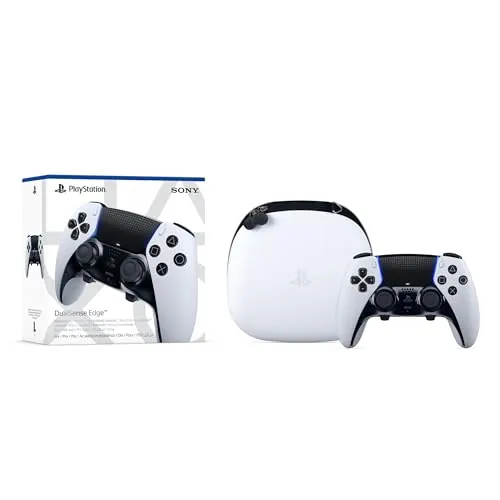
These controllers serve different PlayStation generations. The Midnight Black DualSense Edge is a PS5-focused DualSense controller with replaceable stick modules, swappable caps and rear buttons, editable profiles, a locking USB cable and a carrying case. DUALSHOCK 4 remains the PS4 controller; Sony says it works on PS5 only with supported PS4 games, not PS5 games. Compare the games and console you own first, then check whether you want Edge's included hardware or a standard DS4 setup.
Read comparison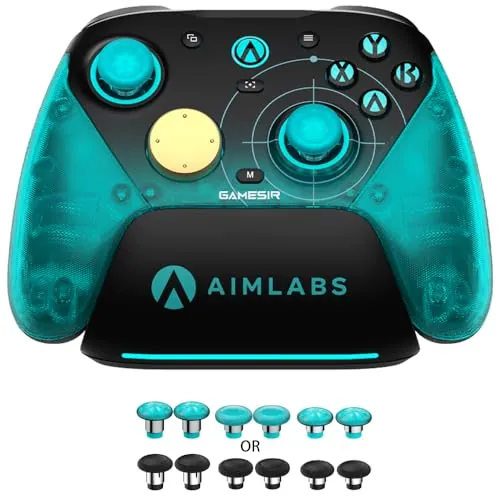
GameSir G7 Pro 8K Aimlabs vs DualSense Edge: Choose by Platform and Control Setup
The GameSir G7 Pro 8K PC Aimlabs Edition is documented around PC wired or 2.4 GHz play and GameSir Connect tuning, with an up-to-8,000 Hz polling-rate specification. DualSense Edge is designed for PS5 and also supports compatible PC and mobile hosts over USB or Bluetooth, with on-controller profiles and replaceable stick modules sold separately. GameSir's own documentation is inconsistent about some non-PC modes, so verify your exact host and game before choosing it for anything beyond the documented PC setup.
Read comparison