
Products compared
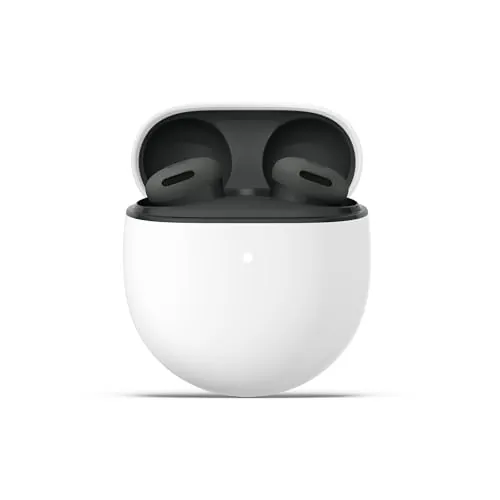
Google Pixel Buds 2a
Hazel US color variant
Model Pixel Buds 2a
Amazon ASIN B0FGKTDTRB
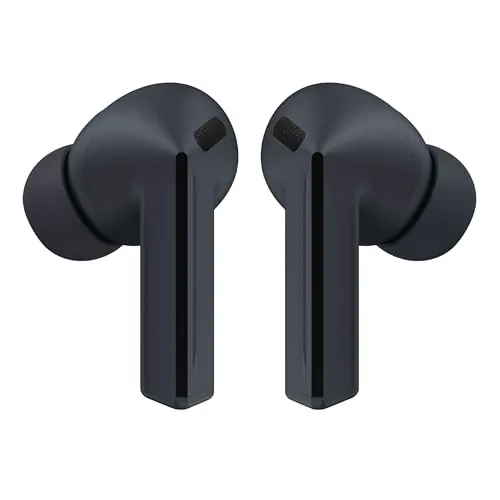
Samsung
Samsung Galaxy Buds3 FE
Black US variant; Galaxy Buds3 FE, not Buds3 Pro
Model SM-R420NZKFXAR
Amazon ASIN B0FGYDF3DD
Differences that matter
What matters most to you?
Choose a priority to see what it changes.
Sources for Host phone and feature access
Sources for Fit approach and physical controls
Sources for Pairing and switching between devices
Sources for Case charging and what to bring
Check the phone before choosing the earbuds
Both products can be considered for ordinary Bluetooth listening, but their full feature sets are not interchangeable. Google lists Bluetooth 4.0+ compatibility for Pixel Buds 2a and sets a Google Account, Android 6.0+ companion phone and internet requirement for full features.
Samsung lists Android and iOS compatibility for Galaxy Buds3 FE, while its page says an Android phone with the Wear app is needed for all features. Its Auto Switch and face-to-face translation descriptions add Galaxy device, software, account or language conditions. If you use an iPhone or a non-Galaxy Android phone, decide based on the basic Bluetooth use you can verify rather than the full Samsung feature list.
Choose the controls you will use every day
Pixel Buds 2a use capacitive taps and a twist-to-adjust stabilizer. Google lists four eartip sizes. That setup is a reasonable starting point if you prefer a round earbud and touch gestures, but tip count alone cannot predict fit.
Galaxy Buds3 FE use a blade-style design: pinch for playback actions and swipe for volume. Samsung lists S, M and L tips. If you often adjust volume without reaching for your phone, the swipe gesture is a concrete workflow difference to consider. Neither manufacturer's fit description proves that its shape will suit every ear.
Plan pairing, switching and charging
Google documents Fast Pair on Android for Pixel Buds 2a and says they support both Seamless Audio Switching and Multipoint Connectivity, which keeps connections to two devices at once. Samsung's Buds3 FE page describes opening the case and tapping Connect on Galaxy; for a phone, tablet or computer outside that flow, it gives a Bluetooth-menu pairing procedure using the case pairing button. Auto Switch is documented for Galaxy devices and Galaxy Book PCs, with a Samsung account on each device. Samsung's page does not establish conventional multipoint for Buds3 FE, so check your exact device-switching needs before choosing.
Neither case supports wireless charging: Google states this directly for Pixel Buds 2a, and Samsung states it for Buds3 FE. Pixel's case uses USB-C; Samsung says the Buds3 FE cable is not included. Google's reviewed source does not establish whether a cable is included, so check the current exact box contents if you need one.
Product details
Google Pixel Buds 2a
Google's product page describes a twist-adjust stabilizer, tap controls and Android Fast Pair. Generic Bluetooth pairing is broader than access to all companion features.
Samsung Galaxy Buds3 FE
Samsung's exact Galaxy Buds3 FE page documents blade gestures and Galaxy ecosystem options. Auto Switch and translation have specific device and account conditions; those features should not be assumed on a generic Bluetooth host.
- General compatibility
- Samsung lists Android and iOS compatibility; access to all features requires an Android phone with the Wear app. Source
- Fit and controls
- Blade-style earbuds with S, M and L tips; pinch for playback and swipe for volume. Source
- Case charging
- Wired case charging; USB Type-C cable is not included and wireless charging is not supported. Source
Before you buy
Community discussions
An iPhone buyer asks what Buds3 FE settings they can use
Samsung Galaxy Buds3 FE
After buying the Galaxy Buds3 FE, one buyer asked what settings they could use with their iPhone. They wanted a simple setup.
What to check
Before buying, check which controls you need and whether you can access them from iOS.
Common questions
Will both models play audio from an iPhone?
Samsung lists Galaxy Buds3 FE compatibility with iOS, while Google lists Pixel Buds 2a for Bluetooth 4.0+ devices including iOS. These are compatibility statements, not a promise that every companion feature is available on iPhone.Google Pixel Buds 2a technical specificationsSamsung Galaxy Buds3 FE product page and FAQs
Do Galaxy Buds3 FE translation features work on any Android phone?
Samsung describes translation through a compatible Galaxy device and requires a Samsung account and language setup. Do not assume the feature works on a non-Galaxy Android phone just because Bluetooth pairing does.Samsung Galaxy Buds3 FE product page and FAQs
Can I wirelessly charge either case?
No. Google states Pixel Buds 2a do not support wireless charging, and Samsung says the Buds3 FE case charges by cable and does not support wireless charging. Samsung also says its USB-C cable is not included.Google Pixel Buds 2a product overviewSamsung Galaxy Buds3 FE product page and FAQs
Which earbuds are more comfortable?
The manufacturer pages describe different shapes and tip sets but cannot establish a universal comfort winner. The Pixel has a twist-adjust stabilizer and four tip sizes; Buds3 FE use a blade shape and three tip sizes. Fit is personal, so check the return policy and try the supplied tips if possible.Google Pixel Buds 2a product overviewGoogle Pixel Buds 2a technical specificationsSamsung Galaxy Buds3 FE product page and FAQs
Sources and scope
This is a feature and setup comparison based on exact-model manufacturer information. It does not rank sound, ANC, call quality, comfort or battery life from specifications, and it does not claim either model is a universal fit.
Related comparisons
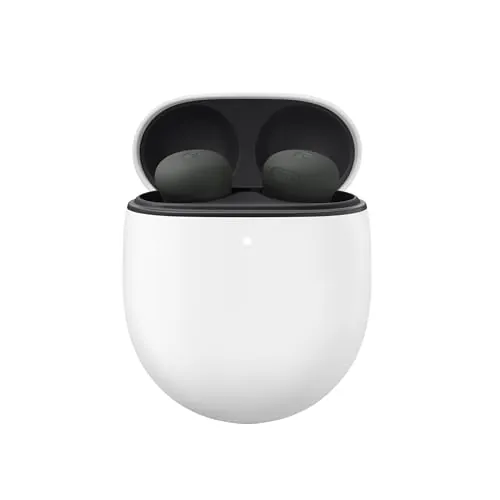
Pixel Buds 2a vs Pixel Buds Pro 2: Is Qi Charging and Longer ANC Listening Worth It?
Google Pixel Buds 2a (Hazel; listed model identifiers G0DNE/GD3B4/GW8XE) and Pixel Buds Pro 2 (Hazel; GA05762-US) share Bluetooth 5.4, a Tensor A1 chip, 11 mm drivers, ANC, transparency, multipoint, twist-to-adjust stabilizers and four eartip sizes. Pro 2 adds swipe volume, Conversation Detection, Adaptive Audio and Qi wireless charging. Google rates Pro 2 for one extra hour per charge with ANC on and ten more total ANC-on hours with its case; SoundGuys' same-condition test measured 7 h 55 min for Pro 2 and 6 h 46 min for 2a. That test also reports a Pro 2 edge in ANC/isolation. The 2a has the lighter case at 47.6 g versus 65 g for Pro 2. The practical choice is whether the extras affect your routine enough to justify the case and charging trade-offs; check current offers separately because prices change.
Read comparison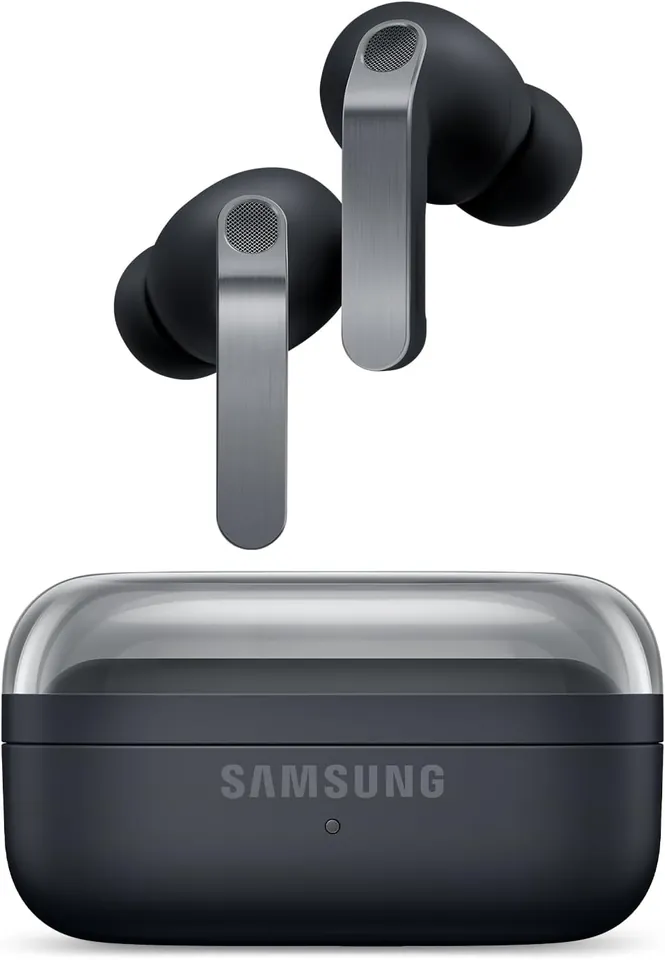
Samsung Galaxy Buds4 Pro vs Buds3 FE: Controls, Phone Support and Case Fit
Samsung lists Gemini for both the Galaxy Buds4 Pro and Galaxy Buds3 FE, so assistant availability alone does not decide this pair. The Pro's documented head gestures need a Galaxy device on One UI 8.5 or later; Buds3 FE documents Gemini activation by a configured hotword or pinch-and-hold on One UI 8.0+. Both use touch or pinch controls, while Samsung lists Bluetooth-only use on iOS. Check the case dimensions against your own storage space and confirm the exact Black listing before checkout.
Read comparison