
Products compared
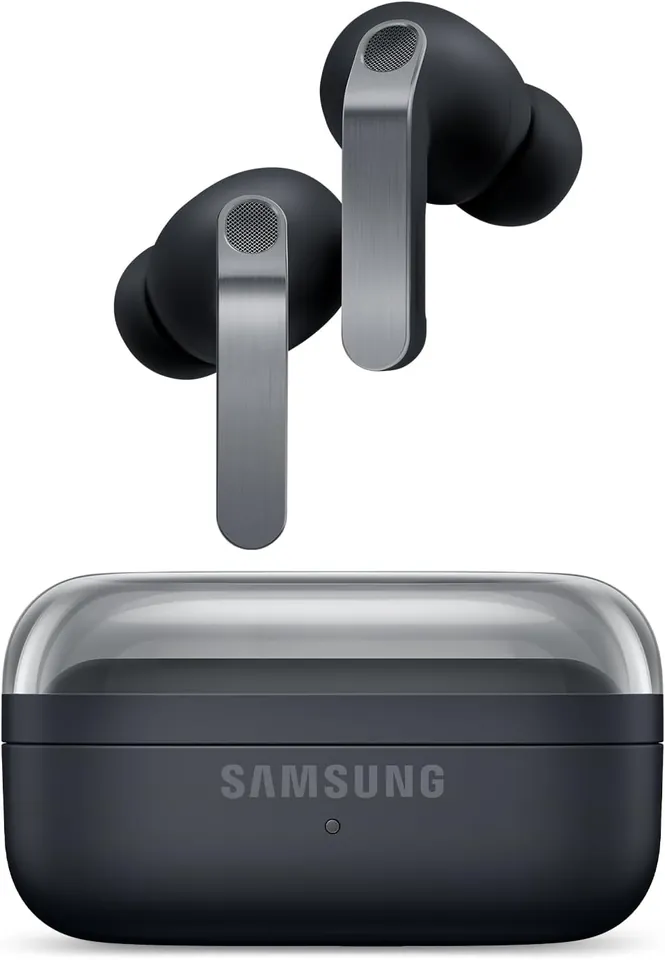
Samsung
Samsung Galaxy Buds4 Pro, Black
Black U.S. Galaxy Buds4 Pro listing; confirm the exact seller model suffix and in-box package before checkout.
Model SM-R640NZKFXAR
Amazon ASIN B0G1PJLWLZ
Samsung
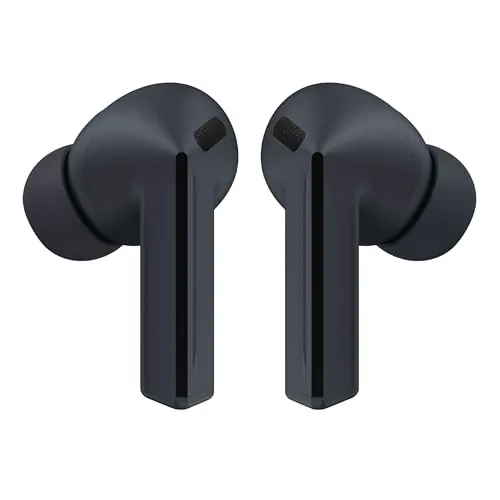
Samsung Galaxy Buds3 FE, Black
Black U.S. Galaxy Buds3 FE listing; confirm the exact seller model suffix and in-box package before checkout.
Model SM-R420NZKFXAR
Amazon ASIN B0FGYDF3DD
Differences that matter
Sources for Call and media control workflow
Sources for Assistant activation and One UI
Sources for Case fit in a pocket, tray, or charging recess
Sources for Case charging routine
Sources for Phone and computer setup
Start with the phone feature you will actually use
Samsung's U.S. comparison table lists head gestures and voice command for Buds4 Pro. It specifies that head gestures need a Galaxy device on One UI 8.5 or later. Buds3 FE's product page documents touch gestures and Gemini activation; the reviewed FE sources do not say whether it has Pro-style head gestures, so treat that as unknown.
Samsung lists Gemini for both models. The FE page's hotword or pinch-and-hold instructions on One UI 8.0+ explain an activation path, not an exclusive assistant feature or a better assistant experience.
Check the case against your own storage spot
Samsung lists the Buds4 Pro charging case as 51 × 51 × 28.3 mm and the Buds3 FE case as 58.9 × 48.7 × 24.4 mm. Compare all three measurements with the recess, pouch, or pocket you plan to use. No overall size winner is inferred from these numbers.
Buds3 FE charges through its case by cable; Samsung says wireless charging is not supported and a USB-C cable is not included. Samsung lists wireless charging for the Buds4 Pro case, with the pad sold separately. If that difference matters, confirm the exact Buds4 Pro model and case on the offer before buying.
Verify phone compatibility and the exact Black offer
Samsung's current comparison table lists both products for Android with Galaxy Wearable, Galaxy phone settings on One UI 8 or later, and iOS Bluetooth-only use. The Buds3 FE page also documents Bluetooth pairing on compatible Android and iOS devices. If you need Galaxy-only settings, check the phone and OS first.
This comparison covers the Black U.S. listings for Buds4 Pro (ASIN B0G1PJLWLZ) and Buds3 FE (ASIN B0FGYDF3DD). Samsung's pages describe model families; check the seller's exact suffix and in-box package before checkout.
Product details
Samsung Galaxy Buds4 Pro, Black
- Documented control and device requirement
- Samsung lists touch-and-swipe, head gestures, and voice command; head gestures require a Galaxy device running One UI 8.5 or later. Source
- Charging-case fit dimensions
- Samsung lists the case at 51 × 51 × 28.3 mm; check this against the buyer's own case slot or pocket. Source
- Wireless case charging
- The same exact-pair earlier reviewed source records Samsung's Buds4 Pro U.S. product page as supporting wireless case charging; verify the pad and exact listing before purchase. Source
Samsung Galaxy Buds3 FE, Black
- Documented Gemini setup
- Samsung documents activation by a configured hotword or pinch-and-hold on devices running One UI 8.0 or later. Source
- Charging-case fit dimensions
- Samsung lists the case at 58.9 × 48.7 × 24.4 mm; check this against the buyer's own case slot or pocket. Source
- Case charging
- The case charges by cable; Samsung says a USB-C cable is not included and wireless charging is not supported. Source
Before you buy
Community discussions
A new Buds3 FE owner adjusts to pinch controls
Samsung Galaxy Buds3 FE, Black
A new Galaxy Buds3 FE owner was used to tapping their Soundcore earbuds and said it took time to adjust to the pinch and volume gestures.
What to check
Compare the gestures you use most. Try pausing playback and adjusting volume with the new controls if you can.
Common questions
Does Galaxy Buds3 FE support Gemini, and is that a reason to choose it?
Samsung lists Gemini for both Buds4 Pro and Buds3 FE. The Buds3 FE page documents activation by a configured hotword or pinch-and-hold on One UI 8.0 or later, but that does not establish an exclusive Gemini advantage.Compare Wireless Earbuds | Galaxy Buds | Samsung USGalaxy Buds3 FE | Wireless Earbuds with ANC | Samsung US
Can I use head gestures on either model?
Samsung lists head gestures for Buds4 Pro and says they require a Galaxy device running One UI 8.5 or later. The reviewed FE sources do not establish whether Buds3 FE offers comparable head gestures, so treat FE support as unknown.Compare Wireless Earbuds | Galaxy Buds | Samsung USGalaxy Buds3 FE | Wireless Earbuds with ANC | Samsung US
Does the Buds3 FE case wirelessly charge?
No. Samsung says the Buds3 FE case charges by cable, wireless charging is not supported, and the USB-C cable is not included. Samsung lists wireless charging for Buds4 Pro; confirm the selected listing and whether a pad is included.Galaxy Buds3 FE | Wireless Earbuds with ANC | Samsung USExplore Galaxy Buds4 Pro | Wireless Earbuds | Samsung US
Sources and scope
Check how you will charge the case. Samsung lists wireless charging for Buds4 Pro SM-R640NZKFXAR, with the pad sold separately. The Buds3 FE SM-R420NZKFXAR case charges by cable and the cable is sold separately.
Related comparisons
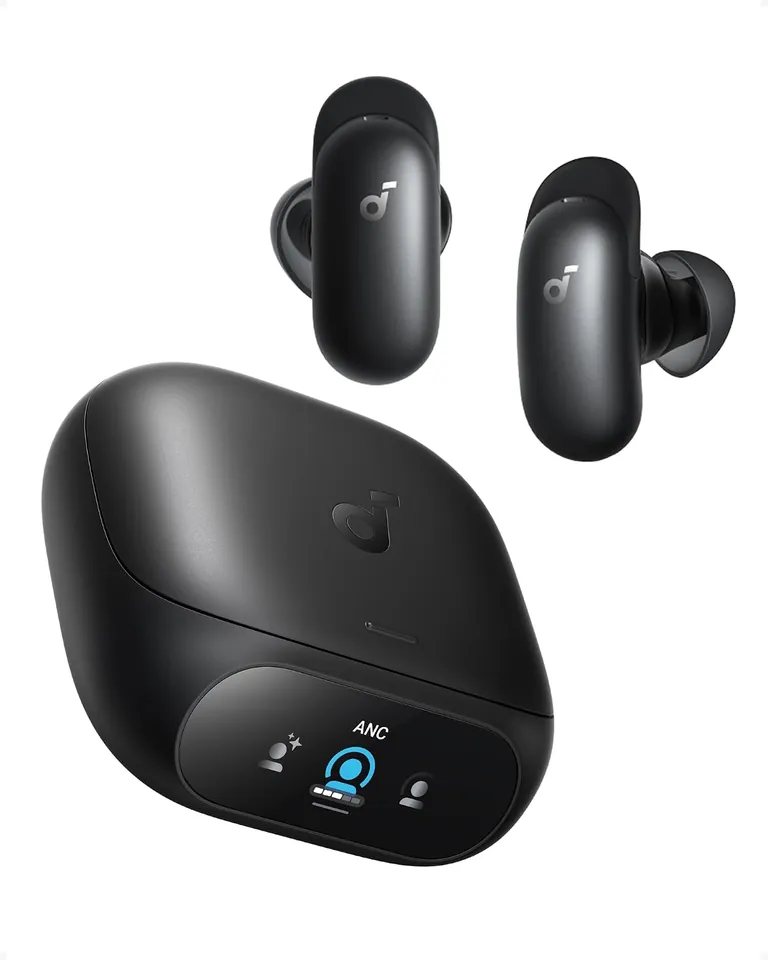
soundcore Liberty 5 Pro vs Galaxy Buds4 Pro: Match Your Phone, Case, and Controls
This comparison covers the two black models: soundcore Liberty 5 Pro D1203, ASIN B0GWLKRWH7, and Samsung Galaxy Buds4 Pro SM-R640NZKFXAR, ASIN B0G1PJLWLZ. Soundcore documents app setup on phones, iOS 13+ support, a case screen for basic controls and battery checks, and connection to up to three devices. Samsung documents Bluetooth listening across operating systems, but its advanced settings require Android 12+ with at least 1.5 GB memory; iOS has Bluetooth audio without Galaxy Wearable. Galaxy Buds4 Pro also documents same-account Galaxy Auto Switch, pinch/swipe and head gestures, and Qi charging for the case. These are configuration and interaction differences, not a measured sound or ANC winner.
Read comparison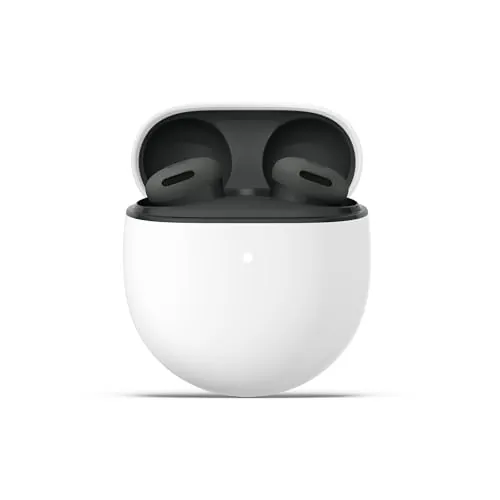
Google Pixel Buds 2a vs Samsung Galaxy Buds3 FE: Which Fits Your Phone?
Both exact US variants pair as Bluetooth earbuds, but their useful extras follow different ecosystems. Pixel Buds 2a suit shoppers who want Google's twist-adjust fit and tap controls; Galaxy Buds3 FE suit Galaxy owners who will use Samsung's device switching and phone-specific features. Check the app and account requirements before buying.
Read comparison