
Products compared
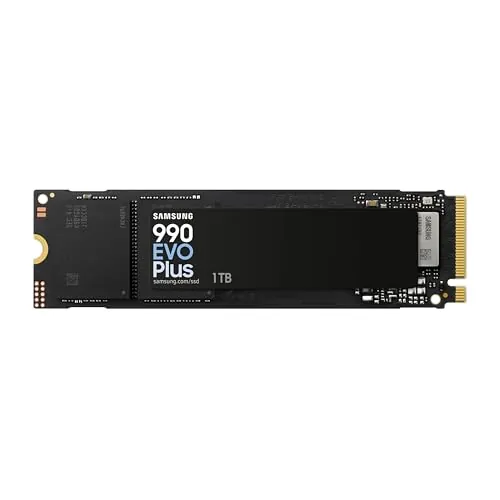
Samsung
Samsung 990 EVO Plus 1TB
Exact U.S. 1TB M.2 2280 NVMe model; manufacturer model code MZ-V9S1T0B/AM
Model MZ-V9S1T0B/AM
Amazon ASIN B0DHLFWBQ1
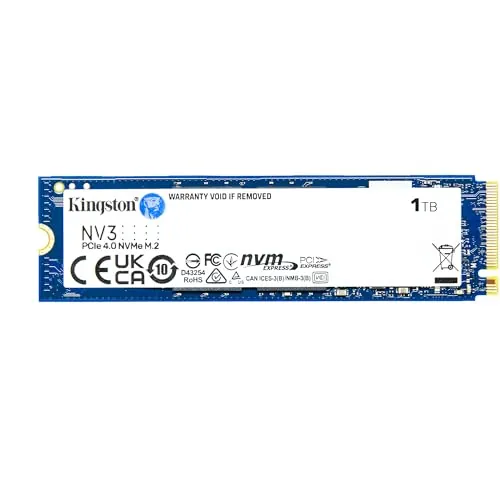
Kingston
Kingston NV3 1TB
Exact M.2 2280 1TB NVMe part number; do not confuse it with the separate NV3 M.2 2230 family
Model SNV3S/1000G
Amazon ASIN B0DBR3DZWG
Differences that matter
Sources for Physical module and documented host interface
Sources for 1TB sequential read/write figures
Sources for Rated writes and how to interpret them
Start with the slot in your exact system
The assigned products are both 1TB M.2 2280 NVMe drives. That establishes a shared physical module length and a shared storage protocol family, but it does not confirm the target device's connector, lane wiring, BIOS support, or clearance. Read the manual for the exact computer or motherboard model before choosing either one.
The Samsung datasheet identifies PCIe 4.0 x4 / 5.0 x2 and expressly lists backward compatibility with PCIe 4.0 x4 and 3.0 x4. The Kingston SNV3S/1000G datasheet specifies PCIe 4.0 x4 NVMe and tells buyers to consult their device manufacturer. Do not infer unlisted host behavior from the M.2 shape or from a different NV3 size.
Vendor ceilings are not a head-to-head speed result
For the exact 1TB Samsung, the datasheet lists up to 7,150 MB/s sequential read and 6,300 MB/s sequential write. Samsung says its performance figures were measured with IOmeter on a specified desktop configuration and may vary with firmware, hardware, and configuration. Kingston lists up to 6,000/4,000 MB/s for the exact SNV3S/1000G, calls the figures out-of-box performance on a PCIe 4.0 motherboard, and also warns that results vary with host, software, and usage.
Those are manufacturer-published figures with different stated test conditions. This comparison has no independent, matched-system benchmark, so the published numbers should not be presented as proof that one drive is faster in a particular PC, application, game, or sustained-write task.
Use TBW as a published limit, not a life estimate
Samsung lists 600 TBW for this 1TB capacity and states that its documented endurance results comply with JESD218. Kingston lists 320 TBW for its 1TB module and says the figure is derived from the JEDEC Client Workload (JESD219A). Their warranty triggers also differ: each maker's current terms apply, and Kingston's NVMe warranty uses Percentage Used while Samsung's listed period is five years or stated TBW, whichever comes first.
For a write-heavy workstation or frequent large transfers, compare these stated limits and warranty conditions with your own workload. The figures are not directly a forecast of how long a specific unit will work; no long-term reliability comparison is available here.
Product details
Samsung 990 EVO Plus 1TB
- Form factor and interface
- M.2 2280; PCIe 4.0 x4 / PCIe 5.0 x2 NVMe 2.0; Samsung also lists backward compatibility with PCIe 4.0 x4 and 3.0 x4. Source
- 1TB vendor-rated sequential ceiling
- Up to 7,150 MB/s read and 6,300 MB/s write. These are Samsung's stated maxima, not a result from a same-host comparison with Kingston. Source
- 1TB endurance rating
- 600 TBW; Samsung states its documented endurance results comply with JESD218. TBW is a rated limit, not an individual drive lifespan prediction. Source
Kingston NV3 1TB
- Form factor and interface
- M.2 2280; PCIe 4.0 x4 NVMe. Kingston advises consulting the device manufacturer before installation. Source
- 1TB vendor-rated sequential ceiling
- Up to 6,000 MB/s read and 4,000 MB/s write; Kingston says results vary with host hardware, software, and usage. Source
- 1TB endurance rating
- 320 TBW, derived from the JEDEC Client Workload (JESD219A); this rating is not a lifespan prediction. Source
Before you buy
Community discussions
A Lenovo LOQ owner checks an NV3 before buying
Kingston NV3 1TB
A first-time SSD upgrader names a Lenovo LOQ 15IRH8 and the exact Kingston NV3 1TB M.2 2280 model SNV3S/1000G, asking about it before buying. The post does not establish the laptop's available slot configuration or confirm compatibility.
What to check
Confirm the exact LOQ revision's supported M.2 NVMe slot and whether the plan is to add a drive or replace the existing one before choosing between the two 1TB options.
Common questions
If both drives are M.2 2280, will either one fit my laptop?
The 2280 label describes a module size, not complete compatibility. Verify that the exact laptop model supports an M.2 2280 NVMe drive and check the slot's lane mode, capacity notes, and clearance in its manual. Samsung explicitly lists PCIe 3.0 x4 backward compatibility; Kingston specifies PCIe 4.0 x4 and recommends checking with the device maker. Without your laptop model, fit cannot be confirmed.Samsung 990 EVO Plus Data Sheet, Revision 1.0Kingston NV3 U.S. Datasheet, SNV3S M.2 2280
Do the published MB/s numbers show how fast one will be in my PC?
No. They are manufacturer-stated sequential read/write maxima for the exact 1TB variants. Samsung describes measurements on its specified IOmeter test system; Kingston describes out-of-box performance on a PCIe 4.0 motherboard. The published conditions are not one controlled head-to-head test, so they do not predict application, game, or sustained-write results on your PC.Samsung 990 EVO Plus Data Sheet, Revision 1.0Kingston NV3 U.S. Datasheet, SNV3S M.2 2280
Does the higher 1TB TBW number mean the Samsung will last longer?
It means Samsung publishes a higher rated TBW figure for this 1TB model. The manufacturers state different endurance methods and warranty triggers, and TBW is not an individual lifespan or failure-rate prediction. Check each current, region-specific warranty and compare its conditions with your own write needs.Samsung 990 EVO Plus Data Sheet, Revision 1.0Kingston NV3 U.S. Datasheet, SNV3S M.2 2280Kingston Limited Warranty Statement
Sources and scope
No computer or motherboard model was supplied, so compatibility cannot be confirmed. Manufacturer sequential ceilings use different stated test conditions and are not a same-system comparison. No independent controlled test or long-term reliability evidence for this exact pair is included.
Related comparisons
Samsung 990 EVO Plus 1TB vs WD Blue SN5100 1TB: Check Your M.2 Slot First
The Samsung 990 EVO Plus 1TB and WD Blue SN5100 1TB share the M.2 2280 format and list five-year limited warranties capped at 600TBW. Their dimensions and published interface details differ slightly, while neither spec sheet can confirm a fit in an unspecified computer. Samsung's current migration-support page lists a different regional model code from this US SKU; SanDisk describes an Acronis license for compatible SN5100 drives with redemption conditions. Check your host and migration plan before choosing.
Read comparison
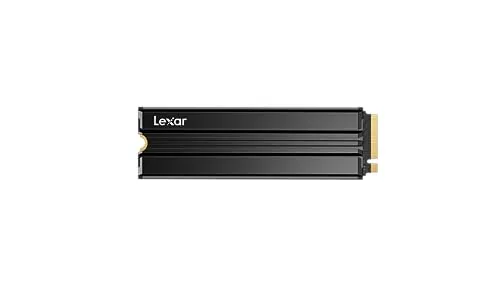
Silicon Power UD90 1TB vs Lexar NM790 1TB with Heatsink: Fit Before Speed
Choose the 1TB Lexar NM790 with Heatsink if you want the cooling hardware built into the drive. Check its installed clearance, especially in a PS5. The 1TB Silicon Power UD90 is also a PCIe 4.0 x4 M.2 2280 drive. If your motherboard has its own heatsink, check the UD90 package and motherboard slot. Manufacturer endurance ratings are 600 TBW for UD90 and 1,000 TBW for this NM790.
Read comparison