
Products compared
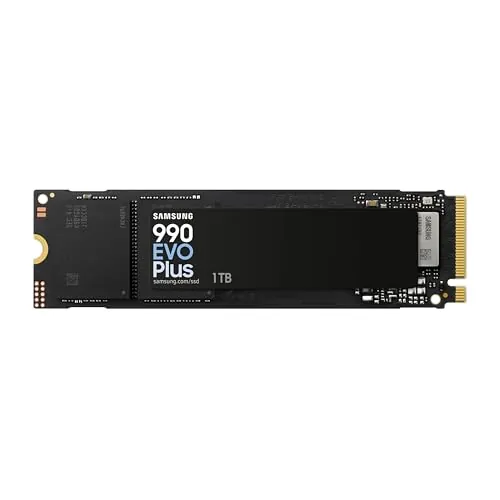
Samsung
Samsung 990 EVO Plus 1TB
US 1TB internal NVMe SSD; use the full MZ-V9S1T0B/AM code when checking software or warranty eligibility.
Model MZ-V9S1T0B/AM
Amazon ASIN B0DHLFWBQ1
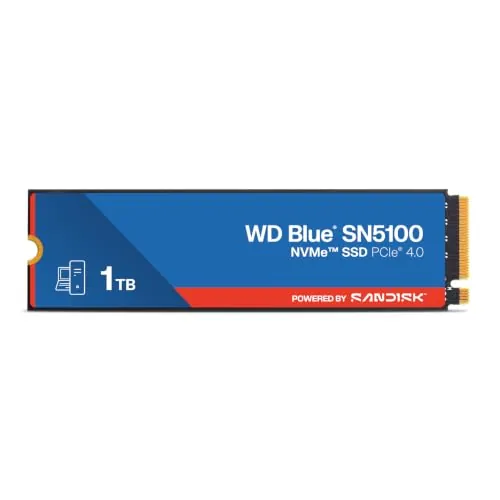
WD Blue
WD Blue SN5100 1TB
US 1TB internal NVMe SSD; the manufacturer datasheet's full model number is WDS100T5B0E-00CPE0.
Model WDS100T5B0E
Amazon ASIN B0FJ8QFWBQ
Differences that matter
Sources for Physical slot and clearance
Sources for PCIe interface named by each maker
Sources for Warranty and endurance ceiling
Sources for Rated sequential throughput, not a system result
Sources for Migration software is conditional
First identify the slot, not just the drive name
Both 1TB models are M.2 2280 NVMe drives. Samsung's datasheet gives maximum dimensions of 80.15 × 22.15 × 2.38 mm; SanDisk lists 80 × 22 × 2.38 mm for the SN5100. The nominal size is close, but it cannot tell you whether your specific computer has a free M.2 socket, accepts NVMe rather than another M.2 device type, or leaves room for its cover or heatsink.
Use the exact laptop or motherboard manual as a fit check. Confirm socket availability, supported PCIe generation and lane configuration, allowed module length, and physical clearance. Neither manufacturer's drive sheet evaluates your host model, so the final compatibility answer remains host-specific.
Read the interface claims as compatibility details, not a speed promise
Samsung lists PCIe 4.0 x4 / PCIe 5.0 x2 NVMe 2.0 and names backward compatibility with PCIe 4.0 x4 and PCIe 3.0 x4. SanDisk lists PCIe Gen 4 x4 and explicitly names backward compatibility across Gen 3 and Gen 2 lane configurations. These are the vendors' interface statements; check the exact host documentation rather than inferring that a given older slot will work.
The 1TB datasheets rate Samsung up to 7,150 MB/s read and 6,300 MB/s write, and the SN5100 up to 7,100 MB/s read and 6,700 MB/s write. The vendors describe different test details. Those maximums are not directly comparable benchmark results and do not predict a result in a laptop, desktop, enclosure or workload that was not tested here.
At 1TB, the published warranty ceilings match
Each 1TB datasheet lists a five-year limited warranty and 600TBW; the stated period or endurance limit applies first. This gives buyers a like-for-like headline specification, not a promise that a particular drive will reach either limit or a comparison of individual reliability. Confirm the applicable US warranty terms for the exact product code.
Both brands describe capacity in decimal units and caution that the usable amount can be lower than the label. A 1TB label is therefore a tier for shopping, not an exact guarantee of free space after formatting and system use.
If migration matters, verify the exact SKU before buying
Samsung's current Magician page describes Data Migration and lists the 990 EVO Plus family, but the detailed supported-model list shows MZ-V9S1T0BW for 1TB. The US product page identifies this comparison's Samsung drive as MZ-V9S1T0B/AM. The family feature is documented; eligibility of that exact AM code is not resolved by the model list, so check with Samsung before relying on it.
SanDisk advertises Acronis True Image for compatible drives. Its datasheet describes a five-year license that must be redeemed within 90 days and is subject to offer terms. Check current terms and confirm that your source drive, computer and migration plan qualify. Neither software mention guarantees a successful migration for an unspecified setup.
A four-step pre-buy check
1. Write down your computer's full model number and open its service or motherboard manual. 2. Confirm an available M.2 NVMe 2280 socket, the interface/lane support and the permitted physical clearance. 3. If replacing the boot drive, note the current source drive and operating system, then confirm software eligibility and any adapter requirement. 4. Compare price and availability only after matching the exact 1TB SKU; neither performance maximum is a promise for your system.
Product details
Samsung 990 EVO Plus 1TB
- Capacity
- 1TB labeled capacity; actual available capacity may be lower. Source
- Form factor and dimensions
- M.2 2280; maximum 80.15 × 22.15 × 2.38 mm. Source
- Interface
- PCIe 4.0 x4 / PCIe 5.0 x2, NVMe 2.0; Samsung names backward compatibility with PCIe 4.0 x4 and 3.0 x4. Source
- Warranty limit
- Five-year limited warranty or 600TBW, whichever comes first; check the applicable US warranty terms. Source
- Rated sequential read/write
- Up to 7,150 / 6,300 MB/s for the 1TB model; vendor-rated figures, not a result for your computer. Source
WD Blue SN5100 1TB
- Capacity
- 1TB labeled capacity; actual user capacity may be lower. Source
- Form factor and dimensions
- M.2 2280; 80 × 22 × 2.38 mm. Source
- Interface
- PCIe Gen 4.0 x4 NVMe; datasheet lists backward compatibility with Gen 3 and Gen 2 lane configurations. Source
- Warranty limit
- Five-year limited warranty or maximum endurance of 600TBW, whichever occurs first; regional terms apply. Source
- Rated sequential read/write
- Up to 7,100 / 6,700 MB/s for the 1TB model; vendor-rated figures under the datasheet's stated test conditions. Source
Before you buy
Community discussions
An Acer Nitro V15 owner plans a second 1TB SSD
WD Blue SN5100 1TB
An Acer Nitro V 15 ANV15-52 owner says the laptop has a second M.2 NVMe slot and is considering another 1TB drive, listing the WD Blue SN5100 among the options. The post does not give the SN5100's full part code or confirm a different Nitro revision's fit.
What to check
Confirm the exact laptop revision's second-slot length and NVMe support, then match the full SN5100 code on the offer. Use this as a buyer's add-on-storage scenario, not a compatibility claim for all Nitro V models.
Common questions
Will either M.2 2280 SSD fit my laptop?
Not from that label alone. M.2 2280 describes the module format. Check the laptop's exact service manual for an available NVMe socket, supported interface and lanes, length, and clearance around the installed drive.Samsung SSD 990 EVO Plus 2024 Data Sheet, Revision 1.0WD Blue SN5100 NVMe SSD Data Sheet
Is one drive faster based on the published numbers?
No real-world winner can be concluded here. Each vendor publishes maximum sequential rates using its own stated test method and conditions. The results are not a controlled head-to-head test, and your host, workload and firmware can change the outcome.Samsung SSD 990 EVO Plus 2024 Data Sheet, Revision 1.0WD Blue SN5100 NVMe SSD Data Sheet
Can I use Samsung's migration tool with the US 990 EVO Plus part number?
Samsung documents Data Migration in Magician and identifies the 990 EVO Plus family as supported, but its detailed current model list names MZ-V9S1T0BW for 1TB, not the US listing's MZ-V9S1T0B/AM. Confirm exact AM eligibility with Samsung before making migration software a deciding feature; the omission alone does not establish that it is unsupported.1TB SSD Internal Hard Drive - 990 EVO Plus NVMeSamsung Magician Software - Supported Models and Data Migration FAQ
Do both manufacturers publish the same warranty limit?
Their 1TB datasheets each state a five-year limited warranty and 600TBW, with the stated warranty period or endurance limit applying first. The applicable regional warranty terms still govern eligibility.Samsung SSD 990 EVO Plus 2024 Data Sheet, Revision 1.0WD Blue SN5100 NVMe SSD Data Sheet
Sources and scope
No laptop or motherboard was evaluated, and no side-by-side benchmark was performed. Manufacturer figures are rated specifications under each vendor's stated conditions, not a real-world speed result. Verify the exact host slot, interface, lanes and clearance in its service manual.
Related comparisons
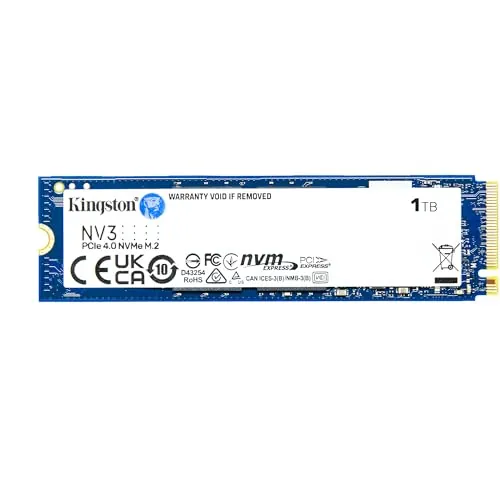
Samsung 990 EVO Plus vs Kingston NV3 1TB: Check the M.2 Slot First
The Samsung 990 EVO Plus MZ-V9S1T0B/AM and Kingston NV3 SNV3S/1000G share the 1TB M.2 2280 NVMe format, but their published interface profiles and vendor-rated ceilings differ. Samsung lists PCIe 4.0 x4 / 5.0 x2 and explicitly documents backward compatibility with PCIe 4.0 x4 and 3.0 x4; Kingston specifies PCIe 4.0 x4. Both brands publish sequential maximums, but those are not results from one independent head-to-head test. Check your exact computer manual before treating either as compatible.
Read comparison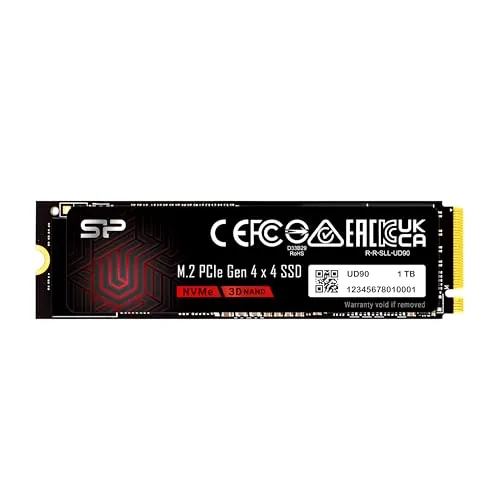
Silicon Power UD90 1TB vs Lexar NM790 1TB with Heatsink: Fit Before Speed
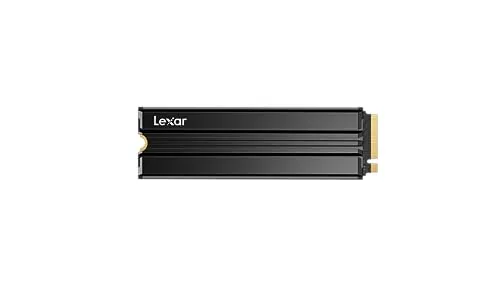
Choose the 1TB Lexar NM790 with Heatsink if you want the cooling hardware built into the drive. Check its installed clearance, especially in a PS5. The 1TB Silicon Power UD90 is also a PCIe 4.0 x4 M.2 2280 drive. If your motherboard has its own heatsink, check the UD90 package and motherboard slot. Manufacturer endurance ratings are 600 TBW for UD90 and 1,000 TBW for this NM790.
Read comparison