
Products compared
SanDisk
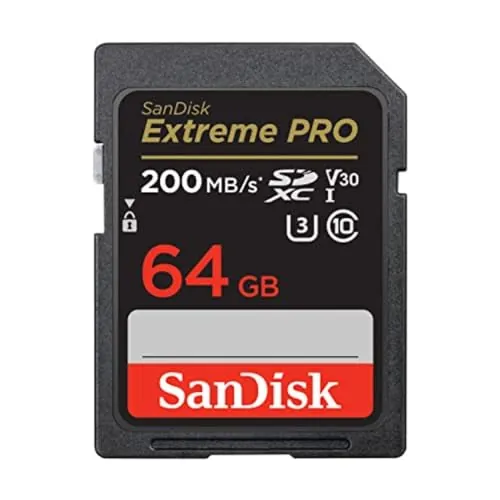
SanDisk Extreme PRO SD UHS-I 64GB
Full-size 64GB UHS-I card, model SDSDXXU-064G-GN4IN, with U3/V30. SanDisk lists up to 200 MB/s read using its required compatible PRO-READER and up to 90 MB/s write for 64–128GB. Verify the SDXC mark on the card and support in your camera.
Model SDSDXXU-064G-GN4IN
Amazon ASIN B09X7C7NCZ
SanDisk
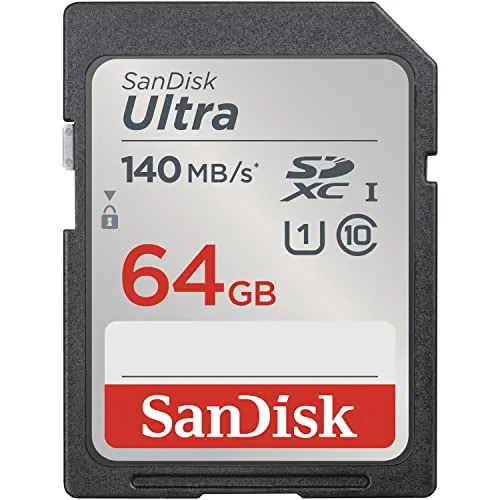
SanDisk Ultra SD UHS-I 64GB
Full-size 64GB UHS-I card, model SDSDUNB-064G-GN6IN, with U1/Class 10. The datasheet lists up to 140 MB/s read and lower write speed for 64–128GB. The exact product page instead labels the 140 MB/s figure as write speed.
Model SDSDUNB-064G-GN6IN
Amazon ASIN B0B7NWR653
Differences that matter
What matters most to you?
Choose a priority to see what it changes.
Sources for Host and reader prerequisites
Sources for 64GB capacity and camera support
Start with the camera’s recording requirement
In the verified product order, product 598 / B09X7C7NCZ is SanDisk Extreme PRO 64GB SDSDXXU-064G-GN4IN, then product 604 / B0B7NWR653 is SanDisk Ultra 64GB SDSDUNB-064G-GN6IN. The Extreme PRO is labeled U3/V30; the Ultra is U1/Class 10 and positioned for Full HD.
Use the camera manual for the exact camera model and capture mode. Confirm its supported card format and capacity as well as its minimum speed class. A product page saying “4K” or “Full HD” is not a camera-compatibility check and does not promise that a particular recording mode will work.
Treat card capture and computer offload as different jobs
For Extreme PRO 64–128GB, SanDisk’s datasheet lists up to 200MB/s read and up to 90MB/s write. It says a compatible SanDisk Professional PRO-READER is needed for the 200MB/s maximum. The Ultra 64–128GB datasheet lists up to 140MB/s read and says write speed is lower.
There is a source conflict for Ultra’s exact 64GB page: its specification table labels 140MB/s as sequential write, while the family datasheet labels up to 140MB/s as read for 64–128GB, with lower write. Keep that unresolved rather than using the product-page number as an apples-to-apples transfer result. Read ceilings concern copying files; they are not camera write-speed measurements.
Check the host and reader before paying for a higher read ceiling
Both datasheets describe UHS-I cards, while SanDisk’s maximum figures above the UHS-I 104MB/s interface ceiling require a compatible host. Extreme PRO’s data sheet names its PRO-READER for the 200MB/s ceiling; SanDisk notes that reader is separate. A different reader or computer may not access the manufacturer’s headline maximum.
Before ordering for a computer workflow, identify the reader you will use and verify its interface with the computer. Without a compatible reader and host, a larger advertised read number does not tell you how quickly your own files will copy.
Check SDXC support before ordering a 64GB card
The SD Association defines SDXC as capacities above 32GB through 2TB. Both cards here are 64GB full-size SD cards. An SDHC-only host falls outside the standard for these cards.
SanDisk’s Extreme PRO datasheet places the 64GB card in SDXC, although its product-page form factor field says SDHC. For older cameras, confirm both the SDXC marking on the card and the maker’s support for 64GB at your intended recording setting.
Product details
SanDisk Extreme PRO SD UHS-I 64GB
- Recording class and exact 64GB SKU
- UHS Speed Class 3 (U3) and Video Speed Class 30 (V30); 64GB model SDSDXXU-064G-GN4IN. SanDisk says recording support depends on enabled UHS host devices. Source
- Read / write figures and reader condition
- For 64–128GB, the datasheet lists up to 200MB/s read and up to 90MB/s write; reaching the 200MB/s read ceiling requires a compatible SanDisk Professional PRO-READER. These are maxima, not expected camera transfer rates. Source
- Format label caveat
- The product page’s 64GB field says SDHC while family title and compatibility wording mention SDXC; the datasheet places 64GB in the SDXC form-factor range. Confirm exact card/camera format before relying on one label. Source
SanDisk Ultra SD UHS-I 64GB
- Recording class and exact 64GB SKU
- U1 / Class 10 with Full HD positioning; exact 64GB model SDSDUNB-064G-GN6IN. Actual video support depends on host device and file attributes. Source
- Published read/write ceiling
- The Ultra datasheet lists 64–128GB up to 140MB/s read with lower write speed. The exact product page’s 64GB table labels 140MB/s as sequential write, so the public page keeps that manufacturer-source discrepancy explicit. Source
- Reader and UHS host
- SanDisk says speeds beyond the UHS-I 104MB/s interface ceiling require a compatible host; a card reader is sold separately. Check the exact reader and computer interface rather than treating the card’s maximum as a transfer guarantee. Source
Before you buy
Community discussions
Checking a camera’s approved cards before choosing a 64 GB card
SanDisk Ultra SD UHS-I 64GB
A Nikon D3100 owner said the camera did not recognize their 64 GB SanDisk Ultra SDXC card. The post does not identify this listing’s part number or establish the cause.
What to check
Check the approved card list for your camera and match it against the full card code on the listing.
Common questions
Which card has the higher recording class?
The assigned Extreme PRO 64GB SKU is labeled U3/V30; Ultra 64GB is U1/Class 10. Choose based on the camera manual’s requirement for your recording mode. These labels do not certify either card for an unverified camera or guarantee its video result.SanDisk Extreme PRO UHS-I SD card, exact 64GB SKU SDSDXXU-064G-GN4INSanDisk Extreme PRO UHS-I SD datasheet, 200MB/s editionSanDisk Ultra SD UHS-I datasheet, 150MB/s family edition
Does the Extreme PRO 200MB/s figure mean my camera writes at 200MB/s?
No. SanDisk lists 200MB/s as a read/offload maximum for 64–128GB and says the compatible PRO-READER is required to reach it. The same datasheet lists up to 90MB/s write for that capacity range; neither value is a measured write result in your camera.SanDisk Extreme PRO UHS-I SD datasheet, 200MB/s edition
Is Ultra 64GB’s 140MB/s figure read or write?
SanDisk’s Ultra datasheet says 64–128GB reaches up to 140MB/s read, with lower write speed. The exact 64GB product page’s table labels 140MB/s as sequential write. Because the manufacturer sources conflict, do not use that figure as a guaranteed write or transfer result.SanDisk Ultra UHS-I SD card, exact 64GB SKU SDSDUNB-064G-GN6INSanDisk Ultra SD UHS-I datasheet, 150MB/s family edition
Are the 64GB card formats unambiguous?
The SD standard classifies 64GB as SDXC. SanDisk’s Extreme PRO datasheet agrees, while a field on its exact product page lists SDHC. Confirm the SDXC card marking and your camera’s 64GB SDXC support.SD Association capacity standardsSanDisk Extreme PRO UHS-I SD card, exact 64GB SKU SDSDXXU-064G-GN4INSanDisk Extreme PRO UHS-I SD datasheet, 200MB/s edition
Sources and scope
SanDisk’s exact Extreme PRO product page has an SDHC field that conflicts with the datasheet and the SD Association’s SDXC capacity range. The exact Ultra page labels 140 MB/s as write speed, while its datasheet lists it as a read ceiling. Actual speed varies with the host, reader and workload; this comparison uses published specifications.
Related comparisons
SanDisk Extreme PRO 128GB UHS-II vs 64GB UHS-I: Match the Card to Your Camera
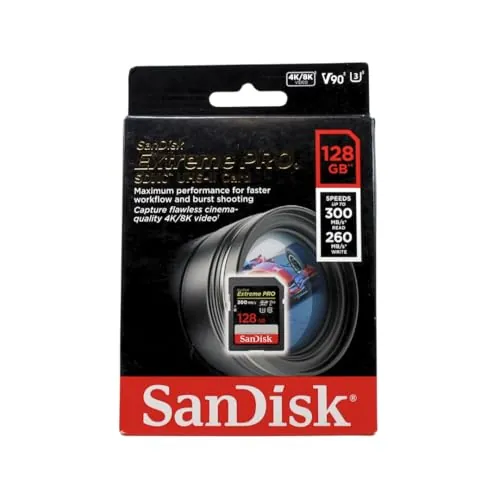
The listings differ in labeled capacity and bus interface: SDSDXDK-128G-GN4IN is 128GB UHS-II, while SDSDXXU-064G-GN4IN is 64GB UHS-I. A UHS-II card helps only when your camera or reader supports that interface; the camera manual determines supported cards and recording-mode speed classes. Check the exact model code and card marking before buying.
Read comparison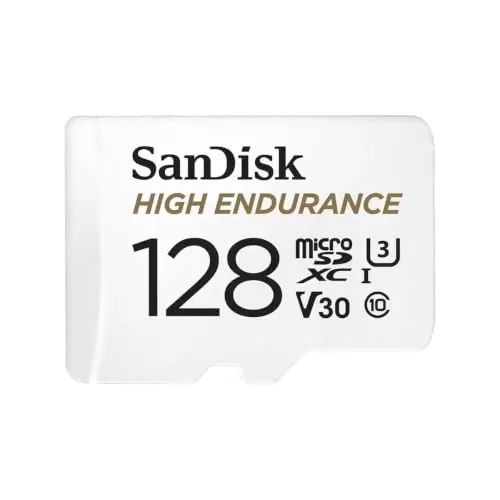
SanDisk High Endurance vs MAX Endurance 128GB: Hours, Warranty and Camera Fit
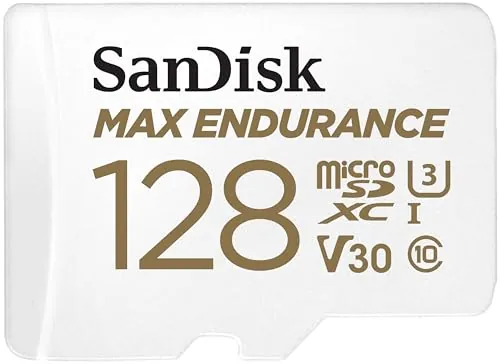
Both exact cards are 128GB microSDXC UHS-I with Class 10, U3 and V30 ratings. SanDisk lists up to 10,000 Full HD recording hours and a 2-year limited warranty for High Endurance, versus up to 60,000 hours and 10 years for MAX Endurance. These are conditional manufacturer ratings and limited terms, not a real-world lifespan guarantee. Check your camera's capacity, speed and approved-card rules first.
Read comparison