
Products compared
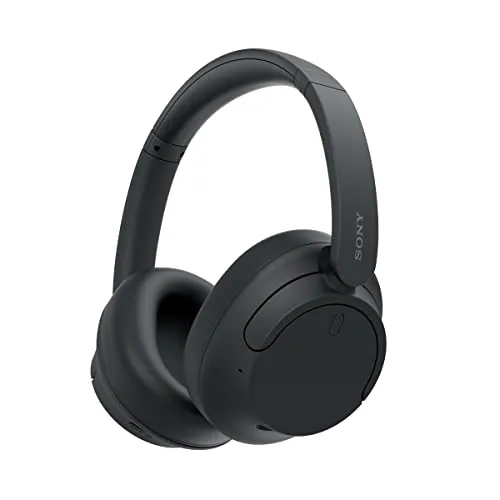
Sony
Sony WH-CH720N Wireless Noise Canceling Stereo Headset, Black
The analog cable supports listening with the headset off. Sony documents USB-C for charging; charging turns the headset off and stops powered listening.
Model WH-CH720N/B
Amazon ASIN B0BS1QCFHX
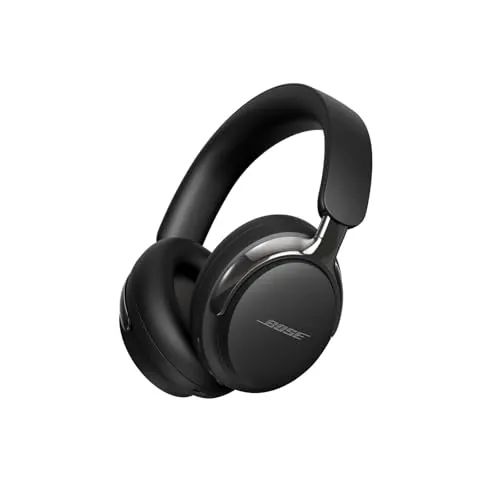
Bose
Bose QuietComfort Ultra Headphones (2nd Gen), Black
It supports USB-C audio and can remain in use while charging. Its supplied 2.5 mm-to-3.5 mm analog cable requires the headphones to be powered on; analog playback controls move to the source device.
Model 890101-0100
Amazon ASIN B0FDKR293G
Differences that matter
What matters most to you?
Choose a priority to see what it changes.
Sources for USB-C audio while charging
Sources for Analog cable with power off
Sources for Controls in wired use
The choice is about your desk connection routine
If you often continue a work or listening session while topping up a headset, Bose documents the more direct fit: USB-C audio can be used while these headphones charge. That setup needs a compatible USB-C audio source. The Sony WH-CH720N uses USB-C for charging, but Sony says charging turns the headset off and powered playback is unavailable while it is connected to an outlet or computer.
If your fallback is a 3.5 mm headphone output and a drained headset, the Sony has a useful documented mode: connect its supplied cable and listen with the headset powered off. Bose's analog AUX cable is different: the headphones must be on, and the guide says to connect USB-C power and power them on if the battery is depleted.
Wired modes change where you control playback
The Sony's +/− and play/call/track buttons are not available while its supplied headphone cable is connected; Sony directs playback and volume adjustments to the source. The Bose manual likewise disables calls and media playback controls in AUX mode and directs those actions to the source. So if you choose by the Sony's physical volume buttons, that preference applies to Bluetooth listening, not its analog connection.
Bose's right-earcup volume strip is a swipe control. For the exact USB-C audio procedure, connect the supplied USB-C cable to a compatible USB-C audio host and the headphone USB-C port, then power on the headphones. The manual says its Bluetooth/Power button can switch between that USB-connected device and previously connected Bluetooth devices; it does not promise that every switch is interruption-free.
Check the cable ends in the box against your source
Sony's U.S. specifications list a connection cable and USB cable. The WH-CH720N guide identifies its USB Type-C port as the charging connection and its headphone jack for the supplied analog cable. The specifications list a stereo mini jack and an L-shaped stereo mini plug, so check the source's analog output and where the cable will route on your desk.
Bose's exact second-generation specification lists a 39-inch USB-C-to-USB-C cable, a 3.5 mm-to-2.5 mm cable and a carry case. Its manual places USB-C and 2.5 mm AUX on the left earcup. If your host only offers USB-A, confirm a compatible audio path separately; the listed box contents do not say a USB-A audio adapter is included.
Product details
Sony WH-CH720N Wireless Noise Canceling Stereo Headset, Black
- Charging connection
- USB Type-C; the supplied cable is used for charging. Charging turns the headset off if it was on, and powered use/playback is unavailable while connected to an outlet or computer for charging. Source
- Analog connection
- Supplied headphone cable to the stereo mini jack; listening is possible with power off, but the headset volume and playback buttons cannot be used in cable mode. Source
- Included cables
- Sony's U.S. specifications list a connection cable and USB cable in the box; the product guide identifies them as the headphone cable and USB Type-C charging cable. Source
Bose QuietComfort Ultra Headphones (2nd Gen), Black
- USB-C audio and charging
- The exact 2nd Gen guide documents USB-C audio and use in USB audio mode while charging; USB-C source compatibility is required. Source
- Analog connection
- The supplied 3.5 mm-to-2.5 mm audio cable connects to the headset's 2.5 mm port. The headphones must be powered on; calls and media controls are disabled and handled on the source device. Source
- Box contents
- Bose lists a carry case, USB-C-to-USB-C cable and 3.5 mm-to-2.5 mm audio cable with this 2nd Gen model. Source
Before you buy
Community discussions
Trying the buttons with a cable connected
Sony WH-CH720N Wireless Noise Canceling Stereo Headset, Black
A WH-CH720N owner said the physical volume and playback controls did not respond in their wired setup and asked whether that was expected.
What to check
Try the headset buttons over analog and Bluetooth. Check how you will adjust volume if you keep a cable connected.
Common questions
Can the WH-CH720N play while it is charging?
Sony says that if charging starts while the headset is on, it turns off automatically. While connected to an outlet or computer, headset operations including music playback cannot be performed. Its supplied analog cable supports a separate power-off listening mode, but the cited guide does not establish using that mode while charging.WH-CH720N: Charging the headsetWH-CH720N: Using the supplied headphone cable
Does the Bose 2nd Gen support USB-C audio while charging?
Yes. The exact 2nd Gen owner guide documents USB-C audio and says the headphones can be used in USB audio mode while charging. Check that the computer or other source supports USB-C audio and that the included USB-C-to-USB-C cable reaches.QuietComfort Ultra Headphones (2nd Gen) Owner's GuideProduct Specifications | Bose QuietComfort Ultra Headphones (2nd Gen)
Do the headphone controls work with the analog cables?
Sony disables the headset's volume and playback buttons when the supplied cable is connected. Bose disables calls and media playback controls in AUX mode. In either case, use the source device for those controls.WH-CH720N: Using the supplied headphone cableQuietComfort Ultra Headphones (2nd Gen) Owner's Guide
Sources and scope
This is a feature-fit comparison of manufacturer-documented connections and controls, not a sound, comfort, noise-cancellation or durability test. USB audio requires a compatible host and cable. The Sony model is WH-CH720N/B in Black; the Bose model is QuietComfort Ultra Headphones (2nd Gen), Black. No current merchant offer was reviewed.
- WH-CH720N: Charging the headset
- WH-CH720N: Location and function of parts
- WH-CH720N: Controlling the audio device (Bluetooth connection)
- WH-CH720N: Using the supplied headphone cable
- WH-CH720N Specifications
- QuietComfort Ultra Headphones (2nd Gen) Owner's Guide
- Product Specifications | Bose QuietComfort Ultra Headphones (2nd Gen)
Related comparisons
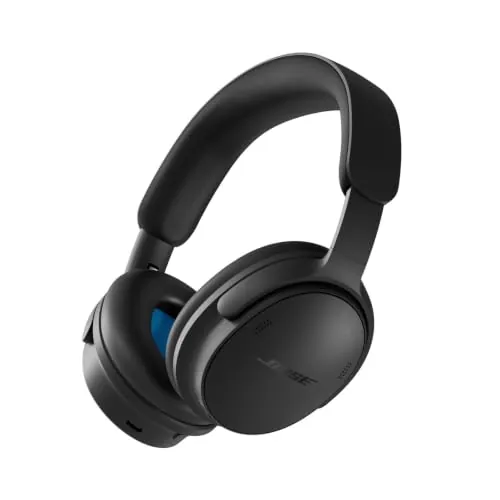
Bose QuietComfort (2nd Gen) vs QuietComfort Ultra (2nd Gen)
Both second-generation Bose models offer noise cancellation and USB-C wired listening, but Bose positions the Ultra as its premium model with CustomTune, Immersive Audio, and a capacitive volume strip. Bose's stated battery maximums differ by 6 hours with ANC on / in Bose's Quiet mode; RTINGS reports 27 hours for its tested QuietComfort sample and 37 hours for Ultra (2nd Gen). RTINGS describes the QuietComfort (2nd Gen)'s noise isolation as on par with Ultra (2nd Gen), so the available evidence does not establish that the Ultra cancels more noise in a direct controlled comparison.
Read comparison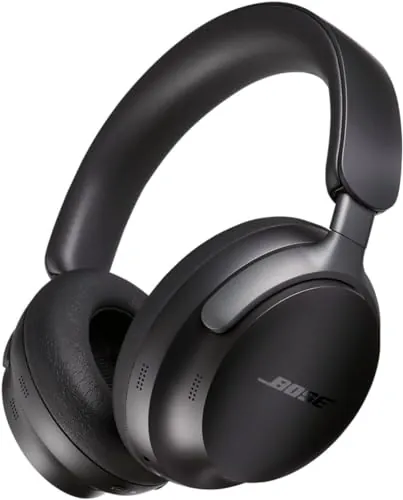
Bose QuietComfort Ultra vs 2nd Gen: Should Owners Upgrade?
The QuietComfort Ultra 2nd Gen is a practical upgrade for USB-C computer audio, charging while listening, longer manufacturer-rated sessions, and video with Cinema Mode. If you mainly use Bluetooth and want noise cancellation, the original remains a credible choice: an exact-pair independent comparison reports similar overall ANC strengths, not a clear generational leap.
Read comparison