
Products compared
TP-Link
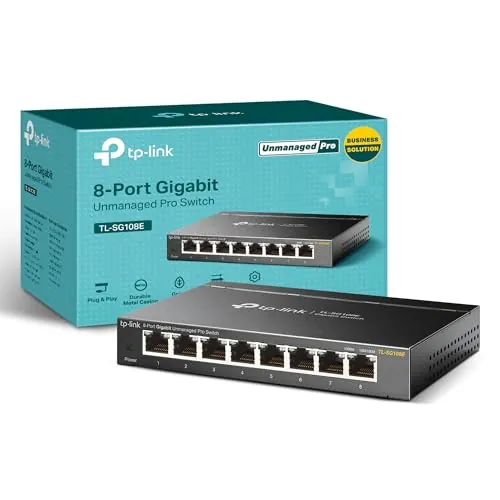
TP-Link TL-SG108E 8-Port Gigabit Easy Smart Switch
Eight 10/100/1000 Mbps RJ45 ports. TP-Link documents plug-and-play plus Easy Smart configuration functions; verify the retail hardware revision for its matching interface and software.
Model TL-SG108E
Amazon ASIN B00K4DS5KU
TP-Link
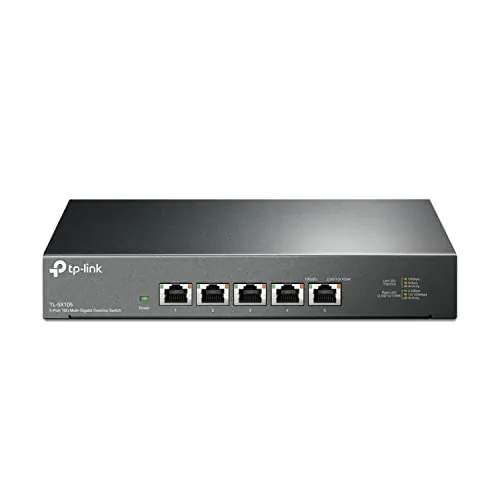
TP-Link TL-SX105 5-Port 10G Desktop Switch
Five unmanaged auto-negotiating RJ45 ports supporting 100 Mbps, 1, 2.5, 5 and 10 Gbps; choose it for link modes your endpoints and cabling actually support.
Model TL-SX105
Amazon ASIN B09CYNHL4S
Differences that matter
What matters most to you?
Choose a priority to see what it changes.
Sources for Physical port budget
Sources for Supported negotiated link modes
Sources for Switch-level configuration
Sources for Cable check for the intended link
Sketch the physical network before choosing
A switch's advertised port count includes the link back to your router or upstream switch. Put each device on a list, add that uplink, and count total ports. TL-SG108E has eight ports; TL-SX105 has five. So a layout with five wired endpoints plus a router connection needs six ports: it cannot all terminate on the TL-SX105 alone.
This arithmetic can be more decisive than the top speed. If your list fits both, check each device's network interface and whether any connection actually requires more than Gigabit.
Match the speed at both ends of each link
TL-SG108E is rated for 10/100/1000 Mbps on each port. TL-SX105 supports five auto-negotiating rates: 100 Mbps, 1, 2.5, 5 and 10 Gbps. A faster switch port does not make a slower router, NAS or computer NIC faster; check the network path and endpoints that matter for your planned connection.
For a 10 Gbps connection, TP-Link recommends Cat6a or higher for runs up to 100 meters. Confirm the actual cable category, run and terminations rather than treating the switch's rating as proof that an existing installation will negotiate at 10 Gbps.
Decide where VLAN configuration belongs
TP-Link documents VLAN configuration functions for TL-SG108E alongside basic plug-and-play use. This is the more relevant option if you need to set switch-level VLAN options and do not need a link rate beyond Gigabit. Exact interfaces and software requirements can vary by TL-SG108E revision, so check the revision on the offered unit before relying on a specific workflow.
TP-Link classifies TL-SX105 as unmanaged. That means it does not provide the same switch-level configuration choice described for TL-SG108E. It does not, by itself, prove how tagged traffic will behave through a given setup; verify such a requirement against your equipment and network design. If you need both configured VLANs and 5/10GbE links in this switch, compare a different model category.
Product details
TP-Link TL-SG108E 8-Port Gigabit Easy Smart Switch
Before you buy
Community discussions
A multi-gig upgrade question from a home switch layout
TP-Link TL-SG108E 8-Port Gigabit Easy Smart Switch
One home-network owner describes a TL-SG108E in a chain serving a desktop, Proxmox server and NAS, and is weighing a 2.5GbE or 10GbE upgrade. The post names a 2.5GbE desktop interface and possible faster NAS networking, but reports no matched throughput test.
What to check
Write down each endpoint’s port speed and the speed needed for its actual link before choosing a 5-port multi-gig switch. The post is an upgrade question, not evidence that a particular switch will deliver a measured rate.
A VLAN-aware home Wi-Fi plan raised a management requirement
TP-Link TL-SG108E 8-Port Gigabit Easy Smart Switch
One home-network owner describes a TL-SG108E between a pfSense router and EAP225 access point, with separate Wi-Fi networks as the goal. The archived post documents a setup question, not a confirmed product defect or a tested configuration.
What to check
If you need VLAN management, compare that requirement with the faster switch’s unmanaged design before choosing. Confirm that the router and access point support your planned network features; no configuration steps are inferred from this post.
Common questions
How many devices fit if I connect a router too?
By port-count arithmetic, one router uplink leaves seven other ports on the TL-SG108E or four on the TL-SX105. Subtract any additional upstream or device connections from the total before ordering.TL-SG108E V6 | 8-Port Gigabit Easy Smart SwitchTL-SX105 | 5-Port 10G Desktop Switch
Does the TL-SX105 give every connected device a 10 Gbps link?
No. Its ports auto-negotiate among 100 Mbps, 1, 2.5, 5 and 10 Gbps according to the link partners. A port's maximum rating is not the negotiated speed of a particular device or an end-to-end transfer result.TL-SX105 | 5-Port 10G Desktop Switch
Does unmanaged mean the TL-SX105 cannot pass VLAN-tagged traffic?
That cannot be concluded from the unmanaged label alone. This comparison addresses whether you can configure VLAN functions on the switch, not tagged-frame behavior in a specific network. Verify that topology requirement separately.TL-SX105 | 5-Port 10G Desktop SwitchTL-SG108E V6 | 8-Port Gigabit Easy Smart Switch
Sources and scope
This guide compares the selected U.S. listing data products by manufacturer documentation, not a network test. The current retail hardware revision for TL-SG108E is not confirmed; common statements are limited to features shown in TP-Link's V1 and V6 pages. Check the revision label and matching instructions before relying on interface, firmware or software behavior. Port ratings and cable guidance do not promise file-transfer speed, Internet speed, latency, coverage or reliability. An unmanaged label does not establish whether a switch will forward tagged frames in a particular network, and VLAN support alone is not a security or isolation guarantee.
Related comparisons
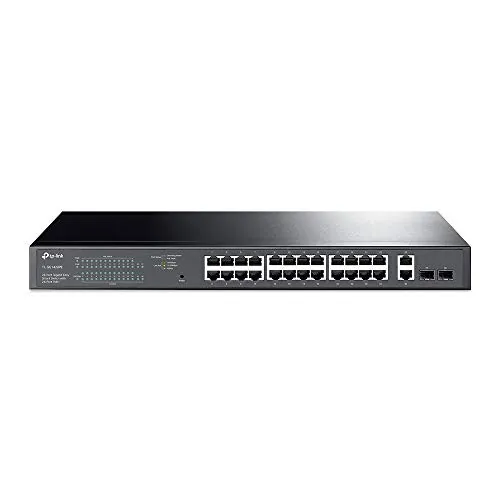
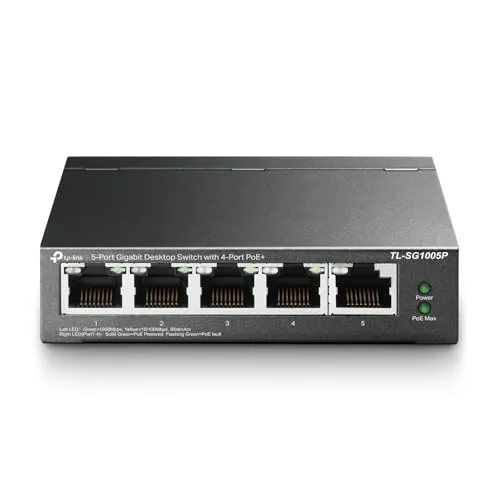
TP-Link TL-SG1428PE vs TL-SG1005P: Check PoE Budget and Hardware Revision
TL-SG1005P is the small four-PoE-port option only when its specific hardware revision meets the endpoint standard and total load. TL-SG1428PE has a much larger published PoE plan and configurable management, but its offered revision and firmware still need checking. Count actual powered devices and their allocated draw before ordering.
Read comparison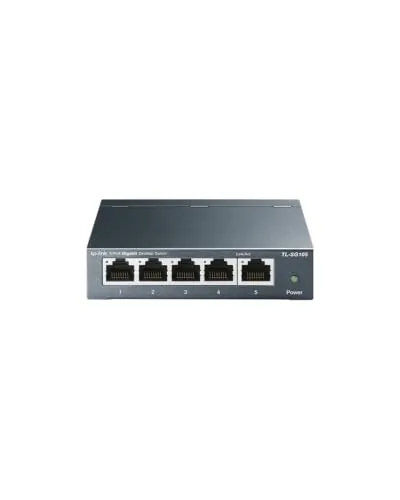
TP-Link TL-SG105 vs TL-SG1005P: Five Data Ports or Revision-Checked PoE?
Both TP-Link switches have five Gigabit Ethernet ports and are documented as unmanaged, plug-and-play devices that use an external power adapter. The TL-SG105 page lists five data ports and no PoE output. TL-SG1005P dedicates ports 1–4 to PoE and port 5 to data, but its U.S. hardware versions differ: V1 lists 802.3af and 56 W total, while V2 lists 802.3af/at, up to 30 W per port and 65 W total. The assigned TL-SG1005P listed model does not identify the shipping hardware version, so verify the label and endpoint draw before relying on a PoE figure.
Read comparison