
Products compared
Anker
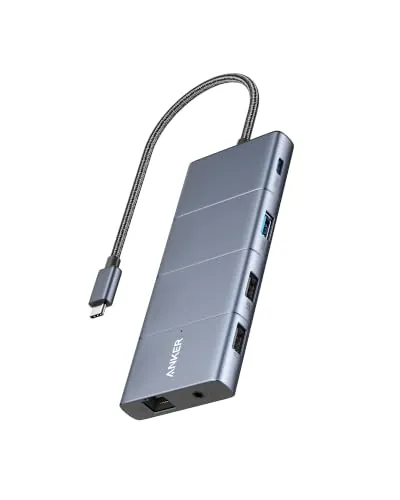
Anker 565 USB-C Hub (11-in-1)
Anker 565 11-in-1 USB-C hub, model A8388. The manufacturer says its host USB-C connection needs DisplayPort Alt Mode and Power Delivery; check your computer's exact port capabilities.
Model A8388
Amazon ASIN B09Q5V9G5P
Plugable
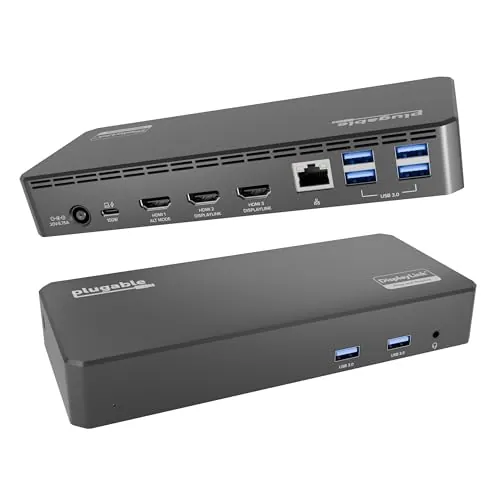
Plugable USB-C Triple Display Docking Station UD-3900PDZ
Plugable UD-3900PDZ three-HDMI dock. It is available with 60W or 100W laptop charging; check the wattage on the box or rear host-port label before planning to use it as your laptop charger.
Model UD-3900PDZ
Amazon ASIN B08DDH5CPW
Differences that matter
What matters most to you?
Choose a priority to see what it changes.
Sources for Display connections and listed modes
Start with your monitors and laptop video path
The Anker 565 A8388 has one HDMI and one DisplayPort output. Anker lists one-monitor output up to 4K at 60Hz on a DP 1.4 laptop or 4K at 30Hz on DP 1.2; for two monitors it lists 2K at 60Hz on DP 1.4 or 1080p at 60Hz on DP 1.2. Anker also says the two external displays mirror on macOS, while Windows supports separate content. These are product specifications, not a confirmation for a particular laptop or monitor pair.
Plugable's UD-3900PDZ has three HDMI sockets, but they do not share one video method. HDMI 1 uses the laptop's USB-C DisplayPort Alt Mode and is listed up to 4K at 30Hz. HDMI 2 and HDMI 3 use DisplayLink and are each listed up to 1080p at 60Hz. If you need a particular resolution on all active screens, verify the monitor combination and computer's output support before buying.
Decide whether DisplayLink fits your computer policy
Plugable requires DisplayLink software for full UD-3900PDZ functionality. Its product documentation says macOS requires the Screen Recording permission for DisplayLink to send display data to HDMI 2 and HDMI 3; an IT-managed machine may also require administrator approval to install software. Without DisplayLink, Plugable says only the Alt Mode HDMI output works. Ask your IT administrator before choosing this dock for a locked-down work computer.
For the Anker, the manufacturer specifies USB-C with DisplayPort Alt Mode and Power Delivery. Its USB-A and USB-C data ports are not display outputs. Check the computer's manual for the USB-C port capabilities and DisplayPort version rather than assuming that the connector shape alone provides video.
Match power delivery and desk peripherals
Anker lists up to 85W pass-through charging and says a charger is required but not included. Plugable's dock comes with an AC adapter; its UD-3900PDZ product page describes a 100W revision, while Plugable's revision note says older units delivered up to 60W and the model number stayed the same. The wattage is printed on the box and next to the rear host port. Check the exact unit and compare it with the laptop manufacturer's charging requirement.
The Anker provides three USB-A data ports, one USB-C data port, SD and microSD readers, Gigabit Ethernet and 3.5mm AUX. Plugable provides six USB-A 5Gbps ports, Gigabit Ethernet and a TRRS headset jack. Choose by the devices you actually need to leave attached: for example, count USB-A accessories, card readers and whether you use one combined headset/microphone plug.
Product details
Anker 565 USB-C Hub (11-in-1)
- Video outputs
- One HDMI and one DisplayPort; Anker lists up to 4K at 60Hz for one monitor on a DP 1.4 host and 4K at 30Hz on DP 1.2. For two monitors, it lists 2K at 60Hz on DP 1.4 or 1080p at 60Hz on DP 1.2. Source
- Host and charging
- Host USB-C must support DisplayPort Alt Mode and Power Delivery. Hub supports up to 85W laptop pass-through; an external charger is required and not included. Source
- Data and desk ports
- Three USB-A data ports (two USB 2.0 and one 10Gbps USB 3.2), one 10Gbps USB-C data port, Gigabit Ethernet, SD and microSD UHS-I readers, and 3.5mm AUX. Source
Plugable USB-C Triple Display Docking Station UD-3900PDZ
- Video outputs
- Three HDMI outputs: HDMI 1 uses USB-C DisplayPort Alt Mode and is listed up to 4K at 30Hz; HDMI 2 and HDMI 3 use DisplayLink and are listed up to 1080p at 60Hz each. Source
- Software and host
- DisplayLink software is required for full functionality. On macOS, DisplayLink Manager also requires Screen Recording permission; host USB-C video support is needed for HDMI 1. Source
- Power and peripherals
- Plugable lists an included AC power supply, six USB-A 5Gbps ports, Gigabit Ethernet and a 3.5mm TRRS headset jack. The same model is sold in 60W and 100W host-PD versions. Source
Before you buy
Community discussions
Planning cables and power for a multi-screen desk
Plugable USB-C Triple Display Docking Station UD-3900PDZ
Someone planning an M1 MacBook desk with portable monitors names the UD-3900PDZ and maps out which displays need separate cables and power.
What to check
Draw the full connection plan for your displays, power, and usual peripherals. Verify the display count and required connections for your host.
Common questions
Will the Anker 565 extend two separate screens on a Mac?
Anker's A8388 page says the two external displays mirror the same content on macOS. Windows laptops are listed as supporting different content on multiple screens. Confirm your own computer and desired arrangement before purchase.Anker 565 USB-C Hub (11-in-1) — Anker US product page
Does every Plugable UD-3900PDZ HDMI port work the same way?
No. Plugable identifies HDMI 1 as the USB-C DisplayPort Alt Mode output, listed up to 4K at 30Hz. HDMI 2 and 3 use DisplayLink and are listed up to 1080p at 60Hz each; they require DisplayLink software. On macOS, that software also requires Screen Recording permission.Plugable USB-C Triple Monitor Docking Station UD-3900PDZ — official product pageWhat technology drives each display output within the UD-3900PDZ? — Plugable Knowledge Base
How can I tell whether a UD-3900PDZ delivers 60W or 100W to the laptop?
Plugable says its earlier revision delivers up to 60W and its updated revision up to 100W. Check the wattage printed on the box or next to the dock's rear USB-C host port; the model number remained the same across the change.Did I get the wrong version of the UD-3900PDZ? 60W vs. 100W charging — Plugable Knowledge Base
Do I need to buy a separate charger for either dock?
Anker says its pass-through charging requires an external charger and does not include that charger. Plugable lists an included AC power supply, though the host-delivery rating depends on whether the exact UD-3900PDZ is the 60W or 100W revision.Anker 565 USB-C Hub (11-in-1) — official Anker support and A8388 manual listingPlugable USB-C Triple Monitor Docking Station UD-3900PDZ — official product pageDid I get the wrong version of the UD-3900PDZ? 60W vs. 100W charging — Plugable Knowledge Base
Sources and scope
This is a manufacturer-feature and setup comparison, not a display-quality or performance test. Actual display modes depend on the host's USB-C video support, operating system, monitor inputs and configuration. The Plugable UD-3900PDZ comes in 60W and 100W revisions; check the box or rear host-port label before planning laptop charging. The manufacturer identifies the Anker as model A8388, but a barcode detail differs between the manufacturer page and listing, so check the model number if identifying the exact Anker unit.
- Anker 565 USB-C Hub (11-in-1) — Anker US product page
- Anker 565 USB-C Hub (11-in-1) — official Anker support and A8388 manual listing
- Anker 565 USB-C Hub (11-in-1) — official A8388 display specifications
- Plugable USB-C Triple Monitor Docking Station UD-3900PDZ — official product page
- What technology drives each display output within the UD-3900PDZ? — Plugable Knowledge Base
- Did I get the wrong version of the UD-3900PDZ? 60W vs. 100W charging — Plugable Knowledge Base
Related comparisons
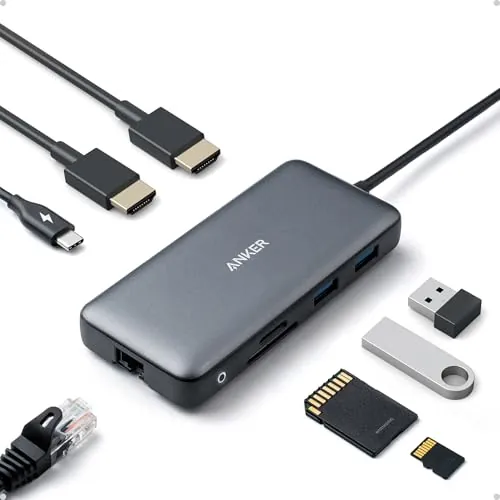
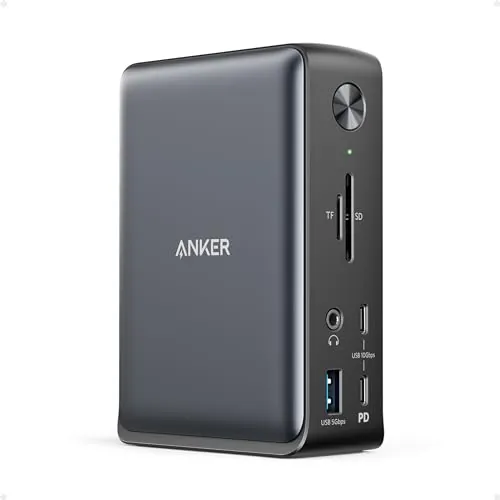
Anker 553 A8380 vs Anker 575 A8392: Dual-Display Hub or Powered Dock?
Both assigned Anker products require a host USB-C connection with DisplayPort Alt Mode for video. The 553 A8380 has two HDMI outputs and Anker ties its listed modes to the host's DisplayPort version; its two HDMI displays mirror on Mac. The 575 A8392 adds DisplayPort for a third external display and lists single 4K60, dual 4K30 and triple 1080p modes, with exact output combinations depending on host DP version and operating system. For charging, the 553's pass-through requires a 100W USB-PD wall charger and USB-C cable; the 575 has DC input and an 85W laptop port, but the US product page does not state the selected retail box's adapter contents.
Read comparison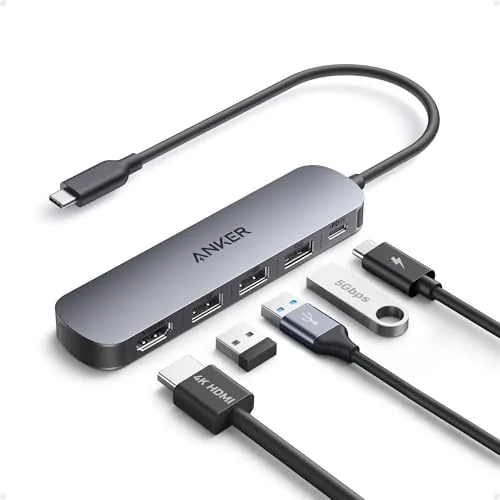
Anker A8357 vs TP-Link UH720: Display Hub or Desk USB Hub?
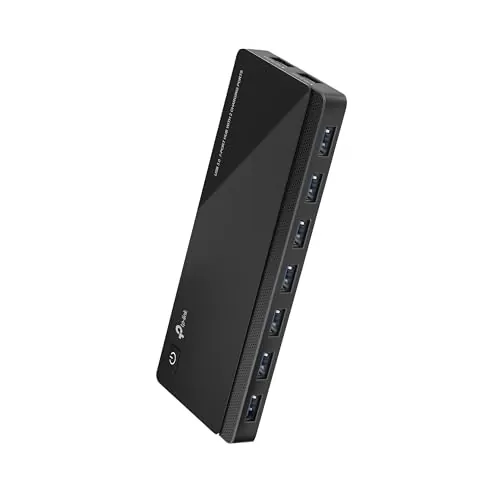
Anker’s exact A8357 documentation lists HDMI, one 5Gbps USB-A data port, two 480Mbps USB-A ports and a charging-only USB-C PD input. HDMI requires DisplayPort Alt Mode on the host, and laptop charging requires Power Delivery. TP-Link’s UH720 lists seven USB-A data ports and two dedicated 5V/2.4A charging ports with a Micro-B upstream connection. Check the UH720 hardware revision and adapter label because the maker’s revision pages list different adapter ratings.
Read comparison