Pickagu

Usb C Docks

Find your model below to compare what is included and how the differences affect everyday use.

4 comparisons

Usb C Docks comparisons

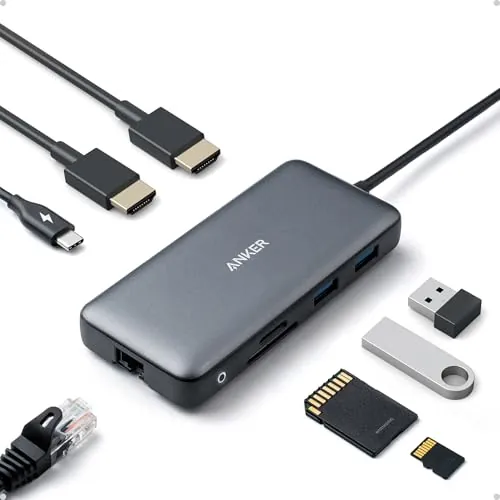
Anker 553 USB-C Hub (8-in-1), A8380 · A83800A1 (A8380)
Anker 553 USB-C Hub (8-in-1), A8380
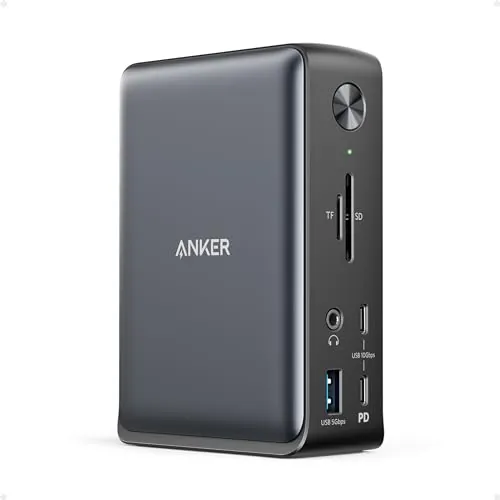
Anker 575 USB-C Docking Station (13-in-1), A8392 · A83921A1 (A8392)
Anker 575 USB-C Docking Station (13-in-1), A8392

Anker 553 A8380 vs Anker 575 A8392: Dual-Display Hub or Powered Dock?

Both assigned Anker products require a host USB-C connection with DisplayPort Alt Mode for video. The 553 A8380 has two HDMI outputs and Anker ties its listed modes to the host's DisplayPort version; its two HDMI displays mirror on Mac. The 575 A8392 adds DisplayPort for a third external display and lists single 4K60, dual 4K30 and triple 1080p modes, with exact output combinations depending on host DP version and operating system. For charging, the 553's pass-through requires a 100W USB-PD wall charger and USB-C cable; the 575 has DC input and an 85W laptop port, but the US product page does not state the selected retail box's adapter contents.

Read comparison
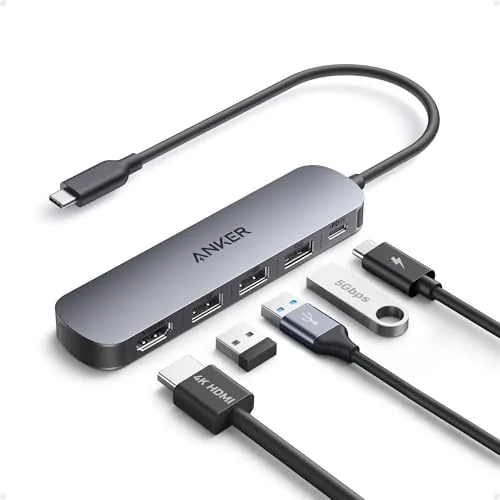
Anker USB-C Hub (5-in-1, 4K HDMI) · A8357
Anker USB-C Hub (5-in-1, 4K HDMI)
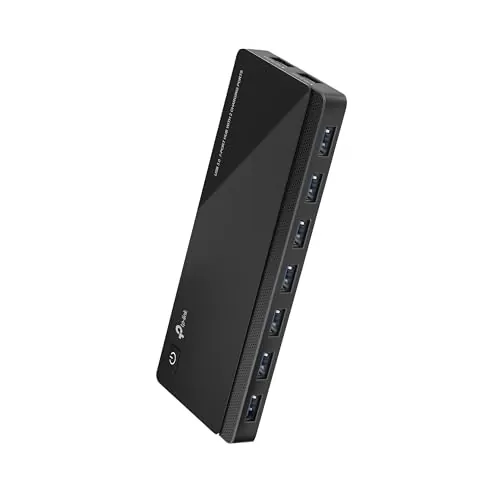
TP-Link USB 3.0 7-Port Hub with 2 Charging Ports · UH720
TP-Link USB 3.0 7-Port Hub with 2 Charging Ports

Anker A8357 vs TP-Link UH720: Display Hub or Desk USB Hub?

Anker’s exact A8357 documentation lists HDMI, one 5Gbps USB-A data port, two 480Mbps USB-A ports and a charging-only USB-C PD input. HDMI requires DisplayPort Alt Mode on the host, and laptop charging requires Power Delivery. TP-Link’s UH720 lists seven USB-A data ports and two dedicated 5V/2.4A charging ports with a Micro-B upstream connection. Check the UH720 hardware revision and adapter label because the maker’s revision pages list different adapter ratings.

Read comparison
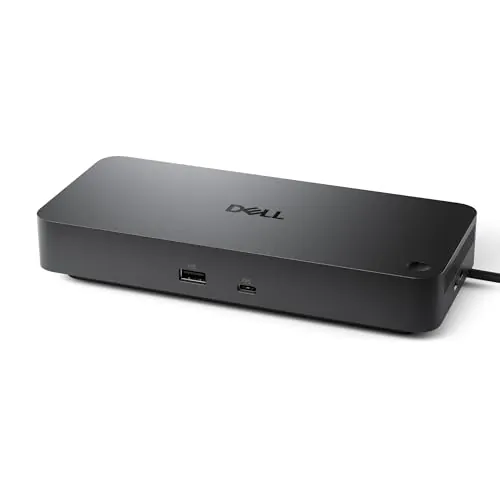
Dell Pro Dock WD25 · WD25 (manufacturer part PTC1N)
Dell Pro Dock WD25
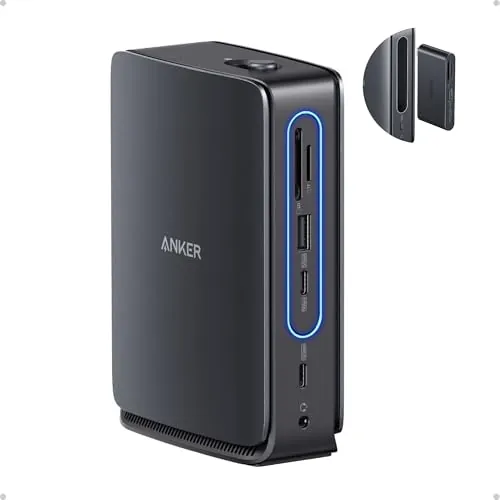
Anker Nano Docking Station (13-in-1, Built-In Removable Hub) · A83C3
Anker Nano Docking Station (13-in-1, Built-In Removable Hub)

Dell Pro Dock WD25 vs Anker Nano A83C3: Desk Dock or Detachable Hub?

These U.S. docks solve different desk-to-travel and host-compatibility questions. Anker's A83C3 combines a powered desktop dock with a six-port hub that detaches while the dock remains active. Dell's WD25 offers a fixed dock with a left- or right-routed USB-C cable and a manufacturer OS list that includes Ubuntu 24.04 and Red Hat Enterprise Linux 9.6. Both depend on the laptop's USB-C video capability, OS, graphics and chosen monitor modes; advertised display maxima are not a guarantee for your particular laptop.

Read comparison
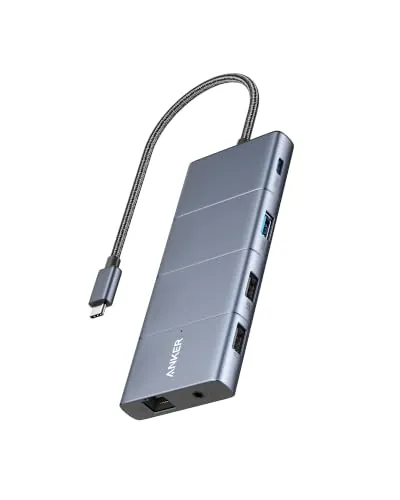
Anker 565 USB-C Hub (11-in-1) · A8388
Anker 565 USB-C Hub (11-in-1)
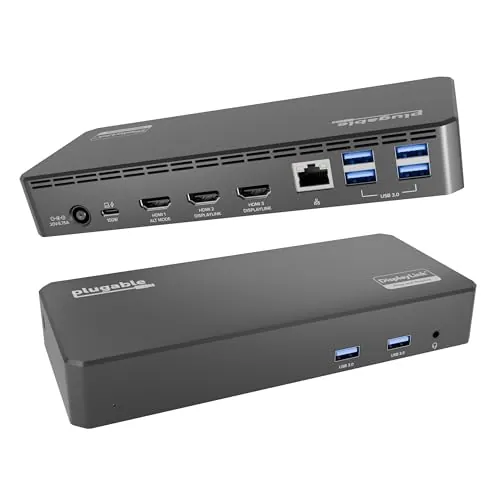
Plugable USB-C Triple Display Docking Station UD-3900PDZ · UD-3900PDZ
Plugable USB-C Triple Display Docking Station UD-3900PDZ

Anker 565 A8388 vs Plugable UD-3900PDZ: Display Paths, Power and Ports

Both docks connect through USB-C, but their monitor paths are different. Anker's 565 A8388 uses HDMI and DisplayPort for up to two displays, with the stated dual-display mode depending on the laptop's DisplayPort version and macOS mirroring the two external screens. Plugable's UD-3900PDZ has one Alt Mode HDMI output plus two DisplayLink HDMI outputs, which require software; its exact unit may provide 60W or 100W charging. Check your laptop's ports, operating system, monitors and required power before choosing.

Read comparison