
Products compared
Anker
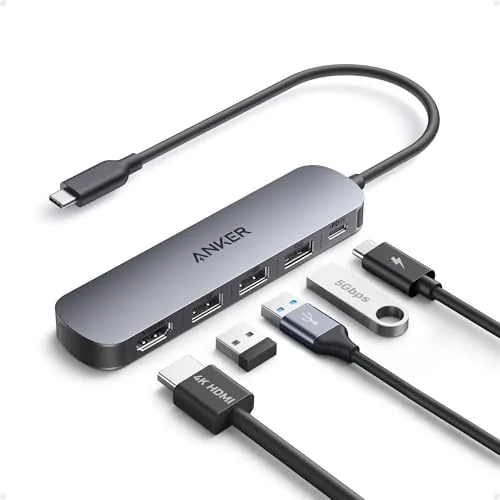
Anker USB-C Hub (5-in-1, 4K HDMI)
Frozen product identity: listing data product 13491 / ASIN B0DKT8BB4M / part A8357. Anker’s exact-model page identifies A8357; the page accessed is the Australia storefront, so regional seller bundle and warranty terms are not inferred.
Model A8357
Amazon ASIN B0DKT8BB4M
TP-Link
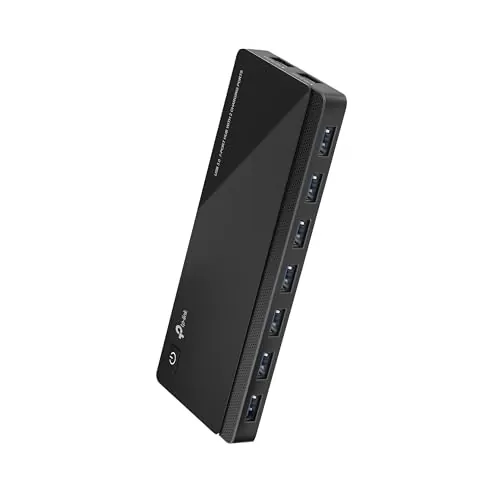
TP-Link USB 3.0 7-Port Hub with 2 Charging Ports
Frozen product identity: listing data product 13898 / ASIN B00SCX6I8A / model UH720. TP-Link’s U.S. site documents UH720 hardware versions V1 through V5 and says availability varies by region; the selected ASIN is not linked to a specific revision in the reviewed official sources.
Model UH720
Amazon ASIN B00SCX6I8A
Differences that matter
What matters most to you?
Choose a priority to see what it changes.
Sources for Host connector and monitor path
Sources for USB data ports versus dedicated charging ports
Sources for Footprint and cable placement
Check the host before choosing a display hub
The exact Anker A8357 page lists an HDMI port rated up to 4K at 30Hz. Anker's A8357 monitor support note says the connected laptop USB-C port must support DisplayPort Alt Mode for external video. Check the laptop's exact port spec first; a USB-C port's shape alone does not show that it can drive a monitor through this hub.
The TP-Link UH720 U.S. interface list is a Micro-B upstream input, seven USB-A data outputs and two USB charging ports. It does not list HDMI or another display output, so this is a USB peripheral and charging layout rather than a documented monitor path.
Map your devices to data ports or charging ports
Anker lists three USB-A data ports on A8357: one 5Gbps USB 3.0 port and two 480Mbps USB 2.0 ports. Its USB-C PD-IN accepts a separate wall charger for laptop pass-through; it is not a peripheral data or video port.
UH720 separates seven USB 3.0 Standard-A data ports from two dedicated 5V/2.4A charging ports. Count your drives, keyboard, printer and other computer-connected accessories separately from phones or devices that only need a charging socket. These port specifications do not predict measured simultaneous transfer or charging behavior.
Plan power and verify the exact UH720 version
Anker’s A8357 product page shows a 100W PD input example with up to 90W going to the laptop. Anker’s exact A8357 support article instead states up to 90W input and 85W to the laptop. Confirm the exact offer’s rating before planning around a required laptop wattage.
TP-Link's U.S. product page lists an external adapter and USB cable for UH720. The general page lists a 12V/3.3A adapter, while the U.S. V1 page lists 12V/4A; TP-Link's U.S. support page shows several hardware versions and warns that regional availability differs. If the adapter rating matters, check the exact unit's version label and box before buying rather than assign the V1 value to this ASIN.
Match the body and cable layout to your desk
Anker lists A8357 dimensions of 4.72 × 1.18 × 0.46 inches. TP-Link lists UH720 at 6.5 × 2.6 × 0.7 inches and includes a 1-meter USB 3.0 cable in its standard U.S. package description. These are manufacturer-listed dimensions and cable length, not a guarantee of clearance or a tested working radius.
Measure the available spot, the route from the upstream port to the computer and, for the powered UH720 setup, the route to an outlet. The seller package and hardware label should be checked if the exact cable or adapter is decisive.
Product details
Anker USB-C Hub (5-in-1, 4K HDMI)
- Host and display conditions
- The exact A8357 page lists HDMI up to 4K at 30Hz. Anker says the host USB-C port must support DisplayPort Alt Mode; laptop power pass-through also requires Power Delivery. Source
- Data and charging port roles
- The page lists one 5Gbps USB-A 3.0 data port, two 480Mbps USB-A 2.0 ports and a USB-C PD input for an external wall charger. Anker says the PD input is charging-only, not peripheral data/video. Source
- Published dimensions and charger
- Anker lists a 4.72 × 1.18 × 0.46 in body. A separate PD charger is needed for pass-through power. Confirm the exact power rating because Anker’s documents disagree. Source
TP-Link USB 3.0 7-Port Hub with 2 Charging Ports
- Upstream and output port roles
- TP-Link lists one USB 3.0 Micro-B upstream input, seven USB 3.0 Standard-A data ports and two separate 5V/2.4A charging ports. Its listed interface set does not include a display output. Source
- Model dimensions and package layout
- TP-Link lists dimensions of 6.5 × 2.6 × 0.7 inches. Its U.S. product page lists a 1-meter USB 3.0 cable and an external power adapter; confirm the exact seller unit and adapter label because the listed rating differs between hardware-version pages. Source
- Version check
- TP-Link’s U.S. support page enumerates UH720 V1, V2, V3, V3.80, V4, V4.60, V5 and V5.60, and notes model/version availability varies by region. Source
Before you buy
Community discussions
Count the devices on a fixed desk setup
TP-Link USB 3.0 7-Port Hub with 2 Charging Ports
A music-production shopper listed several USB devices they wanted to connect. A reply suggested looking at the TP-Link UH720.
What to check
List the devices you want connected at the same time. Count their plugs and check the data and power needs of each device against the exact hub.
Common questions
Will the Anker A8357 send video from any USB-C laptop?
No. Anker's A8357 support article says the host USB-C port must support DisplayPort Alt Mode for an external display. Verify your exact laptop model's port specification before relying on A8357 HDMI.Anker Support: Monitor Does Not Work with the Hub (A8357)
Can the A8357 USB-C PD input connect a USB drive or charge an accessory?
Anker identifies it as a charging-only input for a wall charger and laptop power pass-through; it does not carry data or video. A8357's listed USB-A ports are the data connections.Anker USB-C Hub (5-in-1, 4K HDMI) — Model A8357
Are all TP-Link UH720 adapters rated the same?
The reviewed TP-Link U.S. pages differ: the general UH720 page lists a 12V/3.3A adapter while the UH720 V1 page lists 12V/4A. TP-Link's support site shows several hardware versions and notes regional availability varies. Check the exact unit label and seller package; this comparison does not assign the ASIN to a revision.UH720 | USB 3.0 7-Port Hub with 2 Charging Ports — U.S. product pageUH720 V1 | U.S. product pageDownload and hardware versions for UH720 — U.S. support
Does UH720 add HDMI to a monitor?
TP-Link's published UH720 interface list includes Micro-B upstream, seven USB-A data ports and two charging ports; it does not list a display output. Choose a hub whose exact manufacturer documentation lists the video path your setup requires.UH720 | USB 3.0 7-Port Hub with 2 Charging Ports — U.S. product page
Sources and scope
Anker publishes different USB-C charging figures for A8357. TP-Link publishes different UH720 adapter ratings by hardware version. Check the exact unit and chosen charger if your setup needs a specific power rating.
- Anker USB-C Hub (5-in-1, 4K HDMI) — Model A8357
- Anker Support: Monitor Does Not Work with the Hub (A8357)
- UH720 | USB 3.0 7-Port Hub with 2 Charging Ports — U.S. product page
- UH720 V1 | U.S. product page
- Download and hardware versions for UH720 — U.S. support
- Anker A8357 USB-C Power Delivery Support
Related comparisons
Anker 553 A8380 vs Anker 575 A8392: Dual-Display Hub or Powered Dock?
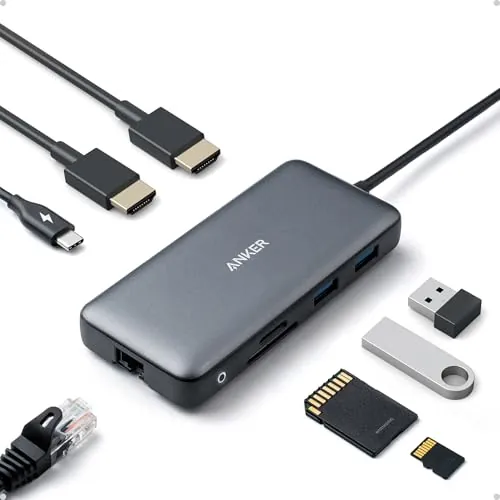
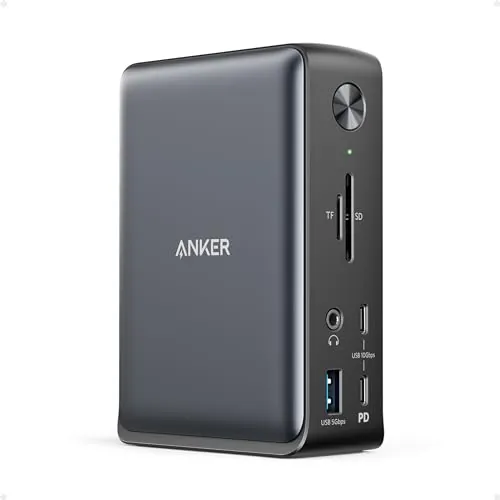
Both assigned Anker products require a host USB-C connection with DisplayPort Alt Mode for video. The 553 A8380 has two HDMI outputs and Anker ties its listed modes to the host's DisplayPort version; its two HDMI displays mirror on Mac. The 575 A8392 adds DisplayPort for a third external display and lists single 4K60, dual 4K30 and triple 1080p modes, with exact output combinations depending on host DP version and operating system. For charging, the 553's pass-through requires a 100W USB-PD wall charger and USB-C cable; the 575 has DC input and an 85W laptop port, but the US product page does not state the selected retail box's adapter contents.
Read comparison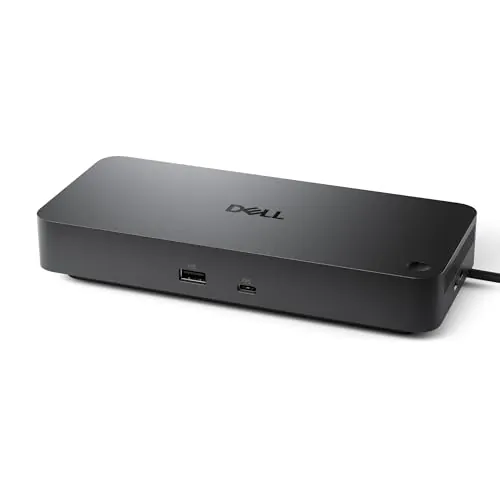
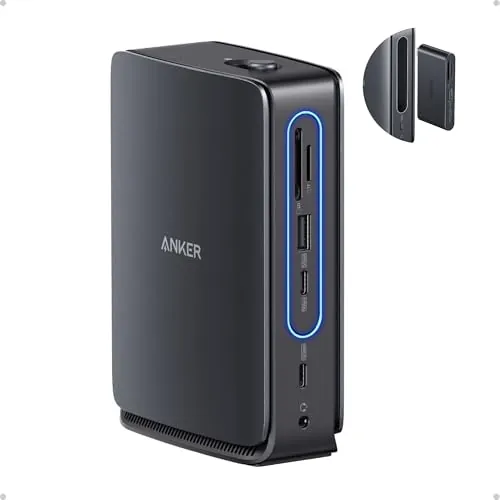
Dell Pro Dock WD25 vs Anker Nano A83C3: Desk Dock or Detachable Hub?
These U.S. docks solve different desk-to-travel and host-compatibility questions. Anker's A83C3 combines a powered desktop dock with a six-port hub that detaches while the dock remains active. Dell's WD25 offers a fixed dock with a left- or right-routed USB-C cable and a manufacturer OS list that includes Ubuntu 24.04 and Red Hat Enterprise Linux 9.6. Both depend on the laptop's USB-C video capability, OS, graphics and chosen monitor modes; advertised display maxima are not a guarantee for your particular laptop.
Read comparison