
Products compared
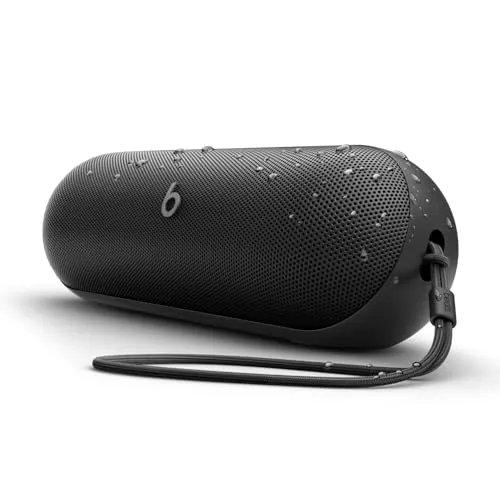
Beats
Beats Pill (2024, Matte Black)
The selected Matte Black 2024 Pill configuration. Manufacturer material identifies the current product as Beats Pill; this guide does not transfer Pill+ instructions or behavior to it.
Model MW443LL/A
Amazon ASIN B0D4SX9RC6
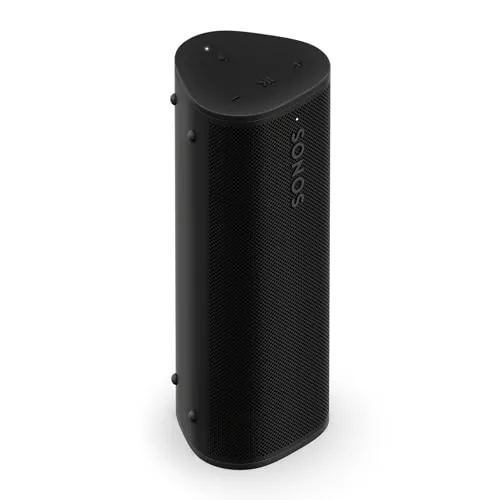
Sonos
Sonos Roam 2 (Black)
The selected Black Roam 2. Bluetooth playback is available out of the box; adding it to a Sonos system and Wi-Fi grouping requires the Sonos app on iOS or Android.
Model ROAM2US1BLK
Amazon ASIN B0CY6S748H
Differences that matter
What matters most to you?
Choose a priority to see what it changes.
Sources for Two-speaker playback setup
Sources for Home-system setup and Bluetooth sharing
Sources for Cable, adapter and alternate charging path
Sources for Listed single-speaker size and weight
Start with where a pair must work
Both products support direct Bluetooth playback, but the second-speaker decision is not interchangeable. Apple documents two Beats Pill speakers joining Amplify by holding each Center button for five seconds; the speaker chosen for the left channel can then switch to Stereo by holding Center and Volume Up. Keep this Pill procedure separate from the older Pill+ app instructions.
Sonos describes a different route. Roam 2 plays from Bluetooth immediately, while adding it to a Sonos system requires setup in the Sonos app and connection to Wi-Fi. Sonos says two Roam 2 speakers can play Bluetooth stereo while connected to Wi-Fi, but stereo pairing is unavailable away from Wi-Fi. If your travel use depends on an off-network two-speaker pair, that Roam 2 condition matters. The cited Beats sources document two matching Pills and their button controls, but do not explicitly state whether the pair works without Wi-Fi; check that exact requirement before ordering.
Choose the home-system path only if you will use it
Roam 2 has an extra setup step when you want Sonos features: use the iOS or Android app to add it to a new or existing system, then connect it to Wi-Fi. Once it is set up on the system, Sonos also documents grouping Bluetooth audio from Roam 2 with other Sonos rooms. The Roam 2 must remain grouped and connected to the Sonos system over Wi-Fi for that sharing workflow.
The Beats material used here covers direct Bluetooth, Pill controls and two-Pill modes. It does not document joining a Sonos system. If you do not plan to use multiroom grouping, judge the choice on the setup you need rather than treating the extra Sonos ecosystem route as an automatic advantage.
Budget for the way you charge and carry it
The Beats Pill box lists a USB-C-to-USB-C cable for charging and audio, and Beats states that its USB-C power adapter is sold separately. Sonos lists a USB-C cable in the Roam 2 box, but not the required 7.5 W-or-higher USB-C power adapter. Roam 2 also supports a Qi-certified wireless charger or the separate Sonos Wireless Charger. Check your existing adapter before adding one to your travel kit; these sources do not establish a comparative charge time.
The listed bodies differ enough to matter for a tight bag: Beats gives the Pill as 219 × 71 × 70 mm and 680 g; Sonos gives Roam 2 as 168 × 62 × 60 mm and 430 g. Roam 2 is smaller and lighter by those published figures. Measure your own pocket opening and account for the cable; dimensions alone cannot promise a particular fit, comfort or carrying experience.
A practical pre-buy checklist
Decide whether you are buying one speaker or completing a pair. The documented Pill modes need two Pill units; the Roam 2 stereo route uses two Roam 2 units. If a second matching speaker is not already on your shelf, consider the complete two-speaker setup rather than comparing one unit with an imagined pair.
Then check three constraints: whether the pair must work away from Wi-Fi, whether you will use Sonos app grouping at home, and whether the listed speaker body fits your bag alongside its charging cable. The answer can change with your setup; the sources here provide features and dimensions, not a controlled comparison of listening results.
Product details
Beats Pill (2024, Matte Black)
Sonos Roam 2 (Black)
- Listed dimensions
- Height 168 mm × width 62 mm × depth 60 mm Source
- Listed weight
- 430 g (0.43 kg) Source
- Bluetooth stereo condition
- Two Roam 2 speakers can play Bluetooth stereo while connected to Wi-Fi; stereo pairing is unavailable away from Wi-Fi Source
- Charging in the box
- USB-C cable; USB-C power adapter (7.5 W or higher) not included; Qi-certified wireless charging is supported Source
Before you buy
Community discussions
An owner values quick pairing and easy controls
Beats Pill (2024, Matte Black)
A Beats Pill 2024 owner calls the controls easy and quick pairing useful, but does not name the paired device or describe a two-speaker setup.
What to check
If pairing flow matters, compare the documented steps for the devices or speaker setup you intend to use; this post does not establish a specific pairing method.
Common questions
Can a Beats Pill and a Sonos Roam 2 form one stereo pair?
The cited manufacturer instructions document pairing two Beats Pill speakers or two Roam 2 speakers, respectively. They do not establish a mixed Beats-and-Sonos stereo pair.Use Amplify mode and Stereo mode on your Beats Pill and Beats Pill+Pair Sonos Roam 2 with a Bluetooth device
Can two Roam 2 speakers play Bluetooth stereo while traveling without Wi-Fi?
Sonos says two Roam 2s can play Bluetooth audio as a stereo pair while connected to Wi-Fi, and that stereo pairing is unavailable away from a Wi-Fi network. A single Roam 2 can pair directly with a Bluetooth device.Pair Sonos Roam 2 with a Bluetooth device
Do I need the Sonos app if I only want to play Bluetooth audio on Roam 2?
Sonos says a new Roam 2 can connect to Bluetooth and play immediately. Use the Sonos app on iOS or Android when you want to connect it to Wi-Fi and group it with other Sonos products.Set up your Sonos Roam 2
Are the USB-C charging adapters included?
Beats lists a USB-C-to-USB-C cable and says the power adapter is sold separately. Sonos includes a USB-C cable, but its listed 7.5 W-or-higher adapter is not included; Sonos also supports Qi-certified wireless charging.Beats Pill: specifications, dimensions and box contentsSonos Roam 2: US product specifications, dimensions and box contents
Sources and scope
This is a documentation-based fit guide, not a hands-on test for this guide. It does not rank sound quality, loudness, battery endurance, connection reliability or durability. The two pairing paths are model-specific; no cross-brand or mixed-generation pairing is established. Listed dimensions and weight describe each speaker, not a packed travel kit or a guaranteed fit in a particular bag.
- Beats Pill: specifications, dimensions and box contents
- Beats Pill Support: compatibility and speaker controls
- Use Amplify mode and Stereo mode on your Beats Pill and Beats Pill+
- Set up and use your Beats Pill speaker
- Sonos Roam 2: US product specifications, dimensions and box contents
- Pair Sonos Roam 2 with a Bluetooth device
- Set up your Sonos Roam 2
- Share Bluetooth audio with your Sonos system
- Charging Sonos Roam products
Related comparisons
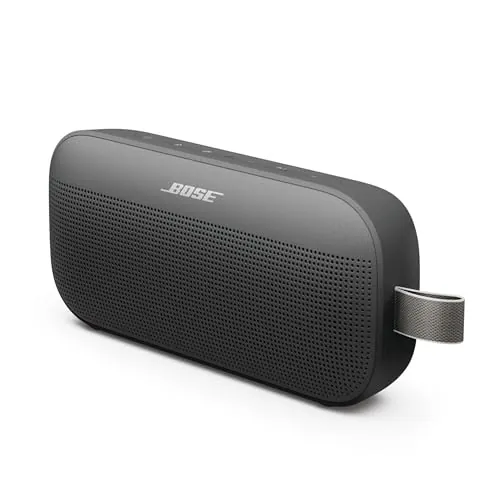
Bose SoundLink Flex (2nd Gen) vs Sonos Roam 2: Setup, Wi-Fi and Wet-Use Limits
Both exact Black models support Bluetooth and carry an IP67 rating, but the setup path differs. Roam 2 can play Bluetooth audio right out of the box; use the Sonos app on iOS or Android to add it to Wi-Fi and group it with Sonos products. Flex 2 stays Bluetooth-first, floats, and Bose says not to use it while in water. Check your network, charging plan, and water-use expectations before buying.
Read comparison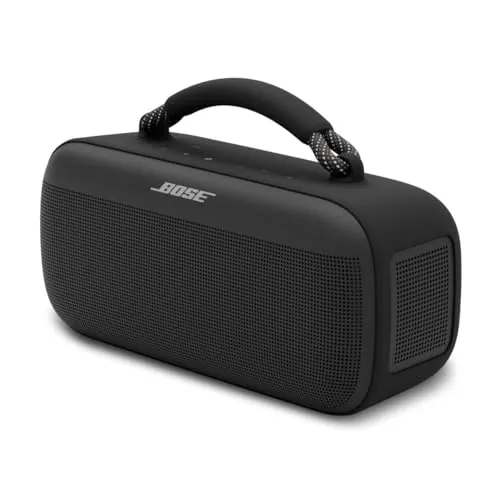
Bose SoundLink Max vs Sonos Roam 2: Wired Sources, Pairing and Carry
This exact black U.S. pair serves different setups. Bose SoundLink Max (883848-0100) accepts a wired 3.5 mm source and can link to compatible Bose speakers or smart speakers/soundbars, subject to documented pairing limits. Sonos Roam 2 (ROAM2US1BLK) can play directly from a phone over Bluetooth, then join a Sonos system after Wi-Fi setup; Sonos also documents a 6.61 × 2.44 × 2.36-inch, 0.95-pound body. Compare the source you use, the multi-speaker system you already own, and whether Roam 2's dimensions suit your bag. This is a feature and setup comparison, not a sound or range test.
Read comparison