
Products compared
Canon
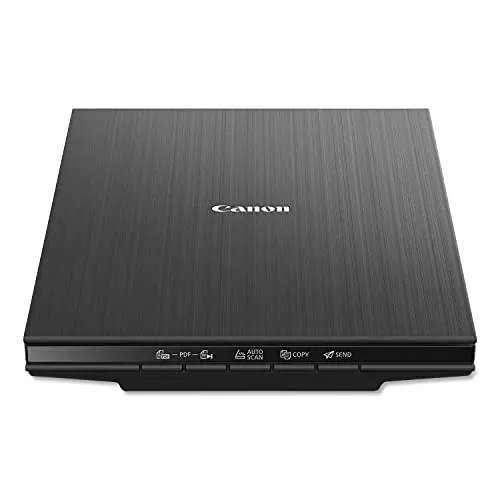
Canon CanoScan LiDE 400 Slim Scanner
A USB-connected flatbed for placing originals individually, with five EZ buttons and Canon scan software in the documented computer workflow.
Model CanoScan LiDE 400 (2996C002)
Amazon ASIN B07G5YBS1W
Epson
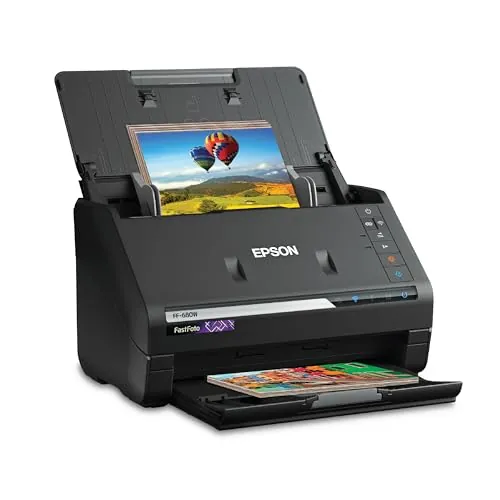
Epson FastFoto FF-680W Wireless High-speed Photo Scanning System
A photo-feeder scanner with USB and Wi-Fi options, front-and-back capture, FastFoto software and an included carrier sheet for specified special handling.
Model FF-680W
Amazon ASIN B07DLX26BB
Differences that matter
What matters most to you?
Choose a priority to see what it changes.
Sources for Fragile, folded or irregular photos
Sources for Front-and-back photo information
Sources for Computer connection and software check
Start by sorting the originals
The LiDE 400 is a flatbed: you position originals individually. The FF-680W is a photo feeder for eligible prints and documents an option to capture the front and handwritten back. That makes the first decision practical: are you usually scanning one item at a time, or processing a pile of supported loose photos?
Before using the Epson feeder, sort out fragile, folded, large, irregular or irreplaceable photos. The exact manual assigns some of these to the included carrier sheet and one-at-a-time scanning, and sets limits based on size, condition and loading. That guidance is a workflow restriction, not a promise that any scanner prevents damage.
Check the host and software before choosing
The exact-model Canon evidence describes five EZ buttons, a single USB Type-C cable for data and power, and IJ Scan Utility / IJ Scan Utility Lite in the computer workflow. Check current OS compatibility for the scanner and software before purchase.
Epson lists USB 3.0 and 802.11 b/g/n Wi-Fi with FastFoto software. Its product page includes a minimum OS list, but those listed Windows and macOS versions are legacy entries rather than confirmation of present-day support. Check the scanner and software support for the computer you plan to use.
Treat speed and batch numbers as model-specific conditions
Epson rates the FF-680W at up to one photo per second at 300 dpi, while its product page and manual differ on the maximum photo batch count; the manual says the number depends on size and thickness. Those are manufacturer statements under stated conditions, not a side-by-side result against the Canon.
If scan time is a deciding factor, make a small test plan for your own originals after confirming handling compatibility. This guide does not claim a measured speed, output-quality or damage-rate advantage for either scanner.
Product details
Canon CanoScan LiDE 400 Slim Scanner
- Scanning workflow
- Flatbed placement; position each original individually rather than feeding a stack. Source
- Controls and connection
- Five EZ buttons; the bound exact-model source describes one USB Type-C cable for scanner data and power. Source
- Computer software
- The bound exact-model source identifies IJ Scan Utility / IJ Scan Utility Lite; check current OS support before purchase. Source
Epson FastFoto FF-680W Wireless High-speed Photo Scanning System
- Photo workflow
- Feeder workflow for supported photo batches; the manual requires one-at-a-time handling for some photo types and sizes. Source
- Connection and software
- Epson lists USB 3.0 and 802.11 b/g/n Wi-Fi with FastFoto software; confirm current host OS support before purchase. Source
- Special handling
- The exact-model manual describes an included carrier sheet for specified fragile, large, folded or irregular photos; those cases are scanned one at a time as directed. Source
Before you buy
Community discussions
Decide what you want to keep from the back of each print
Epson FastFoto FF-680W Wireless High-speed Photo Scanning System
A FastFoto FF-680W owner organizing family photos asked how to keep dates and handwritten notes from the backs of prints in their archive.
What to check
Sort your originals by what you need to save. Decide which backs need their own image and which only need a note or date in your photo library.
Common questions
Which one is designed for feeding a group of loose photos?
The Epson FF-680W has a photo-feeder workflow, but batch loading applies only to photos that meet its manual's requirements. Certain fragile, folded, large or irregular photos require the carrier sheet and one-at-a-time scanning.Epson FastFoto FF-680W User's Guide
Does the FF-680W scan the writing on photo backs?
Epson documents capture of photo fronts and handwritten backs in the FastFoto workflow. That feature description does not establish handwriting-recognition accuracy or resulting scan quality.FastFoto FF-680W Wireless High-speed Photo Scanning System
Can every photo be loaded into an Epson batch?
No universal batch assumption is warranted. The FF-680W manual specifies size, condition and loading limits, requires a carrier sheet for some special photos, and directs some sizes or types to be scanned one at a time. Check the printed manual instructions for your originals.Epson FastFoto FF-680W User's Guide
Which scanner will produce better-looking scans?
The reviewed sources describe features and handling, not a controlled image-quality comparison between these exact scanners. Choose by the originals, workflow, host connection and software support you need rather than an unverified quality ranking.Canon LiDE 400 specificationsFastFoto FF-680W Wireless High-speed Photo Scanning System
Sources and scope
This is a feature and handling comparison, not a scan-quality or damage-rate test. Epson's advertised batch counts differ between its product page and manual and vary by photo size and thickness, so this guide does not treat one count as a universal capacity. Current OS compatibility was not verified for either exact model.
Related comparisons
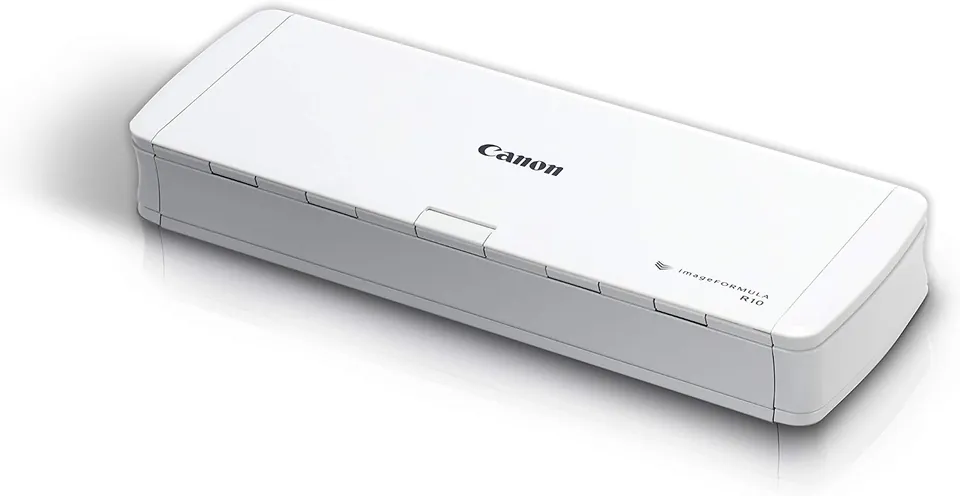
Canon LiDE 400 vs imageFORMULA R10: Photos, Paper Stacks and Setup
The Canon CanoScan LiDE 400 (2996C002) is a USB-C flatbed with Photo Scan software and five EZ buttons. The Canon imageFORMULA R10 (4861C001) is a portable document feeder with automatic or manual feed, up to 20 sheets, and two-sided capture. Canon says the R10 is not intended for photo paper or photographic media. Both are computer-powered over USB, so the practical choice is what you scan: handled originals and prints on a flatbed, or paper batches through a feeder. Canon's software listings include older operating-system versions; check current drivers for your exact computer before buying.
Read comparison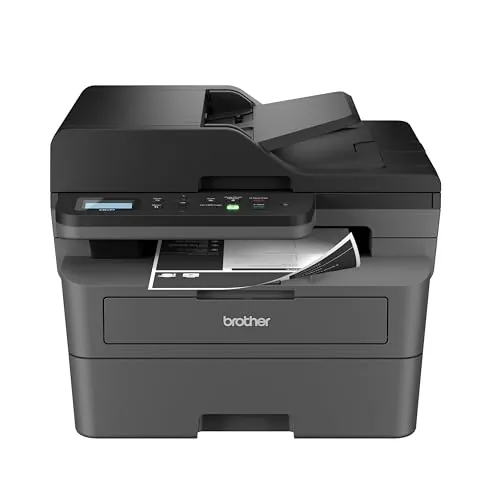
Canon imageFORMULA R10 vs Brother DCP-L2640DW: Duplex Scanning or an Office All-in-One?
These products solve different desk workflows. Canon’s imageFORMULA R10 is a USB-powered document scanner with a 20-sheet feeder and simultaneous two-sided scanning. Brother’s DCP-L2640DW adds monochrome printing and copying, a flatbed and 50-page ADF, but its U.S. product specifications say duplex scanning is not supported. Its automatic duplex feature applies to printing. Check your operating-system support and exact retailer bundle before ordering.
Read comparison