
Products compared
Apple
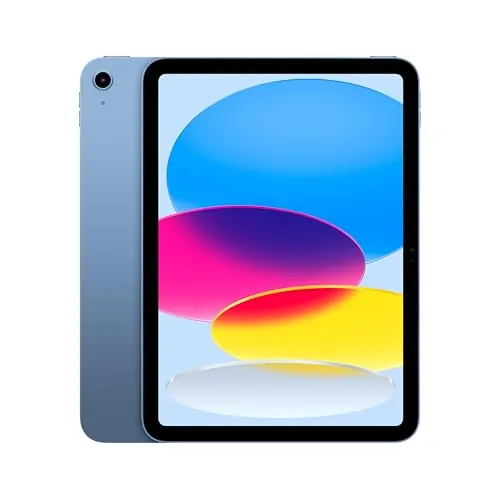
Apple iPad 11-inch (A16)
128GB, Wi-Fi, Blue; US listing model MD4A4LL/A
Model A16, 11-inch
Amazon ASIN B0DZ75TN5F
Apple
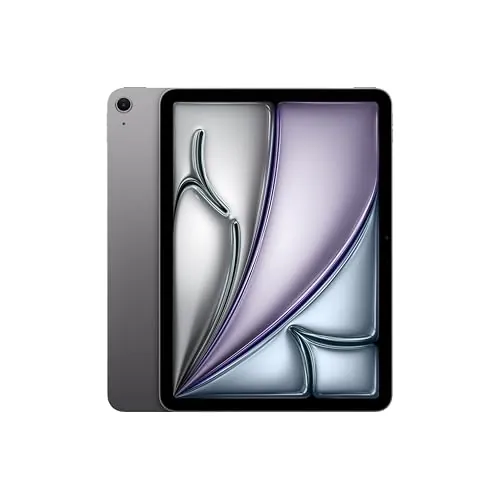
Apple iPad Air 11-inch (M4)
128GB, Wi-Fi, Space Gray; US listing model MH304LL/A
Model M4, 11-inch iPad Air
Amazon ASIN B0GQVPX1PJ
Differences that matter
What matters most to you?
Choose a priority to see what it changes.
Sources for Pencil generation and desk writing
Sources for Keyboard and typing setup
Sources for Display for handwriting and drawing
Sources for Exact configuration in this comparison
First check the Pencil already on your desk
Apple's compatibility lists split these two 11-inch models by Pencil generation. The iPad A16 supports Apple Pencil USB-C and first-generation Pencil; Apple specifies a USB-C to Apple Pencil Adapter to pair and charge the first-generation Pencil. The Air M4 supports Apple Pencil Pro and Apple Pencil USB-C.
For routine class notes, meeting notes or markup with Pencil USB-C, either model is listed as compatible. If your existing stylus is Pencil Pro, or you specifically want the Pro stylus workflow, the 11-inch Air M4 is the supported choice in this pair. Verify the exact Pencil generation before ordering; the word 'Pencil' alone does not establish compatibility.
Match the keyboard to the tablet, not just the brand name
Apple lists Magic Keyboard Folio for the A16 iPad. Apple describes it as a two-piece design with a detachable keyboard and protective back panel, plus a trackpad. This can suit a desk routine where you type for one block, then remove the keyboard section to return to handheld reading or writing.
Apple lists Magic Keyboard for iPad Air for the M4 Air. Apple's current Air page highlights a large trackpad and a 14-key function row. If keyboard shortcuts or that function row matter at your desk, factor in the Air-specific keyboard; confirm its exact model name when shopping because accessory names and generations can be easy to mix up.
Decide whether Air display features change your pen work
Both tablets have an 11-inch display with 2360 × 1640 resolution at 264 ppi, True Tone and 500-nit brightness. The Air M4 adds P3 wide color, a fully laminated display, antireflective coating and Apple Pencil hover. Consider those features if you draw in color or make fine stylus annotations.
The A16 remains a workable note-and-keyboard choice when Pencil USB-C or first-generation Pencil and the Magic Keyboard Folio meet your needs. This comparison does not rank app speed or drawing quality from chip specifications, and it does not claim the Air is the better buy for every school or office task.
Product details
Apple iPad 11-inch (A16)
A practical note-taking and typing setup when Apple Pencil USB-C or a compatible first-generation Pencil and Magic Keyboard Folio match the accessories you already own.
- Compatible Pencil models
- Apple Pencil (USB-C) and Apple Pencil (1st generation); the 1st-generation Pencil needs a USB-C to Apple Pencil Adapter to pair and charge. Source
- Apple keyboard listed for this model
- Magic Keyboard Folio; two-piece design with detachable keyboard and protective back panel. Source
- Display
- 11-inch Liquid Retina, 2360 × 1640 at 264 ppi, True Tone, 500 nits. Source
Apple iPad Air 11-inch (M4)
A stronger fit when your desk routine depends on Apple Pencil Pro or the Air-specific Magic Keyboard, or when a fully laminated P3 display and Pencil hover are useful for drawing or close annotation.
- Compatible Pencil models
- Apple Pencil Pro and Apple Pencil (USB-C). Source
- Apple keyboard listed for this model
- Magic Keyboard for iPad Air; Apple describes a 14-key function row and large trackpad. Source
- Display
- 11-inch Liquid Retina, 2360 × 1640 at 264 ppi, P3 wide color, fully laminated, antireflective coating, 500 nits and Apple Pencil hover. Source
Before you buy
Community discussions
Prospective Air 5 upgrader asks about an existing Magic Keyboard
Apple iPad Air 11-inch (M4)
A buyer planning to move from an iPad Air 5 to an Air M4 asks whether their specific existing Magic Keyboard, identified by a linked product listing, will work. The post does not state the keyboard or new iPad screen size and does not provide a confirmed answer.
What to check
Check the exact keyboard model and size against the exact iPad Air model before reusing it; do not infer fit from the shared Air name or this unanswered post.
Air M4 owner asks about stylus choices for Freeform
Apple iPad Air 11-inch (M4)
An Air M4 owner reports that a Goojodoq stylus erased marks and lagged while writing in Freeform, and asks whether Apple Pencil USB-C or Pencil Pro is a better choice. The post does not state whether the iPad is the 11-inch or 13-inch model, and does not establish a cause or answer.
What to check
Confirm your iPad’s screen size and check Apple’s compatibility list for the exact Pencil generation; if Freeform writing is essential, test the intended stylus and app rather than assuming the reported behavior identifies a cause.
Common questions
Can I use Apple Pencil Pro with the 11-inch iPad A16?
Apple's selected model comparison lists Apple Pencil Pro for the 11-inch iPad Air M4 and lists Apple Pencil USB-C or first-generation Pencil for the iPad A16. If Pencil Pro is a requirement, choose the Air in this pair.Compare iPad models: iPad A16 and iPad Air 11-inch M4iPad 11-inch (A16) - Technical SpecificationsiPad Air - Technical Specifications
Does a first-generation Apple Pencil work with the A16 iPad?
Yes. Apple lists first-generation Pencil support for the iPad A16 and says you need a USB-C to Apple Pencil Adapter to pair and charge it.iPad 11-inch (A16) - Technical Specifications
Which keyboard should I check for each iPad?
Apple lists Magic Keyboard Folio for the iPad A16 and Magic Keyboard for iPad Air for the 11-inch Air M4. Confirm the exact keyboard model before buying; don't rely on the phrase 'Magic Keyboard' alone.Compare iPad models: iPad A16 and iPad Air 11-inch M4iPad 11-inch (A16)iPad Air
Is the Air M4 screen a higher resolution than the A16 iPad screen?
Both 11-inch models list 2360 × 1640 resolution at 264 ppi. The Air adds P3 wide color, full lamination, an antireflective coating and Apple Pencil hover; the comparison is about those features, not more pixels.iPad 11-inch (A16) - Technical SpecificationsiPad Air - Technical SpecificationsCompare iPad models: iPad A16 and iPad Air 11-inch M4
Sources and scope
This comparison covers the U.S. 128GB Wi-Fi models. Check which Apple Pencil and keyboard work with the iPad you choose. The display and accessory comparisons use Apple’s specifications.
Related comparisons
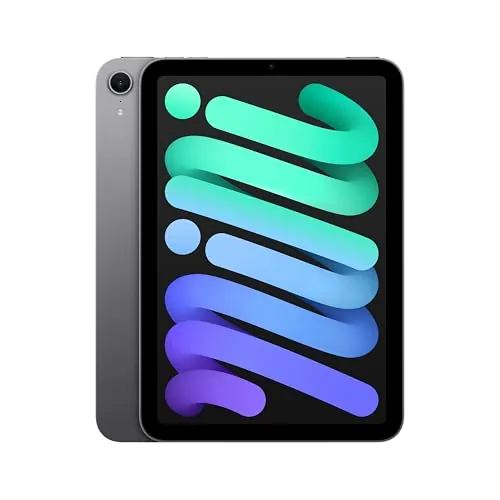
iPad Air 11-inch M4 vs iPad mini A17 Pro: Desk Tablet or Handheld?
The 128GB Wi-Fi Space Gray iPad Air 11-inch M4 has a listed 11-inch display, a 464 g body, an Apple Magic Keyboard accessory path, and support for one external display up to 6K/60Hz. The iPad mini A17 Pro is listed at 293 g with an 8.3-inch display and up to 4K/60Hz external display support. Both support Apple Pencil Pro and Apple Pencil (USB-C). Compare the actual desk and handheld routine, then verify accessories on the exact offer.
Read comparison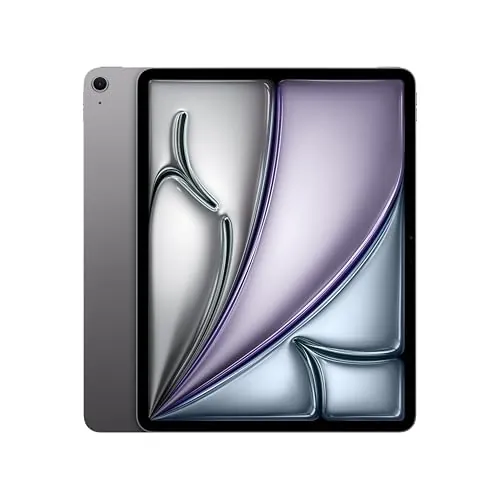
iPad Air 11-inch M4 vs 13-inch M4: Pick a Size for Your Desk and Bag
These exact Space Gray 128GB Wi-Fi models share the M4 generation. The size decision is about workspace, carrying weight and matching accessories: Apple lists the 11-inch at 464 g and 9.74 × 7.02 inches, versus 616 g and 11.04 × 8.46 inches for the 13-inch. Apple lists separate Magic Keyboard sizes. Measure your sleeve and desk area, and budget for the keyboard that matches the model.
Read comparison