
Products compared
Apple
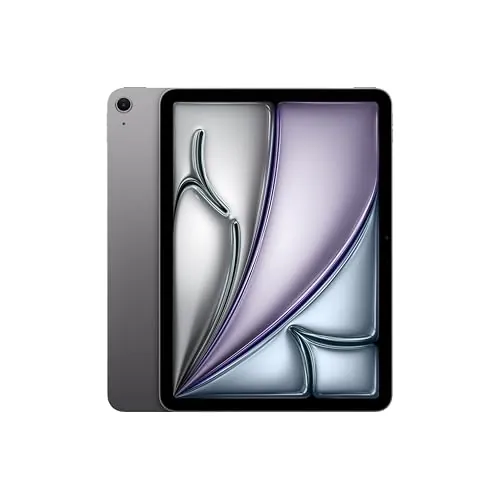
Apple iPad Air 11-inch (M4, 128GB, Wi-Fi), Space Gray
This Space Gray iPad Air 11-inch is the 128GB Wi-Fi model MH304LL/A. Apple lists an LED-backlit IPS Liquid Retina display, USB-C with USB 3 up to 10Gb/s, and support for one external display up to 6K/60Hz.
Model MH304LL/A
Amazon ASIN B0GQVPX1PJ
Apple
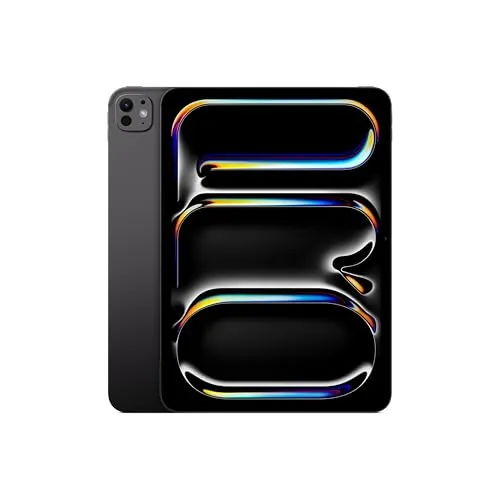
Apple iPad Pro 11-inch (M5, 256GB, Wi-Fi), Space Black
This Space Black iPad Pro 11-inch is the 256GB Wi-Fi model MDWK4LL/A. Apple lists a Tandem OLED display with ProMotion from 10Hz to 120Hz, Thunderbolt/USB 4 up to 40Gb/s, and support for one external display up to 6K/60Hz or 5K/120Hz.
Model MDWK4LL/A
Amazon ASIN B0FWCXJVHN
Differences that matter
What matters most to you?
Choose a priority to see what it changes.
Sources for Storage in the compared configurations
Sources for Built-in display specifications
Sources for USB, peripherals and external display
Sources for Pencil and keyboard pairing
Sources for Body footprint and pack fit
Choose the capacity before paying for display features
These Wi-Fi configurations differ at 128GB for the iPad Air M4 and 256GB for the iPad Pro M5. Start with the files you keep offline, project libraries, downloads and apps you expect to retain. If 128GB meets that plan, the Air has enough listed capacity for your needs; otherwise, the Pro provides more storage in this comparison. This guide does not estimate app sizes or usable space.
The Pro’s higher listed interface ceilings only matter if your monitor, cable, storage device and workflow use them. A device supporting up to 40Gb/s does not mean every transfer will run at that rate.
Check the monitor mode and cable path
Apple lists the Air M4 for one external display up to 6K at 60Hz through DisplayPort over USB-C. The Pro M5 also lists 6K/60Hz and adds a 5K/120Hz option through its Thunderbolt/USB 4 port. Compare that exact mode with the monitor’s own supported inputs and the cable or adapter you plan to use.
If 6K/60Hz is your only requirement, both have a published route; it is not by itself a reason to pay for a particular interface. Choose the Pro’s extra listed mode only if the rest of your monitor chain supports it.
Match the accessory to the iPad generation
Apple lists both Apple Pencil Pro and Apple Pencil (USB-C) as compatible with the iPad Air M4 and iPad Pro M5. Neither cited technical specification says that a Pencil is included with either offer.
For a keyboard, Apple’s compatibility guidance is specific to each iPad model family. Check the current Magic Keyboard listing against your exact 11-inch Air M4 or Pro M5 before reusing an accessory. The body measurements also differ slightly, so verify case or sleeve fit by its model list or internal size.
Product details
Apple iPad Air 11-inch (M4, 128GB, Wi-Fi), Space Gray
- Model configuration
- 11-inch, 128GB, Wi-Fi; Space Gray, model MH304LL/A Source
- Display
- LED-backlit IPS Liquid Retina; 2360 × 1640; 264 ppi; 500 nits listed Source
- Port and external display
- USB-C with USB 3 up to 10Gb/s; one external display up to 6K at 60Hz; adapter may be needed and sold separately Source
- Apple Pencil support
- Apple Pencil Pro and Apple Pencil (USB-C) Source
Apple iPad Pro 11-inch (M5, 256GB, Wi-Fi), Space Black
- Model configuration
- 11-inch, 256GB, Wi-Fi; Space Black, model MDWK4LL/A Source
- Display
- Tandem OLED Ultra Retina XDR; 2420 × 1668; 264 ppi; adaptive ProMotion 10–120Hz; brightness maxima vary by SDR/HDR/full-screen condition Source
- Port and external display
- Thunderbolt/USB 4 up to 40Gb/s; one external display up to 6K/60Hz or 5K/120Hz; compatible display and cable required Source
- Apple Pencil support
- Apple Pencil Pro and Apple Pencil (USB-C) Source
Before you buy
Community discussions
Matching an older keyboard to the tablet
Apple iPad Air 11-inch (M4, 128GB, Wi-Fi), Space Gray
An iPad Air 5th-generation owner considering an M4 upgrade wanted to keep their existing Magic Keyboard. They linked their keyboard listing, and the discussion began with a compatibility question.
What to check
Check Apple’s compatibility list using both the tablet generation and the keyboard model. Compare the accessory you can actually reuse.
Trying a stylus in Freeform
Apple iPad Air 11-inch (M4, 128GB, Wi-Fi), Space Gray
An iPad Air M4 owner reported delays and disappearing strokes with an aftermarket stylus in Freeform and asked about Apple Pencil options.
What to check
If you already own a stylus, verify support for that exact accessory and try it in the app you use for notes or sketches.
Common questions
Is this the same size and storage configuration on both sides?
Both are 11-inch Wi-Fi iPads, but the Air M4 compared here has 128GB and the Pro M5 has 256GB. Apple lists slightly different body dimensions, so check a sleeve or case against the exact model before buying.iPad Air - Technical SpecificationsiPad Pro - Technical Specifications
What is the screen difference in Apple’s published specifications?
Apple lists the Air’s Liquid Retina display as LED-backlit IPS with 500 nits. The Pro uses Tandem OLED with adaptive ProMotion refresh from 10Hz to 120Hz and different listed brightness figures. These specifications do not constitute a measured image-quality comparison.iPad Air - Technical SpecificationsiPad Pro - Technical Specifications
Can both use the same Apple Pencil?
Apple lists both Apple Pencil Pro and Apple Pencil (USB-C) compatibility for these iPad generations. The cited specs do not establish that a Pencil is included in either package.iPad Air - Technical SpecificationsiPad Pro - Technical Specifications
Will an existing Magic Keyboard fit either one?
Apple’s keyboard compatibility guidance is model-specific. Check the current list against the model number on your iPad before ordering; this comparison does not confirm fit for every keyboard generation or retail bundle.Connect iPad to a keyboard
Sources and scope
Related comparisons
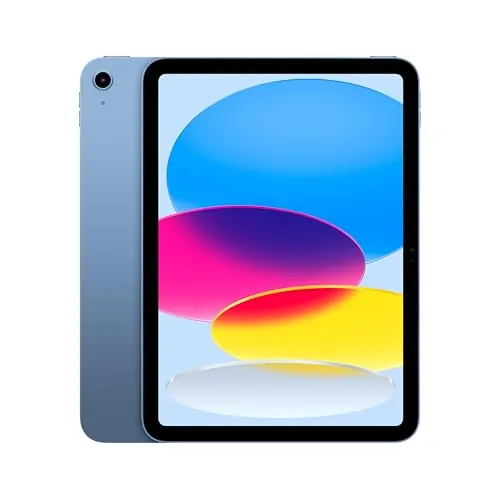
Apple iPad 11-inch (A16) vs iPad Air 11-inch (M4): Which Pencil and Keyboard Setup Fits?
For a desk setup built around handwritten notes and typing, start with your existing accessories. The 11-inch iPad (A16) supports Apple Pencil USB-C or first-generation Pencil and Magic Keyboard Folio; the 11-inch iPad Air (M4) supports Apple Pencil Pro or USB-C and Magic Keyboard for iPad Air. Both are 128GB Wi-Fi models here. The Air adds a fully laminated P3 display and Pencil hover for drawing and annotation workflows.
Read comparison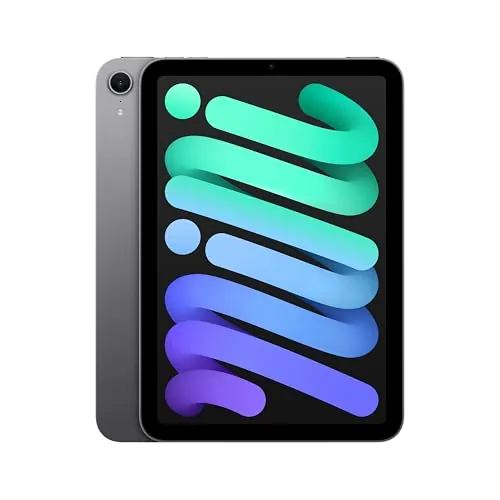
iPad Air 11-inch M4 vs iPad mini A17 Pro: Desk Tablet or Handheld?
The 128GB Wi-Fi Space Gray iPad Air 11-inch M4 has a listed 11-inch display, a 464 g body, an Apple Magic Keyboard accessory path, and support for one external display up to 6K/60Hz. The iPad mini A17 Pro is listed at 293 g with an 8.3-inch display and up to 4K/60Hz external display support. Both support Apple Pencil Pro and Apple Pencil (USB-C). Compare the actual desk and handheld routine, then verify accessories on the exact offer.
Read comparison