
Products compared
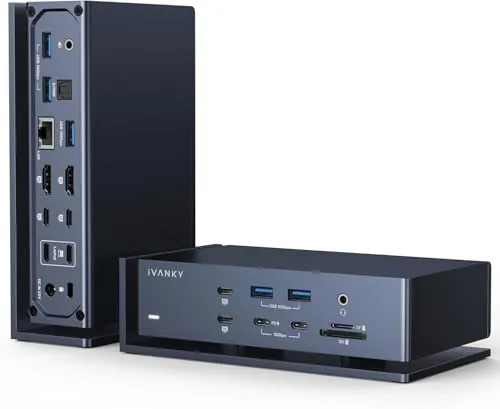
iVANKY
iVANKY FusionDock Max 1
The Max 1 is an Apple-silicon-only dock with two upstream USB-C host connections. iVANKY lists a broad port set, but its current page conflicts about the minimum macOS release and says the Mac itself sets the display limit. Check current availability for this exact model before relying on a purchase link.
Model VCD10
Amazon ASIN B0GL2G3Y2F
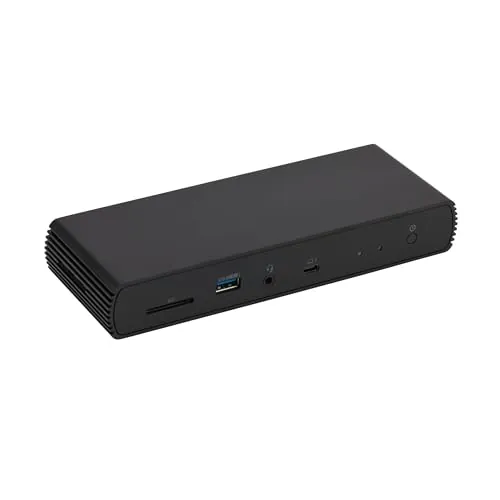
Amazon Basics
Amazon Basics Thunderbolt 4/USB4 Pro Docking Station (DBD1336)
The DBD1336 manual covers this exact ASIN. It lists Windows 10+ and macOS Big Sur 11.2+, and uses one front Thunderbolt 4/PD connection to the host. The manual describes mirroring or extending across two monitors and documents a base-M1 dual-display limitation.
Model DBD1336
Amazon ASIN B0CPT8Q8TF
Differences that matter
What matters most to you?
Choose a priority to see what it changes.
Sources for Host computer and required connections
Sources for Display topology and host limits
Start with the computer and its ports
The iVANKY FusionDock Max 1 (VCD10) is not a general Windows dock. iVANKY says it is for Apple-silicon Macs and excludes Windows PCs, Chromebooks and Intel MacBooks. It lists two upstream USB-C host connections, so plan for two host connections rather than one. The product page currently conflicts about OS: its compatibility FAQ says macOS 11.5 or later, while System Requirements says 15.1 or later. If your Mac is in that gap, confirm with iVANKY before buying.
The Amazon Basics DBD1336 manual is specific to ASIN B0CPT8Q8TF in its legal notice. It lists Windows 10+ and macOS Big Sur 11.2+, and says to connect the laptop to its front Thunderbolt 4 power-delivery port. Its documented setup uses a Thunderbolt 4 host cable. Those are manufacturer statements, not a guarantee for every laptop or port configuration.
A dock’s video connectors are not the same as the host display limit
iVANKY lists four downstream USB-C display-capable connections and two HDMI 2.0 outputs, and describes external displays up to four only when the Apple-silicon Mac itself supports that count. It explicitly says the dock cannot bypass Apple’s per-computer display limit. Check the exact Mac chip and supported screens, not only the headline number of dock outputs.
Amazon Basics’ exact-ASIN manual describes a two-monitor setup that can mirror or extend. It also specifically says a base Apple M1 processor does not support dual monitors through the dock’s Thunderbolt ports. The manual’s note is not a complete compatibility table for all current Mac chips, so confirm your own machine and desired monitor mode.
Count the desk devices and verify the power plan
The Max 1 page lists more USB-A and USB-C connectors and two HDMI 2.0 outputs. The DBD1336 manual lists two downstream Thunderbolt/USB4 ports, three USB-A, one HDMI 2.1, SD, 2.5Gb Ethernet and a headset jack. Make a list of each monitor and peripheral and check the physical connector and supported host path. No port-count comparison proves the simultaneous monitor configuration will work on a given laptop.
The reviewed maker sources state up to 96 W host charging for both docks. If your computer needs more, check its own power guidance rather than assuming the dock will meet that requirement. iVANKY's current availability for the exact VCD10 model needs confirmation; verify the live listing before buying.
Pre-buy compatibility checklist
1. Record your laptop model/chip and OS. 2. Check the number and type of host ports available, including whether two USB-C connections can be used for Max 1. 3. For every screen, record its input, target resolution/refresh and whether you need extend or mirror. 4. Compare the full monitor plan with the laptop maker’s display-support documentation and the exact dock manual. 5. Count USB, card, Ethernet and audio devices, then confirm power needs.
If using an Apple-silicon Mac with Max 1, resolve iVANKY’s 11.5+ versus 15.1+ OS conflict first. No active cable workarounds, EDID modifications or display performance tests are covered here.
Product details
iVANKY FusionDock Max 1
- Host family
- Apple-silicon Mac only; not Windows, Chromebook or Intel MacBook Source
- Host connections
- Two upstream USB-C connections to Mac Source
- External displays
- Manufacturer lists display outputs and up to four-screen use only where Mac supports it; cannot bypass Mac display limits Source
- Listed port mix
- 4 downstream USB-C, 5 USB-A, 2 HDMI 2.0, SD/microSD, 2.5Gb Ethernet and audio ports Source
- Host power
- Up to 96 W for VCD10 per iVANKY Source
Amazon Basics Thunderbolt 4/USB4 Pro Docking Station (DBD1336)
- Host OS and port
- Windows 10+ or macOS Big Sur 11.2+ per manual; one Thunderbolt 4 host/PD port on front Source
- Monitor workflow
- Manual describes two-monitor mirror or extend setup; base Apple M1 cannot use dual monitors through the dock Thunderbolt ports per manual Source
- Listed ports
- 2 downstream Thunderbolt 4/USB4, 3 USB-A, 1 HDMI 2.1, SD, 2.5Gb Ethernet and headset jack Source
- Host charging
- Up to 96 W PD with 135 W adapter, per manual Source
Before you buy
Community discussions
Checking a dock against both of your computers
iVANKY FusionDock Max 1
A buyer considering the iVANKY FusionDock Max 1 wanted one desk setup for an M4 MacBook Air and a Dell laptop.
What to check
Check the exact dock’s host compatibility for each computer. List the connections you need on both laptops and compare them separately.
Planning space for the dual host cable
iVANKY FusionDock Max 1
A FusionDock Max 1 owner asked how to route the dock’s two host leads at the side of their laptop.
What to check
Plan where the dock and computer will sit. Leave room at the laptop ports and check the route and length of the host cable before ordering.
Checking a mixed two-monitor layout against the dock
Amazon Basics Thunderbolt 4/USB4 Pro Docking Station (DBD1336)
An owner named the Amazon Basics DBD1336 and described using it with a MacBook Air and two displays that took different connections.
What to check
Write down each display’s input and resolution. Check the supported combination for your exact computer, dock and cables.
Common questions
Can the FusionDock Max 1 be used with a Windows laptop?
No. iVANKY says the Max 1 is for Apple-silicon Macs and excludes Windows PCs, Chromebooks and Intel-based MacBooks.Thunderbolt 4 Dock | FusionDock Max 1 | Quad Display
What macOS version does iVANKY require for FusionDock Max 1?
Its current page conflicts: the compatibility FAQ says macOS 11.5 or later, while System Requirements says 15.1 or later. Confirm your exact Mac and OS with iVANKY before ordering, especially if you run 11.5–15.0.Thunderbolt 4 Dock | FusionDock Max 1 | Quad Display
Does the Amazon Basics DBD1336 manual describe two-monitor use?
Yes. The manual describes two connected monitors with mirror or extend modes. It also notes that an Apple M1 base processor does not support dual monitors through the dock’s Thunderbolt ports, so check the exact computer’s display support.Thunderbolt4/USB4 Pro Docking Station, 2xTBT4, 1xHDMI2.1, 3xUSB A 3.1, RJ45, dual display — User Manual
Will either dock guarantee the advertised number of screens on my laptop?
No. iVANKY says Mac display support depends on the Mac and cannot exceed Apple limits. Amazon Basics’ manual also describes host-specific limits. Check your exact computer, OS and desired monitor resolution/refresh before choosing.Thunderbolt 4 Dock | FusionDock Max 1 | Quad DisplayThunderbolt4/USB4 Pro Docking Station, 2xTBT4, 1xHDMI2.1, 3xUSB A 3.1, RJ45, dual display — User Manual
Are the host power ratings different?
Both reviewed manufacturer sources state up to 96 W host charging: iVANKY identifies VCD10 at up to 96 W, and the DBD1336 manual says up to 96 W PD with its 135 W power adapter. Compare this with your computer’s own requirements; no charging-speed test was conducted.96W vs 140W Dock Charging for 16-inch MacBook ProThunderbolt4/USB4 Pro Docking Station, 2xTBT4, 1xHDMI2.1, 3xUSB A 3.1, RJ45, dual display — User Manual
Sources and scope
Related comparisons
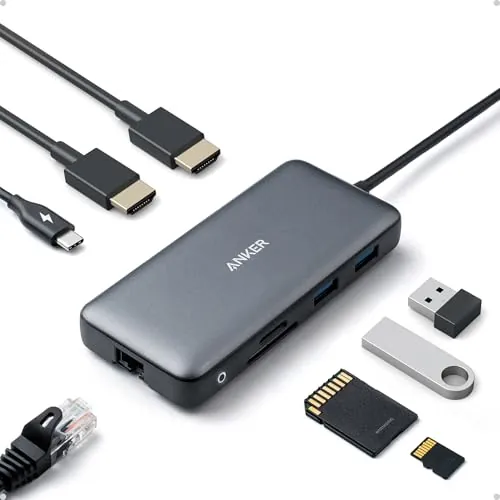
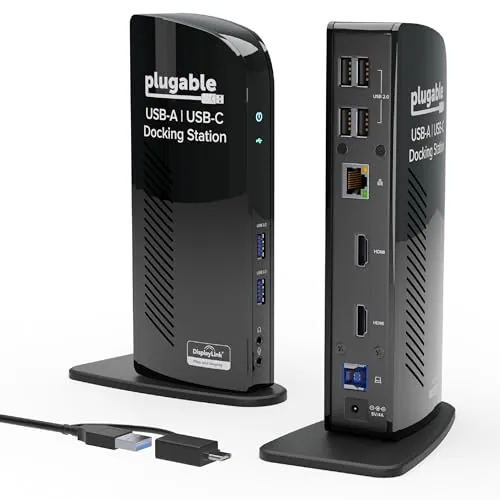
Anker A8380 vs Plugable UD-3900: Laptop Video Path and Charging
Anker PowerExpand 8-in-1 A8380 and the updated Plugable UD-3900 each support two HDMI displays and use different video paths. The original UD-3900 had one HDMI and one DVI port. A8380 needs USB-C DisplayPort Alt Mode; its listed dual-screen modes depend on the host's DisplayPort version. UD-3900 uses a USB-A/USB-C data connection with DisplayLink software and is listed for two displays up to 1920 × 1200 at 60 Hz. A8380 can pass through up to 85 W from a suitable PD setup; UD-3900 does not charge the laptop. Check your exact port, monitor mode, driver policy and the UD-3900's rear ports before ordering.
Read comparison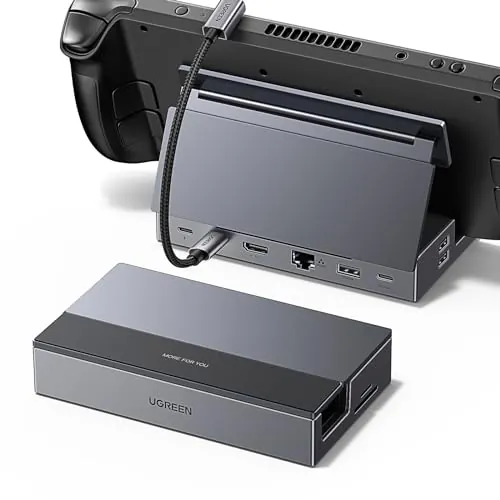
UGREEN 25869 Steam Deck Dock vs Revodok Pro 75028: Stand, Ports and Power
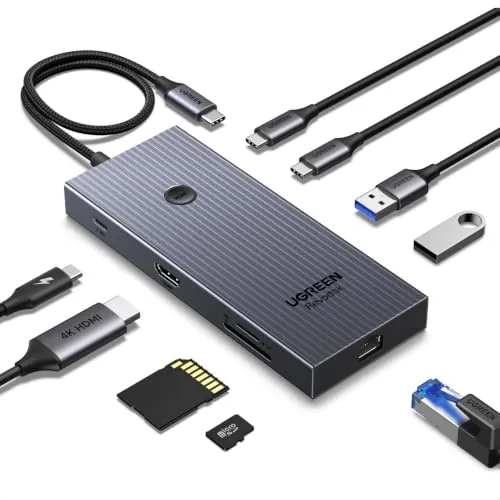
Both assigned UGREEN products are listed by the maker as Steam Deck compatible, but they are not the same kind of desktop setup. The 25869 is an adjustable folding stand dock with one USB-C and one USB-A port labeled 3.1 plus two USB-A 2.0 ports; UGREEN's page does not assign its 10 Gbps figure to individual ports. The Revodok 75028 has a smaller listed hub body and two USB-C data ports, plus a separate USB-C PD input. UGREEN says the 75028 can deliver up to 85 W to a host only with a compatible 100 W charger and cable; both are sold separately. Choose by how you support the handheld, what plugs into the data ports, and how you plan to supply power.
Read comparison