Pickagu

Docking Stations

Find your model below to compare what is included and how the differences affect everyday use.

7 comparisons

Docking Stations comparisons

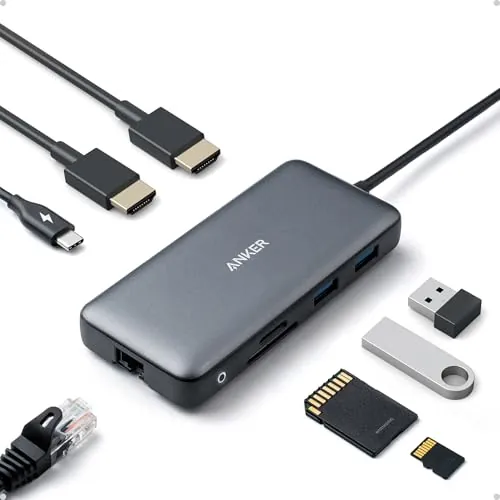
Anker PowerExpand 8-in-1 USB-C PD Media Hub · A8380 / A83800A1
Anker PowerExpand 8-in-1 USB-C PD Media Hub
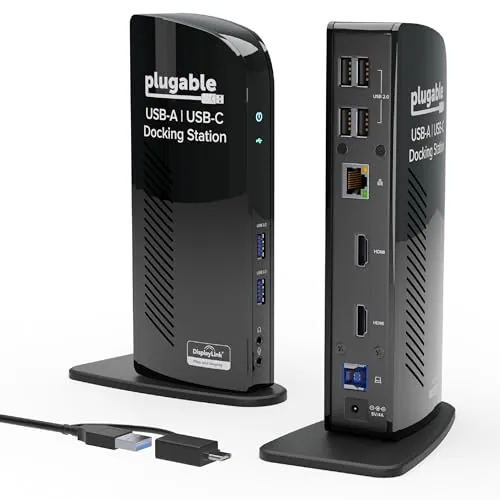
Plugable Universal Dual Monitor Docking Station · UD-3900
Plugable Universal Dual Monitor Docking Station

Anker A8380 vs Plugable UD-3900: Laptop Video Path and Charging

Anker PowerExpand 8-in-1 A8380 and the updated Plugable UD-3900 each support two HDMI displays and use different video paths. The original UD-3900 had one HDMI and one DVI port. A8380 needs USB-C DisplayPort Alt Mode; its listed dual-screen modes depend on the host's DisplayPort version. UD-3900 uses a USB-A/USB-C data connection with DisplayLink software and is listed for two displays up to 1920 × 1200 at 60 Hz. A8380 can pass through up to 85 W from a suitable PD setup; UD-3900 does not charge the laptop. Check your exact port, monitor mode, driver policy and the UD-3900's rear ports before ordering.

Read comparison
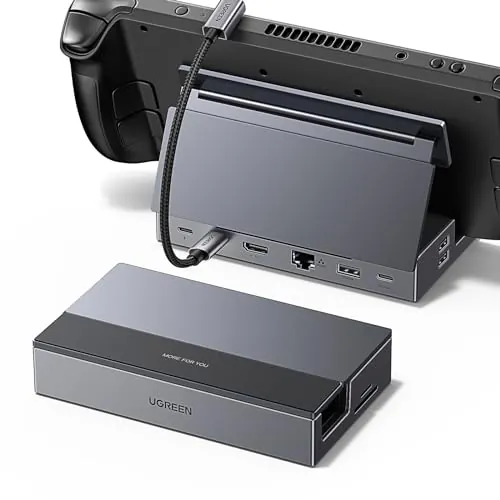
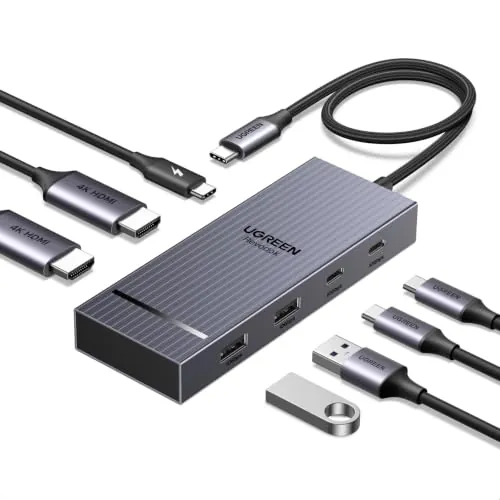
UGREEN 9-in-1 Steam Deck Docking Station (25869) · 25869
UGREEN 9-in-1 Steam Deck Docking Station (25869)
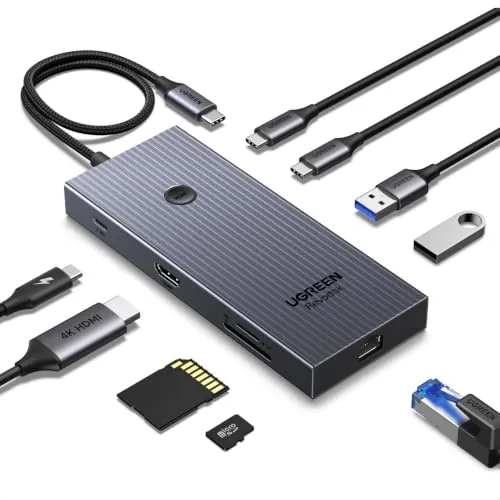
UGREEN Revodok Pro USB-C Hub 9-in-1 (75028) · 75028
UGREEN Revodok Pro USB-C Hub 9-in-1 (75028)

UGREEN 25869 Steam Deck Dock vs Revodok Pro 75028: Stand, Ports and Power

Both assigned UGREEN products are listed by the maker as Steam Deck compatible, but they are not the same kind of desktop setup. The 25869 is an adjustable folding stand dock with one USB-C and one USB-A port labeled 3.1 plus two USB-A 2.0 ports; UGREEN's page does not assign its 10 Gbps figure to individual ports. The Revodok 75028 has a smaller listed hub body and two USB-C data ports, plus a separate USB-C PD input. UGREEN says the 75028 can deliver up to 85 W to a host only with a compatible 100 W charger and cable; both are sold separately. Choose by how you support the handheld, what plugs into the data ports, and how you plan to supply power.

Read comparison
UGREEN Revodok Pro 7-in-1 Docking Station · 45365
UGREEN Revodok Pro 7-in-1 Docking Station
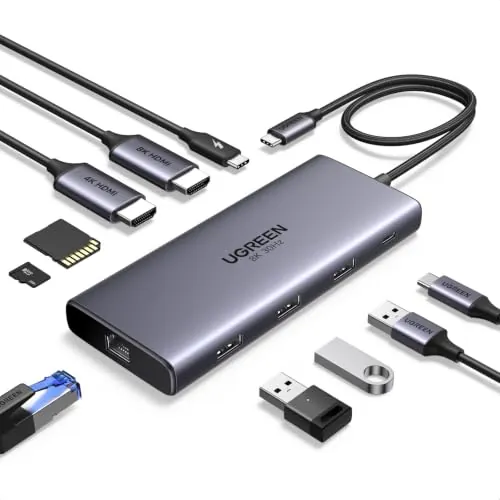
UGREEN Revodok Pro 210 10-in-1 USB-C Hub · 15534
UGREEN Revodok Pro 210 10-in-1 USB-C Hub

UGREEN Revodok Pro 45365 vs 15534: Choose by Your USB, Network, and Card Workflow

The UGREEN Revodok Pro 45365 lists four USB data ports rated up to 10 Gbps; the Revodok Pro 210 15534 lists a 5 Gbps USB-C and USB-A 3.0 pair, two USB-A 2.0 ports, Gigabit Ethernet, and SD/microSD readers. Both manufacturer pages describe HDMI output and Mac mirroring, and both require a compatible USB-C host. Before ordering, match the exact ASIN and model number to the port diagram: the 45365's public manufacturer pages disagree about Ethernet, while neither exact U.S. Amazon-to-package mapping is confirmed by those pages.

Read comparison
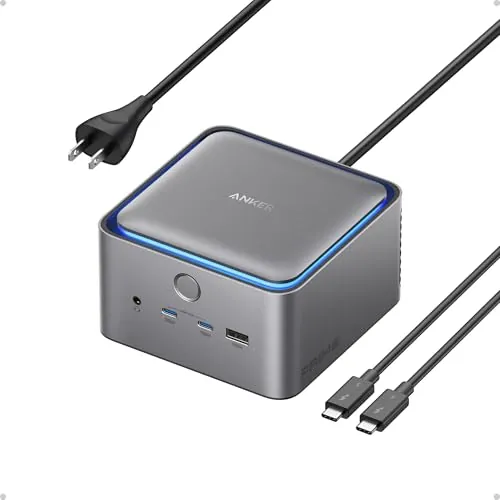
Anker Prime Thunderbolt 5 Docking Station · A83B5
Anker Prime Thunderbolt 5 Docking Station
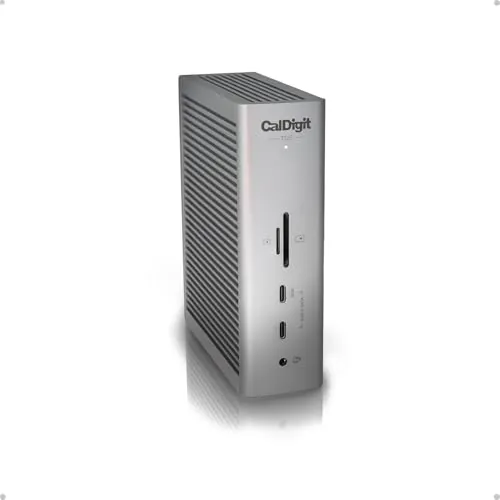
CalDigit Thunderbolt Station 5 · TS5 (TBT5-TS5-US-AMZ listing; 1.0 m cable, Space Gray)
CalDigit Thunderbolt Station 5

Anker Prime TB5 A83B5 vs CalDigit TS5: Built-In Power or More TB5 Ports?

Both docks list up to 140W host charging. Their practical differences are the A83B5's built-in power and HDMI-or-DisplayPort socket versus TS5's separate 240W supply, third downstream TB5 port and UHS-II readers. Check the exact laptop and monitor path before expecting a display count.

Read comparison
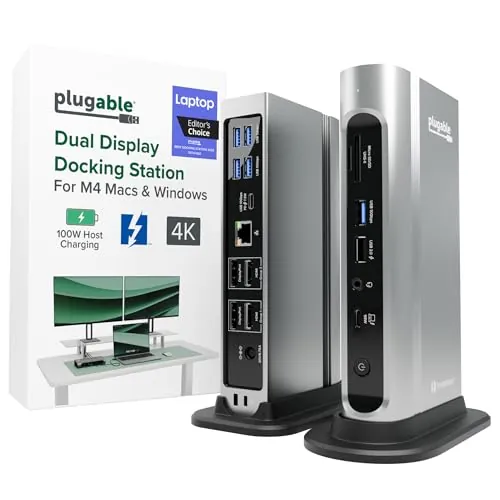
Plugable TBT4-UDZ Thunderbolt 4 Dock · TBT4-UDZ
Plugable TBT4-UDZ Thunderbolt 4 Dock
CalDigit TS4 Thunderbolt Station 4 Dock (TS4-US 500971) · TS4-US 500971
CalDigit TS4 Thunderbolt Station 4 Dock (TS4-US 500971)

Plugable TBT4-UDZ vs CalDigit TS4: Match Your Dock to the Host and Cable Plan

Both docks connect to a laptop over Thunderbolt 4, but their video and expansion layouts differ. Plugable TBT4-UDZ gives you two HDMI and two DisplayPort outputs, with Plugable listing up to four 4K 60Hz displays for supported Windows TB4/USB4 hosts. CalDigit TS4 has one DisplayPort plus two downstream Thunderbolt 4 ports after the host connection. The laptop’s processor, graphics, operating system and display modes still set the actual screen limit, so map your exact setup before ordering.

Read comparison
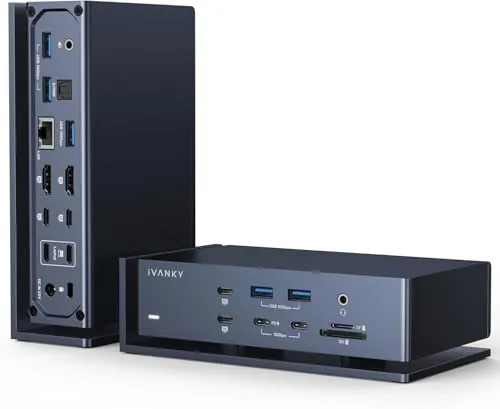
iVANKY FusionDock Max 1 · VCD10
iVANKY FusionDock Max 1
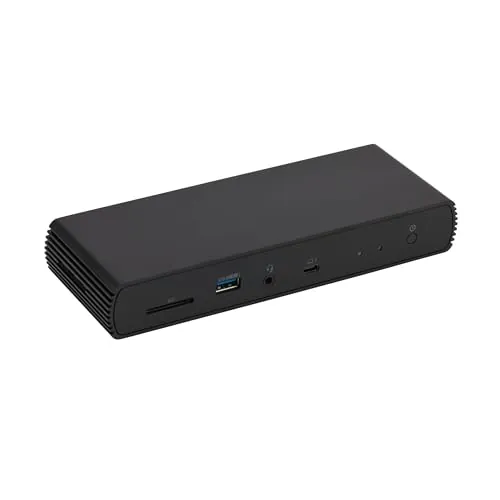
Amazon Basics Thunderbolt 4/USB4 Pro Docking Station (DBD1336) · DBD1336
Amazon Basics Thunderbolt 4/USB4 Pro Docking Station (DBD1336)

iVANKY FusionDock Max 1 vs Amazon Basics DBD1336: Check the Host Before the Screens

The iVANKY FusionDock Max 1 is limited to Apple-silicon Macs and uses two upstream USB-C connections; its own page conflicts between macOS 11.5+ and 15.1+ requirements. The Amazon Basics DBD1336 manual lists Windows 10+ and macOS Big Sur 11.2+, connects through one Thunderbolt 4 host port, and describes a two-monitor mirror-or-extend setup. In both cases, verify your exact computer’s display support before counting on an external-screen layout.

Read comparison