
Products compared
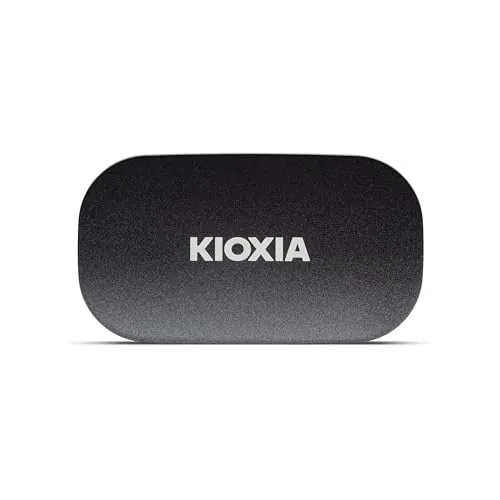
KIOXIA
KIOXIA EXCERIA PLUS G2 Portable SSD 1TB
1TB G2 model; listing data part number LXD20K001TG8. KIOXIA's linked product information is on its APAC English site, so confirm seller region and warranty before purchase.
Model LXD20K001TG8
Amazon ASIN B0DRDBT6RV
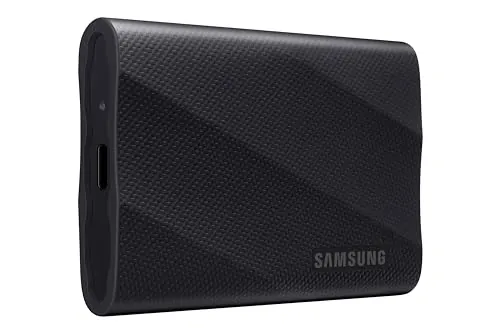
Samsung
Samsung Portable SSD T9 1TB
U.S. 1TB black variant; Samsung lists model code MU-PG1T0B/AM.
Model MU-PG1T0B/AM
Amazon ASIN B0CHFSWM2P
Differences that matter
What matters most to you?
Choose a priority to see what it changes.
Sources for Interface and stated speed ceiling
Sources for Included connection cables
Sources for Listed body size and carry weight
Sources for 1TB model code and region check
Verify the host port before paying for a higher interface ceiling
The KIOXIA G2 specification lists USB 3.2 Gen 2 and says its up-to sequential read/write figures were measured using CrystalDiskMark 8.0.4 x64, Q=8, T=1. KIOXIA says the host must support Gen 2 and UASP must be enabled. Samsung lists the T9's interface as USB 3.2 Gen 2x2 (20Gbps), and says its top sequential figures require a Gen 2x2 host and connection cable with UASP enabled.
Check the exact computer or dock manual for 'Gen 2x2' or '20Gbps' before treating the T9 ceiling as relevant. A USB-C port can use a different data mode. The published values also come from different vendor conditions, so this is a host-fit decision, not a head-to-head benchmark or speed guarantee.
Both include both common cable connector paths
KIOXIA lists Type-C-to-A and Type-C-to-C cables with EXCERIA PLUS G2. Samsung's T9 data sheet lists those two cables for the MU-PG1T0B/AM 1TB model code. This gives you a listed path to USB-A and USB-C host sockets without buying a separate connector cable for either shape.
The cable's ends do not identify the computer's USB generation. For the T9's top stated condition, both the host and cable must support Gen 2x2, and UASP must be enabled; KIOXIA specifies a Gen 2 host and UASP.
Use listed size to plan what you carry
KIOXIA lists the 1TB G2 body at 72.0 × 40.0 × 11.8 mm and 42.0 g typical. Samsung's T9 data sheet lists 88 × 60 × 14 mm and 122 g. The KIOXIA enclosure takes less listed space in a compact carry kit; Samsung's larger body may be a reasonable trade if its interface ceiling fits your host and workflow.
These measurements describe the drives and do not establish ruggedness or service life. Do not use either brand's drop or thermal claims as a cross-product reliability comparison.
Confirm exact part and regional warranty
The assigned KIOXIA listing information maps to part number LXD20K001TG8. KIOXIA's APAC English page lists both LXD20K001TG8 and LXD21K001TG8 as 1TB product codes with the same EAN, so use the exact seller part number to confirm which retail unit is being sold and what regional warranty applies.
Samsung's U.S. product page identifies the 1TB black T9 as MU-PG1T0B/AM, the variant used for this comparison. Confirm that model code on the listing rather than using specifications for a different capacity or regional suffix.
Product details
KIOXIA EXCERIA PLUS G2 Portable SSD 1TB
- USB interface
- USB 3.2 Gen 2; the specification table also lists Gen 1 and USB 2.0 interfaces Source
- Manufacturer sequential maximum
- Up to 1,050 MB/s read and 1,000 MB/s write in KIOXIA's CrystalDiskMark 8.0.4 x64, Q=8, T=1 conditions; host must support Gen 2 and UASP must be enabled Source
- Included cables listed by manufacturer
- USB Type-C to Type-A and USB Type-C to Type-C Source
- Typical dimensions and weight
- 72.0 × 40.0 × 11.8 mm; 42.0 g typical Source
Samsung Portable SSD T9 1TB
- USB interface
- USB 3.2 Gen 2x2 (20Gbps) Source
- Manufacturer sequential maximum
- Up to 2,000 MB/s read and 1,950 MB/s write; maximum read/write condition requires a USB 3.2 Gen 2x2 host and cable and enabled UASP Source
- Box cables listed for the AM model
- USB Type-C to Type-A and USB Type-C to Type-C Source
- Dimensions and weight
- 88 × 60 × 14 mm; 122 g Source
Before you buy
Community discussions
A MacBook Air buyer weighs 1TB for school, files, backup, and light media work
Samsung Portable SSD T9 1TB
A prospective external-SSD buyer with a MacBook Air M1 compares the T7 1TB and T9 1TB for schoolwork, general files, backup, and occasional photo or video work. The post gives a use case, not a speed test, and does not identify the T9 color or manufacturer code.
What to check
Confirm the exact MacBook Air port and intended connection path, then compare those limits with the exact drive interfaces. For this mix of everyday storage and light media work, decide whether extra transfer headroom matters more than capacity and carrying needs; do not infer the T9's real speed from its advertised ceiling or from T7 reports.
Common questions
Will the T9 reach its published maximum on any USB-C port?
No. Samsung says its maximum sequential read/write condition requires a USB 3.2 Gen 2x2 host and connection cable, with UASP enabled. Check the port specification for the exact computer; the connector being USB-C does not tell you its data mode.Portable SSD T9 1TB — Samsung US
Do both drives include a cable for a USB-A computer?
Both manufacturers list a USB Type-C-to-Type-A cable and a USB Type-C-to-Type-C cable. That addresses connector shape, while the host and cable's data capability still determine which listed transfer conditions apply.EXCERIA PLUS G2 Portable SSD — KIOXIA product specificationsSamsung Portable SSD T9 Data Sheet
Are the listed 1,050 MB/s and 2,000 MB/s figures a direct test comparison?
No. They are manufacturer maximums with different stated host and test conditions. KIOXIA specifies CrystalDiskMark 8.0.4 x64, Q=8, T=1 and a Gen 2/UASP host; Samsung requires a Gen 2x2 host and cable with UASP. They do not show how the two drives compare on your specific computer.EXCERIA PLUS G2 Portable SSD — KIOXIA product specificationsPortable SSD T9 1TB — Samsung US
Which is easier to carry in a small kit?
KIOXIA lists the G2 at 72.0 × 40.0 × 11.8 mm and 42.0 g typical. Samsung lists the T9 at 88 × 60 × 14 mm and 122 g. Those are listed dimensions and weights, not durability claims.EXCERIA PLUS G2 Portable SSD — KIOXIA product specificationsSamsung Portable SSD T9 Data Sheet
Sources and scope
This guide compares manufacturer-listed interfaces, test conditions, cables, and dimensions. It does not compare measured transfer speed, sustained workload performance, reliability, or durability. The KIOXIA listing information maps this ASIN to LXD20K001TG8, while its manufacturer page lists an additional same-capacity regional product code; verify the printed part number, exact package, and applicable warranty for the seller's item. Host-device support remains model- and configuration-specific.
Related comparisons
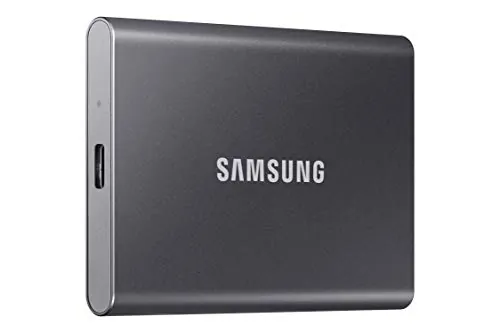
Samsung T7 1TB vs T9 1TB: Check Your USB Port Before Upgrading
These are both regular 1TB drives: the gray T7 MU-PC1T0T/AM uses USB 3.2 Gen 2 (10Gbps), while the black T9 MU-PG1T0B/AM uses Gen 2x2 (20Gbps). Samsung's peak sequential figures come from internal testing; they are not independent real-world results. The T9's maximum tier requires a Gen 2x2 host, suitable cable, and UASP. If your device has only Gen 2 or older, its headline speed advantage is not available.
Read comparison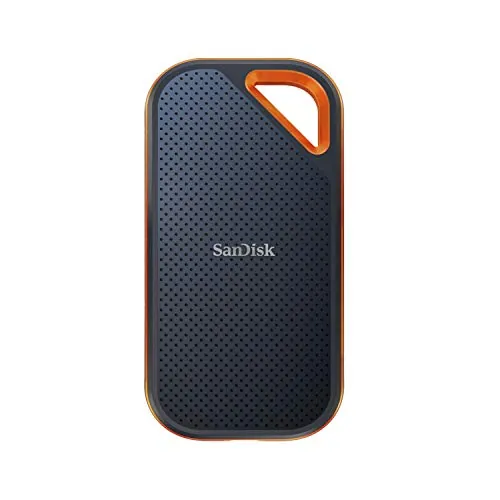
Samsung T9 vs SanDisk Extreme PRO 1TB: Port, Cable and Carry Fit
This U.S. comparison covers the black 1TB Samsung Portable SSD T9 (MU-PG1T0B/AM) and SanDisk Extreme PRO Portable SSD (SDSSDE81-1T00-G25). Both list USB 3.2 Gen 2x2 and include USB-C-to-C and USB-C-to-A cables. Samsung's 1TB write rating is up to 1,950 MB/s; SanDisk lists up to 2,000 MB/s read/write, but those manufacturer figures use different test disclosures and do not establish a real-world speed winner. Pick the T9 for its shorter listed body or Samsung Magician workflow; pick the SanDisk for its thinner/lighter listed body, attachment loop, stated IP65 conditions or Memory Zone phone-file workflow.
Read comparison