
Products compared
Nikon
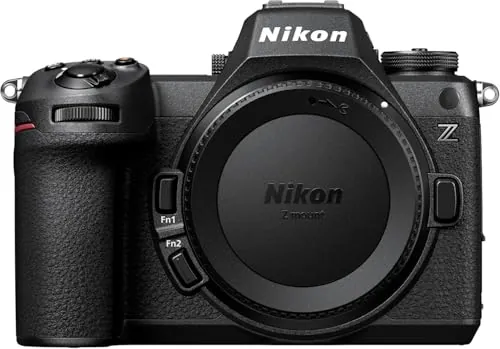
Nikon Z6 III Mirrorless Camera — Black, USA Model 1890
U.S. black Z6 III camera body, model 1890; Nikon identifies Z mount, not the D850 F-mount body.
Model 1890
Amazon ASIN B0D77SL8CY
Nikon
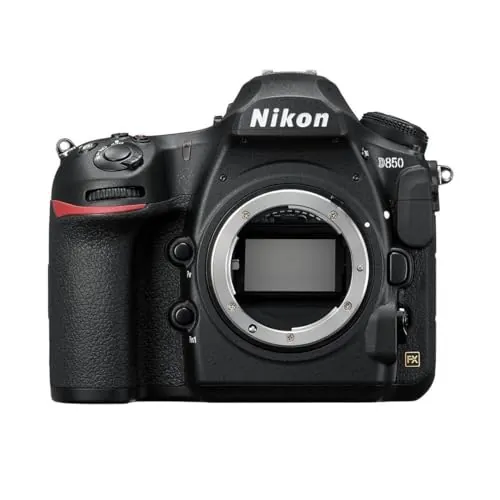
Nikon D850 DSLR Camera Body — USA Model 1585
Nikon D850 FX-format DSLR body, U.S. model 1585; Nikon identifies a direct F mount and an optical pentaprism finder.
Model 1585
Amazon ASIN B07524LHMT
Differences that matter
Sources for Finder and rear-screen workflow
Sources for Existing Nikon lenses and mount transition
Sources for In-camera video file path
Start with finder and lens system
These are two different Nikon body systems, not a small feature revision. Nikon identifies the Z6 III as a mirrorless Z-mount body with an electronic viewfinder and vari-angle screen. The D850 is an F-mount DSLR with an optical pentaprism finder and tilting monitor. Choose the viewing method and screen articulation you want; the published specifications do not prove which one feels better in use.
If your kit is built around F-mount lenses, the D850 provides a direct mount for lens types Nikon lists as compatible. On the Z6 III, Nikon requires an FTZ-series adapter and notes restrictions. Before buying the adapter route, check every important lens by exact model and the functions you need. A family-level statement such as 'Nikon F lens' is not enough to establish autofocus or metering support.
Plan stills and video around the card slots
Both bodies have two card slots and documented ways to split or duplicate still files. Z6 III pairs CFexpress Type B/XQD with SD and lists RAW plus JPEG or HEIF handling. D850 pairs XQD/CFexpress Type B with SD and lists RAW plus JPEG handling. D850 added CFexpress Type B support in firmware C 1.20, so used-camera buyers should check firmware and card compatibility rather than assuming every D850 is already configured for a card they own.
For in-camera video, Nikon lists Z6 III N-RAW up to 6K/60p and ProRes RAW up to 6K/30p. The D850 product specification lists 4K UHD up to 30p and H.264/MPEG-4 movie formats. Match the exact recording format and frame rate to the files you must deliver, then verify supported recording modes, card requirements, and edit software. This is a workflow distinction, not a claim about how the footage will look.
A pre-purchase check for your actual camera bag
Before ordering, write down the body model, each lens you plan to keep, the memory cards you own, and the video format you need. For each F-mount lens, look up its exact compatibility and functions on Nikon's D850 or FTZ II information. For a used D850, inspect the firmware screen if CFexpress Type B is part of the plan. For video, confirm the chosen mode's resolution, frame rate, codec and card requirements in the current Nikon guide.
Compare the complete cost and contents of the exact body offer. The camera body listing does not imply that an FTZ adapter, lens, memory card, card reader, or editing software is included. No current price comparison or matched kit offer is used in this guide.
Product details
Nikon Z6 III Mirrorless Camera — Black, USA Model 1890
- Finder and monitor
- Electronic viewfinder; 3.2-inch vari-angle touch-sensitive LCD monitor Source
- Lens mount
- Nikon Z mount; F-mount NIKKOR lenses require a mount adapter and may have restrictions Source
- Card slots
- One CFexpress Type B/XQD slot and one SD slot; dual-slot configurations include overflow, backup, or separate photo-file storage Source
- Internal video formats
- Nikon lists N-RAW up to 6K/60p, ProRes RAW up to 6K/30p, and other in-camera movie formats; confirm exact mode and media requirements Source
Nikon D850 DSLR Camera Body — USA Model 1585
- Finder and monitor
- Eye-level pentaprism optical SLR viewfinder; tilting touch-sensitive LCD monitor Source
- Lens mount
- Nikon F mount; lens compatibility and operating limits vary by lens family Source
- Card slots
- One XQD/CFexpress Type B-compatible slot with supported firmware and one SD slot; firmware version and card compatibility should be checked on used bodies Source
- In-camera video
- Nikon lists 4K UHD recording at up to 30p; the in-camera spec page does not document a RAW movie mode Source
Before you buy
Community discussions
Keeping existing DSLR lenses on a new body
Nikon Z6 III Mirrorless Camera — Black, USA Model 1890
A photographer moving from a D80 bought the Z6 III with an FTZ II adapter to keep using two lenses they already owned.
What to check
Check adapter support for the exact lens versions in your bag. Confirm autofocus and control availability for the combination you plan to use.
Common questions
Can I use my Nikon F-mount lenses on the Z6 III?
Nikon says F-mount NIKKOR lenses can be used on Z bodies with an FTZ-series adapter, but restrictions apply. Nikon publishes a compatibility table by lens type and supported function. Verify the exact lens and autofocus, exposure, and metering needs before choosing the adapter route.Nikon Z6III Mirrorless Camera, U.S. model 1890 — specifications and featuresNikon Mount Adapter FTZ II support and compatibility
Does a D850 accept CFexpress cards?
Nikon added CFexpress Type B support to the D850 through C firmware 1.20. Confirm the actual firmware version of a used body and Nikon's currently supported card list; the D850 also has an SD slot.Nikon D850 C Firmware 1.31 download and change historyNikon D850, U.S. model 1585 — specifications and features
Which camera records RAW video internally?
Nikon documents internal N-RAW up to 6K/60p and ProRes RAW up to 6K/30p for Z6 III. Nikon's D850 specifications list in-camera video up to 4K UHD/30p and do not document an in-camera RAW movie mode. External recording is a separate setup and is outside this comparison.Nikon Z6III Mirrorless Camera, U.S. model 1890 — specifications and featuresNikon D850, U.S. model 1585 — specifications and features
Sources and scope
This is a comparison of documented camera systems and recording workflows, not a test of image quality, autofocus, stabilization, video quality, finder preference, or reliability. Lens support depends on the exact lens and the camera/adapter combination. Card and video options have format, firmware, capacity, and mode limits; check Nikon's current compatibility tables and the applicable manual before buying for a particular workflow.
- Nikon Z6III Mirrorless Camera, U.S. model 1890 — specifications and features
- Nikon D850, U.S. model 1585 — specifications and features
- Nikon Z6III technical specifications
- Nikon D850 specifications and compatible lenses
- Nikon Mount Adapter FTZ II support and compatibility
- Nikon D850 C Firmware 1.31 download and change history
Related comparisons
Nikon D7500 vs Z50II: F-Mount Lenses, 4K Recording and HDMI Output
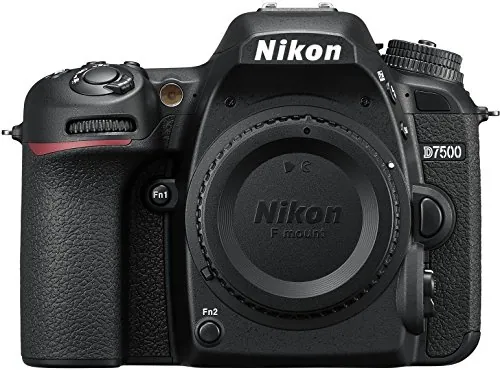
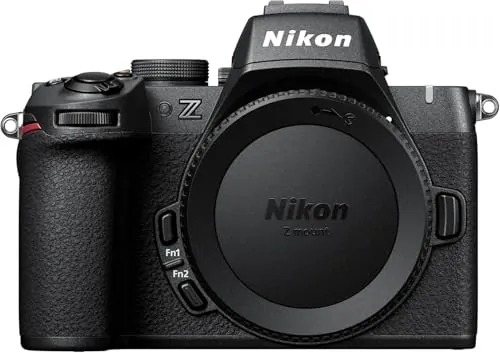
The Nikon D7500 (U.S. model 1581) is a DX DSLR with a native F mount, optical pentaprism finder, and one SD slot. The Nikon Z50II (U.S. model 1784) is a DX mirrorless body with a native Z mount, electronic finder, and one SD slot; Nikon says F-mount lenses need an FTZ adapter and may have compatibility restrictions. Video is a separate decision: D7500 records 4K up to 30p in H.264, while Z50II documents 4K up to 60p/50p in H.265, with marked crop and electronic-VR limits. Check your exact lens, target frame rate, recorder, and card before choosing.
Read comparison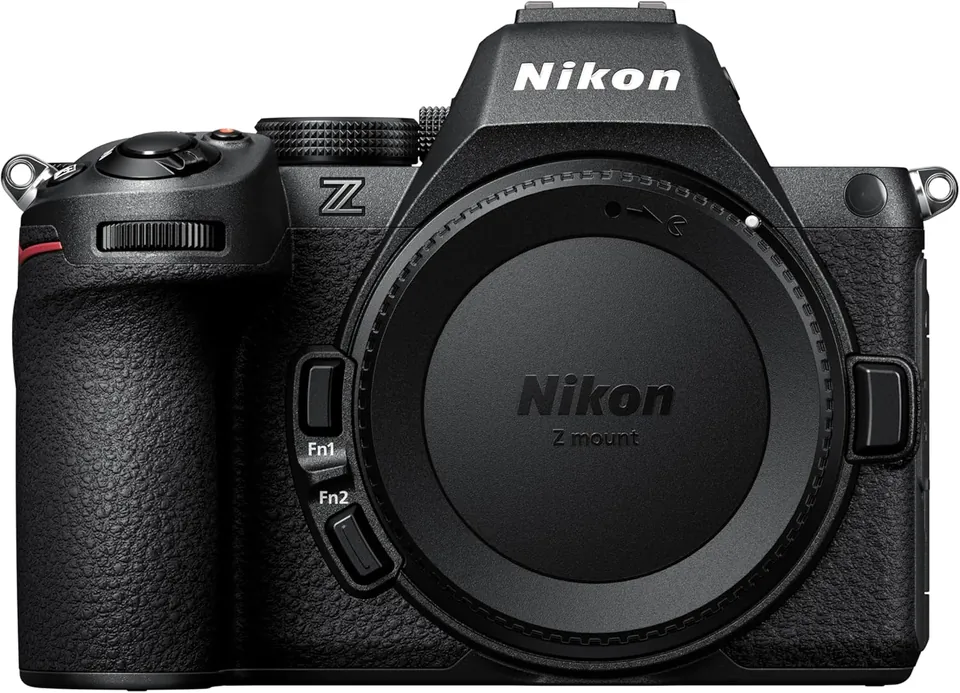
Nikon Z5 II vs D780: Lens Compatibility, 4K Video and Recording Workflow
This U.S. body comparison is for Nikon owners choosing between the Z-mount Z5 II and F-mount D780. If your kit is mostly compatible F-mount NIKKOR lenses and you want them on their native mount, the D780 is the simpler documented transition. The Z5 II accepts Z lenses directly and can use selected F lenses with FTZ II/FTZ, but Nikon's chart shows autofocus varies by exact lens class. For video, the Z5 II records 12-bit N-RAW up to 4K30 and H.265 4K60/50 in DX image area; the D780 records internal H.264 4K up to 30p. A D780 10-bit N-Log/HLG HDMI workflow uses a compatible external recorder and has specific 4K restrictions. These are documented workflow differences, not image-quality tests.
Read comparison