
Products compared
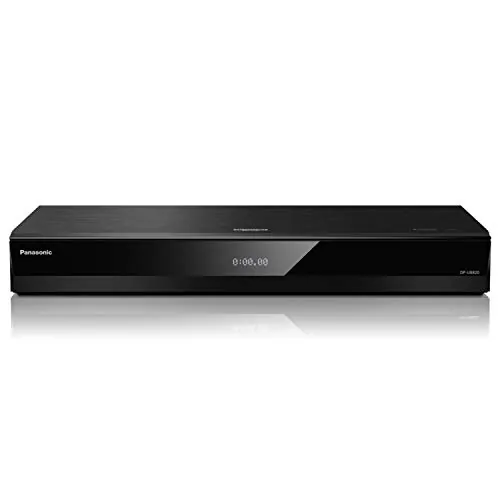
Panasonic
Panasonic 4K Ultra HD Blu-ray Player
Black U.S. listed model; Panasonic North America's support guide labels the supported model DP-UB820K.
Model DP-UB820-K
Amazon ASIN B07N3PQM5N
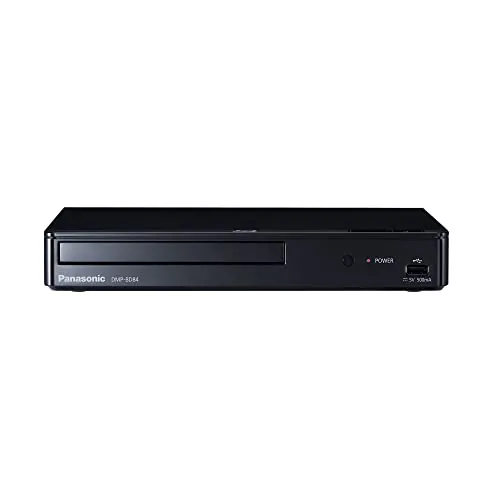
Panasonic
Panasonic Full HD Blu-ray/DVD Player
Black U.S. listed model; Panasonic's exact SKU product page links to DMP-BD84 product support and documentation.
Model DMP-BD84P-K
Amazon ASIN B0BX4P4MT3
Differences that matter
What matters most to you?
Choose a priority to see what it changes.
Sources for Receiver inputs and audio routing
Sources for Disc region and format limits
Begin with the discs on your shelf
If Ultra HD Blu-ray is part of your collection, Panasonic explicitly lists that format for the DP-UB820. Its U.S. owner manual says that 4K/HDR playback needs a connected device and terminals supporting HDCP 2.2, 4K/60p (4:4:4), and HDR signals meeting the Ultra HD Blu-ray standard. It also says 4K/60p output requires an 18 Gbps HDMI cable.
Panasonic describes the exact DMP-BD84P-K as Full HD and says DVDs can be up-converted to 1080p. Its linked DMP-BD84 manual states that 4K video content is unsupported. Do not equate DVD up-conversion to 1080p with UHD Blu-ray playback. If your library is standard Blu-ray/DVD and Full HD meets your needs, the BD84P-K can be the simpler format fit.
Map the video route through your receiver
For Ultra HD Blu-ray in 4K/HDR, check the exact TV input and any receiver port in its path for HDCP 2.2, 4K/60p and HDR support. Panasonic’s manual documents cases where the player converts HDR or outputs 2K if the display chain cannot accept the full signal. If your receiver is the limiting link, the UB820’s separate video and audio HDMI outputs let you check a direct connection to the TV and a separate audio connection to the receiver.
The BD84P-K uses one HDMI output, so your basic plan is a single HDMI connection to the TV or receiver. Panasonic's BD84 spec table does not list 4K upscaling or HDR; its linked manual says 4K video content is unsupported. Verify the HDMI inputs and desired playback format before ordering.
Match the player's outputs to the receiver inputs
The UB820 manual documents HDMI VIDEO and a separate HDMI AUDIO terminal, plus optical digital, 2-channel analog and 7.1-channel analog outputs. That gives a buyer with an older receiver more connection paths to check. It is a routing option, not evidence of better sound. The manual also documents settings for each route and says you cannot output audio simultaneously from the amplifier on HDMI AUDIO and another amplifier on optical/analog.
The BD84 spec table lists one HDMI output and dashes for optical, coaxial and analog audio outputs. If your receiver only accepts optical or multichannel analog from a player, the BD84P-K's documented port set does not match that plan. If the TV/receiver accepts one HDMI connection for your sources, compare the input's format support and stick to the manual's connection diagram.
Check regional discs and format markings
Panasonic's U.S. manuals include region-management information for Blu-ray/DVD-Video rather than a region-free promise. Check the region symbol printed on a disc against the selected unit's manual before buying for an imported collection. The BD84 manual also states that PAL playback is not supported; treat video standard as a separate check from disc type.
The DMP-BD84P-K's exact product page links to Panasonic DMP-BD84 support and a manual shared with DMP-BD90. This guide uses only statements in those sources that explicitly apply to BD84, not BD90-only specifications.
Product details
Panasonic 4K Ultra HD Blu-ray Player
- Disc format
- Panasonic's U.S. owner manual explicitly lists Ultra HD Blu-ray playback Source
- Video connection
- For 4K/HDR Ultra HD Blu-ray, the manual requires an HDMI path supporting HDCP 2.2, 4K/60p (4:4:4) and HDR; 4K/60p requires an 18 Gbps HDMI cable Source
- Receiver outputs
- Separate HDMI VIDEO and HDMI AUDIO; optical digital; 2-channel and 7.1-channel analog outputs, with setup and simultaneous-output limits in the manual Source
Panasonic Full HD Blu-ray/DVD Player
- Disc format and resolution
- Exact SKU page describes Full HD and DVD up-conversion to 1080p; linked DMP-BD84 manual states 4K video content is not supported Source
- Video/audio connection
- Panasonic's DMP-BD84 spec table lists one HDMI output and dashes for optical, coaxial and analog audio outputs Source
- Region and media check
- The shared U.S. DMP-BD84/DMP-BD90 manual lists supported disc types and region management; it says 4K video content and PAL playback are not supported Source
Before you buy
Community discussions
A UB820 owner wanted TV sound without disconnecting the AVR
Panasonic 4K Ultra HD Blu-ray Player
A recent UB820 buyer described connecting the player to an AVR by HDMI and wanting sound through the TV at times when children were watching. In their setup, they said the only way they had found to get TV sound was to remove the HDMI cable, and asked whether a setting was available. The post does not confirm why this happened or whether it applies to other AVRs and TVs; the regional suffix was not stated.
What to check
If you expect to switch between AVR and TV-speaker listening, verify the routing you will use with your own TV and receiver before buying. This is one owner's reported setup, not proof that disconnecting a cable is normally required.
Common questions
Does the Panasonic DMP-BD84P-K play Ultra HD Blu-ray discs?
Panasonic's exact DMP-BD84P-K product page describes Full HD and links to DMP-BD84 documentation. That manual states 4K video content is not supported. For a UHD Blu-ray library, Panasonic explicitly lists Ultra HD Blu-ray playback in the DP-UB820 manual.Blu Ray DVD Player with Full HD and Dolby Digital Sound - DMP-BD84P-KOwner's Manual: Blu-ray Disc Player, Models DMP-BD90 / DMP-BD84Owner's Manual: Blu-ray Disc Player, Model DP-UB820
Can the UB820 send video to a 4K TV and audio to an older receiver?
The manual shows separate HDMI VIDEO and HDMI AUDIO outputs, and also lists optical and 2-channel/7.1-channel analog connections. Follow the exact manual setup for the output you choose; it says audio cannot be output simultaneously from the HDMI AUDIO-connected amplifier and an amplifier on the optical/analog outputs. Confirm the receiver accepts the audio format you plan to send.Owner's Manual: Blu-ray Disc Player, Model DP-UB820
Are either of these Panasonic players region-free?
The cited U.S. manuals include region-management information and do not claim region-free playback. Check the disc's region symbol against the model manual; the BD84 manual also says PAL playback is not supported.Owner's Manual: Blu-ray Disc Player, Model DP-UB820Owner's Manual: Blu-ray Disc Player, Models DMP-BD90 / DMP-BD84
Sources and scope
No hands-on or controlled picture/audio test was performed. Recommendations use Panasonic's published format and connection documentation and do not rank image quality or sound quality. The exact DMP-BD84P-K product page links to documentation labeled DMP-BD84 and a shared DMP-BD84/DMP-BD90 manual; only BD84-scoped claims are used. Check each disc's region markings; the manuals do not claim either player is region-free. Confirm the actual TV, AVR inputs and cable capabilities for the desired signal path. Prices, current offer conditions and retail box contents were not assessed.
Related comparisons
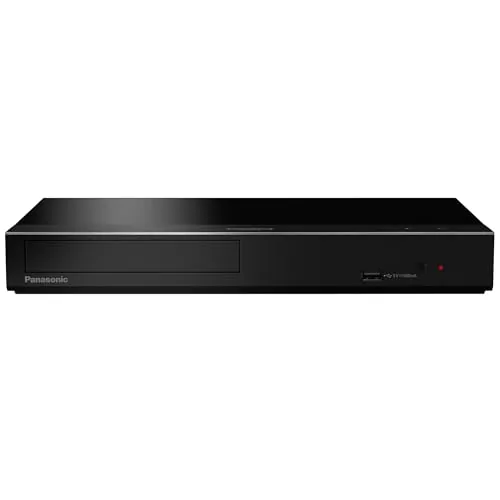
Panasonic DP-UB820-K vs DP-UB450P-K: Which 4K Blu-ray Player Fits Your Setup?
A practical comparison of the U.S. DP-UB820-K and DP-UB450P-K. Check the HDR formats your display actually accepts, the receiver inputs you plan to use, and the exact model suffix before buying.
Read comparison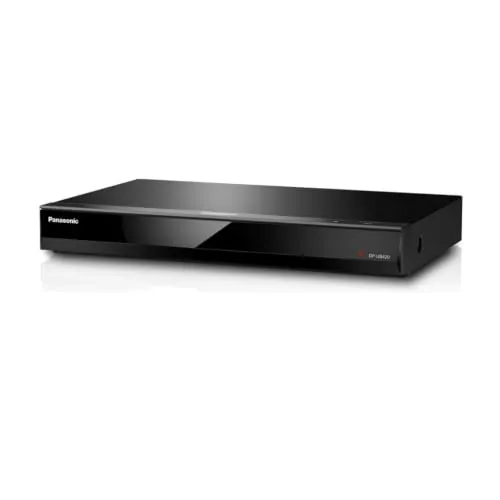
Panasonic UB820 vs UB420: Dolby Vision, Receiver Outputs, and Fit
For an existing DP-UB420-K owner, the UB820-K adds Dolby Vision playback when both a disc and display support it, plus 2-channel and 7.1-channel analog audio outputs. Both list HDR10+, HDR10, HLG, twin HDMI outputs, and optical audio. Check your display and receiver inputs, HDMI routing, and shelf width before treating this as an upgrade need; Panasonic's feature documents do not establish a picture-quality winner.
Read comparison