
Products compared
Philips
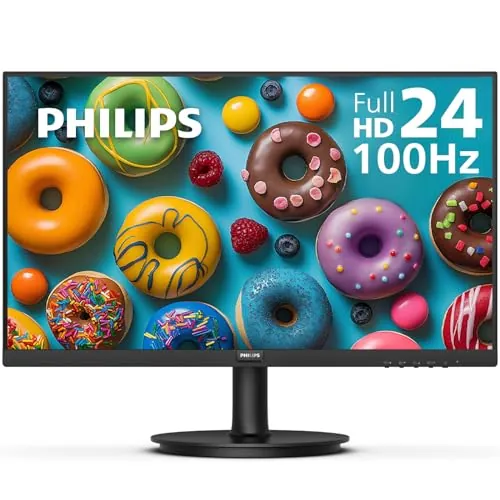
Philips 24-inch LCD Monitor 241V8LB/27
Philips U.S. documentation identifies monitor model 241V8LB/27, while the selected retailer listing is labeled 241V8LB. Check the full suffix on the offer or unit before relying on the Philips port and refresh details.
Model 241V8LB/27
Amazon ASIN B0C8ZKV5R9
Dell
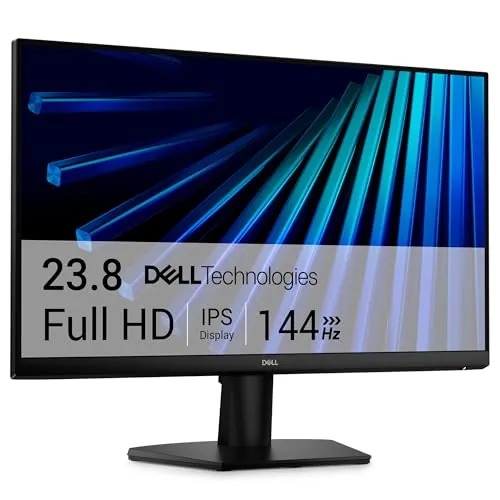
Dell 24 Monitor SE2426H
Dell's U.S. listing identifies SE2426H, manufacturer part 9PK72. The exact monitor and included package contents should still be checked on the selected retailer listing.
Model SE2426H
Amazon ASIN B0GLQXKKVY
Differences that matter
What matters most to you?
Choose a priority to see what it changes.
Sources for Published panel and Full HD mode
Sources for Stand footprint and VESA mounting
Sources for Included connection cable
Start with the devices you need to plug in
List the computer, console or other video sources you will keep connected, then check their output ports. Philips documents one VGA input and one HDMI 1.4 input. Dell documents two HDMI 1.4 inputs. That makes the connector decision straightforward: Philips has the documented VGA option, while Dell can accept two HDMI sources directly without swapping the monitor cable. Neither cited product page lists DisplayPort or USB-C video input.
If a device only has a different output, check the device and adapter documentation before purchase. This comparison does not test adapters or guarantee that a converted signal will keep a particular resolution or refresh mode.
Choose a target refresh mode your source can actually output
Both are listed as 23.8-inch, 1920×1080 displays. Philips lists a maximum 1920×1080 mode at 100Hz and adds that its maximum-resolution mode works over HDMI only. Its leaflet does not confirm that same 100Hz maximum over VGA. Dell lists a maximum preset of 1920×1080 at 144Hz and says its two HDMI ports support FHD at 144Hz under HDMI 1.4.
Before selecting either, look up the source device's output limits for the exact port you will use. Also check the cable and graphics settings. A monitor's listed ceiling is not proof that a particular laptop, desktop or console will send that mode. VA versus IPS and the two refresh figures are specification differences only; no matched image, color, response or motion test was used here.
Measure the stand or check your mounting plan
Philips lists the 241V8LB/27 with its stand at 540 mm wide, 416 mm maximum height and 220 mm deep. Dell's SE2426H drawing lists 538.64 mm wide, 412.26 mm high and 178.81 mm deep with the stand. Measure the desk area and leave room for the source and power plugs to exit; the published footprint cannot account for your cable route or nearby objects.
Both products list VESA 100×100 mm mounting, and their included stands are specified for tilt. Before buying a separate arm or wall mount, check the bracket instructions, fastening hardware and clearance for the exact monitor. The pattern match alone does not confirm that a particular bracket or desk layout will work.
Check the cable and exact offer before checkout
Dell's U.S. SE2426H listing names a 1.8 m HDMI 1.4 cable in the package. The Philips leaflet confirms its ports but does not establish the cable contents of this exact marketplace offer. Check the selected listing and what your source device requires rather than assuming the same box contents across retailers or bundles.
The retailer listings name Philips 241V8LB and Dell SE2426H; Philips’s U.S. documents identify the regional model as 241V8LB/27, so confirm the full suffix on the offer. Check the selected Dell and Philips listings for the exact package and input details. No current prices are compared here.
Product details
Philips 24-inch LCD Monitor 241V8LB/27
- Listed panel
- 23.8-inch VA LCD; 1920×1080 Full HD Source
- Video inputs
- One VGA (analog) and one HDMI 1.4 input Source
- Listed maximum mode
- 1920×1080 at up to 100Hz; Philips notes maximum-resolution operation works over HDMI only Source
- Mounting and tilt
- 100×100 mm VESA; stand tilt listed as −5° to 20° Source
- Listed footprint with stand
- 540 × 416 × 220 mm (width × maximum height × depth) Source
Dell 24 Monitor SE2426H
- Listed panel
- 23.8-inch IPS; 1920×1080 Full HD Source
- Video inputs
- Two HDMI 1.4 inputs; Dell lists FHD up to 144Hz on those ports Source
- Listed maximum mode
- 1920×1080 at 144Hz; the host, HDMI cable and display settings must support the selected mode Source
- Mounting and tilt
- 100×100 mm VESA; included stand supports tilt from −5° to 21° Source
- Listed stand footprint
- 538.64 mm wide × 412.26 mm high × 178.81 mm deep Source
Before you buy
Community discussions
Check the video output on each PC you plan to use
Dell 24 Monitor SE2426H
A LAN event organizer considered the Dell SE2426H for several older PCs and asked for experience with their monitor shortlist.
What to check
Inventory the video output on each PC. Confirm a matching input and cable for the exact display before buying multiple units.
Common questions
Which monitor can connect to a VGA source?
The Philips 241V8LB/27 leaflet lists one VGA (analog) input. Dell lists two HDMI inputs for SE2426H, so check the source connector or an appropriate adapter before choosing.241V8LB/27 Philips LCD Monitor — localized commercial leafletDell 24 Monitor SE2426H — U.S. product and technical specifications
Does the Philips support 100Hz over VGA?
The leaflet lists 1920×1080 at up to 100Hz and says its maximum-resolution mode works for HDMI input only. It does not establish that same maximum over VGA.241V8LB/27 Philips LCD Monitor — localized commercial leaflet
Will every computer run the Dell at 144Hz?
No universal host guarantee is established here. Dell lists 1920×1080 at 144Hz on its HDMI ports; check your computer or console's supported output, the cable and the selected settings.Dell 24 Monitor SE2426H — U.S. product and technical specifications
Can either monitor use a 100×100 mm VESA arm?
Both cited manufacturer sources list a 100×100 mm VESA pattern. Check the chosen arm's plate, fasteners, weight capacity and clearance against the monitor's own mounting instructions; matching the pattern by itself does not guarantee that a particular arm or desk arrangement fits.241V8LB/27 Philips LCD Monitor — localized commercial leafletDell 24 Monitor SE2426H — U.S. product and technical specifications
Sources and scope
Published specifications describe supported features, not the output of your specific computer or a measured display-quality comparison. Check the source-device manual, cable, graphics settings and exact monitor listing before ordering; confirm the stand or mount dimensions against your desk and bracket.
- 241V8LB/27 Philips LCD Monitor — localized commercial leaflet
- Philips Monitor LCD monitor 241V8LB/27 — U.S. product page
- Philips 241V8LB/27 — U.S. support and documentation page
- Dell 24 Monitor SE2426H — U.S. product and technical specifications
- Dell 24 Monitor SE2426H — U.S. manuals and documents index
- Dell 24 Monitor SE2426H — outline dimension drawing
Related comparisons
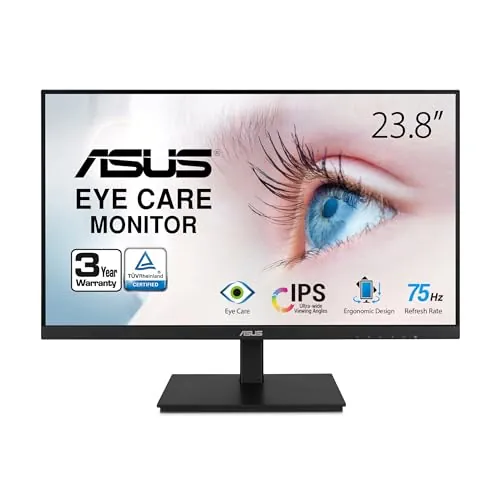
ASUS VA24DQSB vs Dell SE2426H: Stand Movement or 144 Hz HDMI?
Both are 23.8-inch Full HD IPS monitors, but the included stands and inputs answer different setup needs. ASUS documents height, pivot and swivel adjustment plus HDMI, DisplayPort, VGA and a USB hub; Dell's SE2426H lists two HDMI inputs supporting Full HD up to 144 Hz and a tilt-only stand. Check your computer's output mode and mount before ordering.
Read comparisonDell SE2426H vs SE2726H: Pick by Desk Space and Screen Size
The main choice is how large a Full HD screen you want on your desk. Dell lists the SE2426H at 23.8 inches and 93 pixels per inch, and the SE2726H at 27 inches and 81 pixels per inch; both list 1920 × 1080 at up to 144 Hz, two HDMI 1.4 inputs, and a tilt-only included stand. Compare the with-stand dimensions against your actual desk and confirm your computer and cable can supply the mode you intend to use.
Read comparison